Log In
BLEASS Alpha Synthesizer is a virtual analogue polyphonic stereo synthesizer inspired by classic analogue synths and enhanced by the BLEASS’ very own musical and technical approach.
The Alpha is a highly versatile Synthesizer that aims at bringing new ways of designing and playing an infinite constellation of sounds while sparking creativity.
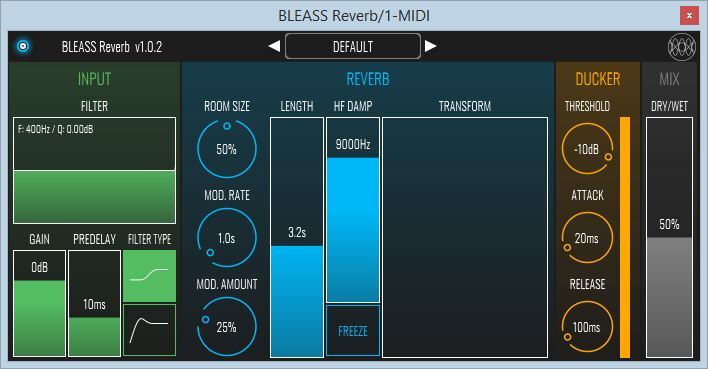
Note: BLEASS Reverb is used as the example.
Registration
1. Go to https://www.bleass.com/redeem, enter your registration code located within your Plugin Boutique account and click SUBMIT.

2. Enter your email address and click SUBMIT. You will now be sent your serial number and installers for your software.

Your BLEASS software is now registered!

Mac Installation
1. Go to your email account and locate the 'BLEASS Product License' email.

2. Copy and paste the Mac installer URL into your browser and click enter to download the installer.
3. Open the Installer file and click ‘Continue’.

4. Click ‘Continue’.

5. Click 'Install'.

6. Enter your login details and click 'Install Software'.

7. Your software is now installed - click 'Close'.

8. Open your newly installed BLEASS software inside your DAW and click ‘UNREGISTERED’.

9. Enter your email address and the serial number you were given in your BLEASS Product Licence email > Click ‘OK’.

Your software is now activated and ready to use in your DAW!

Windows Installation
1. Go to your email account and locate the 'BLEASS Product License' email.
2. Copy and paste the Windows installer URL into your browser and click enter to download the installer.
3. Open the installer and click 'Yes'.

4. Click 'Next >'.
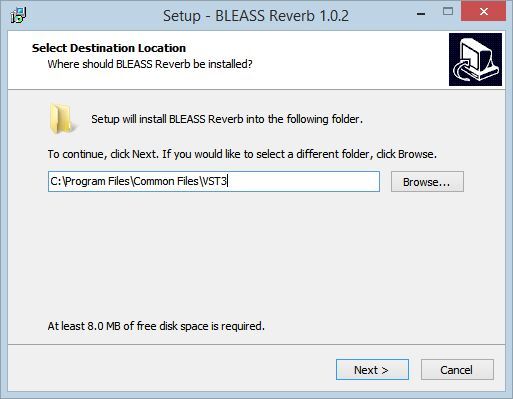
5. Click 'Install'.

6. Click 'Finish'.
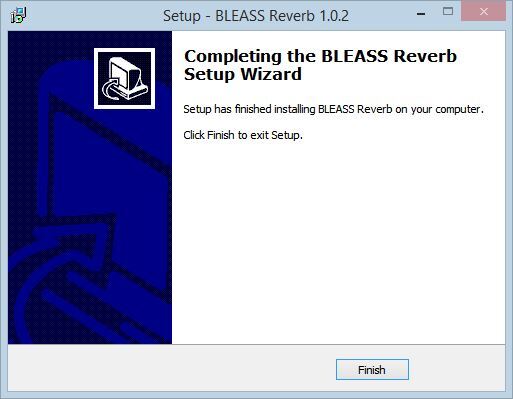
7. Open your newly installed BLEASS software inside your DAW and click ‘UNREGISTERED’.
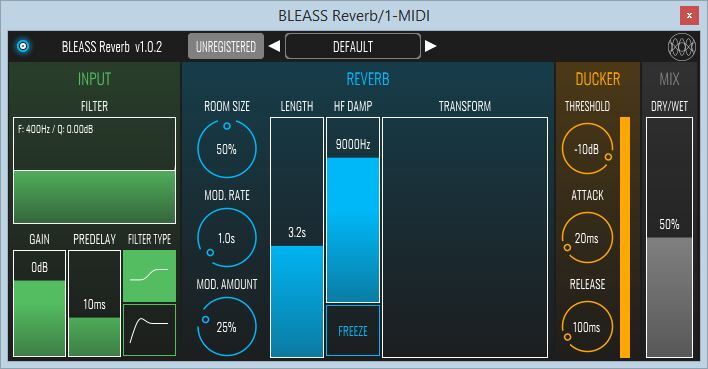
8. Enter your email address and the serial number you were given in your BLEASS Product Licence email > Click ‘OK’.

Your software is now activated and ready to use in your DAW!