





 Log In
Parallel processing plays a fundamental part in getting a “big” mix sound. By processing multiple copies of the same track and blending them together, you can add more punch to a mix — in a more natural-sounding way.
It's like teamwork: Multiple copies of the same track - each focused on doing one specific job - can achieve more together than a single copy being processed to death on its own.
Please Note: Comeback Kid is used as the example.
macOS:
Installation
1. Download the installer from within your Plugin Boutique User Account and open the .pkg file to begin the installation > Click 'Continue'.
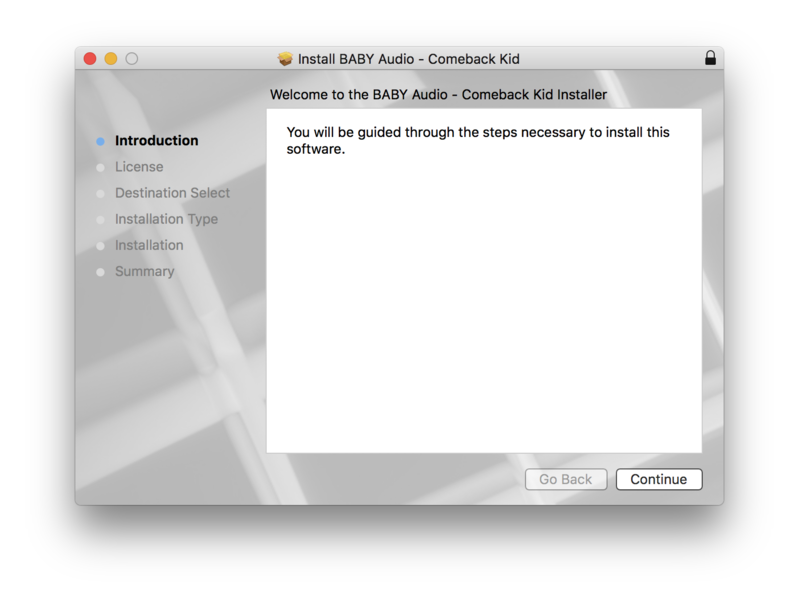
2. Click 'Continue'.
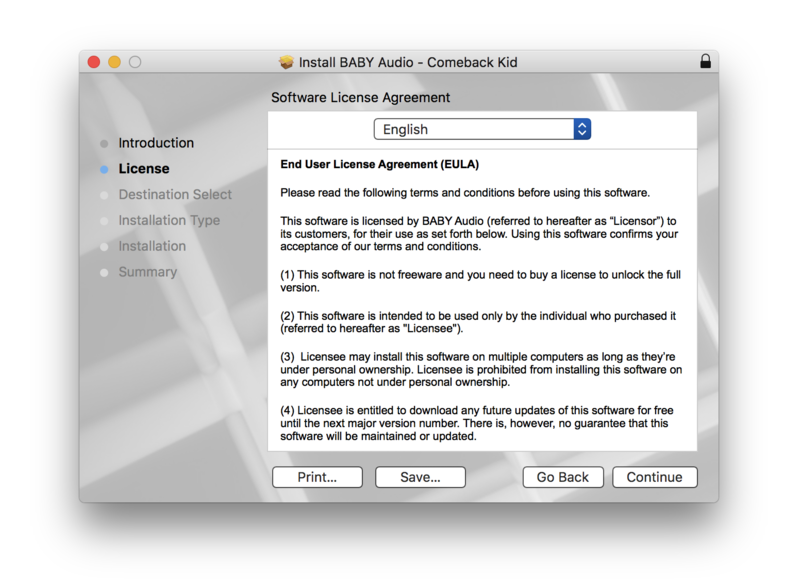
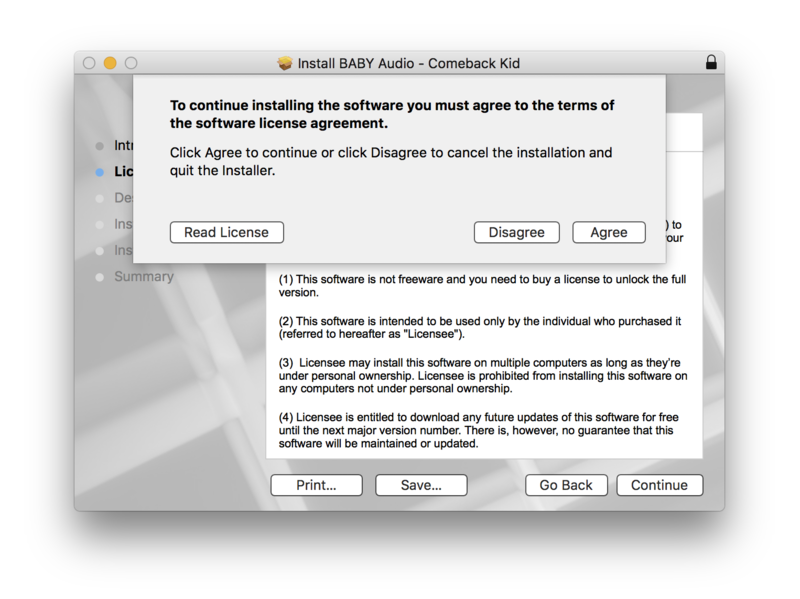
3. Click 'Agree'.
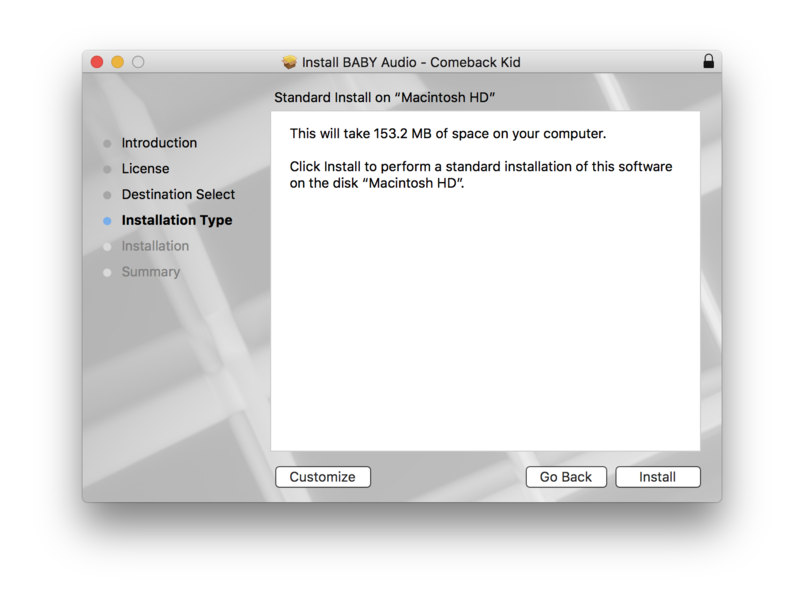
4. Click 'Install'.
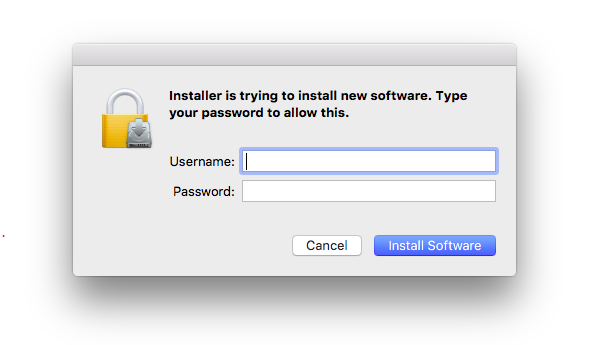
5. Enter your computer Username and Password > Click 'Install Software'.
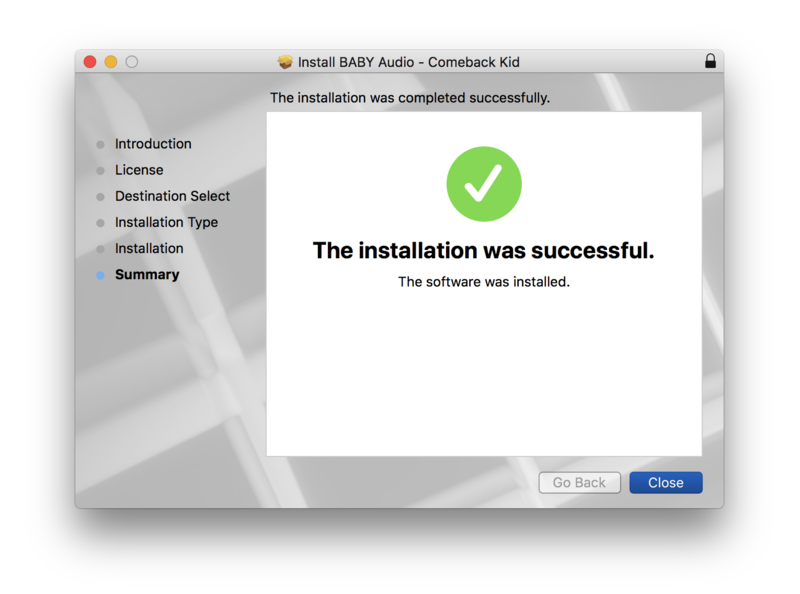
6. Click 'Close'.
Activation
1. Open the plugin within your DAW.
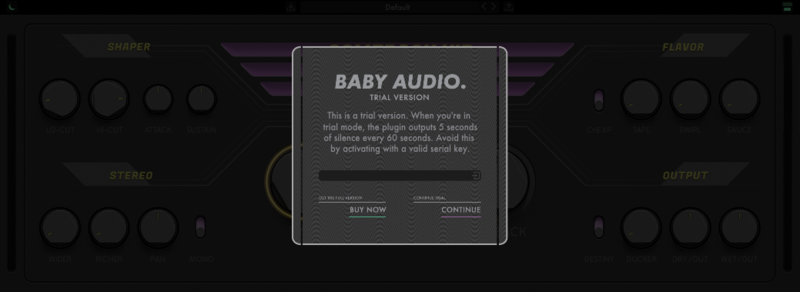
2. Enter the serial number, found within your Plugin Boutique User Account > In order to proceed, click the small green button next to the box containing your serial number.
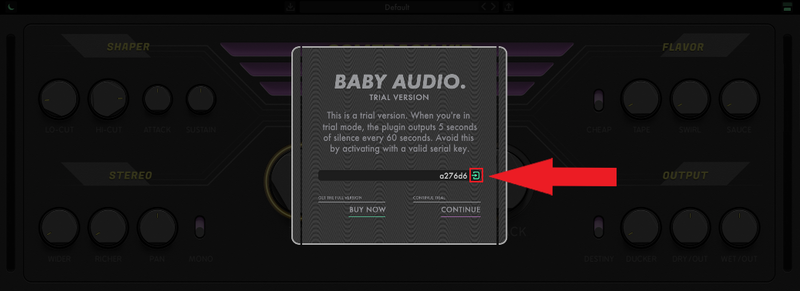
3. Click anywhere on the plugin interface to continue.
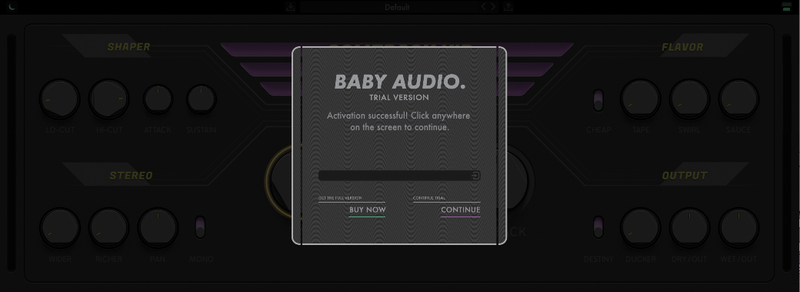
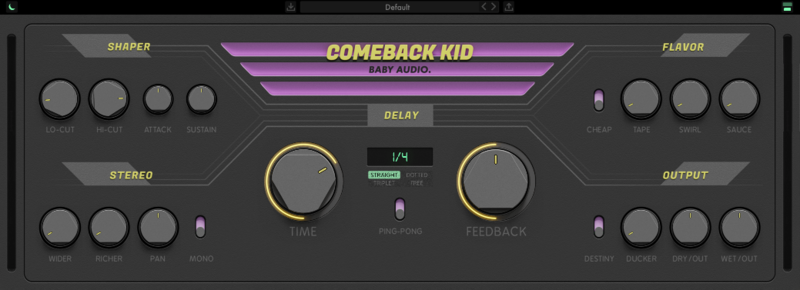
Your software is now installed and ready to use within your DAW.
Windows:
Installation
1. Download the installer from within your Plugin Boutique User Account and double-click it to extract the contents > Open the .exe file to begin the installation.
2. Select 'I accept the agreement' > Click 'Next'.
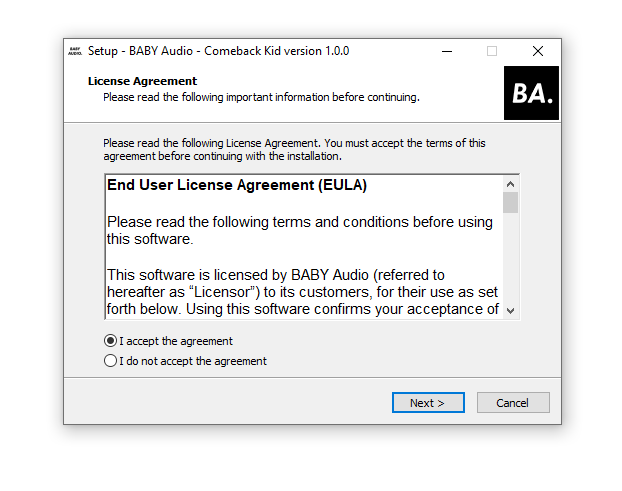
3. Click 'Next'.
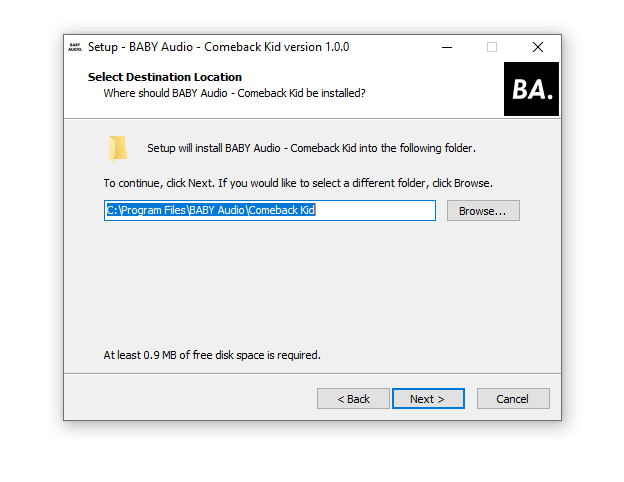
4. Click 'Next'.
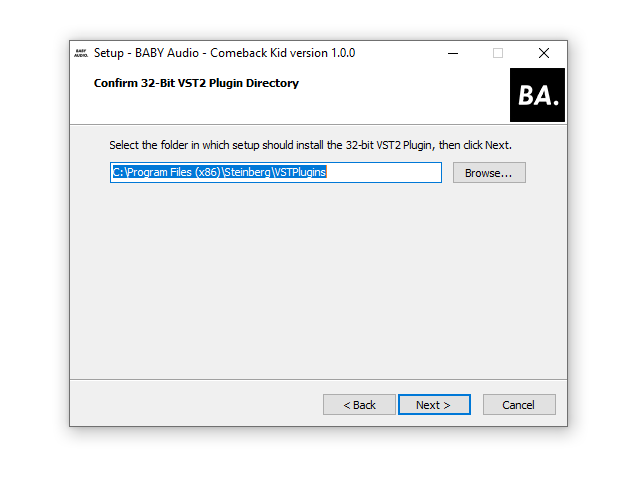
5. Click 'Next'.
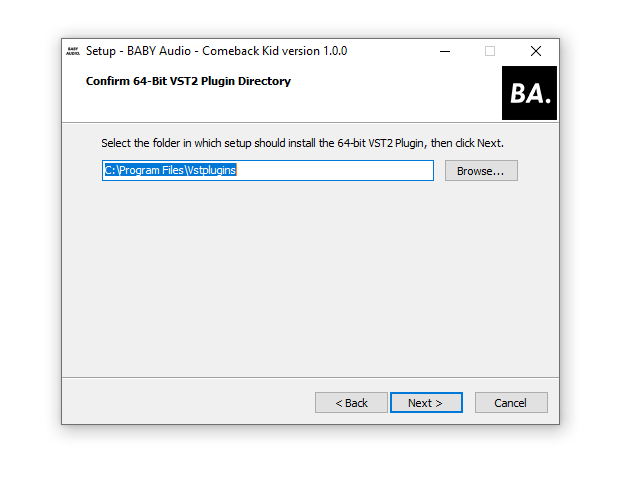
6. Click 'Next'.
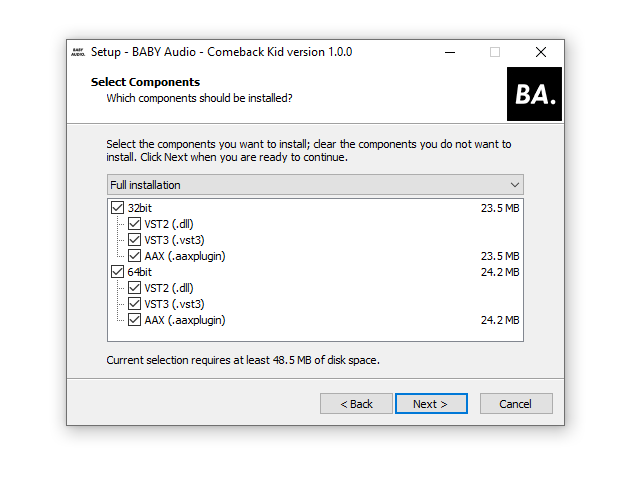
7. Click 'Install'.
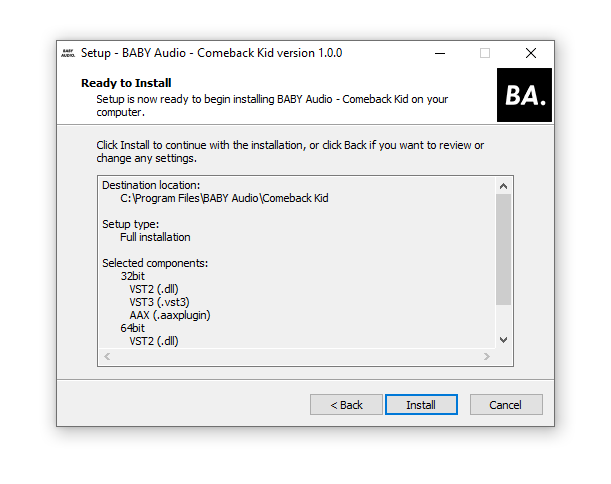
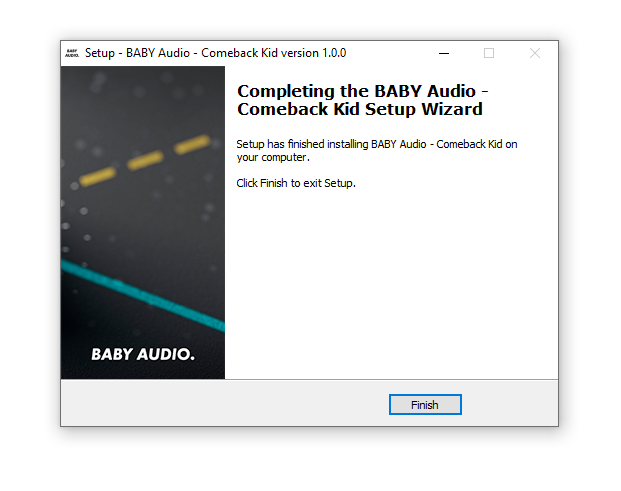
8. Click 'Finish'.
Activation
1. Open the plugin within your DAW.
2. Enter the serial number, found within your Plugin Boutique User Account > In order to proceed, click the small green button next to the box containing your serial number.
3. Click anywhere on the plugin interface to continue.
Your software is now installed and ready to use within your DAW.


