Log In
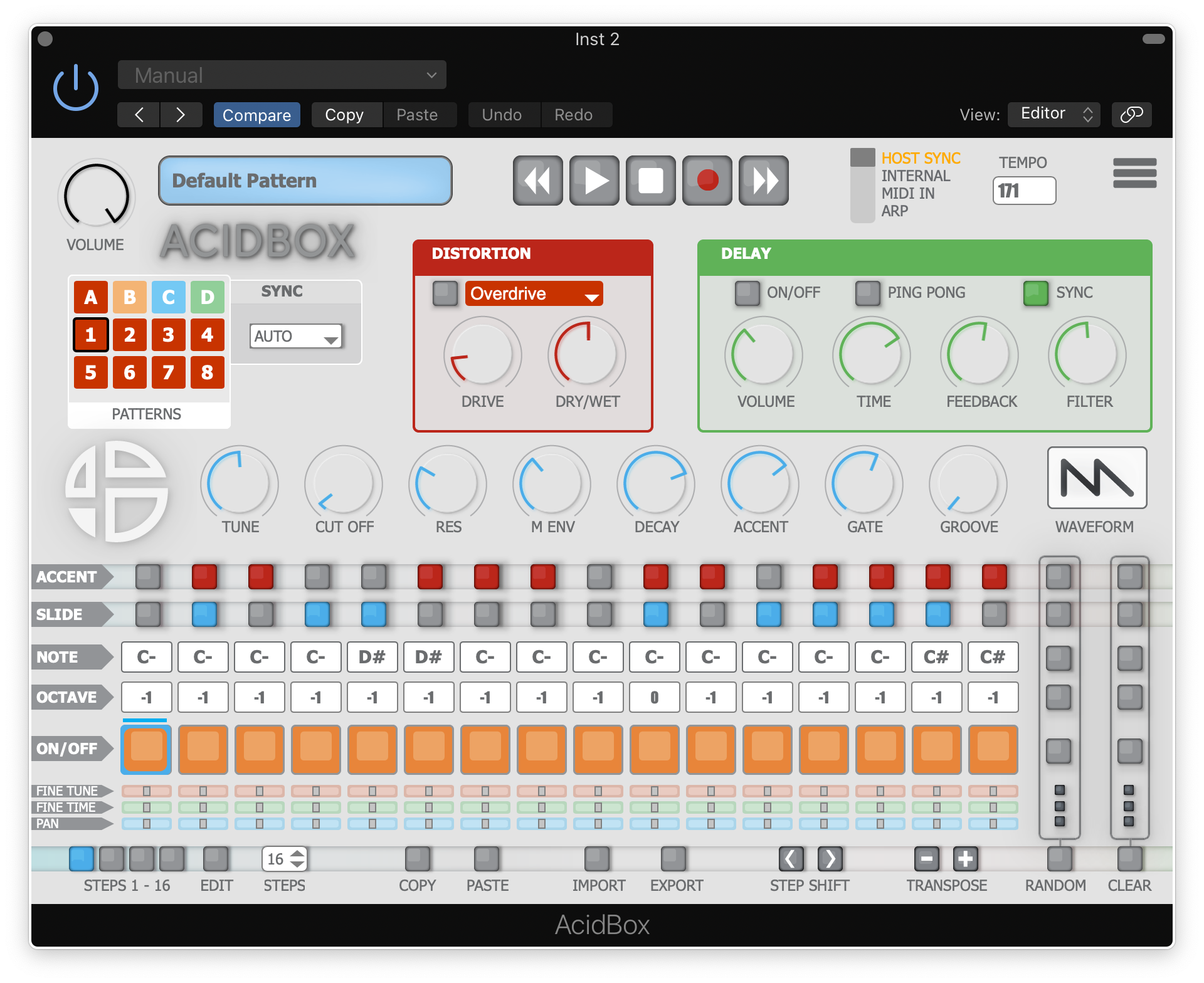
The AcidBox V2 is a bass line synthesizer, a recreation of the iconic 303 bass line synthesizer from the 80’s with a new interface, which makes it easier to create real-time sequences and tweak them in a live situation. Ability to export and import your sequences, patterns, and banks in multiple formats. Get your live performances further with ACID BOX, a bass line synthesizer with custom functions, a 16 to 64 steps sequencer, and 6 integrated effects. A simple tool for real-time creation.
Note: Acidbox has been used as an example.
Activation
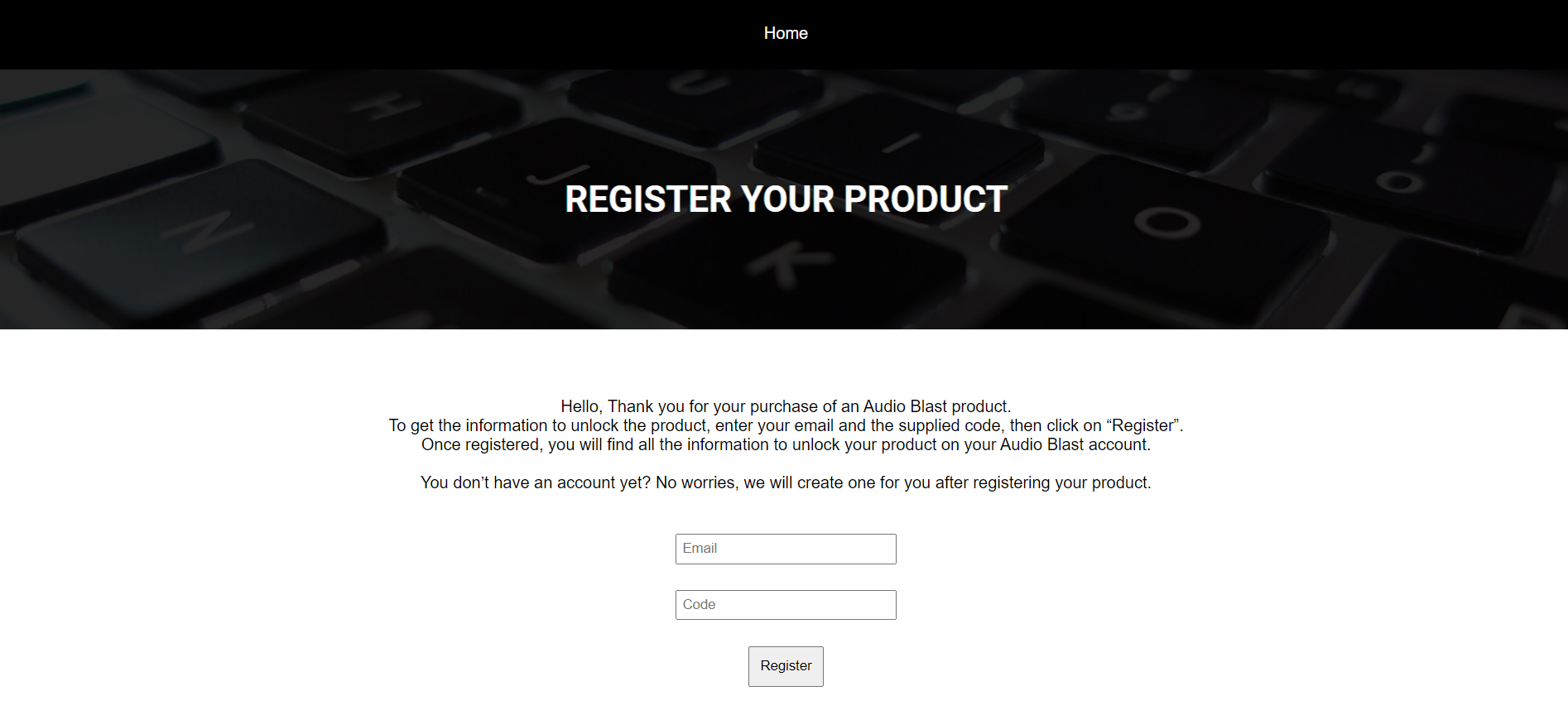
1. Go to https://www.audioblast.me/register/ > Enter your email address as well as the code found in your Plugin Boutique User Account.
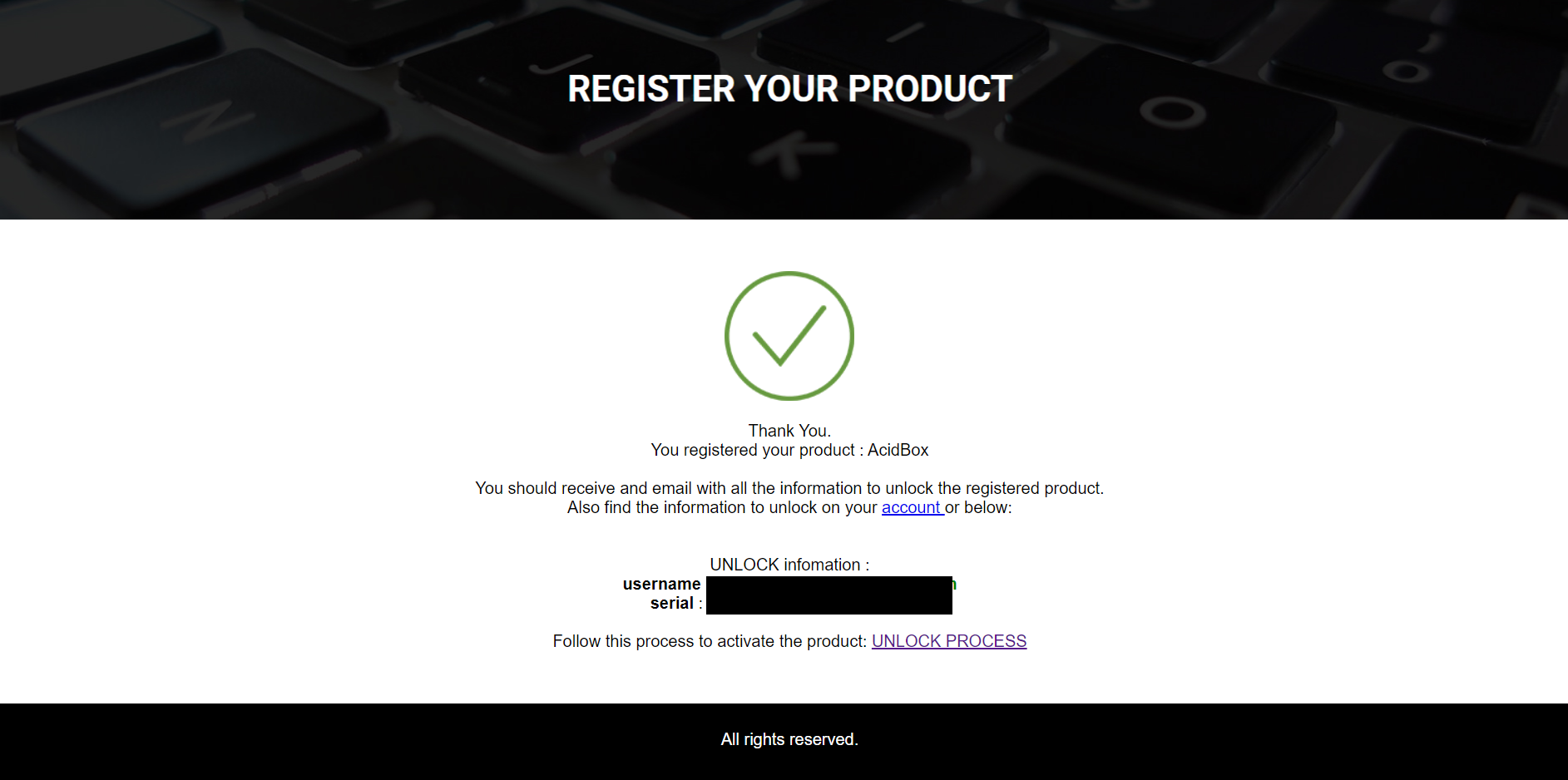
2. You will now receive your Username and Serial > Make note of both of these (they will also be sent to your email address for future reference).
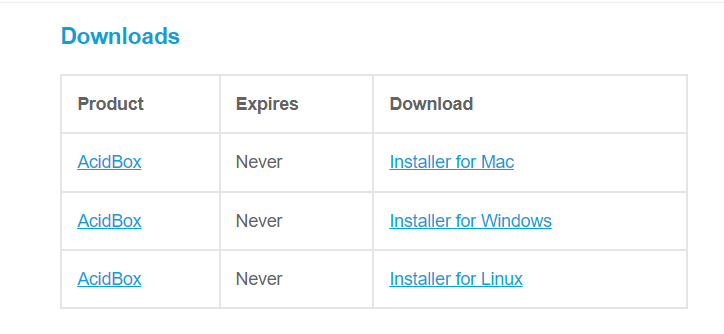
3. You will have received an email from Audio Blast with links to download your software > Download the relevant installer.
Installation
PC
1. Double-click the .exe file to begin the installation process.
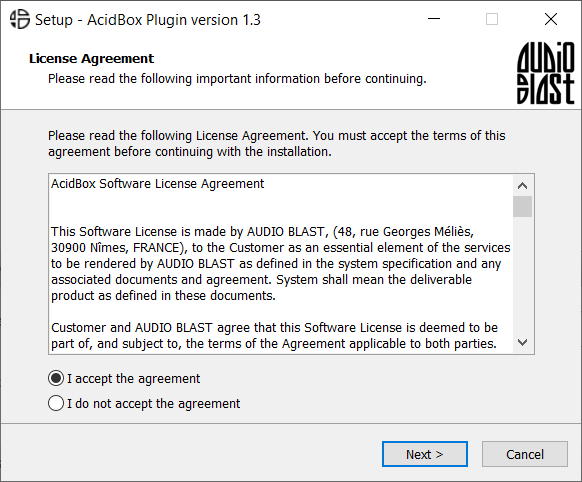
2. Click 'I accept the agreement' > Click 'Next >'.
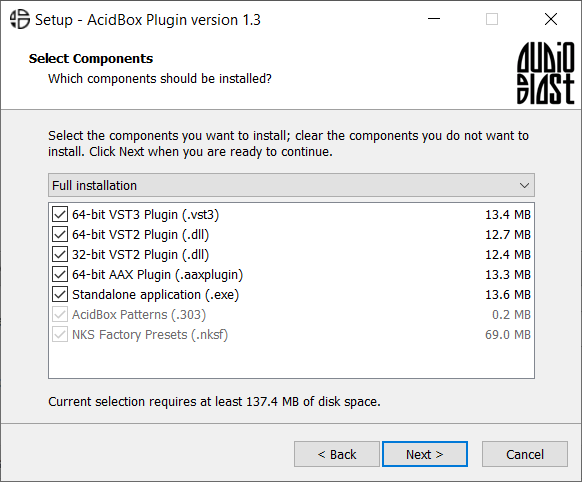
3. Select which components you wish to install > Click 'Next >'.
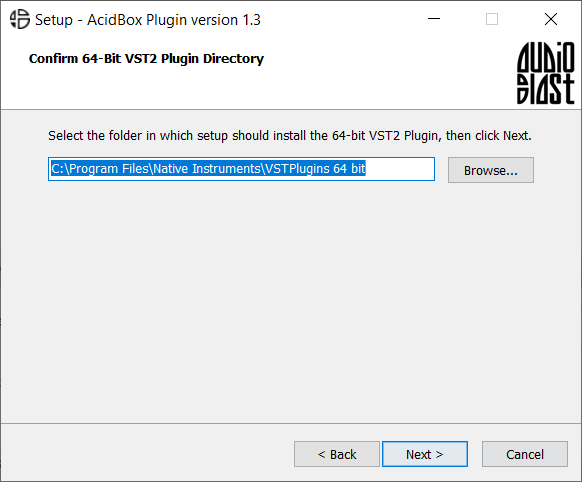
4. Select the location you wish to install the plugin to > Click 'Next >'.
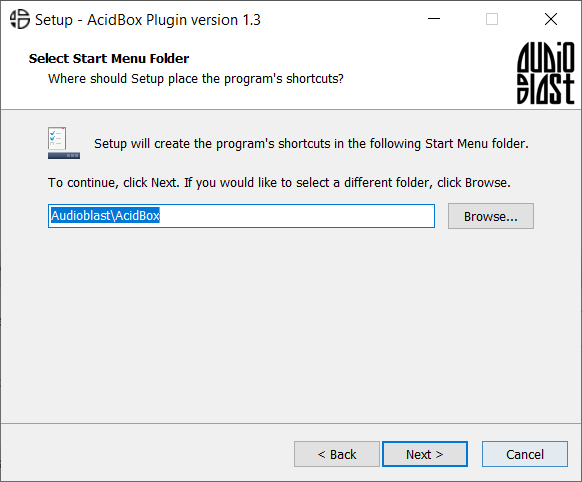
5. Select where you would like to set up the shortcut for the standalone version > Click 'Next >.
6. Click 'Finish'.
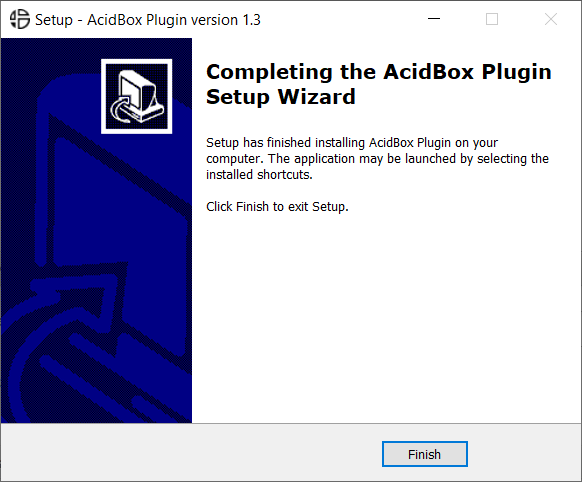
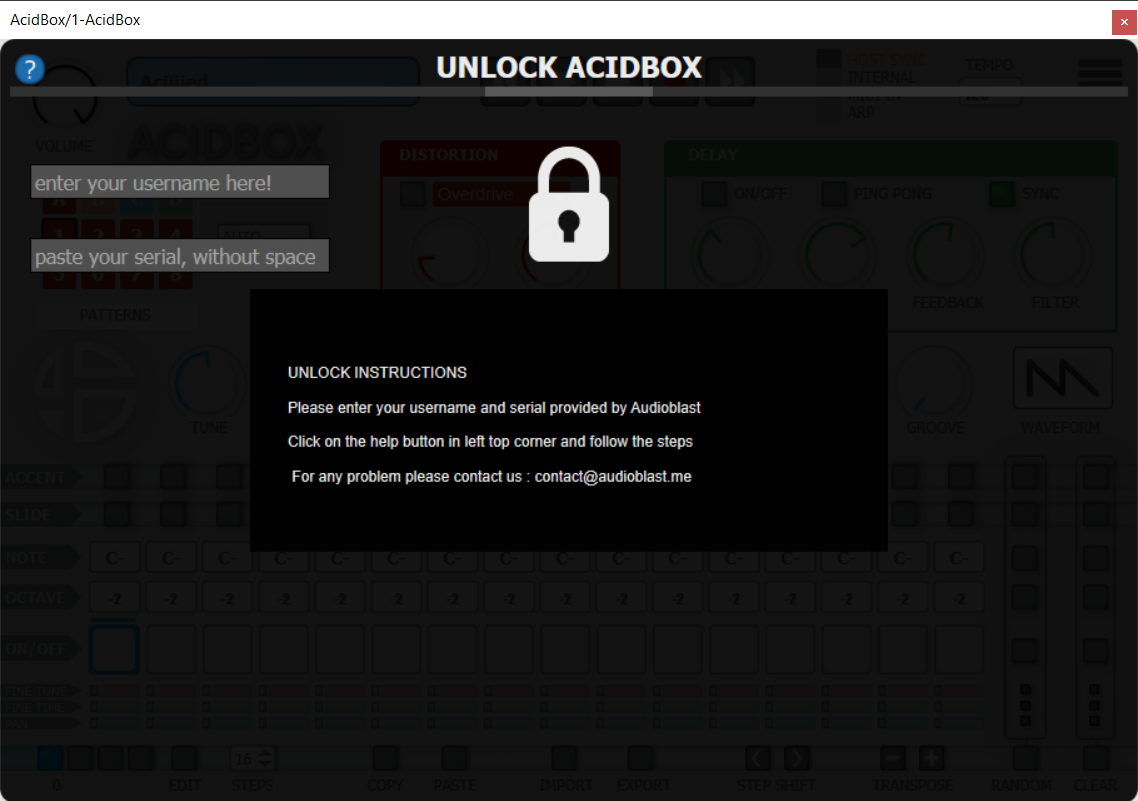
7. Open your DAW > Locate and open Acidbox.
8. Enter the username and serial code that you received earlier > Once entered, click anywhere to activate the plugin.
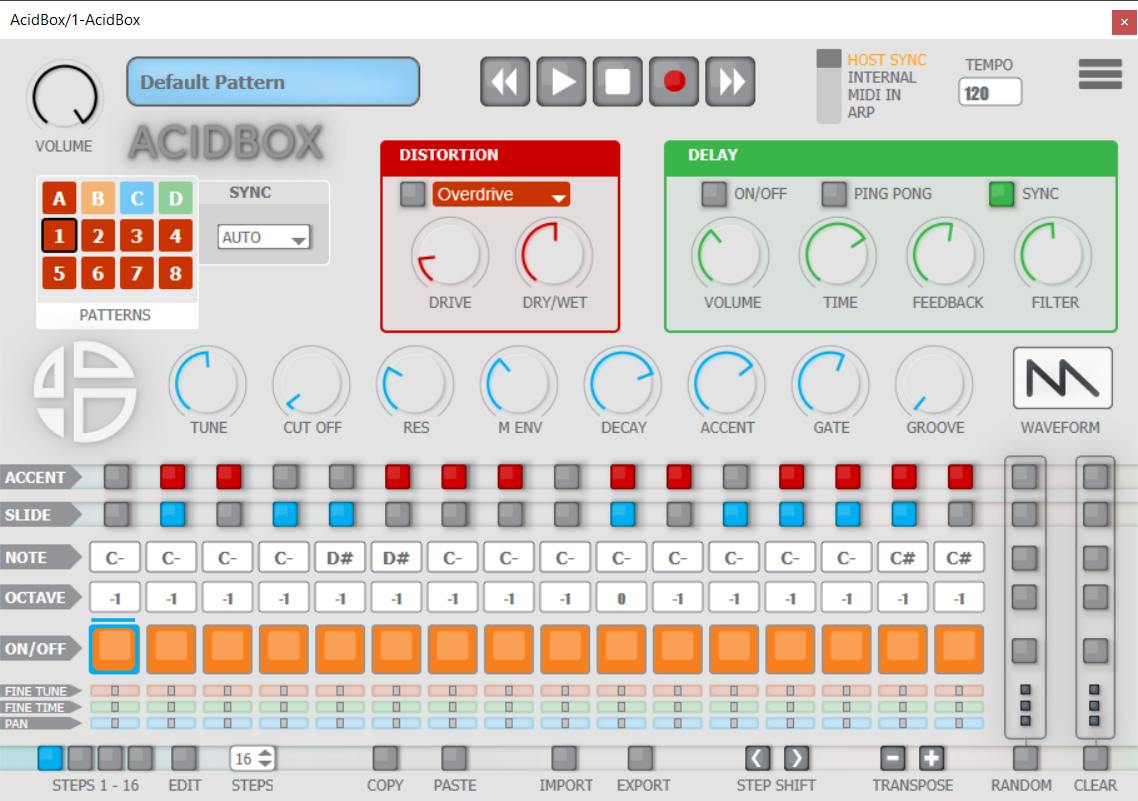
Acidbox is now activated and ready for use inside your DAW!
Mac
1. Double click the .pkg file to begin the installation process.
2. Click 'Continue'.
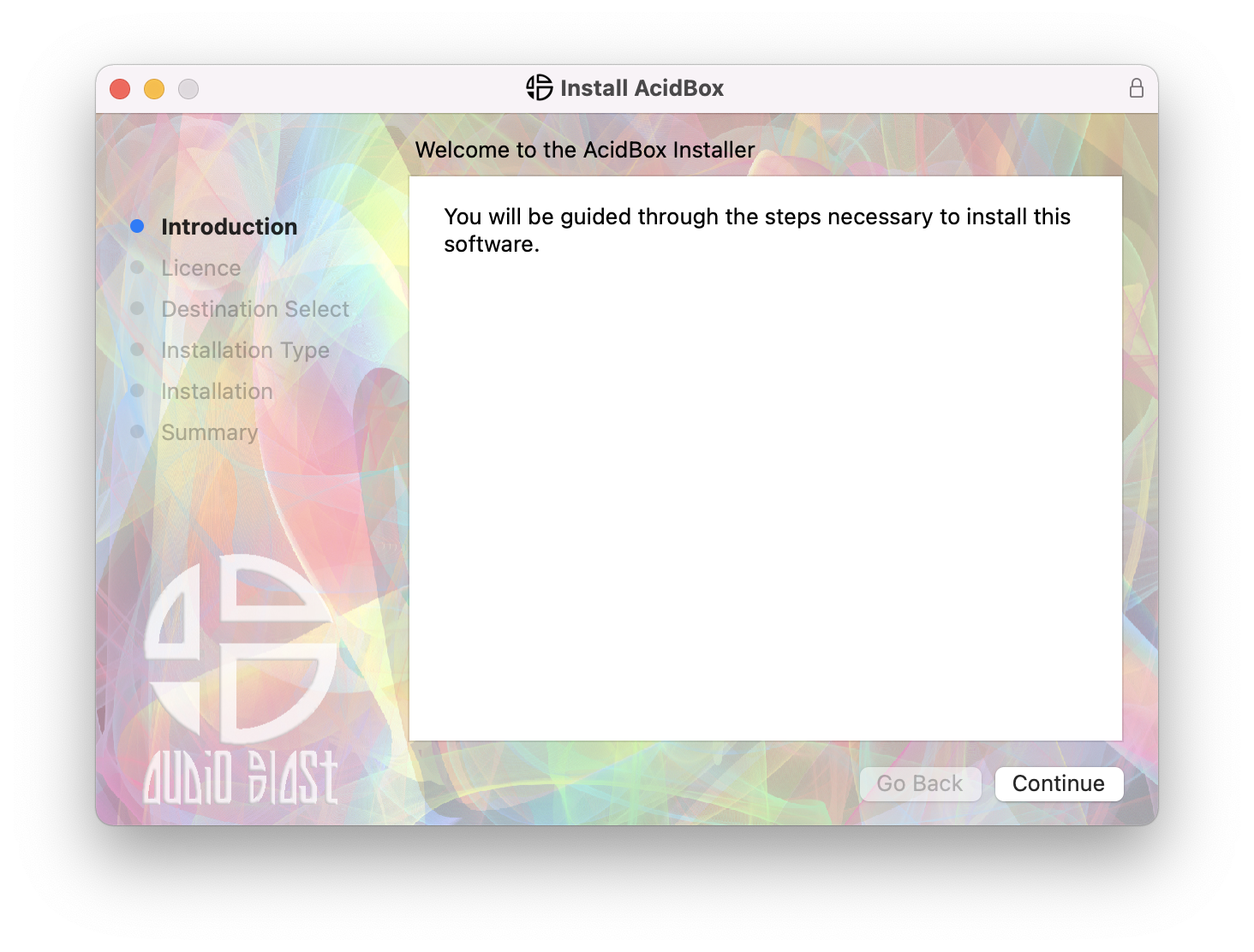
3. Click 'Continue'.
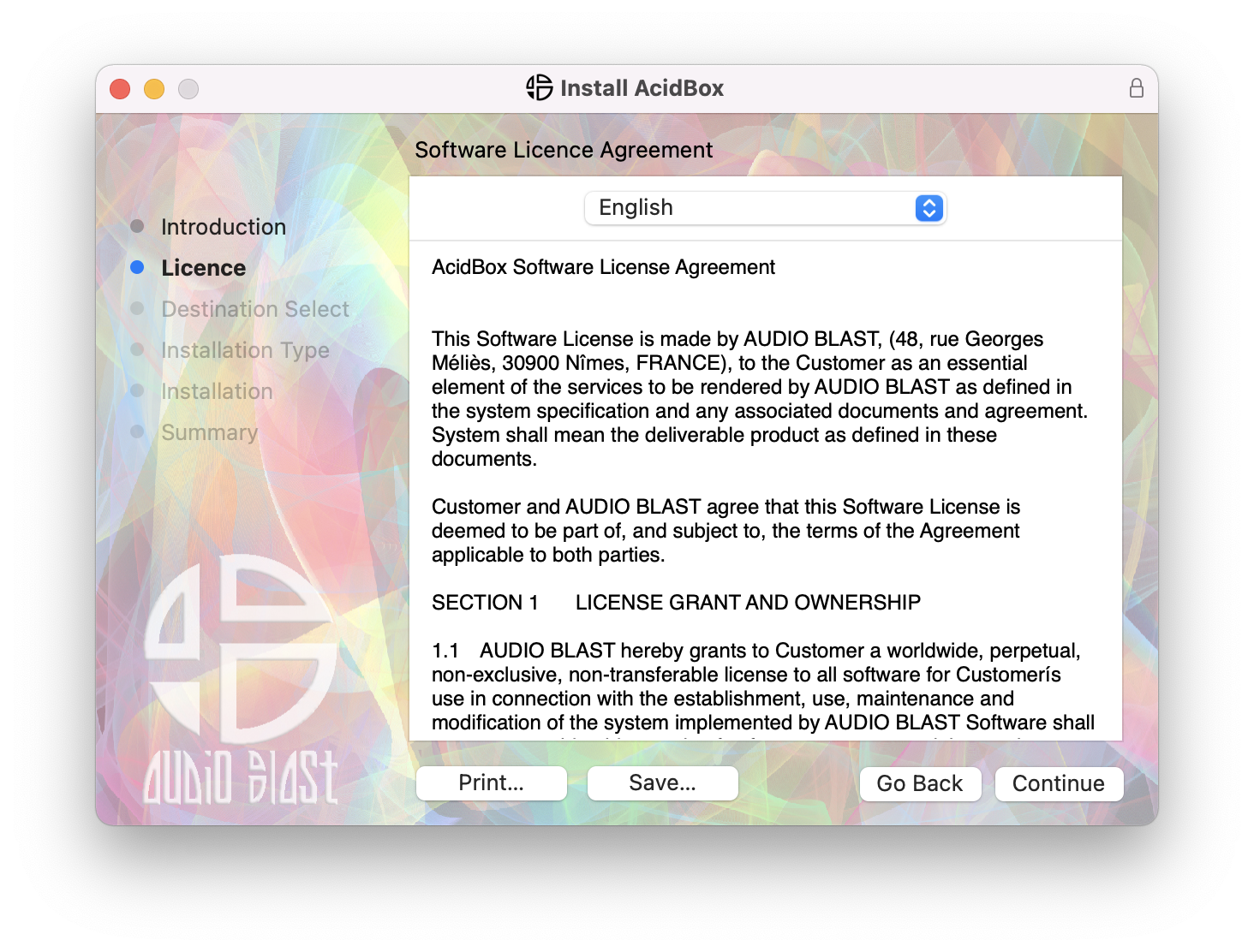
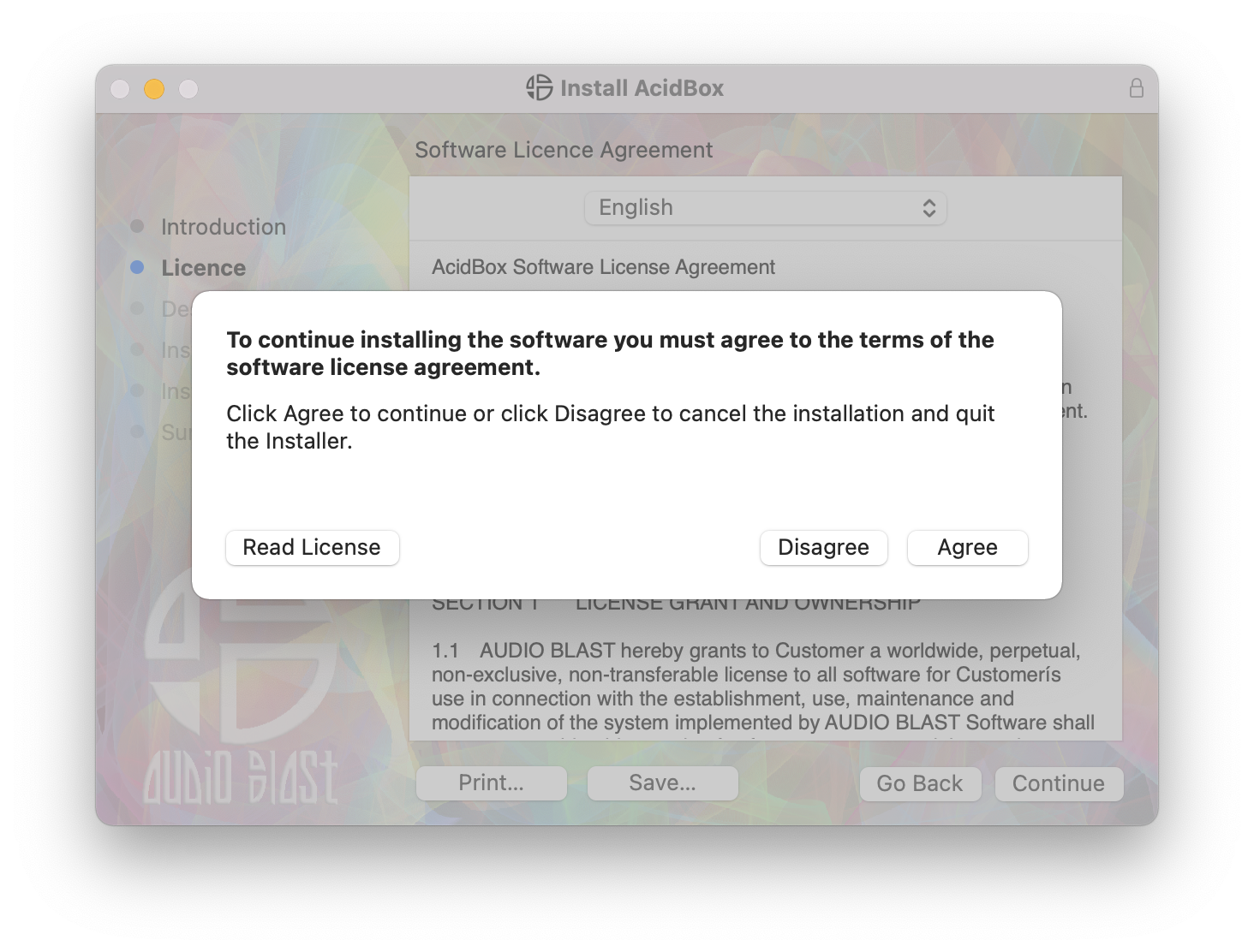
4. Click 'Agree'.
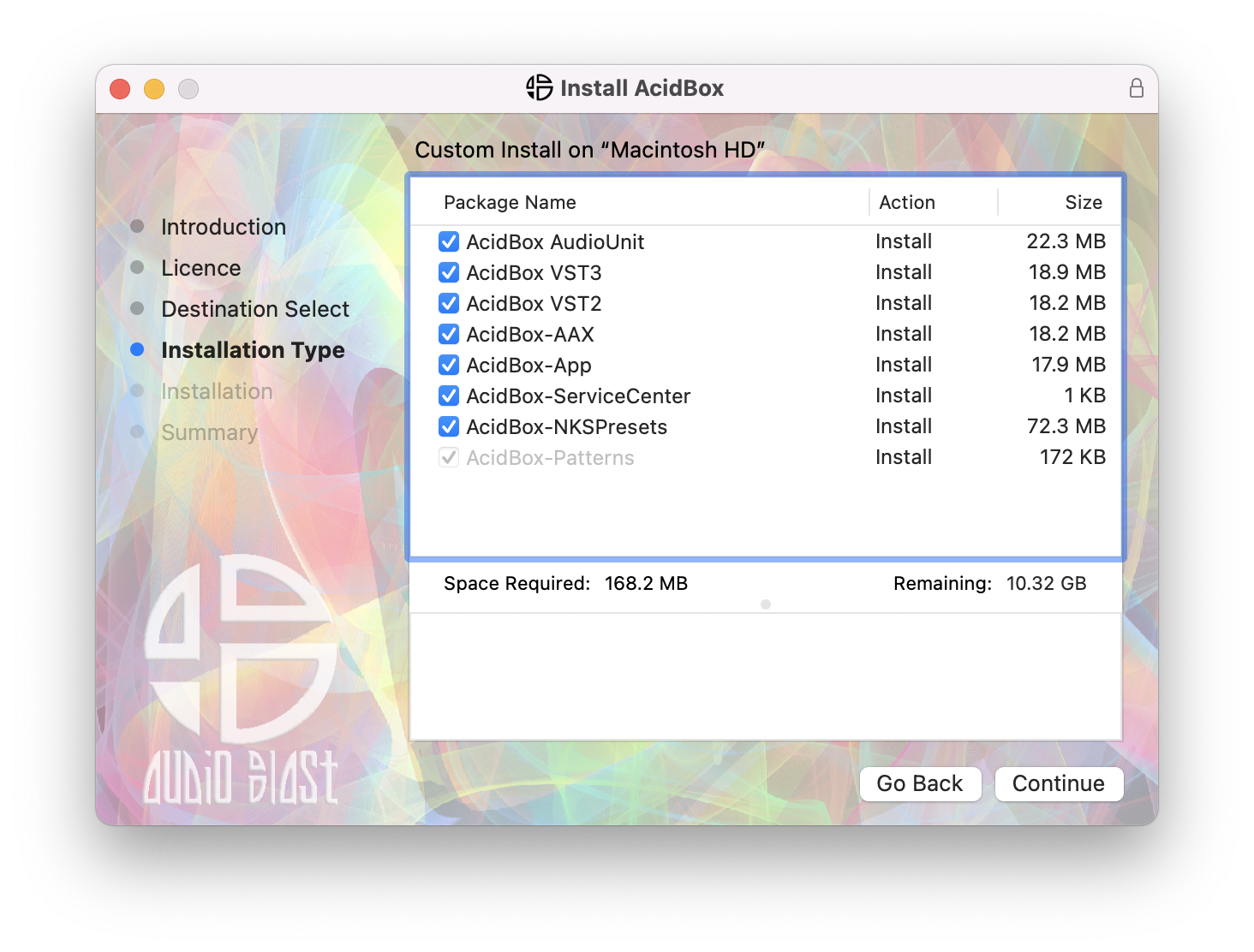
5. Click 'Continue'.
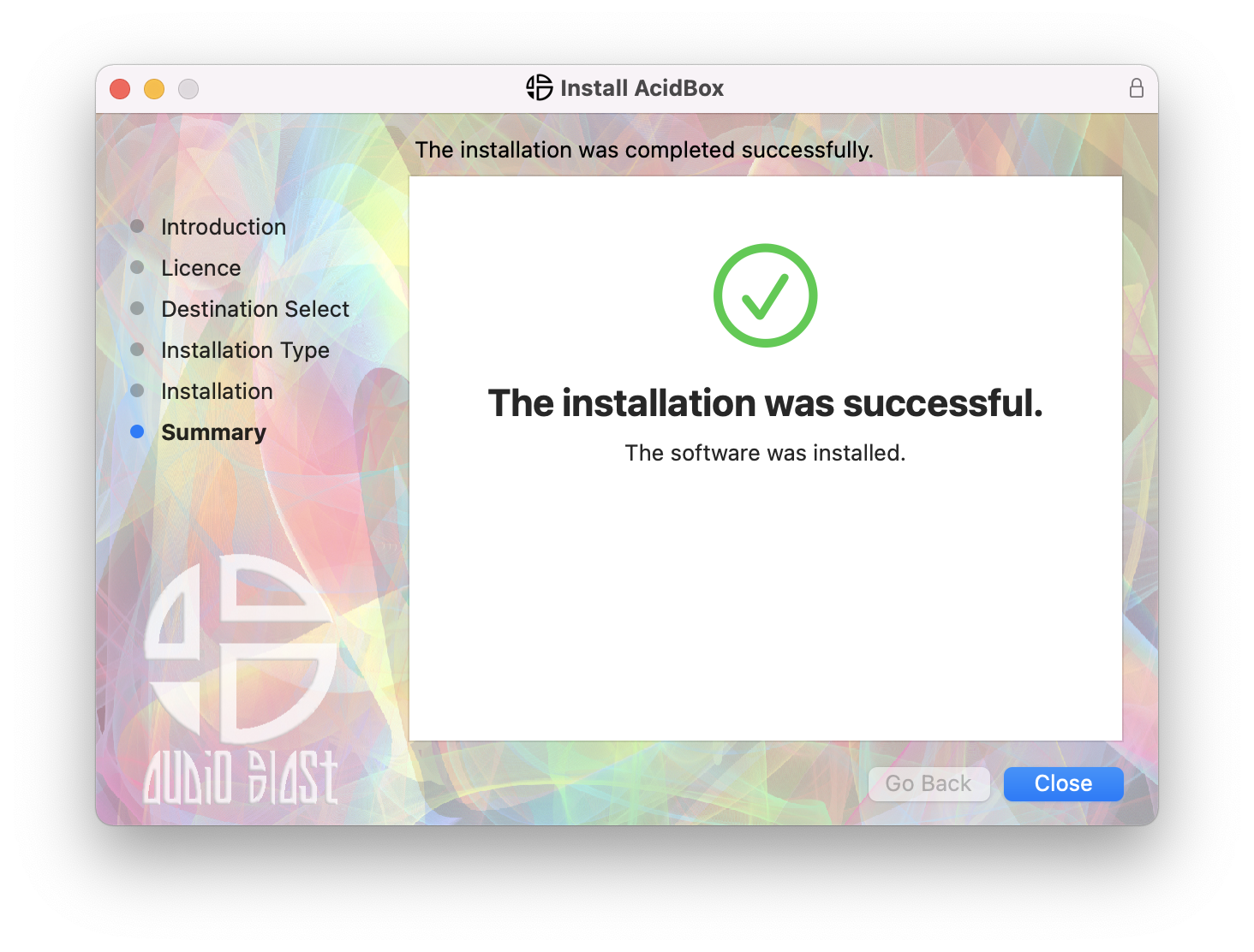
6. Click 'Close'.
7. Open your DAW > Locate and open Acidbox.
8. Enter the username and serial code that you received earlier > Once entered, click anywhere to activate the plugin.
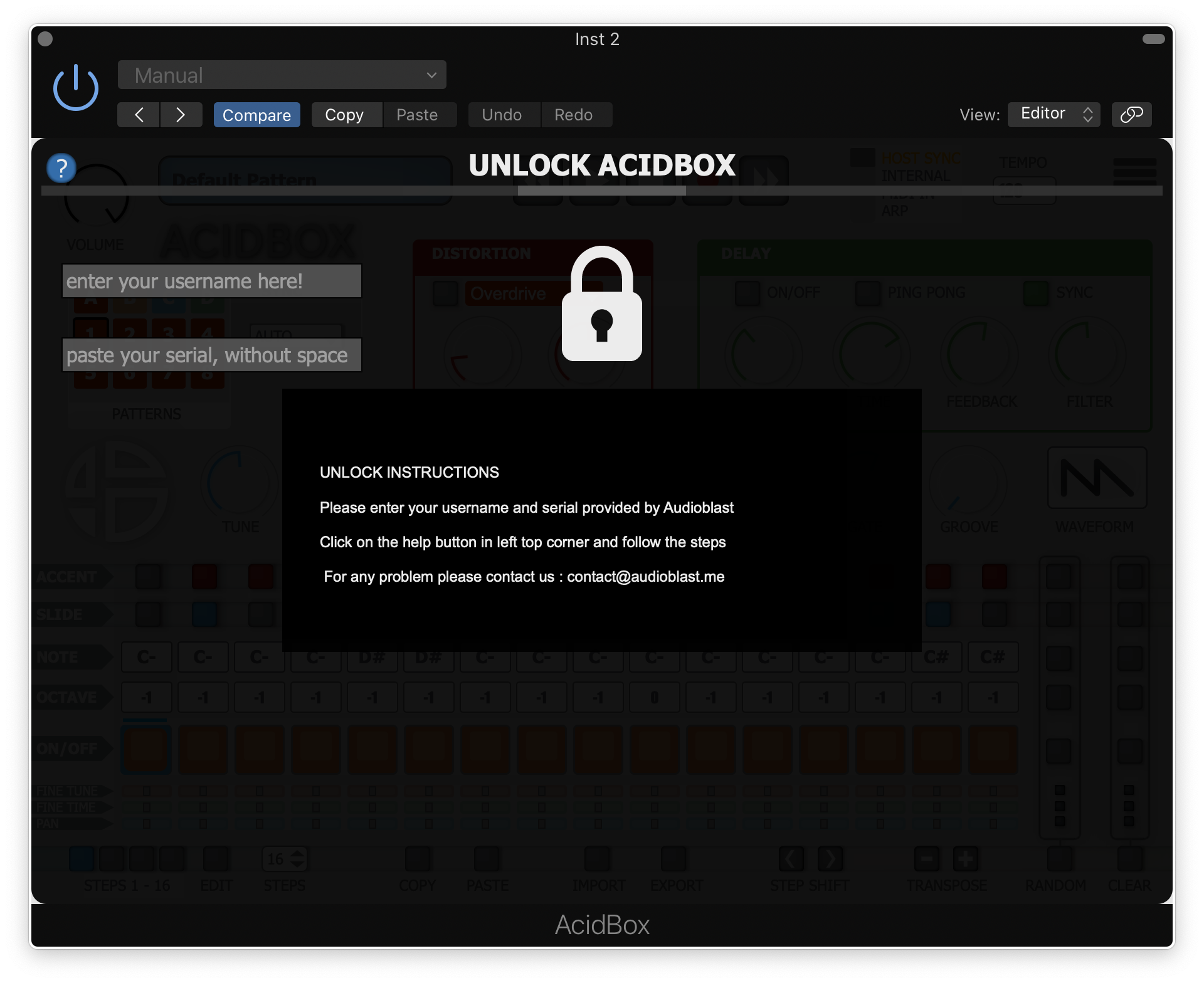
Acidbox is now activated and ready for use inside your DAW!