Log In
A Drum Machine Plugin, An Adaptation Of The Linn Drum. Audio Blast created three different sound ROMs with a selection of different sounds to get a global approach of the famous drum machine. The ROM 1 is a selection closer to the LM-1, the ROM 2 closer to the 9000 Version, and the ROM 3 is a custom adaptation of the 80’s drum sounds.
They also added a custom pad with the possibility to embed an additional drum or bass or any sample in your preset. You can modify each sound separately, change the tune, the volume and the panoramic.
The Linn LM-1 Drum Computer (conceived by Roger Linn) was the first drum machine to use digital samples of acoustic drums. A lot of artists and bands like Human League, Michael Jackson, Prince, Kraftwerk, Phil Collins, Genesis, Herbie Hancock and a lot of others used this drum machine on their records.
They adapted these sounds on a new instrument to offer the possibility to get the sounds of these rare drum machines embed in your setup.
Features
- Global: Adjusts the main volume, the tuning of all the sounds, and the velocity sensivity
- Tuning: Modify the tune of each sound
- Mixer: Set volume and panoramic of each sound
- 16 Pads: 15 drums, percussion, and a custom sample. Right click on pad to create your own MIDI assign
System Requirements
Mac
- MacOS 10.12 - 13 (Apple Silicon Supported)
- Intel Core i5 or equivalent CPU
- 2GB RAM
PC
- Windows 7 - 11
- Intel Core i5 or equivalent CPU
- 2GB RAM
Please Note: You require an internet connection in order to install and update your products.
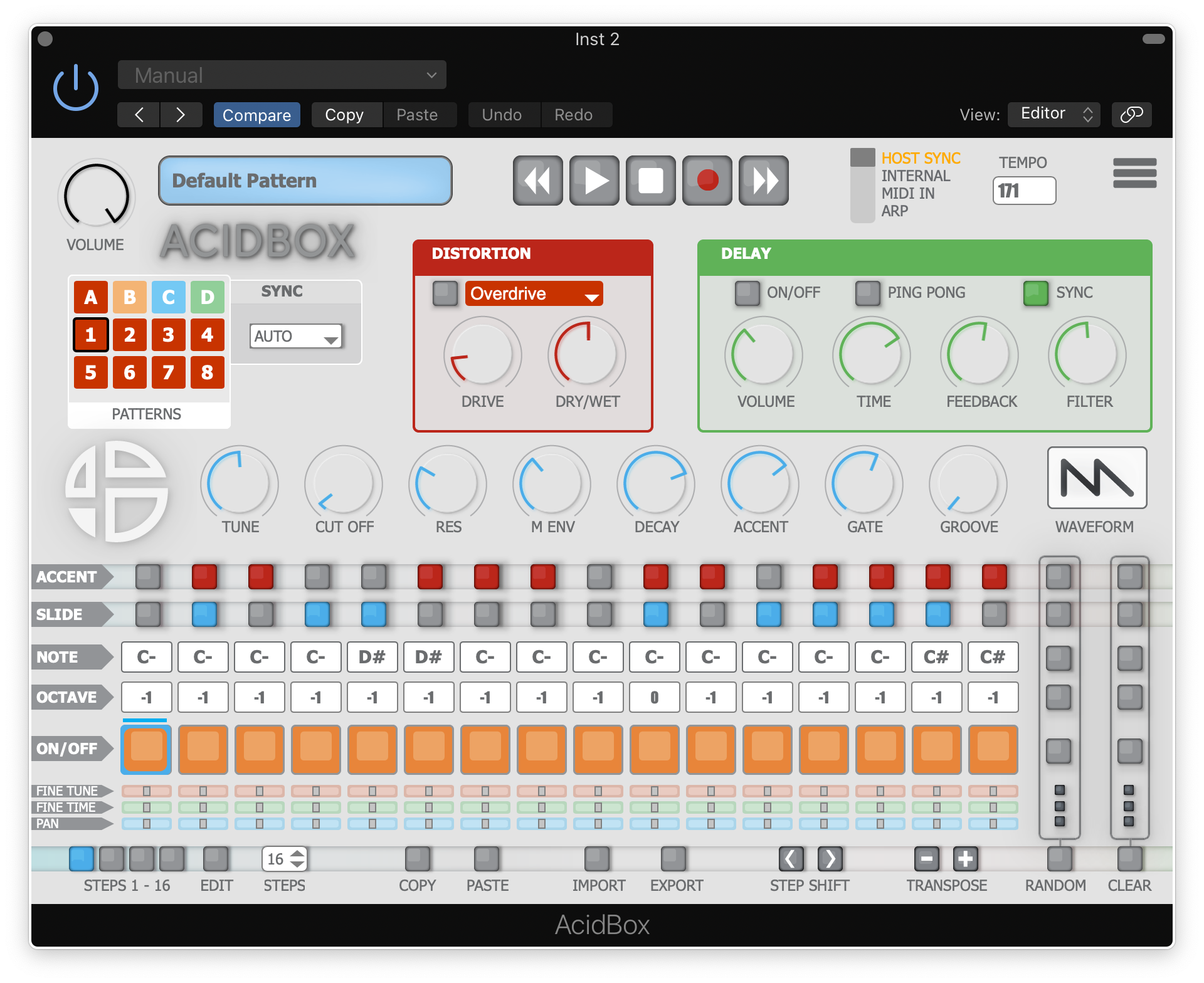
Note: Acidbox has been used as an example.
Activation
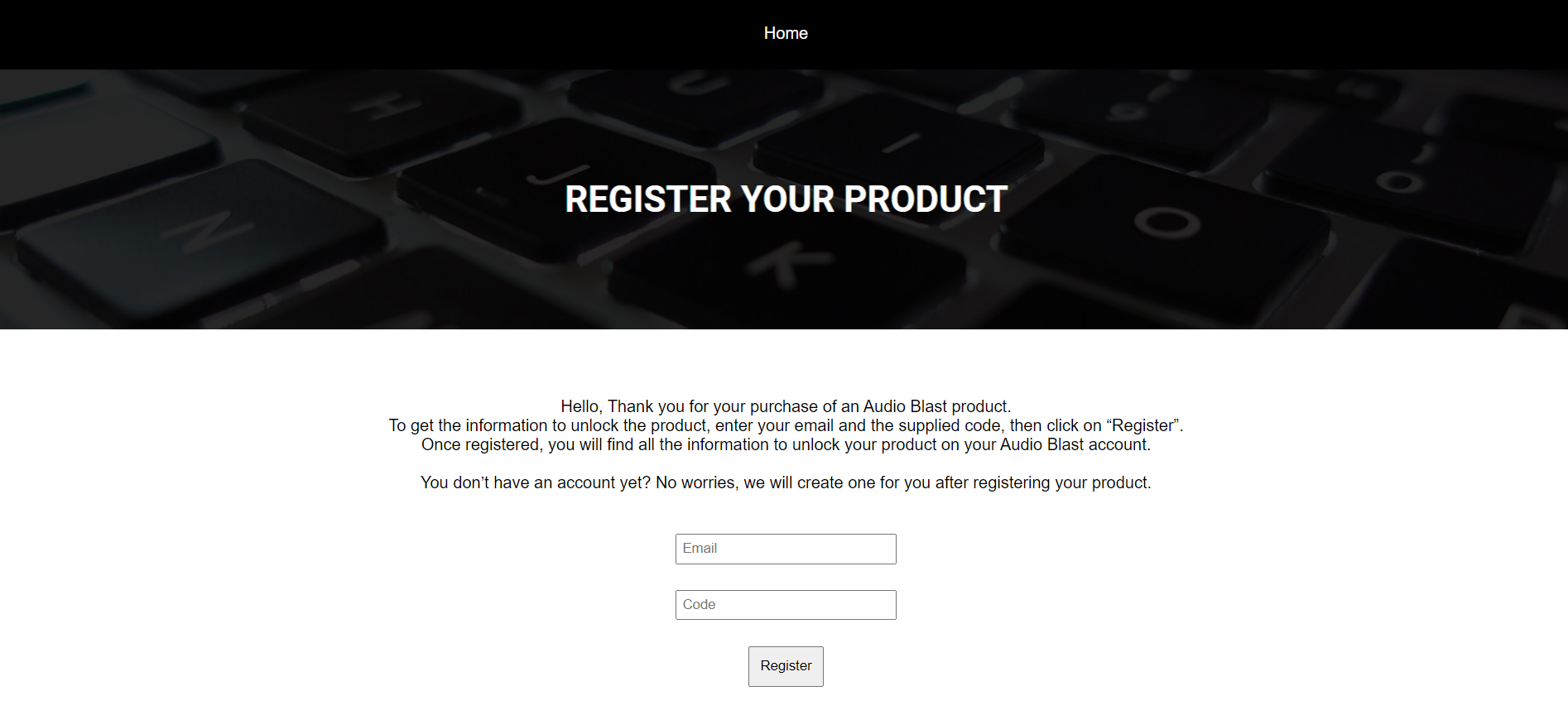
1. Go to https://www.audioblast.me/register/ > Enter your email address as well as the code found in your Plugin Boutique User Account.
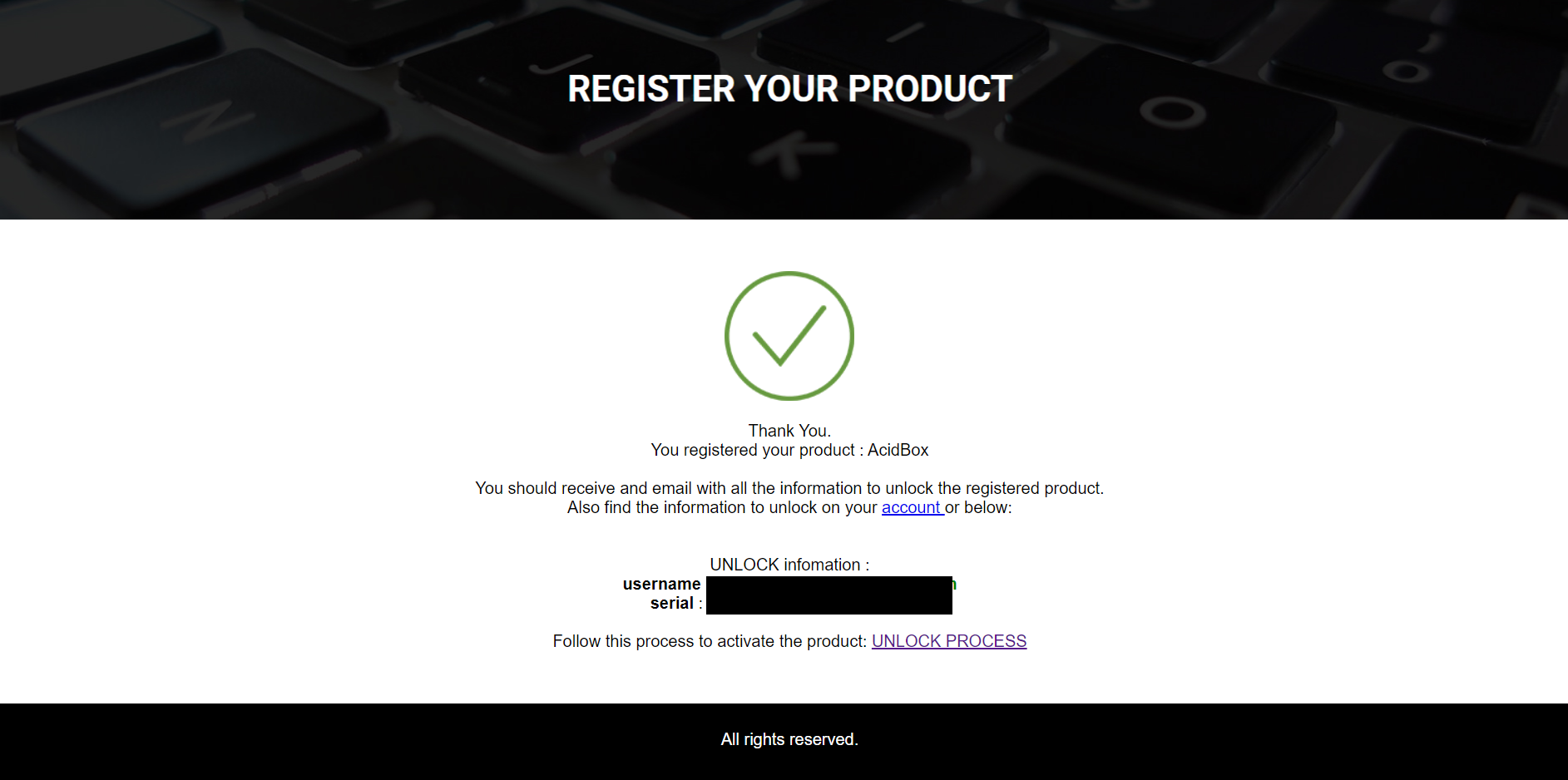
2. You will now receive your Username and Serial > Make note of both of these (they will also be sent to your email address for future reference).
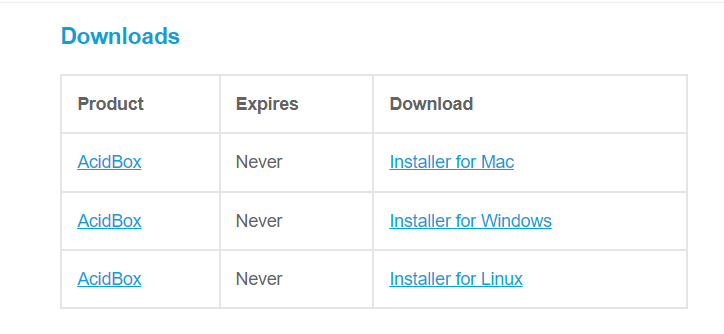
3. You will have received an email from Audio Blast with links to download your software > Download the relevant installer.
Installation
PC
1. Double-click the .exe file to begin the installation process.
2. Click 'I accept the agreement' > Click 'Next >'.
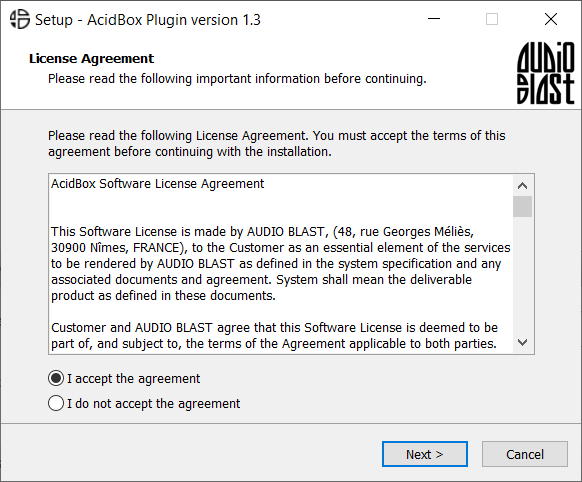
3. Select which components you wish to install > Click 'Next >'.
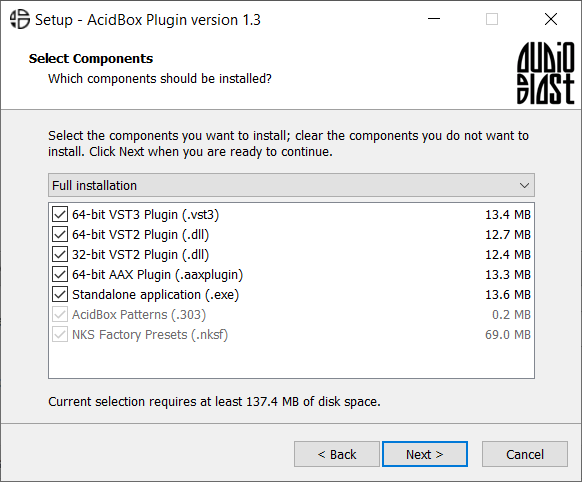
4. Select the location you wish to install the plugin to > Click 'Next >'.
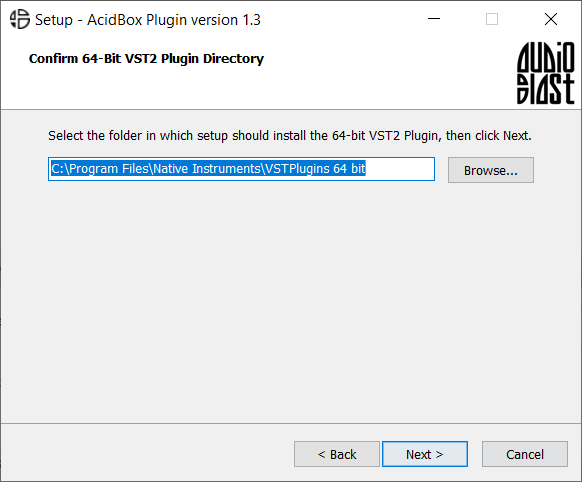
5. Select where you would like to set up the shortcut for the standalone version > Click 'Next >.
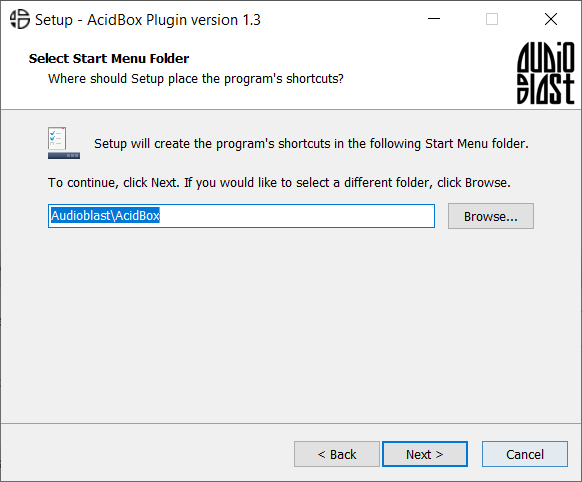
6. Click 'Finish'.
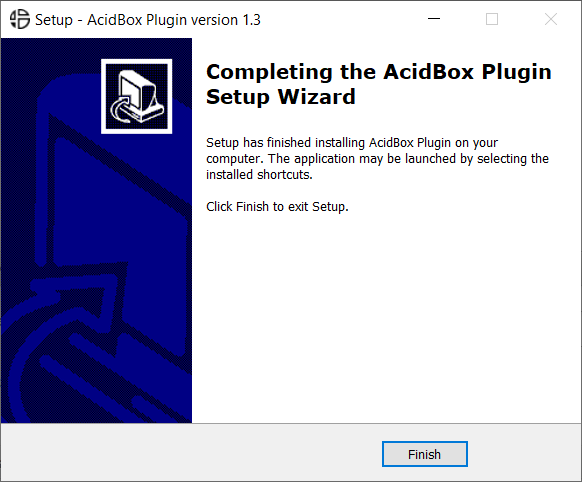
7. Open your DAW > Locate and open Acidbox.
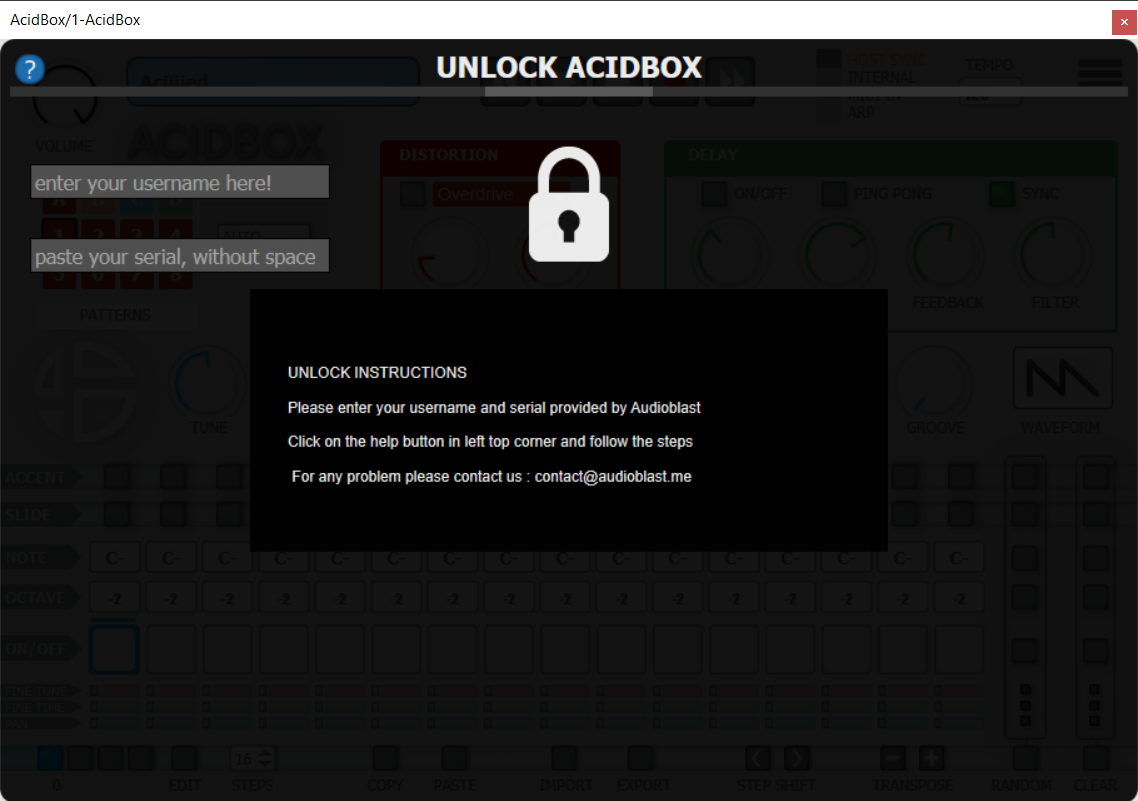
8. Enter the username and serial code that you received earlier > Once entered, click anywhere to activate the plugin.
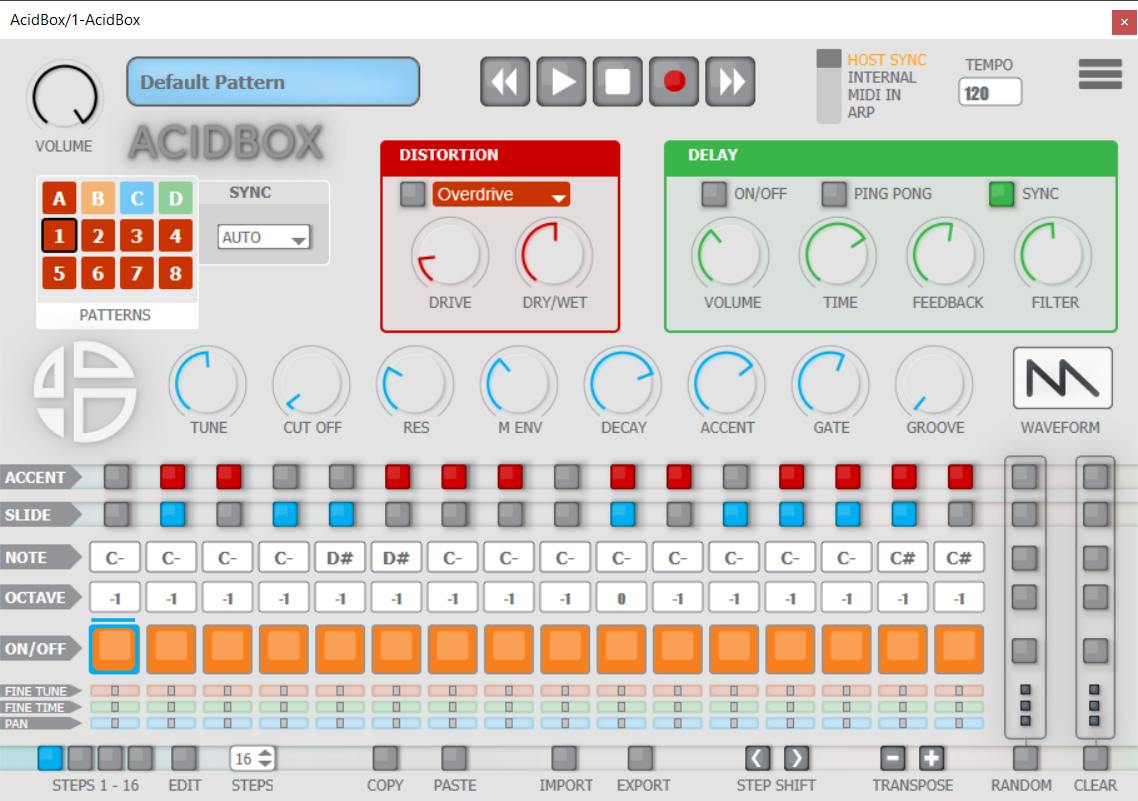
Acidbox is now activated and ready for use inside your DAW!
Mac
1. Double click the .pkg file to begin the installation process.
2. Click 'Continue'.
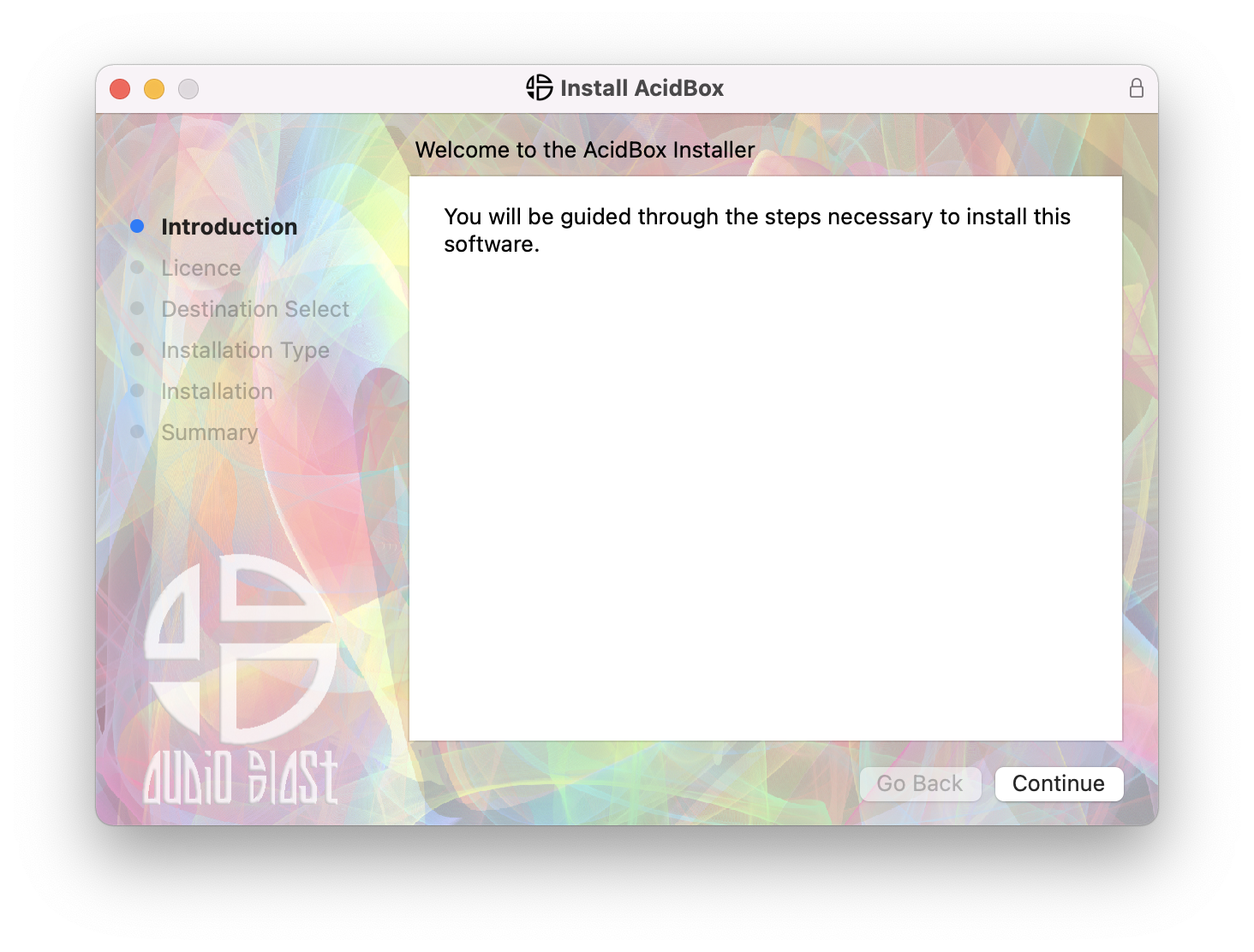
3. Click 'Continue'.
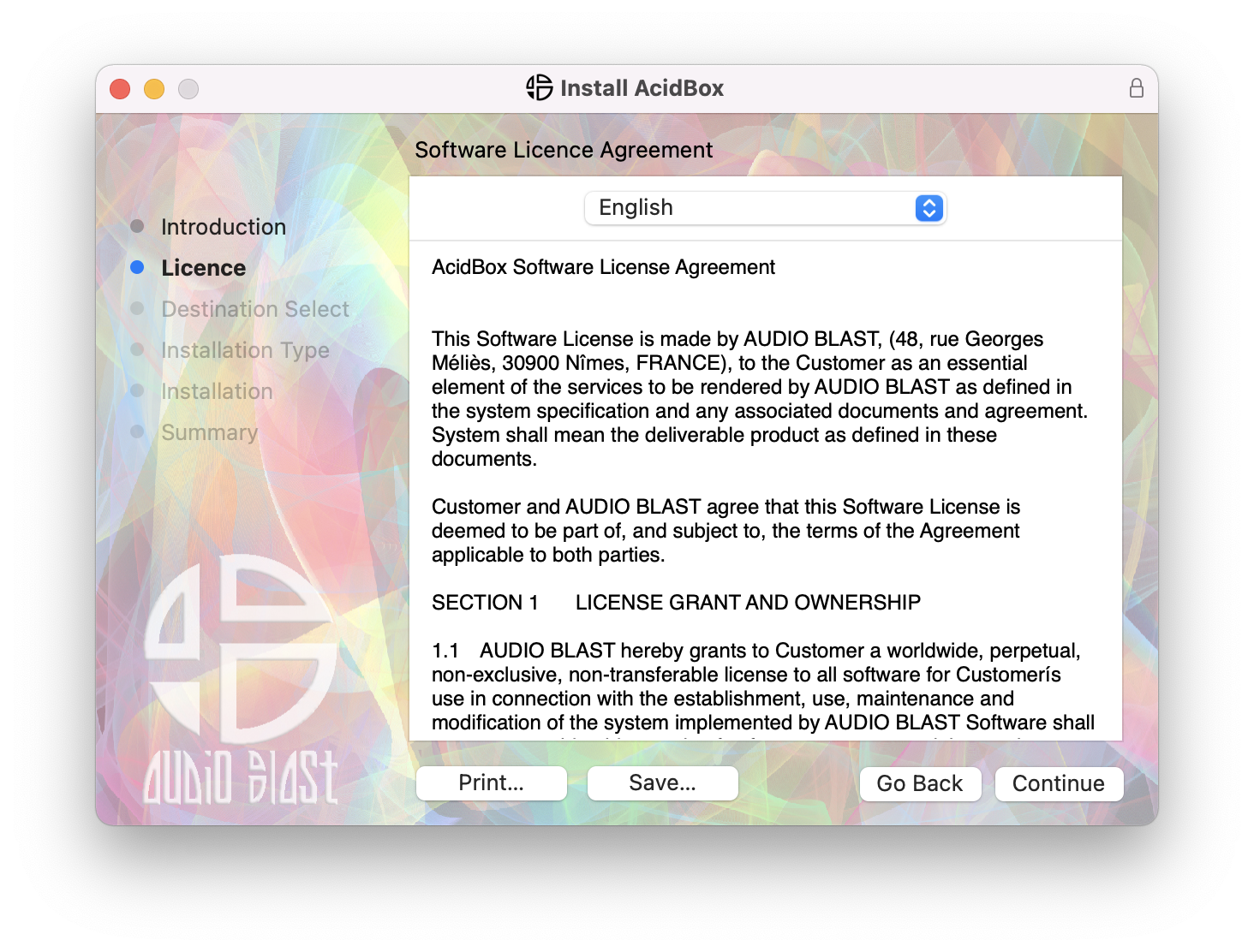
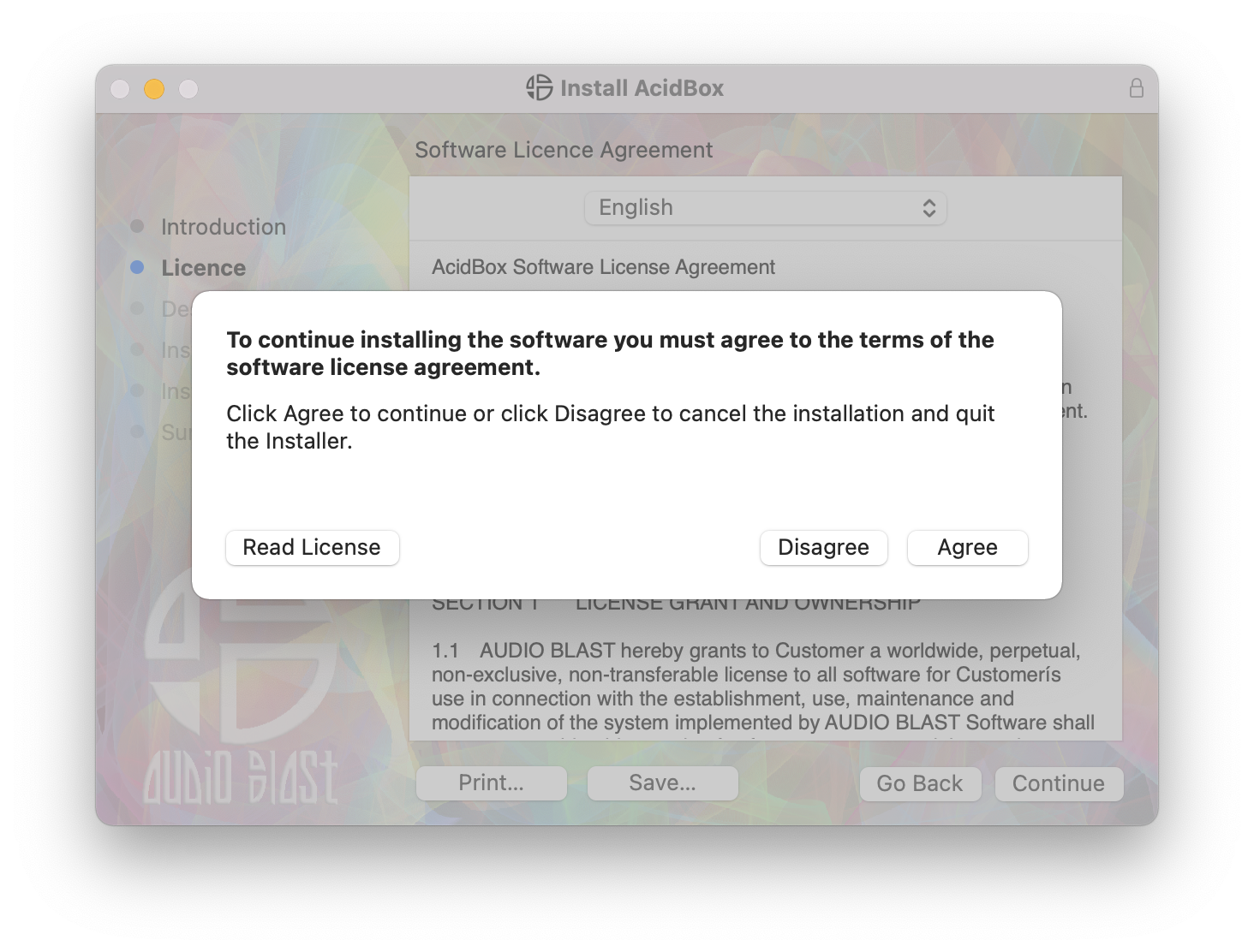
4. Click 'Agree'.
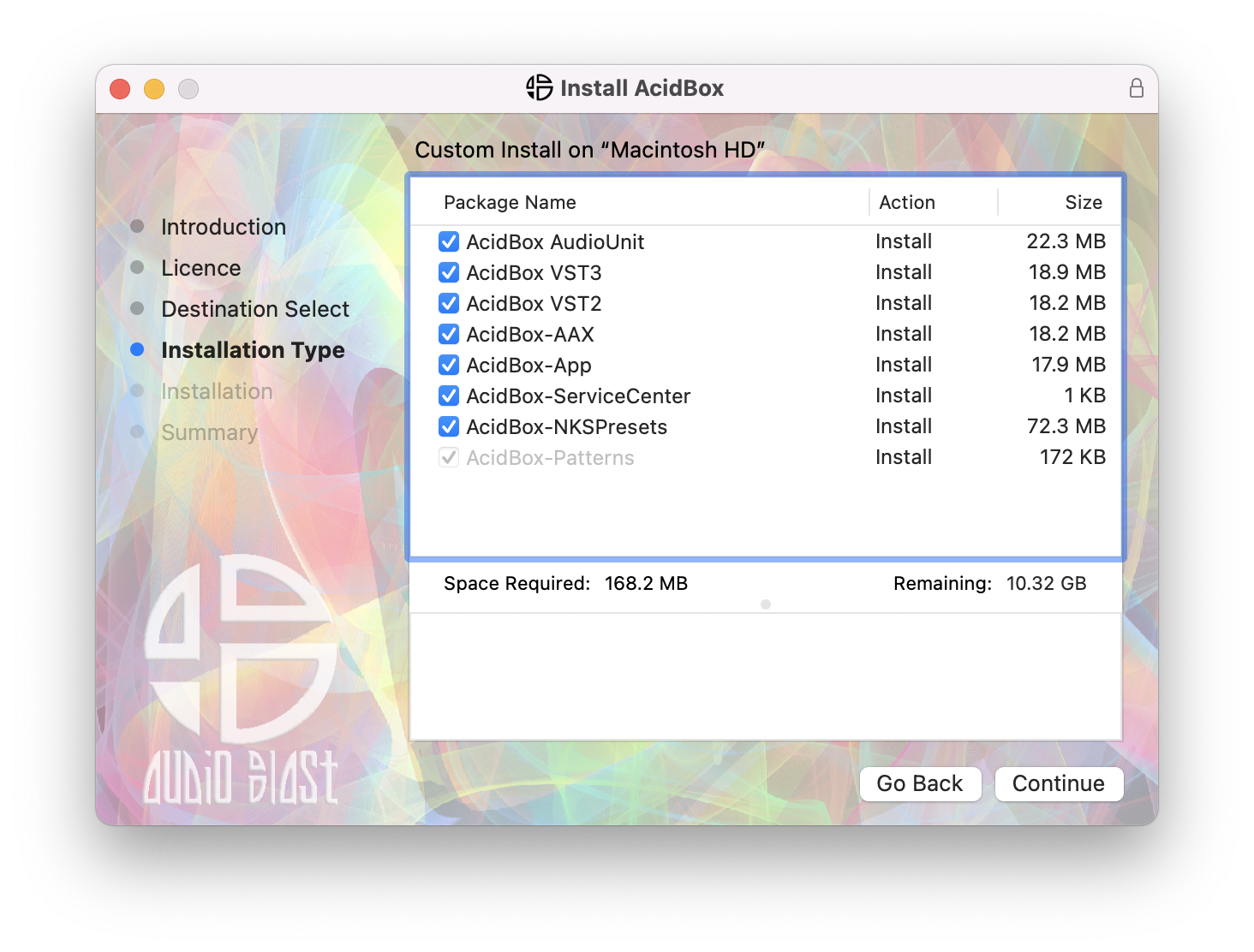
5. Click 'Continue'.
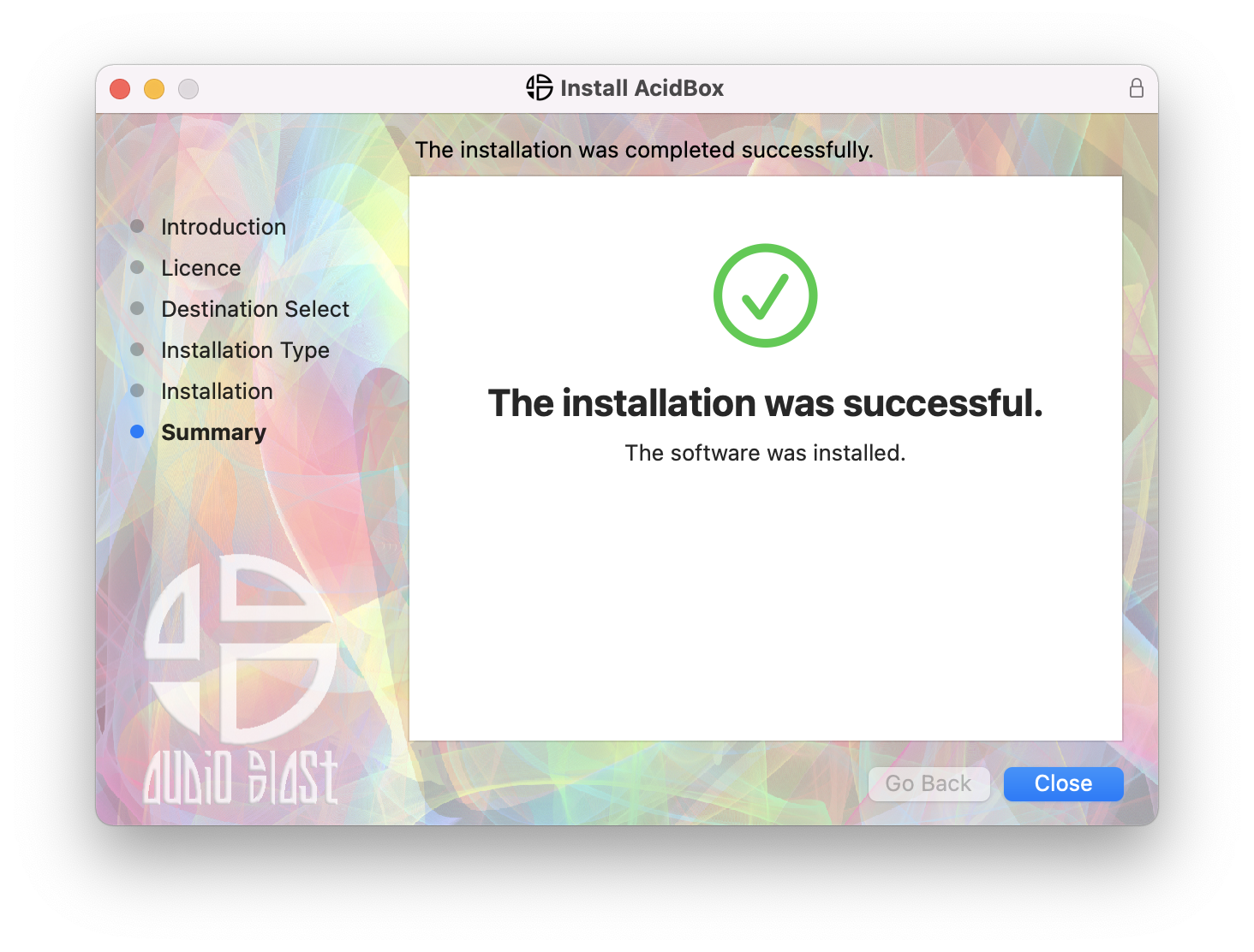
6. Click 'Close'.
7. Open your DAW > Locate and open Acidbox.
8. Enter the username and serial code that you received earlier > Once entered, click anywhere to activate the plugin.
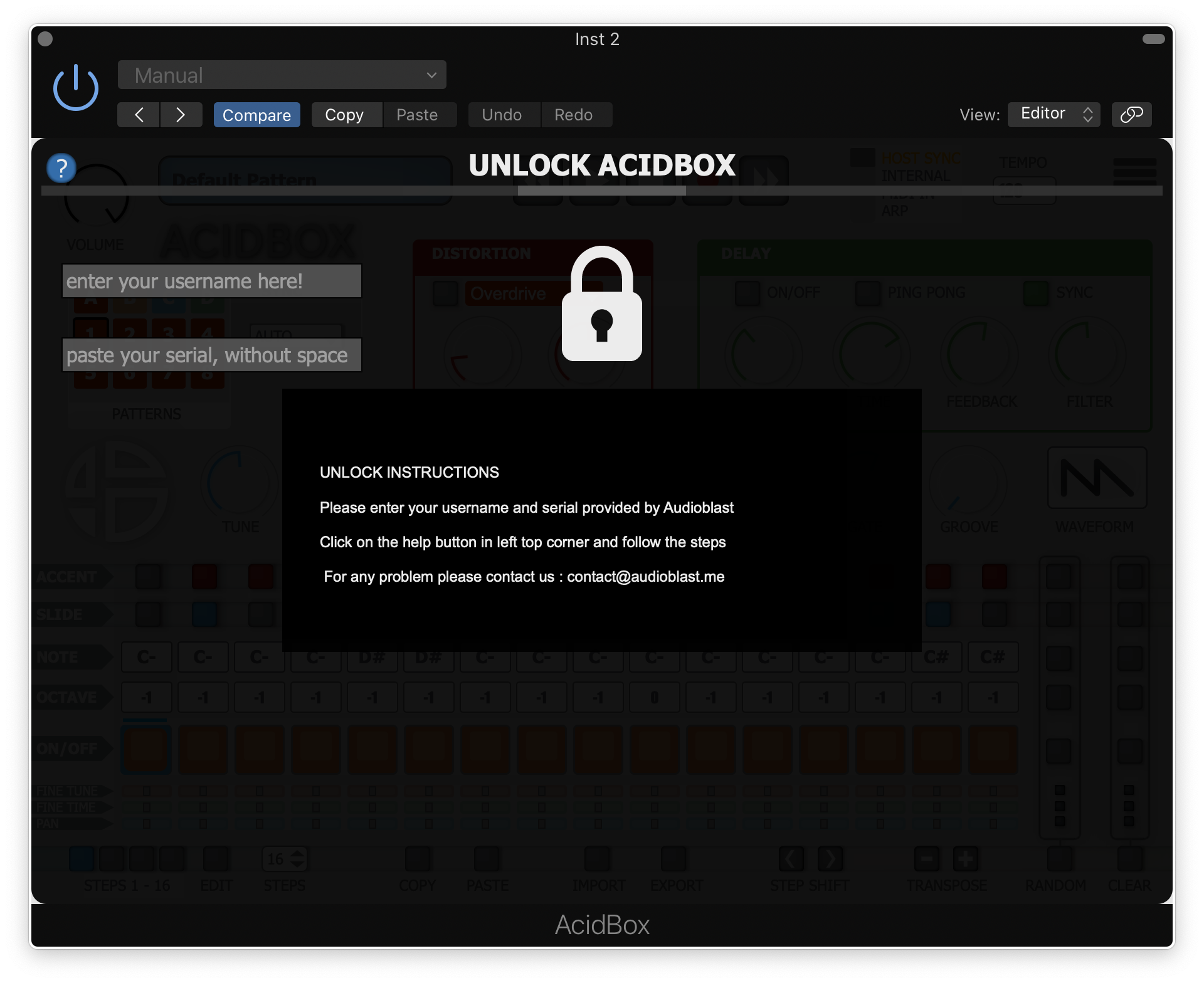
Acidbox is now activated and ready for use inside your DAW!