Log In
Chordjam<>!@#$%^&**()' ?/{}[] is an innovative plugin that builds chords and progression patterns through intuitive user-guided randomization. It automatically randomizes a unique combination of parameters, serving up unpredictable but always-musical variations. Choose from a variety of scale types, Chord types, voicing parameters, rhythms and progressions or have its powerful sequencer conjure up unlimited progression patterns for you, based on any combination of settings, serving up unpredictable but always-musical variations.
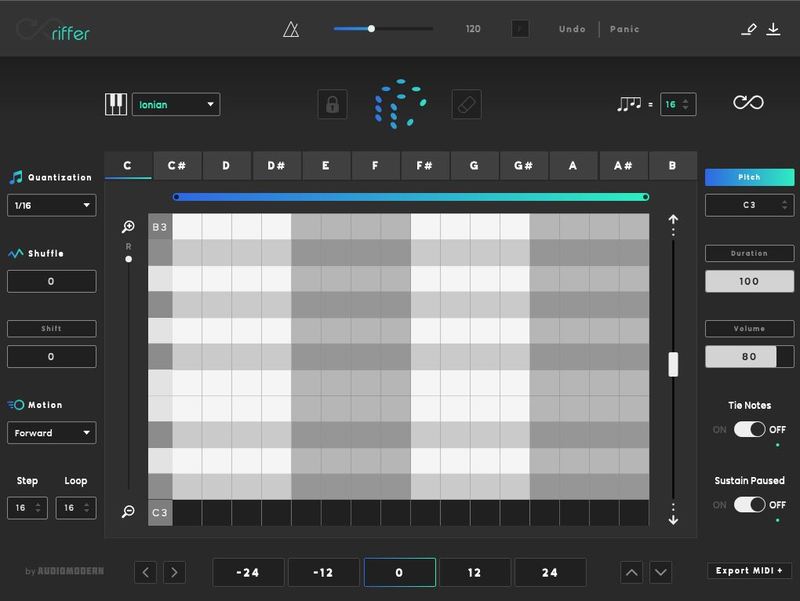
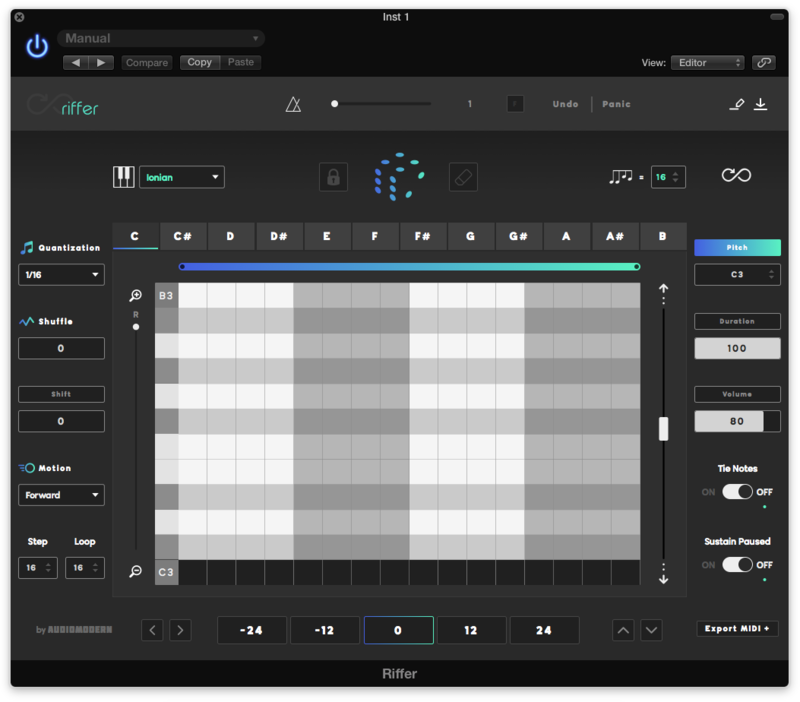
Please Note: Riffer is used as an example.
Mac
Installation
1. Download the .zip file from within your Plugin Boutique User Account and double-click it to extract the contents > Double-click the .pkg file to begin the installation.
2. Click 'Continue'.
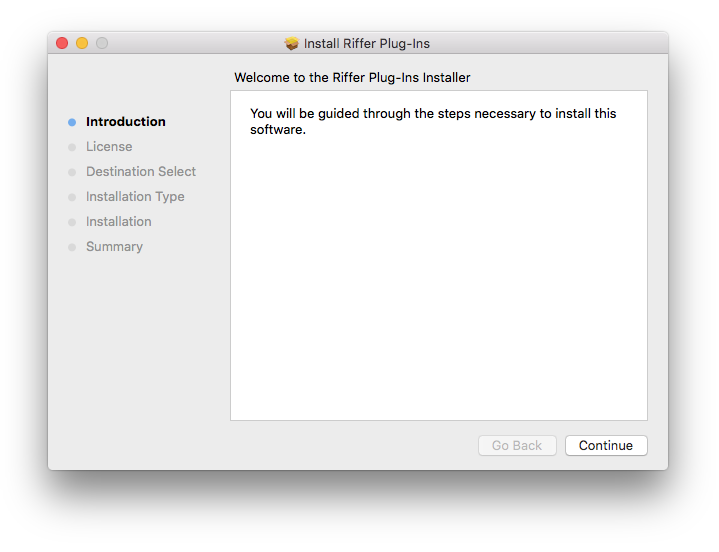
3. Click 'Continue'.
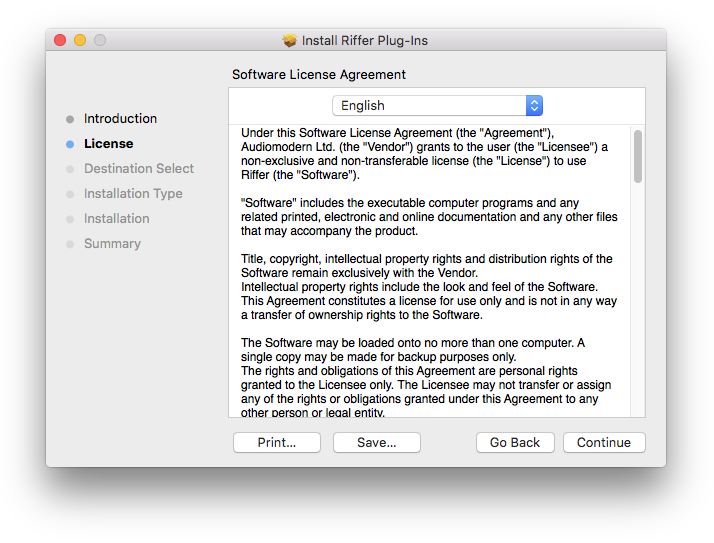
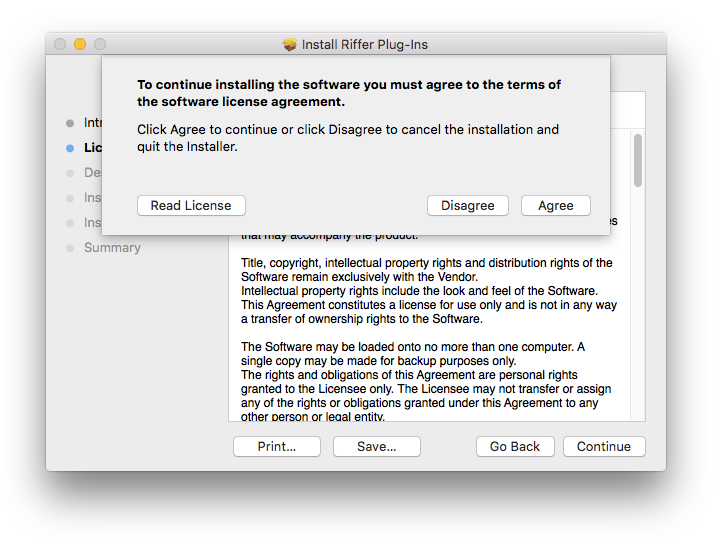
4. Click 'Agree'.
5. Click 'Install'.
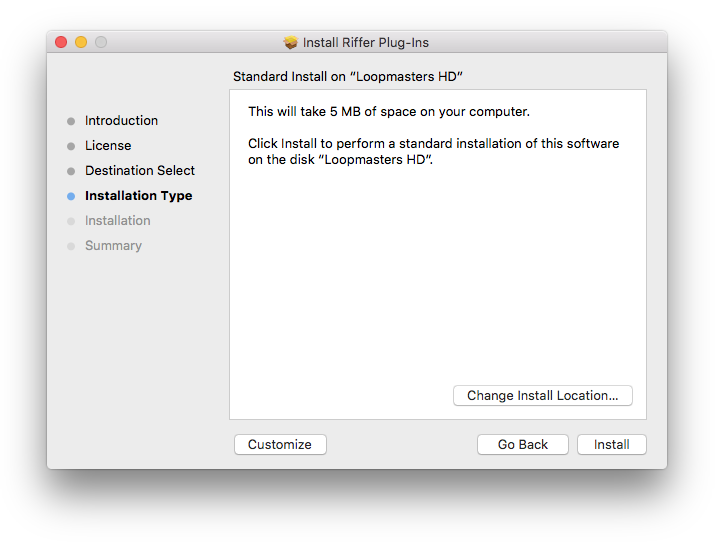
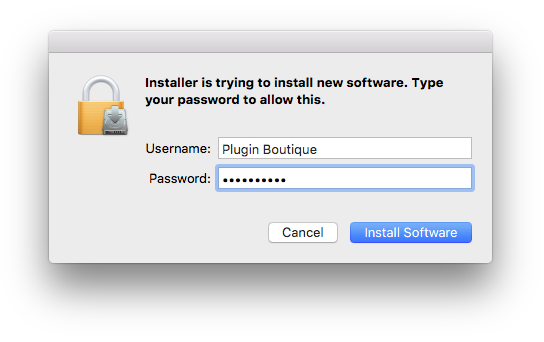
6. Enter your computer Username and Password > Click 'Install Software'.
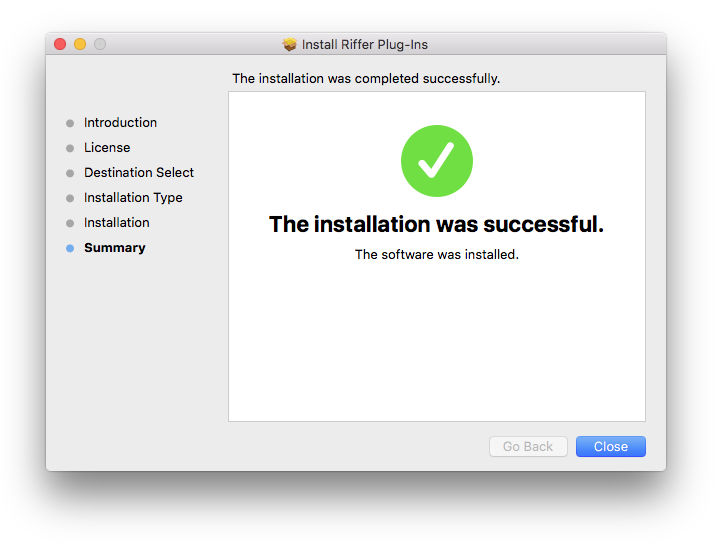
7. Click 'Close'.
Activation
1. Open the installed software in your DAW and enter your Serial Number, found in your Plugin Boutique User Account > Click 'Unlock Riffer'.
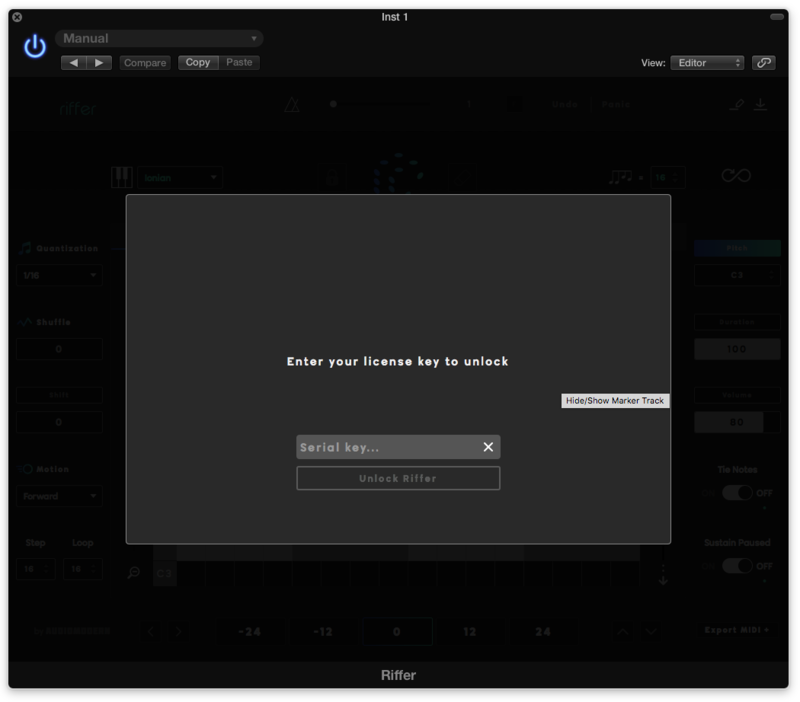
Your software is now activated and ready to use.
Windows
Installation
1. Download the .zip file from within your Plugin Boutique User Account and double-click it to extract the contents > Double-click the .exe file to begin the installation.
2. Select 'I Accept the Agreement' > Click 'Next'.
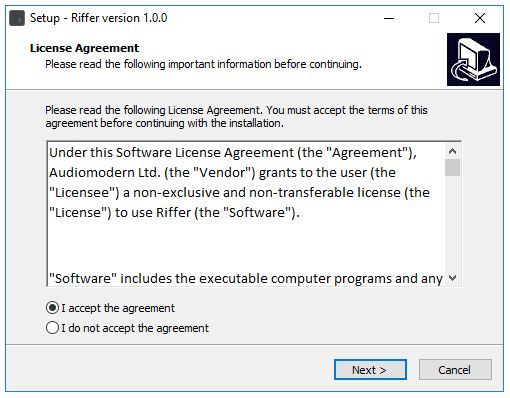
3. Click 'Next'.
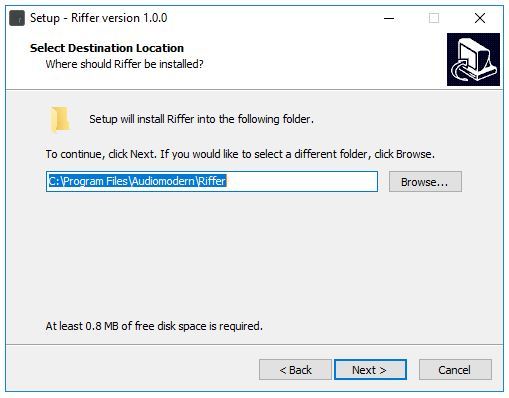
4. Click 'Next'.
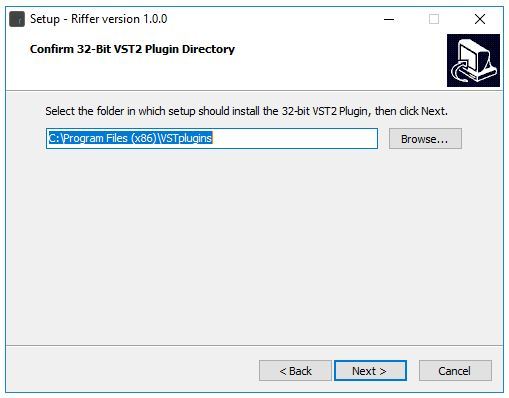
5. Click 'Next'.
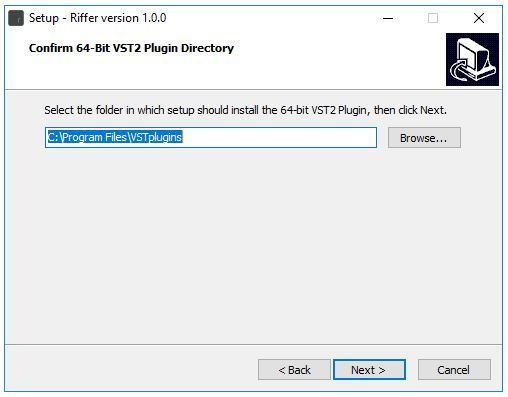
6. Click 'Next'.
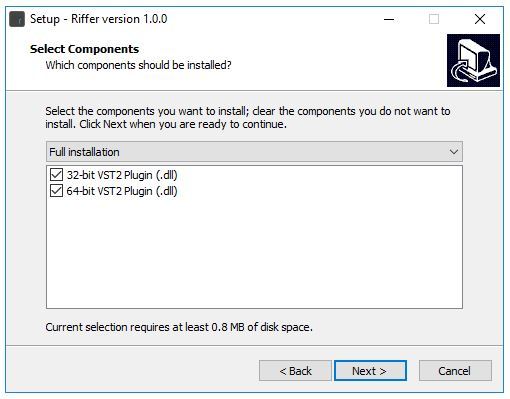
7. Click 'Next'.
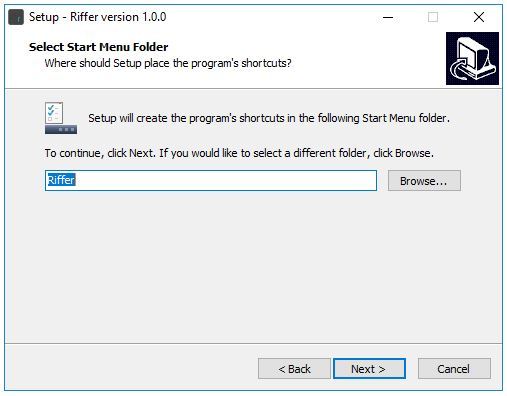
8. Click 'Install'.
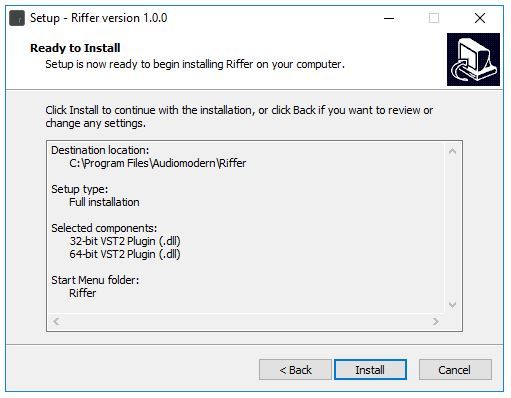
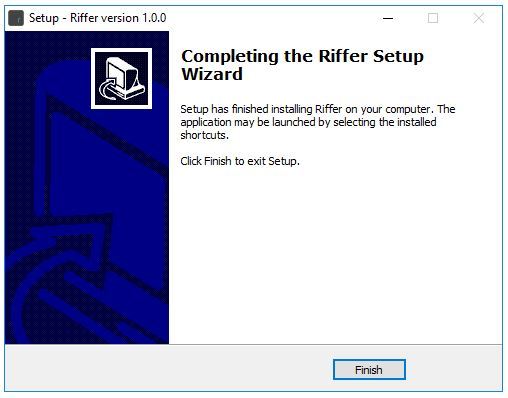
9. Click 'Finish'.
Activation
1. Open the plugin in your DAW.
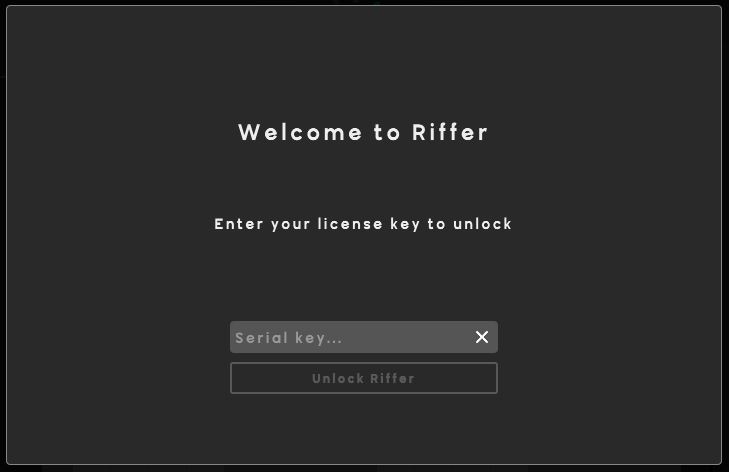
2. Enter your Serial Number, found in your Plugin Boutique User Account > Click 'Unlock Riffer'.
Your software is now activated and ready to use.