





 Log In

Vocals & In the Mix
Give your vocals professional clarity and polish with Nectar Elements. Using the new Vocal Assistant, Nectar Elements analyzes and adapts to your vocal sound, taking the guesswork out of placing your vocal in the mix and letting you make your vocals stand out in just a few clicks.
A chain for every vocal
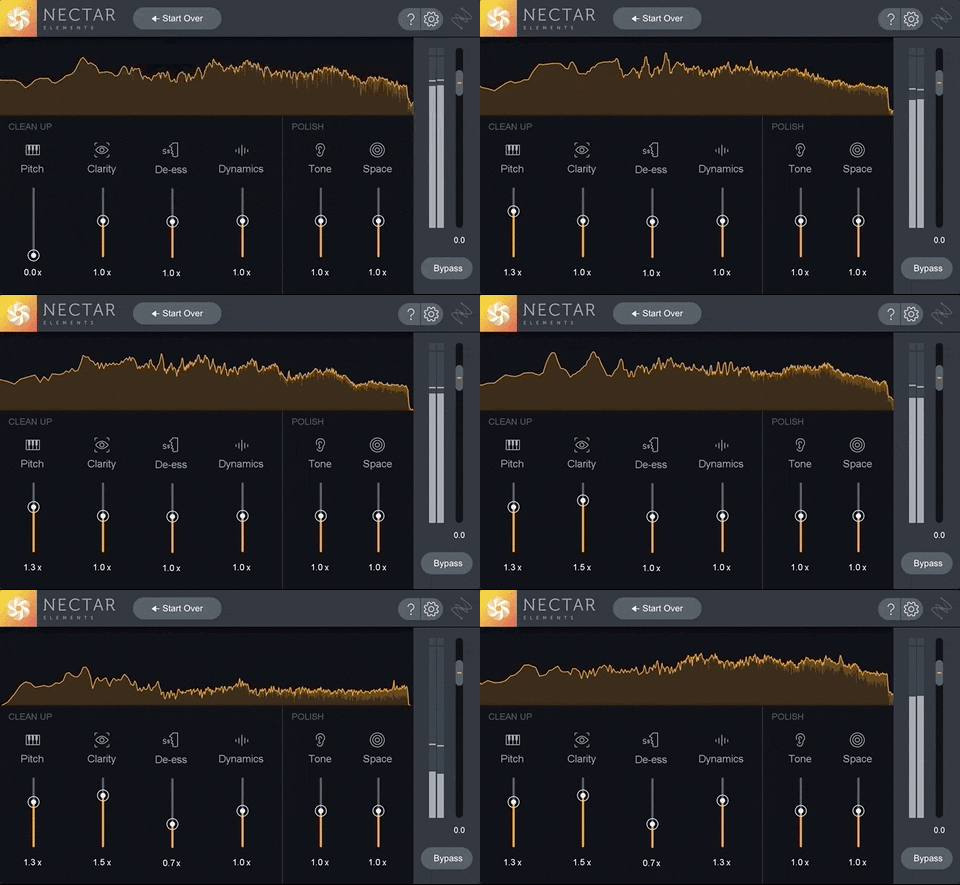
Get everything you need for pro vocals in seconds with six under-the-hood audio processors and intuitive controls. Nectar Elements intelligently combines our latest DSP for compression, de-essing, tonal and subtractive EQ, pitch correction, and reverb into one easy-to-understand interface.
Features
Vocal Assistant
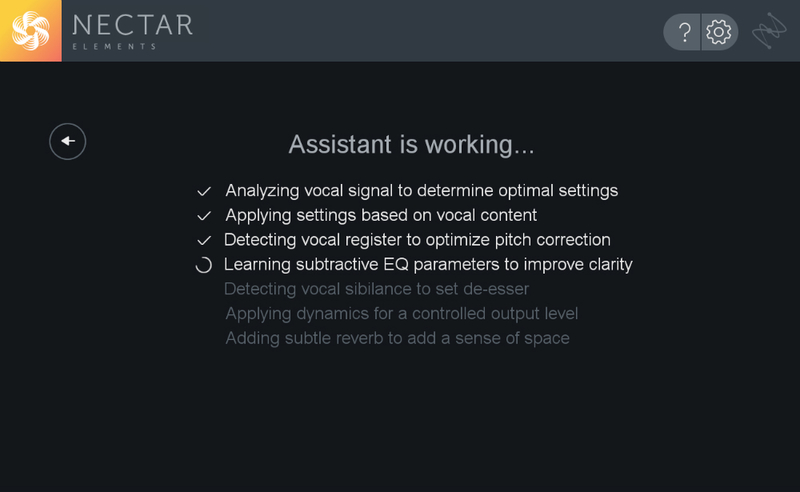
Using our latest advances in machine learning, Vocal Assistant listens to your vocal and creates a custom preset unique to your sound. Select from three distinct mixing modes covering vocals of all styles, from modern music to dialogue. Nectar Elements automatically detects resonant frequencies, chooses the right amount of compression and reverb, reduces problematic sibilance, and then adjusts the tone to your chosen target.
Three Vibe Modes
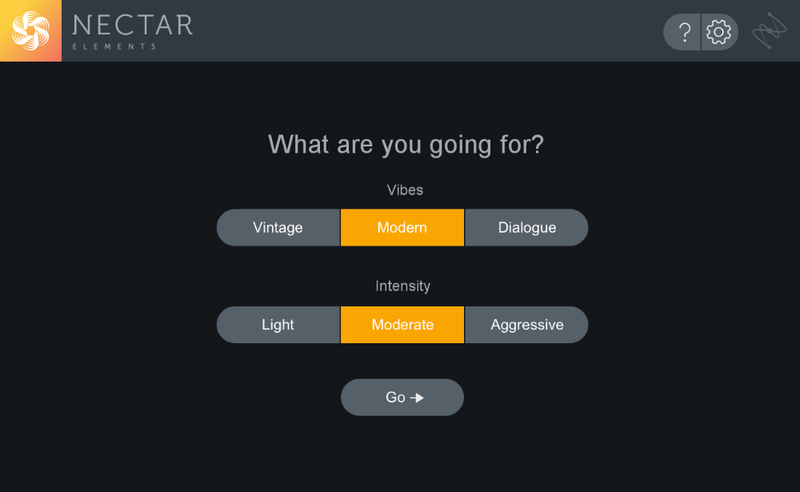
Select between three distinct Vibe modes (Modern, Vintage, or Dialogue) to tell Nectar Elements what kind of sound you’re going for. Get an aggressive lead vocal that cuts through a rock mix, warm background vocals for a jazz arrangement, or beautiful dialogue for podcast. No matter what style you’re working in, Nectar Elements always knows what to do.
Scaling Controls
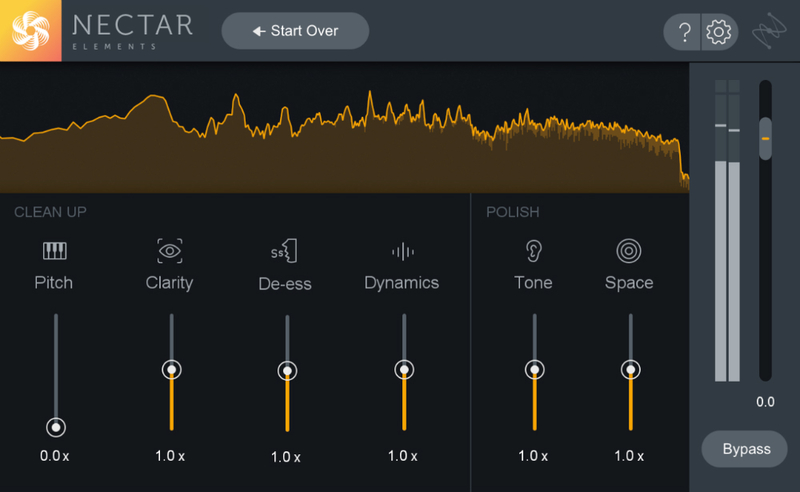
Customize your unique preset with six adjustable sliders that scale in intensity based on your target. Practical controls like Dynamics, Tone, and Space allow you to adjust your sound while keeping your vocals under control.
Bundle and save
Nectar Elements is available as part of the Elements Suite, along with RX Elements, Ozone Elements, and Neutron Elements. With these four essential mixing, mastering, and repair products, the Elements Suite is the fastest way for hobbyists and home studios to get up and running with iZotope.
System Requirements
Operating Systems:
- Mac: OS X 10.8.5 (Mountain Lion) Pro Tools 10 only; OS X 10.9.5 (Mavericks) – macOS 10.15 (Catalina)
- Windows: Windows 7 (Latest Service Packs) – Windows 10
Plugin Formats:
- AU (32 & 64–bit)
- AAX (64–bit, real-time)
- AAX-AS (64–bit, Audiosuite)
- RTAS (32–bit, real-time)
- DPM-AS (32–bit, Audiosuite)
- VST2 (32 & 64–bit)
- VST3 (32 & 64–bit)
Supported Hosts:
- Ableton Live 9 - 10.1, Cubase 9.5 - 10, Digital Performer 9, FL Studio 20, Logic Pro X, Nuendo 8, Pro Tools 10 - 2019, Reaper 5, Reason 10, Studio One 3 - 4, Audition CC 2018, Premiere Pro CC 2018
Mac Registration & Installation Guides
Please click the button below to download your iZotope Product Portal installer:

Please find all of the information you need about installing the iZotope Product Portal and how to use it to register and install your purchases in the Help Centre links below:
How to use the iZotope Product Portal
How to register for an iZotope account
MAC: iZotope Product Portal installation guide
How to register a product using the iZotope Product Portal
How to install a product using the iZotope Product Portal
How to download your Add-On content using the iZotope Product Portal
How to redeem your Melodyne 4 Essential + Groove3 and Pro Sound Effects Access Passes
-
Windows Registration & Installation Guides
Please click the button below to download your iZotope Product Portal installer:

Please find all of the information you need about installing the iZotope Product Portal and how to use it to register and install your purchases in the Help Centre links below:
How to use the iZotope Product Portal
How to register for an iZotope Account
Windows: iZotope Product Portal installation guide
How to register a product using the iZotope Product Portal
How to install a product using the iZotope Product Portal
How to download your Add-On content using the iZotope Product Portal
How to redeem your Melodyne 4 Essential + Groove3 and Pro Sound Effects Access Passes
-
Video Tutorial:
Experiencing problems?
If you are experiencing issues with any of the download material on this page, please contact us via our support ticket service HERE


