





 Log In


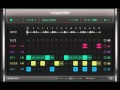
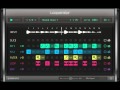
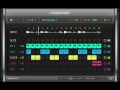
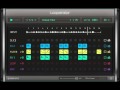
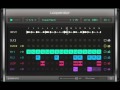
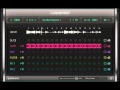
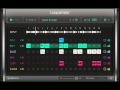
Looperator makes designing subtle rhythmic enhancements to spectacular effect pyrotechnics easy and fun: Its expressive potential quickly approaches the character of an "instrument".
Like all our software, we developed Looperator with operational fluidity at the top of the agenda. The deep parameters allow for intense technical performances, while the casual user can enjoy instant DJ-like fun. Either way, the audience will be equally fascinated. The dynamics and depth emanating from our new multi-effect is sure to touch every fan of modern music.
Build a looping effects sequence, with discrete settings for each of Looperator’s stunning engines, then bring everything to life using the comprehensive modulation system on a per-step basis.
Slice and Stutter
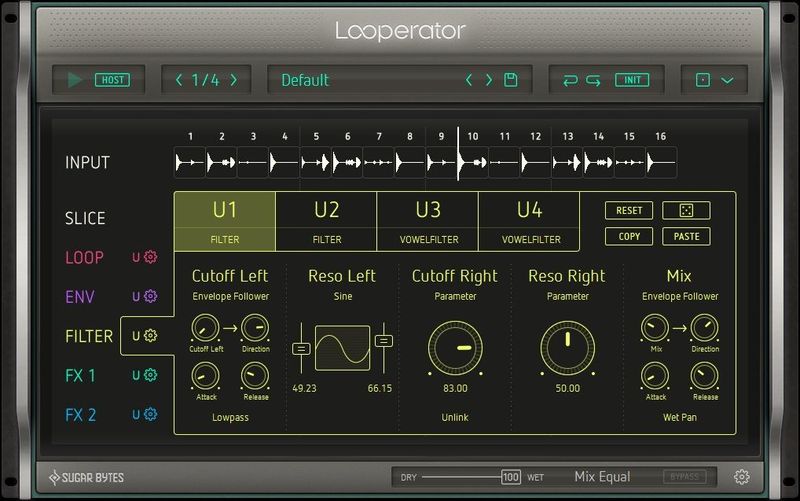
Rearrange your groove! Chop the input signal into 16 slices and freely assign them to each step on the Slice track, then rhythmically stutter selected steps on the Loop track, and work in some funky volume modulation, bitcrushing and sample rate reduction using the Envelope track.
Flexible Filters
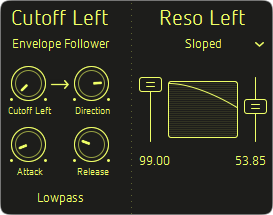
The filters provide per-step frequency shaping of the left and right channels independently:
- Based on all-new algorithms
- low, high, and band-pass
- 12 and 24dB/octave slopes
- comb filter and band reject models
- powerful vowel formant filters
- optimized for lively talkbox-style sounds
Multi-Effects Galore
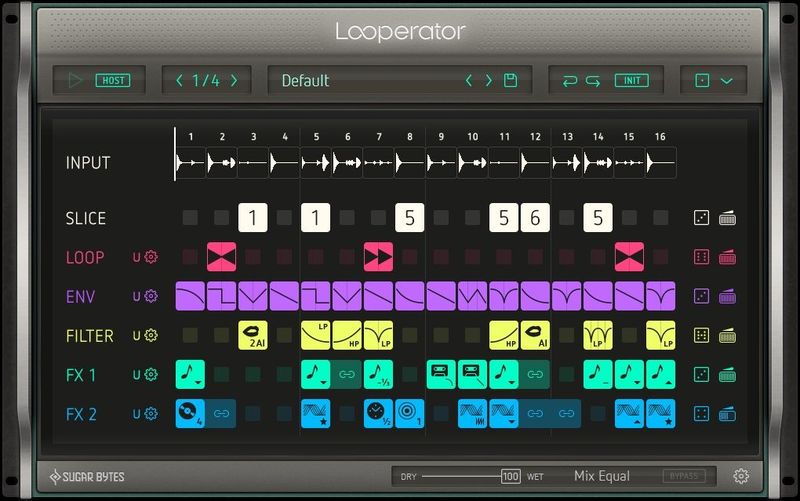
Each of the two User FX modules deliver dynamic effects sequencing via a rich and varied line-up of high-quality processors:
- Scratch, brake and timestretch your loops with Vinyl
- Transform with Distortion, Grain, Comb Filter and Tonalizer
- polish them up with Reverb, Delay and Phaser
- layer in synthesized sounds with Chaos Synth
User Steps
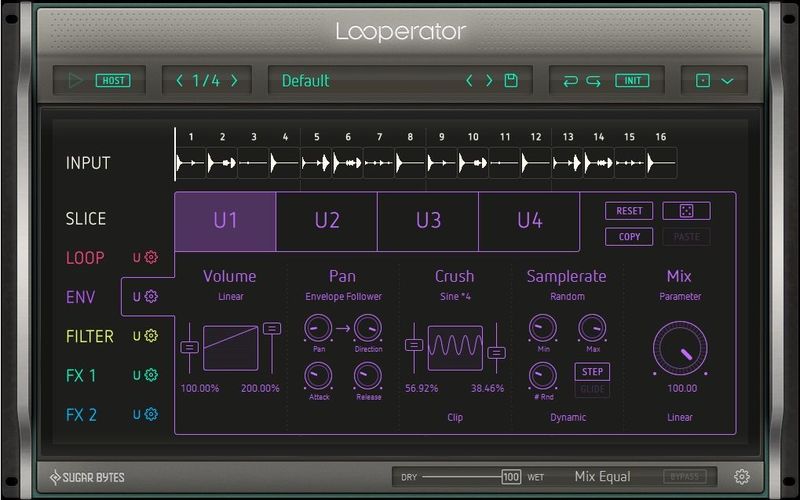
Each sequencer track offers 20 ready-made step options – Loop patterns, Envelope shapes, Filter modes and slopes, FX presets, etc. – selected by simply clicking a step and making your choice from the panel that pops up. Much of the time, you won’t need to go any further than that, but when you do, the four user-defined steps also available to each track give you full and precise control of five parameters per effect.
Motion and Modulation
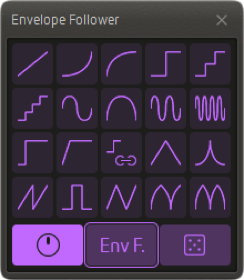
Every User step configuration features five adjustable parameters: each automated using a simple knob, a Randomizer, an Envelope Follower or one of 20 modulation curves with adjustable start and end points. When it comes to animating your Looperator effects sequences, the possibilities are literally endless!
Fast, Fluid Workflow
Keyboard shortcuts, extensive MIDI integration and efficient mouse handling support productivity across the device. From creating tied steps by Shift+clicking, to reordering the signal path by simply dragging sequencer tracks up and down, Looperator’s snappy workflow keeps up with even the fastest-moving producer.
The consistent and unobstrusive UI elements across all modules put the spotlight on the task at hand and directly respond to every user action with visual feedback.
There’s more…
The feature list just keeps on giving:
- Six track and one global mix control
- intelligent randomization options throughout
- super-smooth step transitions
- limitless undo/redo
- standalone functionality and more
It all comes together to make Looperator a state-of-the-art loop design powerhouse that no electronic musician should be without.
System Requirements
PC:
- Windows (32/64 bit)
- Win7 or later, 2GHz, 1GB RAM
- Windows: VST / AAX*
MAC:
- Mac OS X (32/64 bit)
- 10.6.7 or later, 2GHz, 1GB RAM
- Mac OS X: VST / AU / AAX*
Please note: *Pro Tools 10.3.5 or higher is required for AAX Format
Awards
Note: Pop up windows must be allowed in your browser for the download link to be triggered.
Installation Instructions
Sugarbytes Unique is used as the example.
1. Once purchased, your Sugarbytes serial will be available in your Plugin Boutique User Account and confirmation email. Head over to this link in order to register and receive your full installer. Enter your email address and the serial of the product you have purchased.

2. It will then say that your registration was successful. Select Download full versions now to continue.
3. Please enter your email address and serial number again and select Login to continue.
4. You are now able to download your full installers, in both and Mac and PC formats.

5. Unzip the folder supplied and run the installer. Select Next to continue.
6. Read through the License Agreement and select I Agree in order to continue.
7. Please enter the serial that is available in your Plugin Boutique User Account and/or purchase confirmation email.
8. Select which Plugin formats you would like to install.

9. Select where you would like the Plugin to be saved to on your computer.

10. Your Sugarbytes software is now ready to be installed. Select Install.
11. Your Sugarbytes software is now installed. Open up your DAW and enjoy!


