





 Log In
As kids of the 80s, the Baby Audio team have always been drawn to the sound of slightly out-of-tune synths, warm tape saturation, gritty samples and grainy reverbs. So they set out on a mission to capture the lofi spirit of our favorite decade — and bring it into a new decade. Meet a complex algorithm with eight simple knobs. They named it ‘Super’ for its powers and ‘VHS’ for its sound.
Note: Comeback Kid is used as the example.
Mac
Installation
1. Download the installer from within your Plugin Boutique User Account and open the .pkg file to begin the installation > Click 'Continue'.
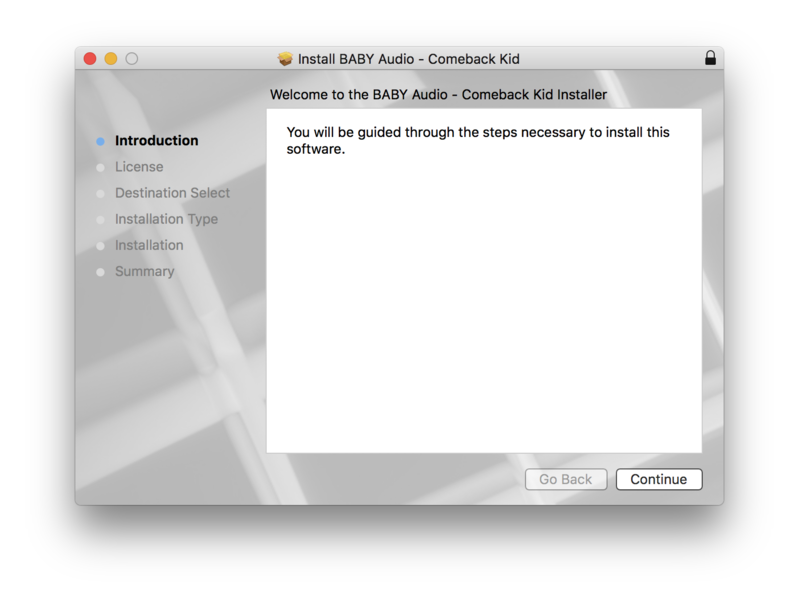
2. Click 'Continue'.
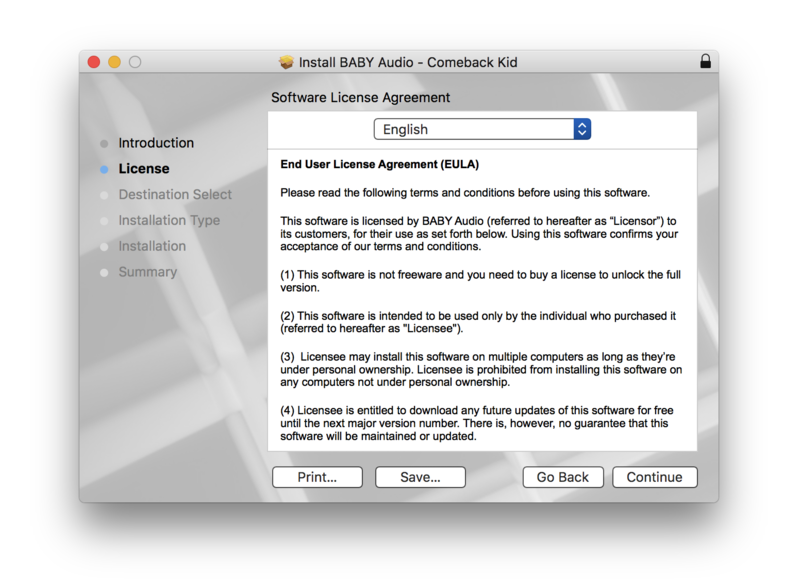
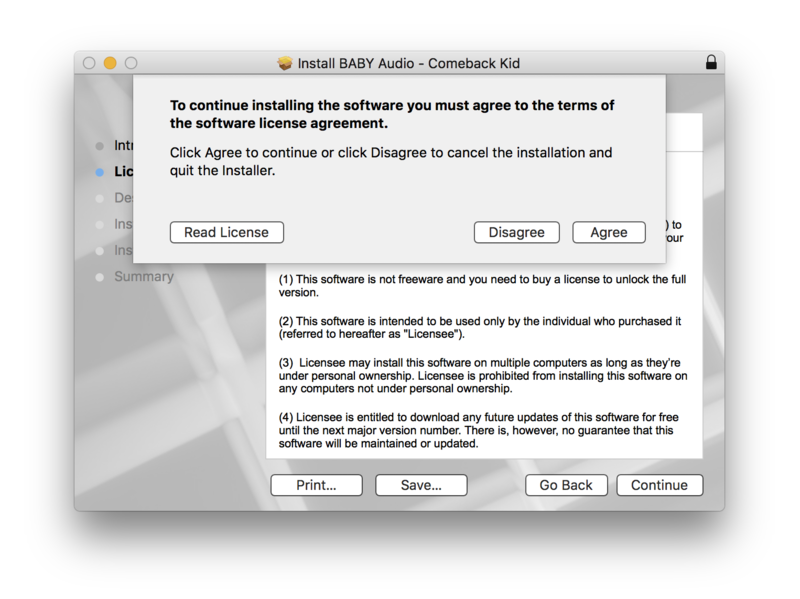
3. Click 'Agree'.
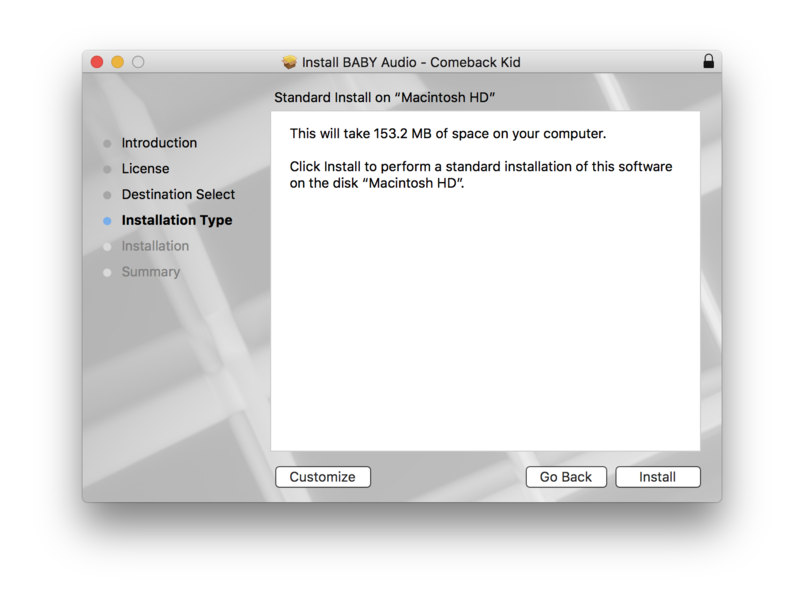
4. Click 'Install'.
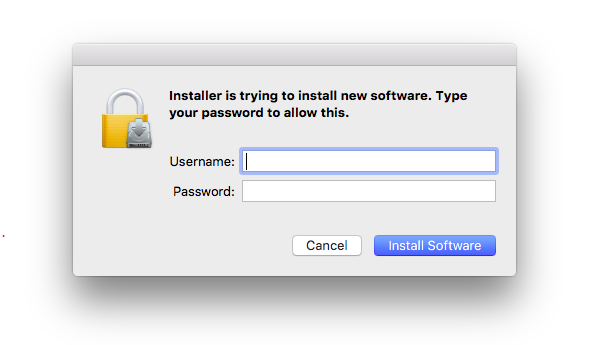
5. Enter your computer Username and Password > Click 'Install Software'.
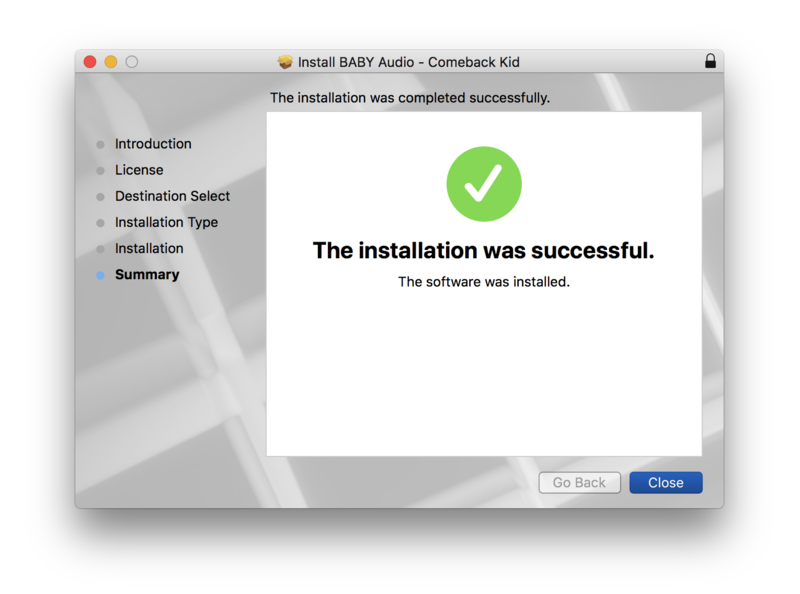
6. Click 'Close'.
Activation
1. Open the plugin within your DAW.
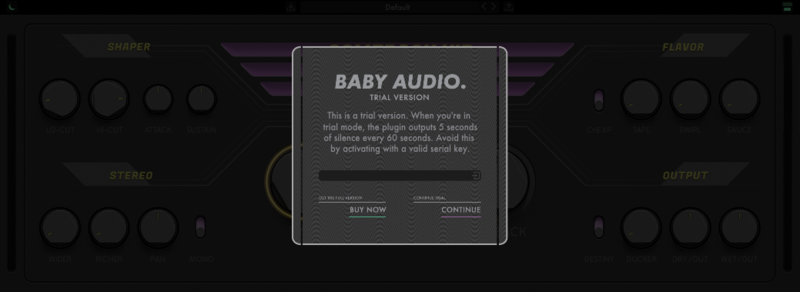
2. Enter the serial number, found within your Plugin Boutique User Account > In order to proceed, click the small green button next to the box containing your serial number.
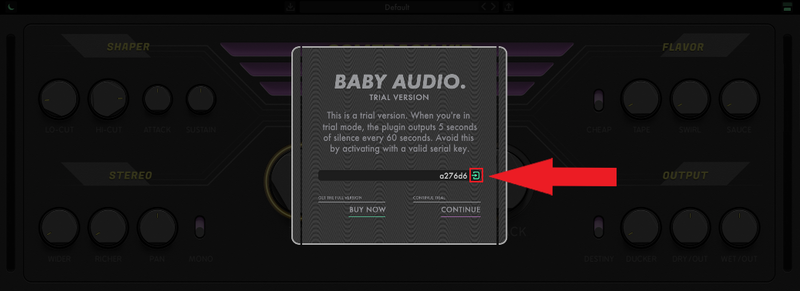
3. Click anywhere on the plugin interface to continue.
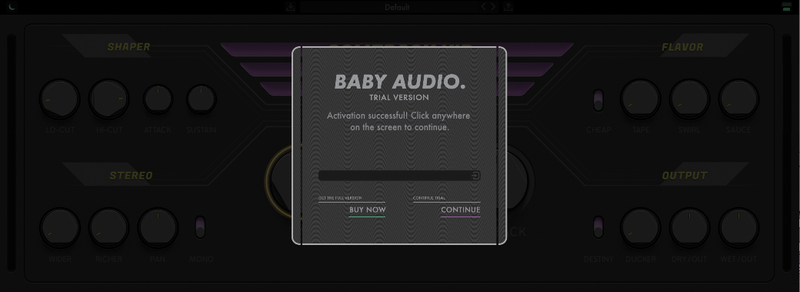
Your software is now installed and ready to use within your DAW.
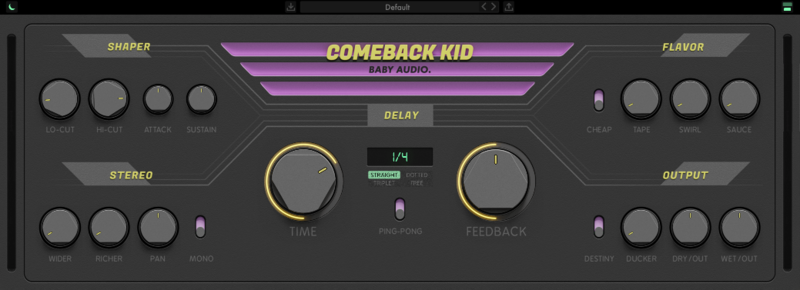
Windows
Installation
1. Download the installer from within your Plugin Boutique User Account and double-click it to extract the contents > Open the .exe file to begin the installation.
2. Select 'I accept the agreement' > Click 'Next'.
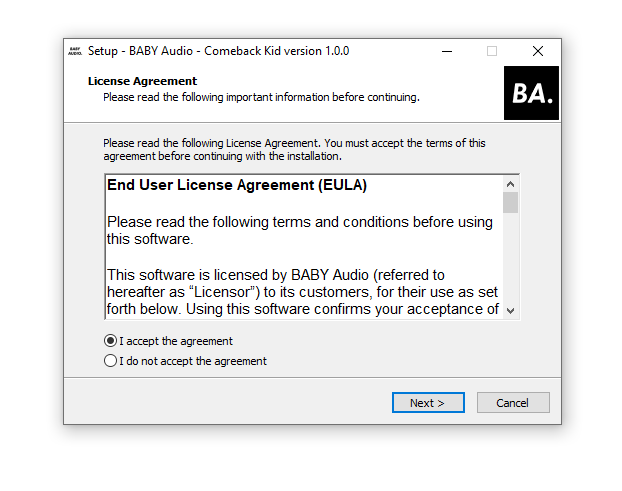
3. Click 'Next'.
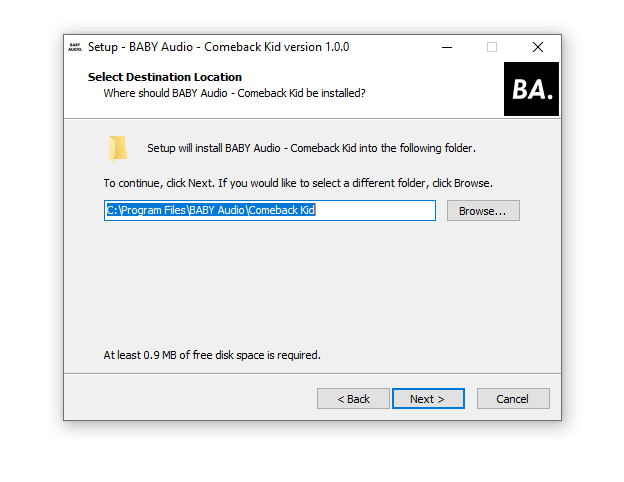
4. Click 'Next'.
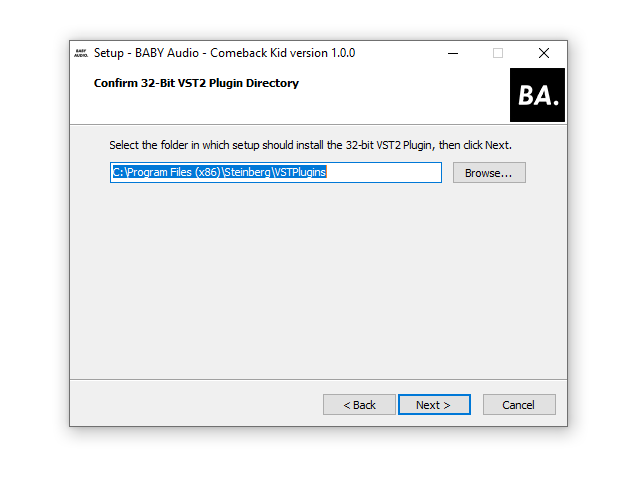
5. Click 'Next'.
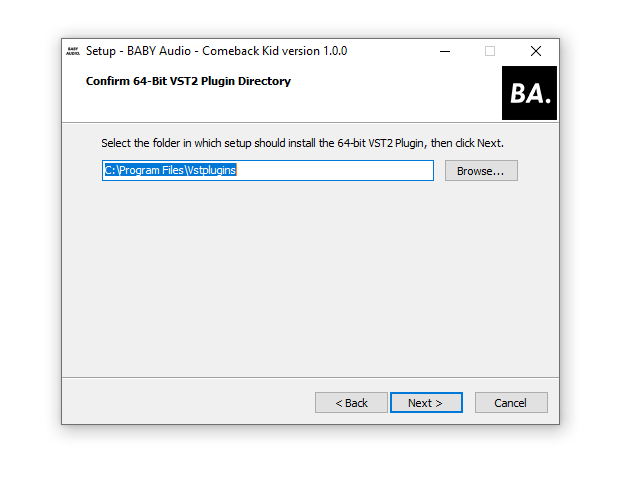
6. Click 'Next'.
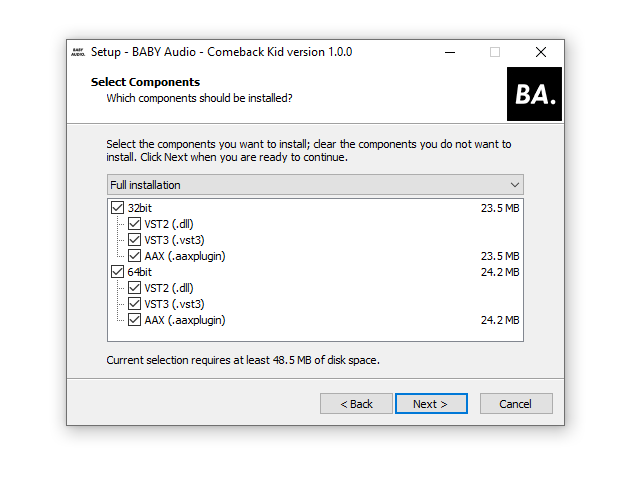
7. Click 'Install'.
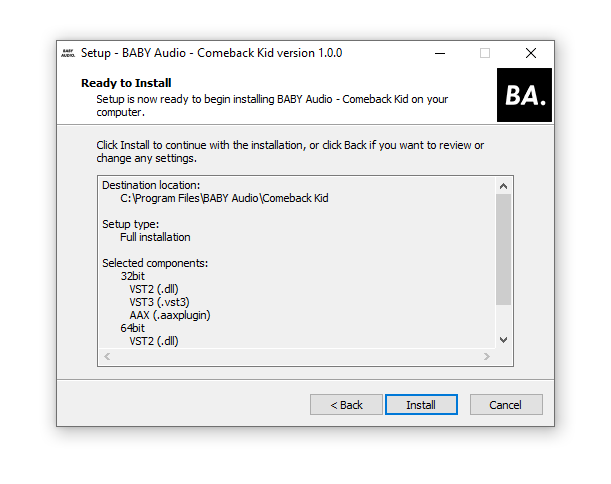
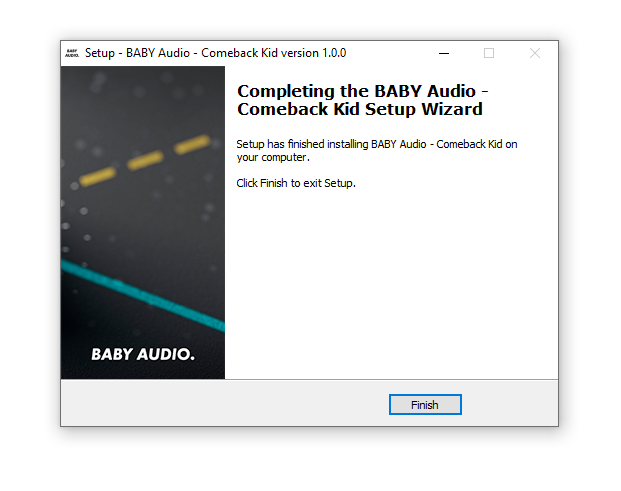
8. Click 'Finish'.
Activation
1. Open the plugin within your DAW.
2. Enter the serial number, found within your Plugin Boutique User Account > In order to proceed, click the small green button next to the box containing your serial number.
3. Click anywhere on the plugin interface to continue.
Your software is now installed and ready to use within your DAW.


