





 Log In
Since gain of some early guitar amp was cranked up for the first time, distortion became an acknowledged tool for enhancing sound. And when a filter was added to an early subtractive synth, filtering became an indispensable way of carving timbre. Distiller equally focuses on these two pillars of sound creation as it combines over dozen types of distortion and a wide selection of filters. What makes it special and modern is the possibility to blend between two types of distortion and the fact that both the filter cutoff and the blend between distortion types can be controlled by separate LFOs.
Registration and Activation Video
Note: Hattricks is used as an example.
Mac
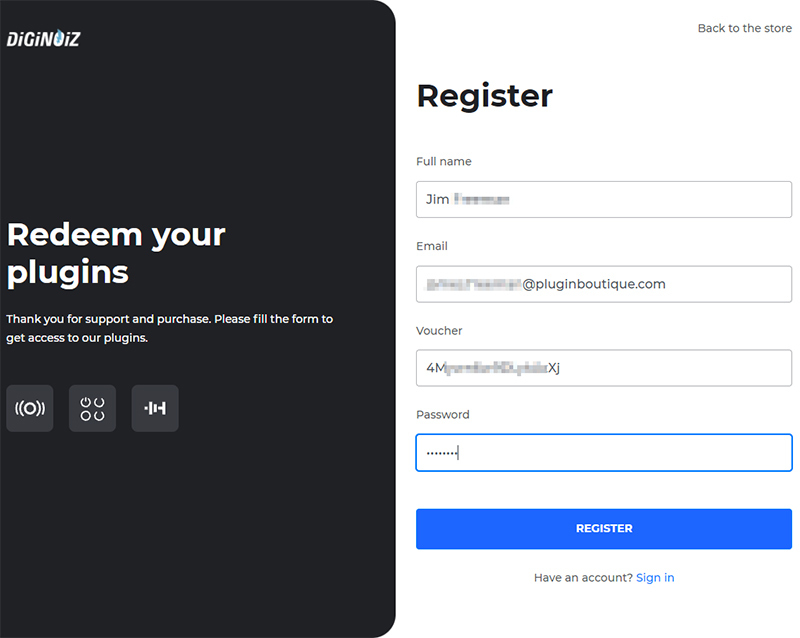
1. Visit https://www.diginoiz.com/redeem/. Enter your name, email address, voucher (listed as 'Serial Number' in your Plugin Boutique account), and password, then click 'REGISTER'.
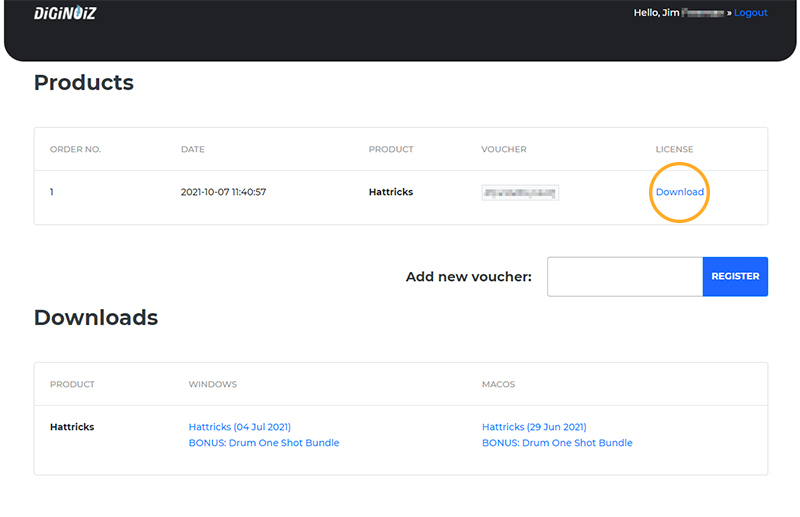
2. Click 'Download' to get your license file.
3. Download and extract the 'Diginoiz_Hattricks_macOS_X.X.X.zip' folder from within your My Account, open the file and run the installer 'Hattricks.pkg'.

4. Click 'Continue'.
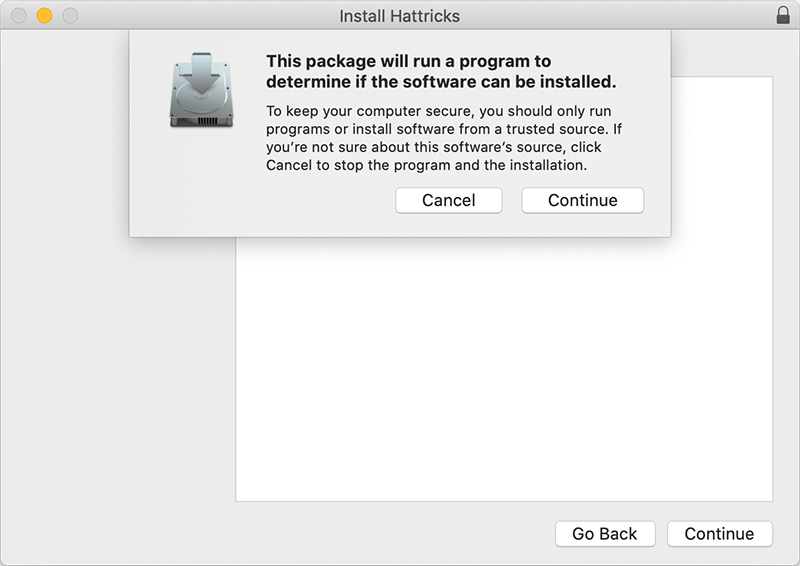
5. Click 'Continue'.
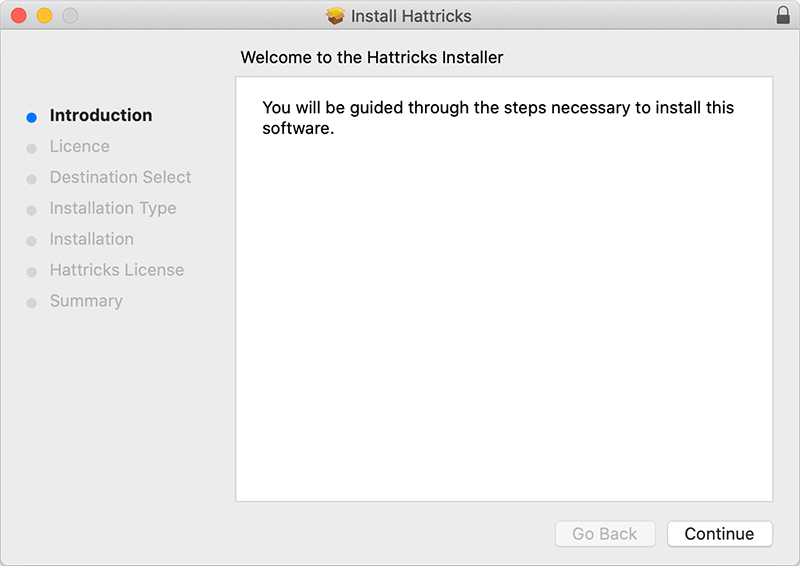
6. Click 'Continue'.
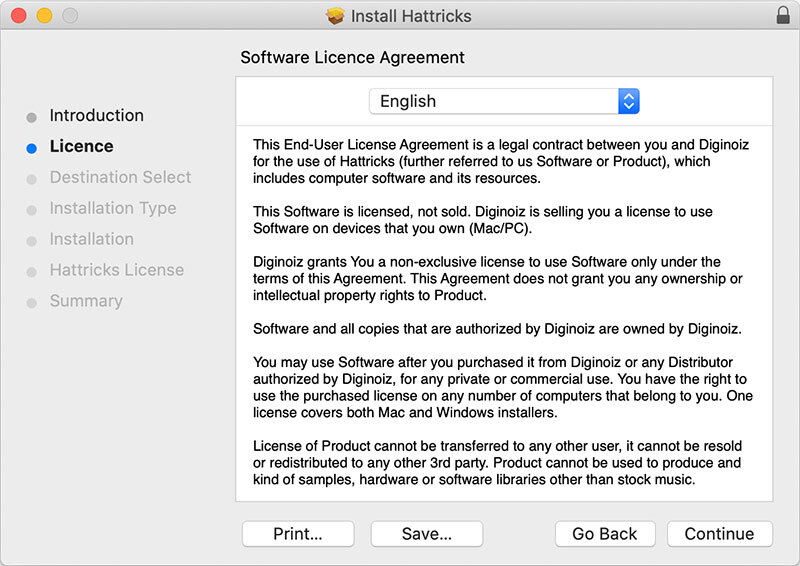
7. Click 'Agree'.
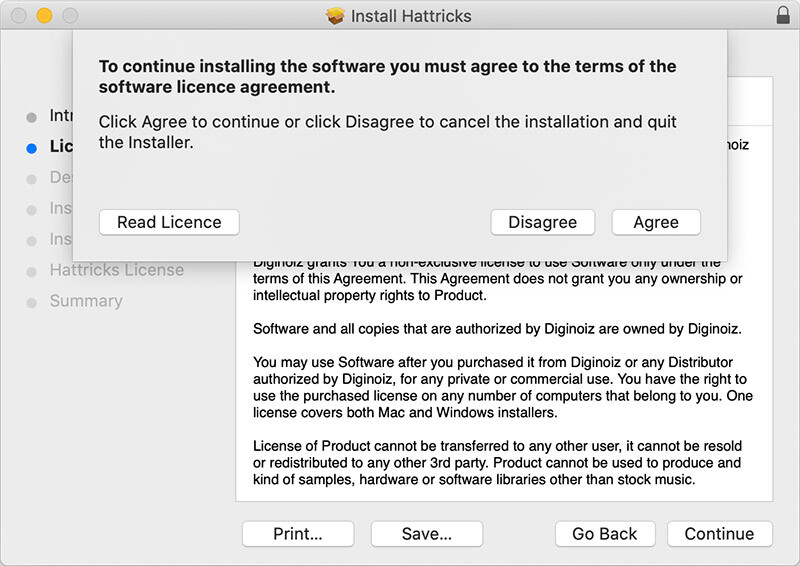
8. Click 'Install'.
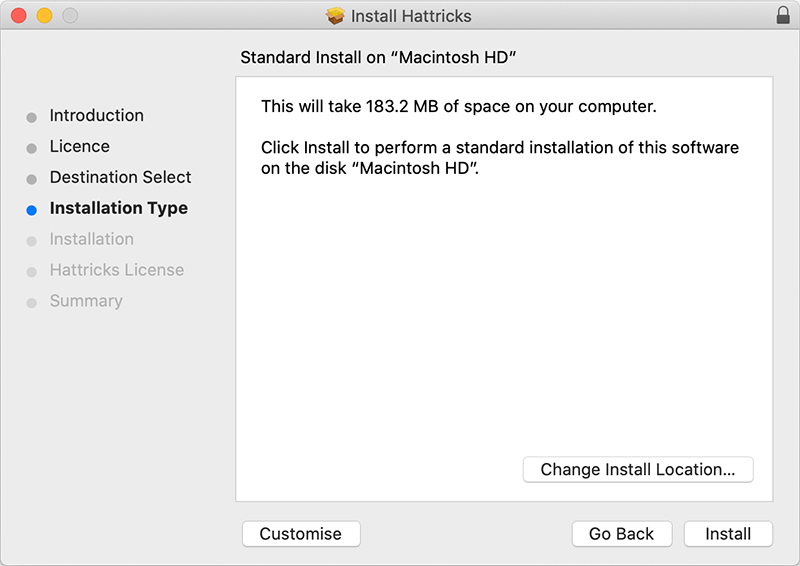
9. Enter your system password and click 'Install Software'.
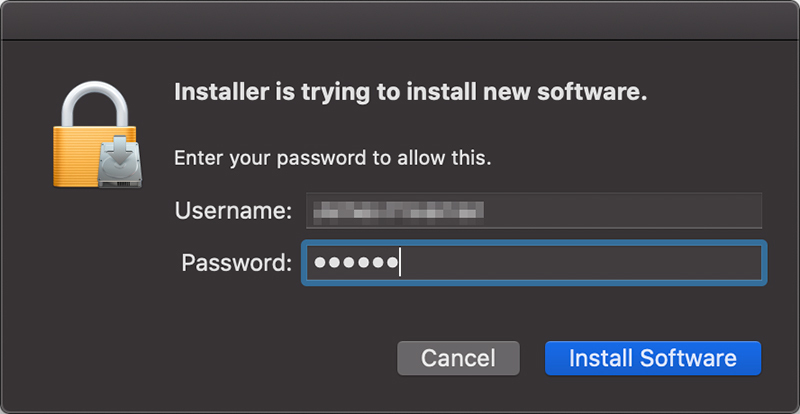
10. Click 'Open destination folder'.
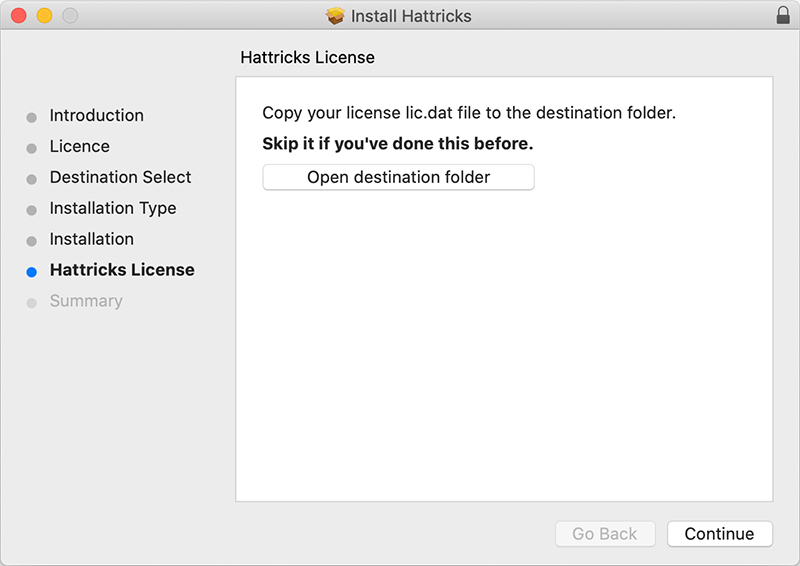
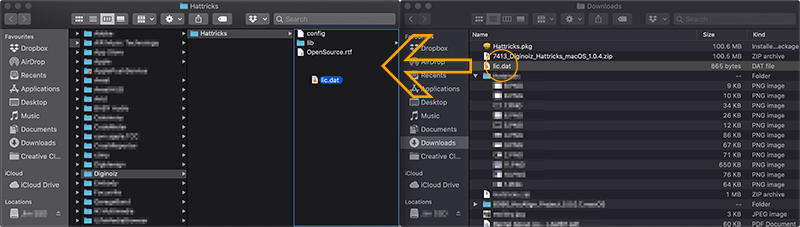
11. Drag the 'lic.dat' file previously downloaded in step 2 to the destination folder.
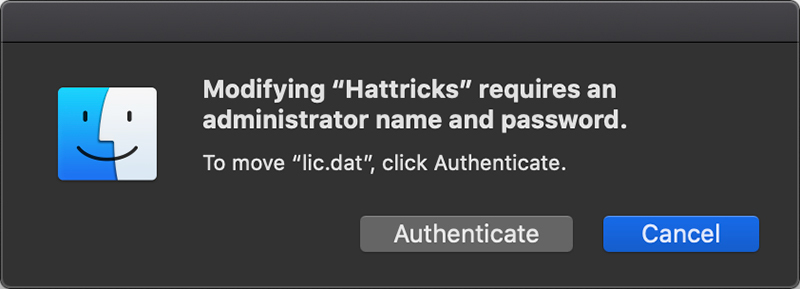
12. Click 'Authenticate'.
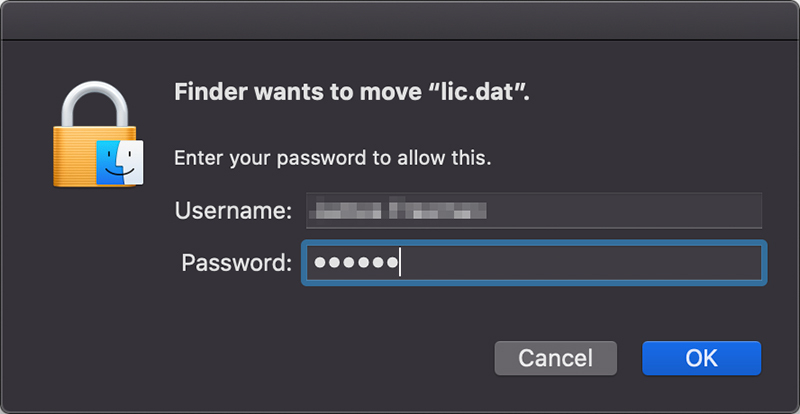
13. Enter your system password and click 'Ok'.
14. Click 'Close'.
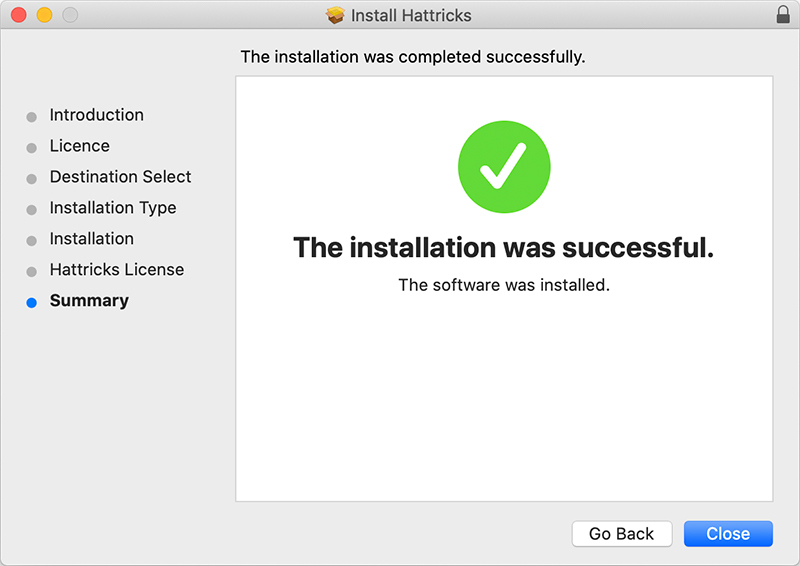
15. Launch your DAW and open Hattricks on a new instrument track.
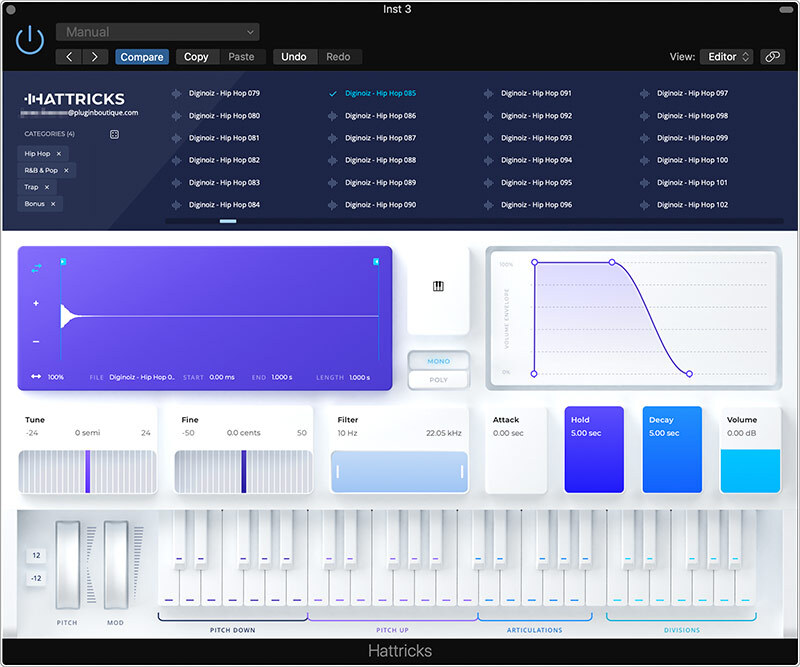
Your software is now installed and ready to use.
Windows
1. Visit https://www.diginoiz.com/redeem/. Enter your name, email address, voucher (listed as 'Serial Number' in your Plugin Boutique account), and password, then click 'REGISTER'.
2. Click 'Download' to get your license file.
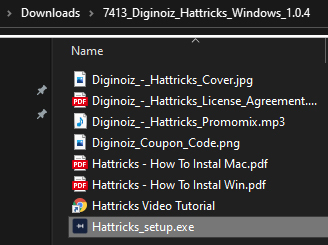
3. Download and extract the 'Diginoiz_Hattricks_Windows_X.X.X.zip' folder from within your My Account, open the file and run the installer 'Hattricks_setup.exe'.
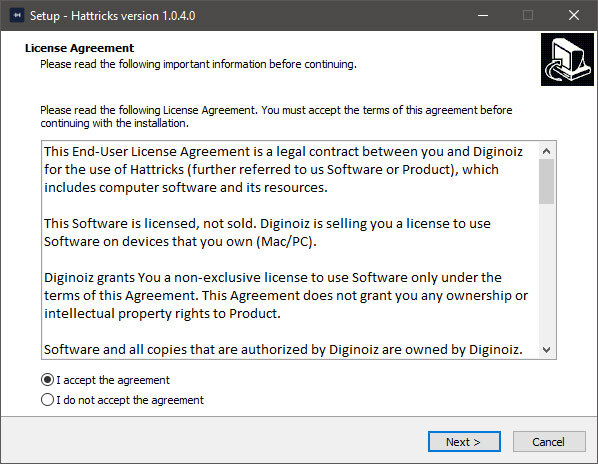
4. Select 'I accept the agreement', then click 'Next'.
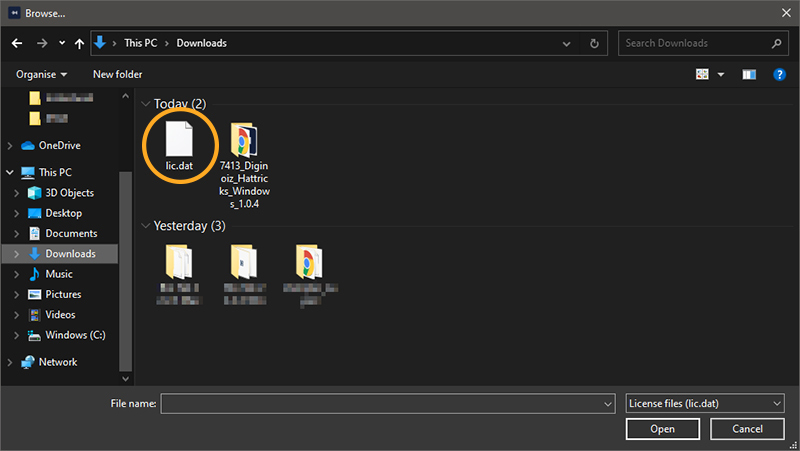
5. Select the previously downloaded license file from step 2 by clicking 'Browse', then select the 'lic.dat' file and click 'Open'.
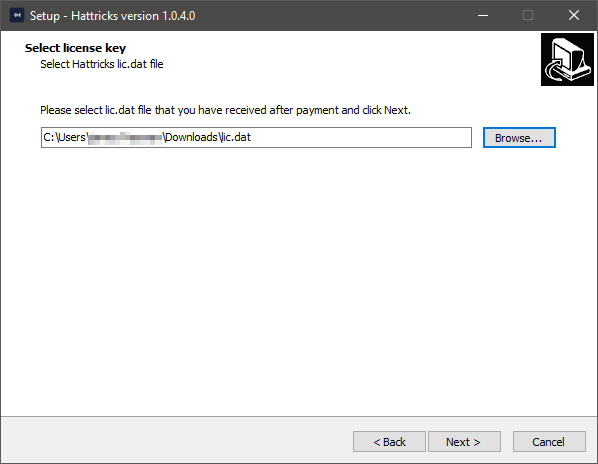
6. Click 'Next'.
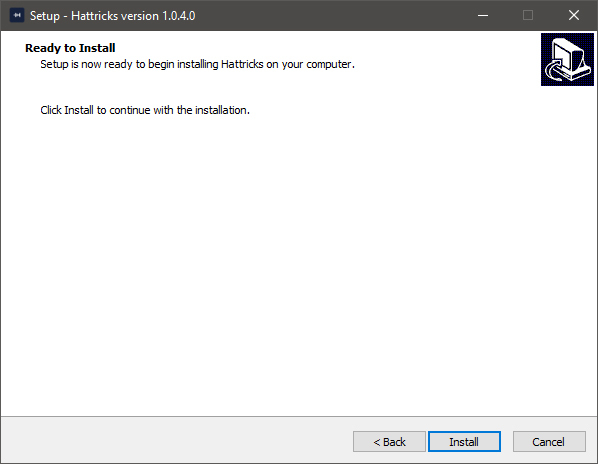
7. Click 'Install'.
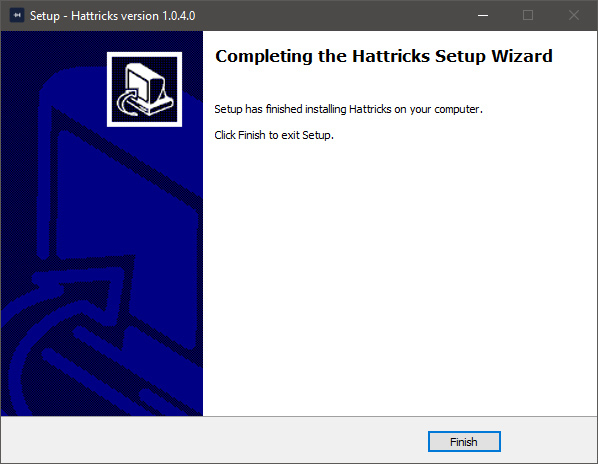
8. Click 'Finish'.
9. Launch your DAW and open Hattricks on a new instrument track.
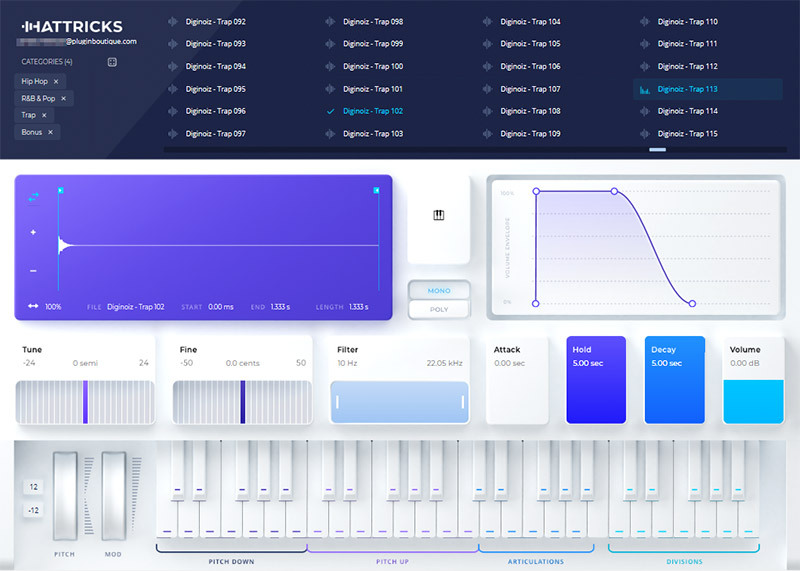
Your software is now installed and ready to use.


