Log In
Not Your Traditional Loop Recorder. This glitch effect tool can loop the real time audio to apply time and pitch changes to create effects on your musical creations. Use this looper plugin to create breaks at the end of measures and unstructure the sound, looping it fast to create roll effects. InstaLooper3 is not a traditional loop recorder.
With 6 Integrated FX, reverse and pitch allow to create short loops in seconds and likewise, glitch effects in real time.
Features
- A parameter sequencer with 16 independant & automatable knobs
- 16 steps by parameter track
- 4 independant loops to edit
- 6 integrated FX : Gate, Bit Crusher, Auto Pan, Filter, Phaser, Time Expand
- A Dry/Wet effect knob
- A parameter knob
- A reverse button
- A pitch modulation
System Requirements
Mac
- MacOS 10.12 - 13 (Apple Silicon Supported)
- Intel Core i5 or equivalent CPU
- 2GB RAM
PC
- Windows 7 - 11
- Intel Core i5 or equivalent CPU
- 2GB RAM
Please Note: You require an internet connection in order to install and update your products.
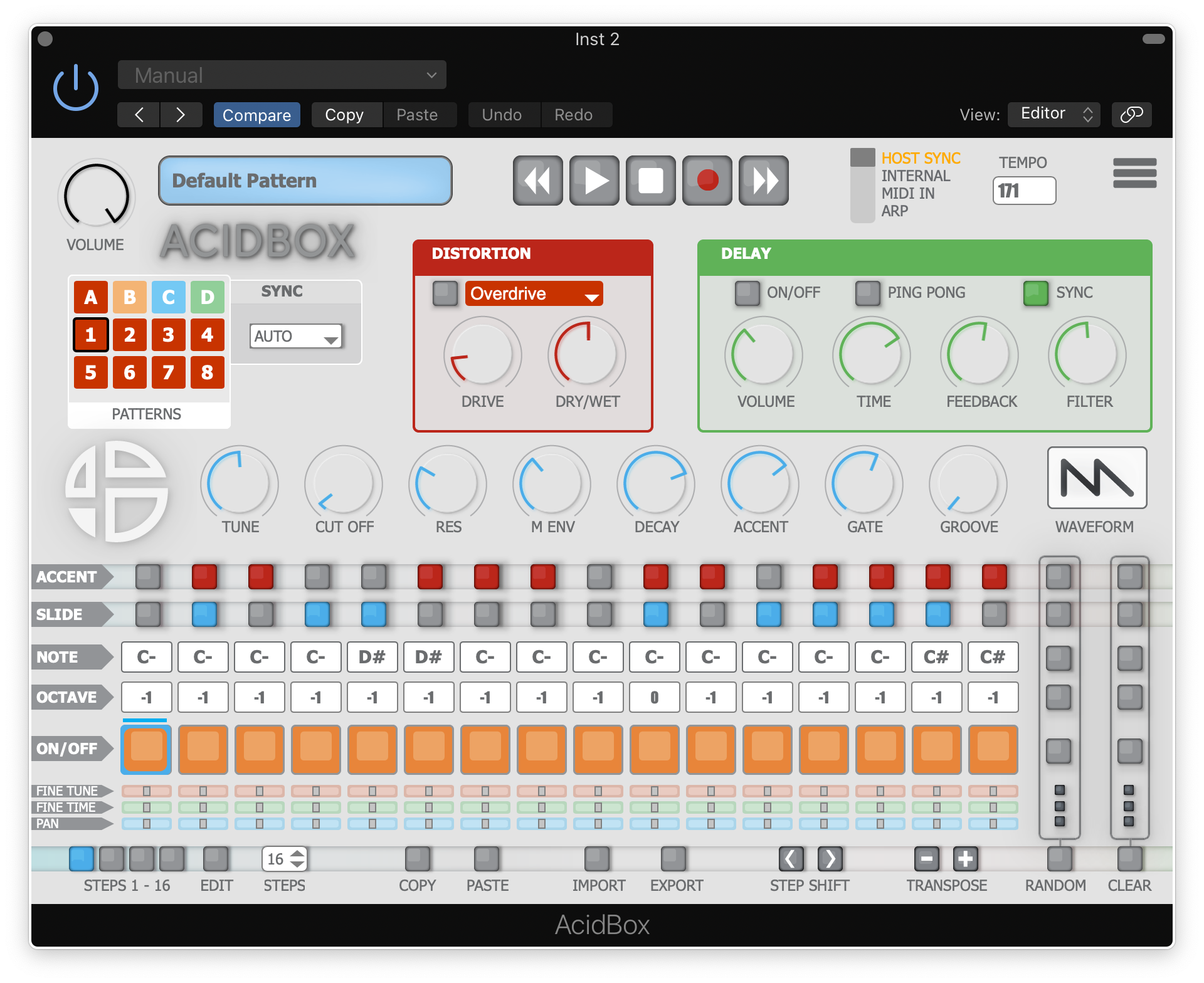
Note: Acidbox has been used as an example.
Activation
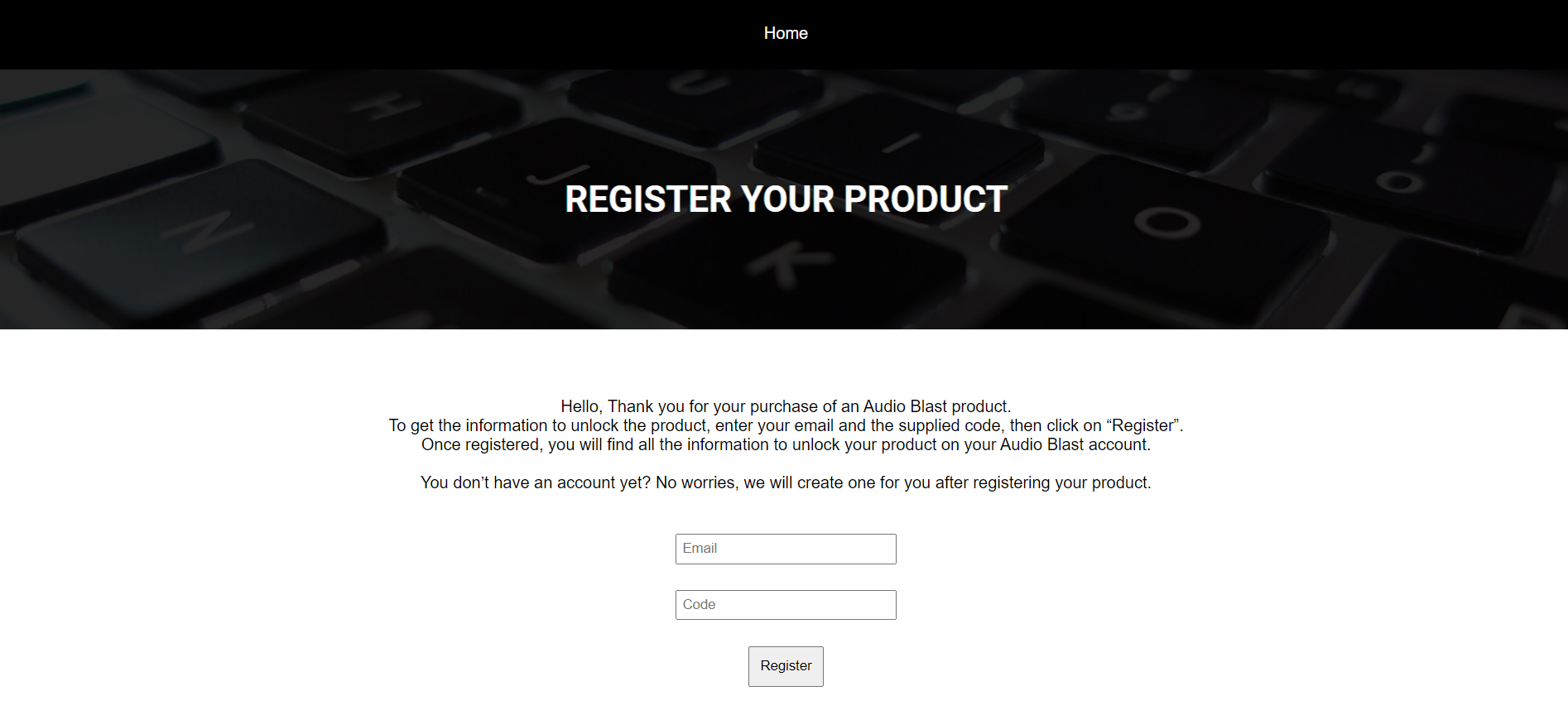
1. Go to https://www.audioblast.me/register/ > Enter your email address as well as the code found in your Plugin Boutique User Account.
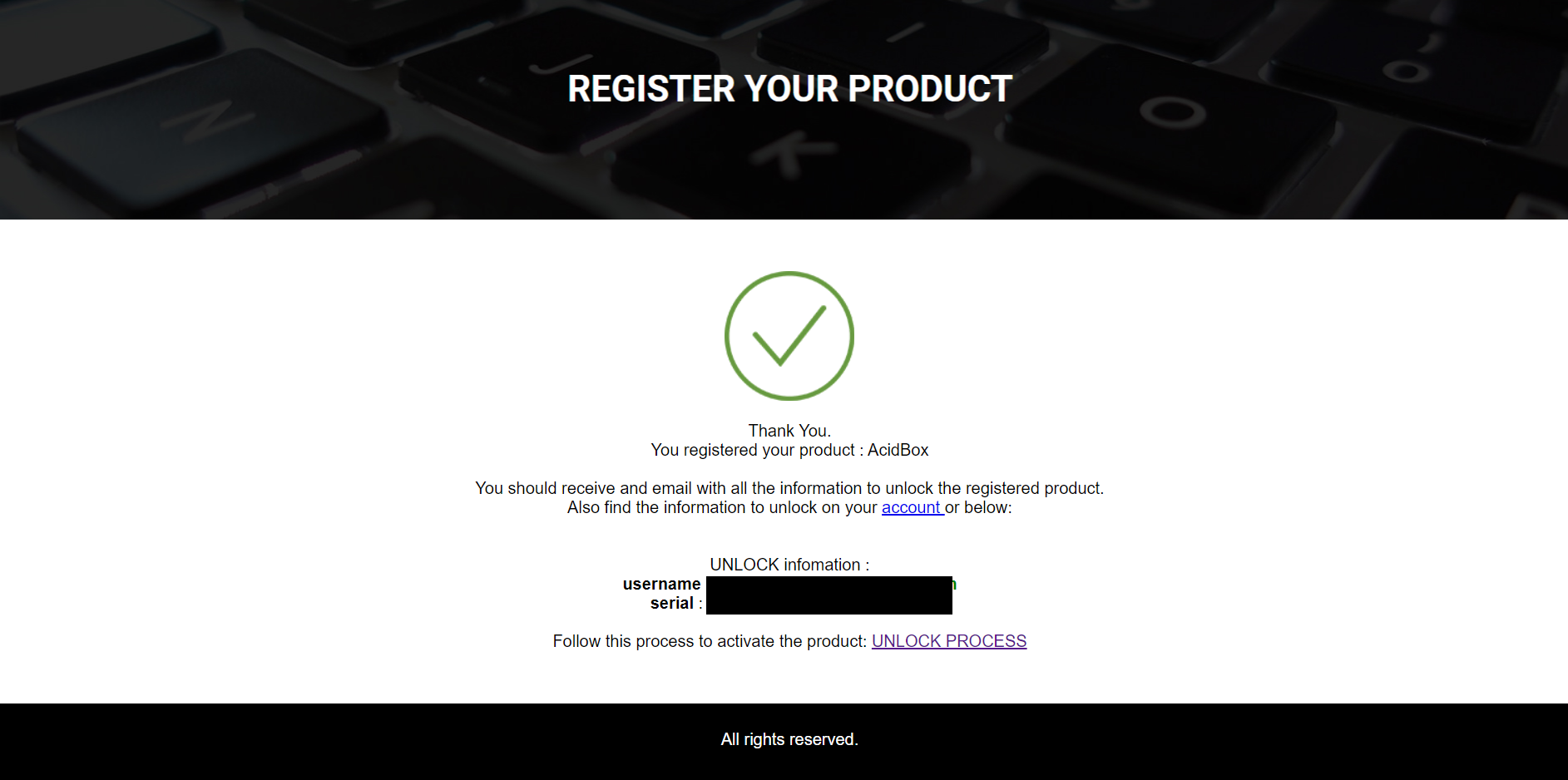
2. You will now receive your Username and Serial > Make note of both of these (they will also be sent to your email address for future reference).
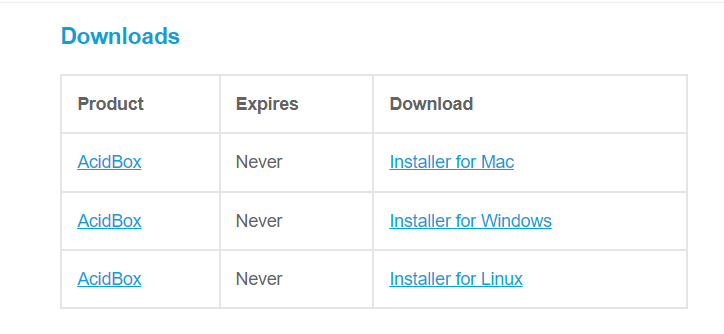
3. You will have received an email from Audio Blast with links to download your software > Download the relevant installer.
Installation
PC
1. Double-click the .exe file to begin the installation process.
2. Click 'I accept the agreement' > Click 'Next >'.
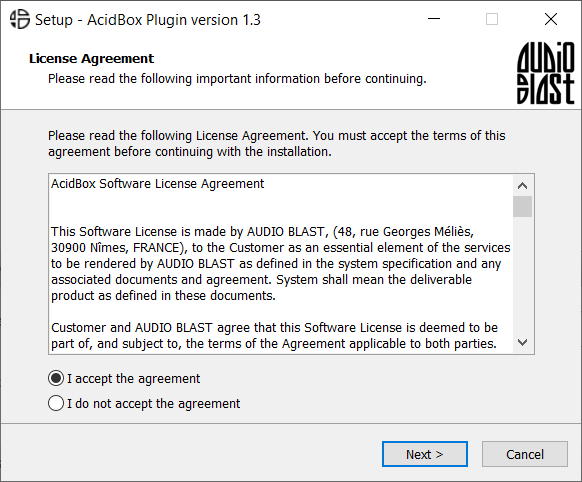
3. Select which components you wish to install > Click 'Next >'.
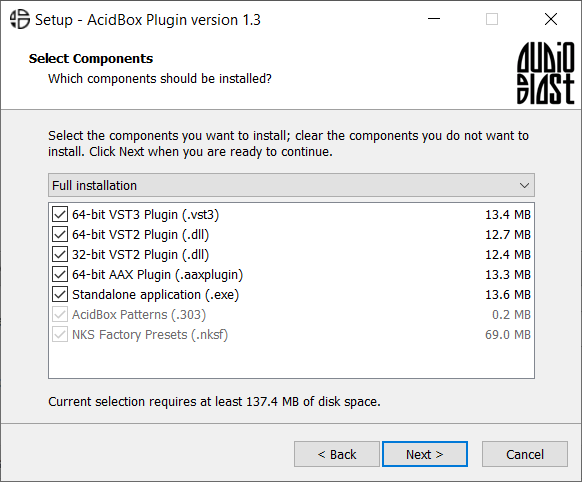
4. Select the location you wish to install the plugin to > Click 'Next >'.
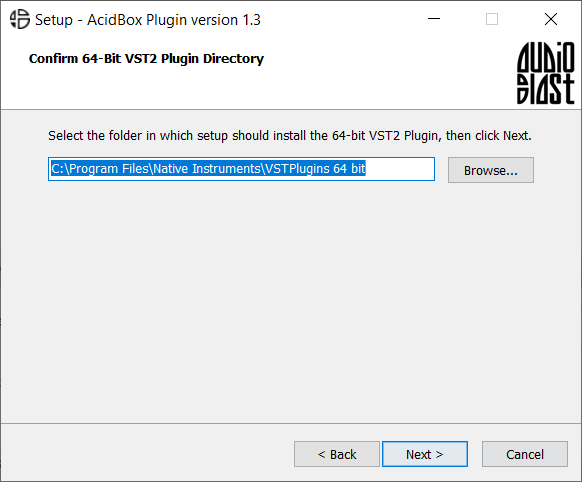
5. Select where you would like to set up the shortcut for the standalone version > Click 'Next >.
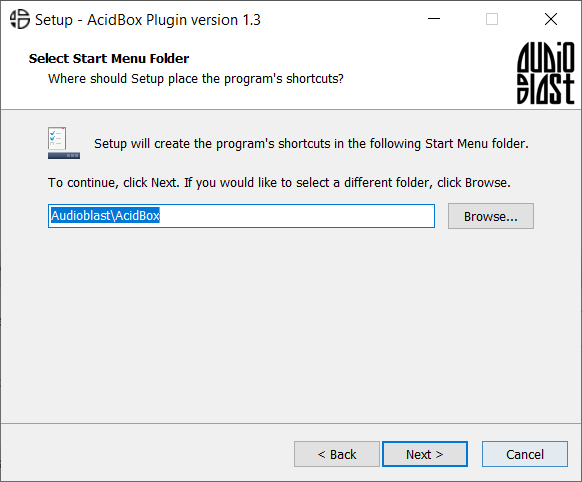
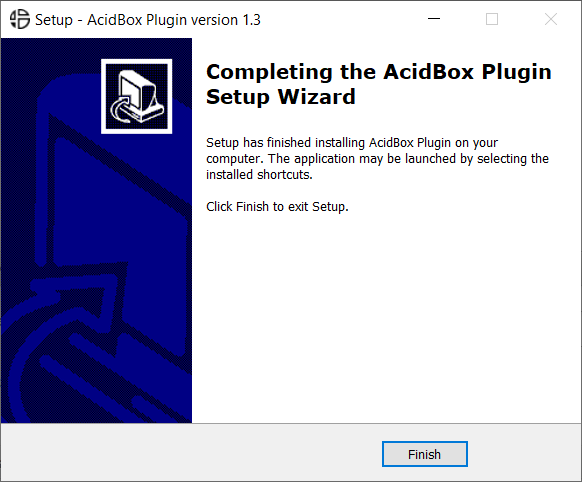
6. Click 'Finish'.
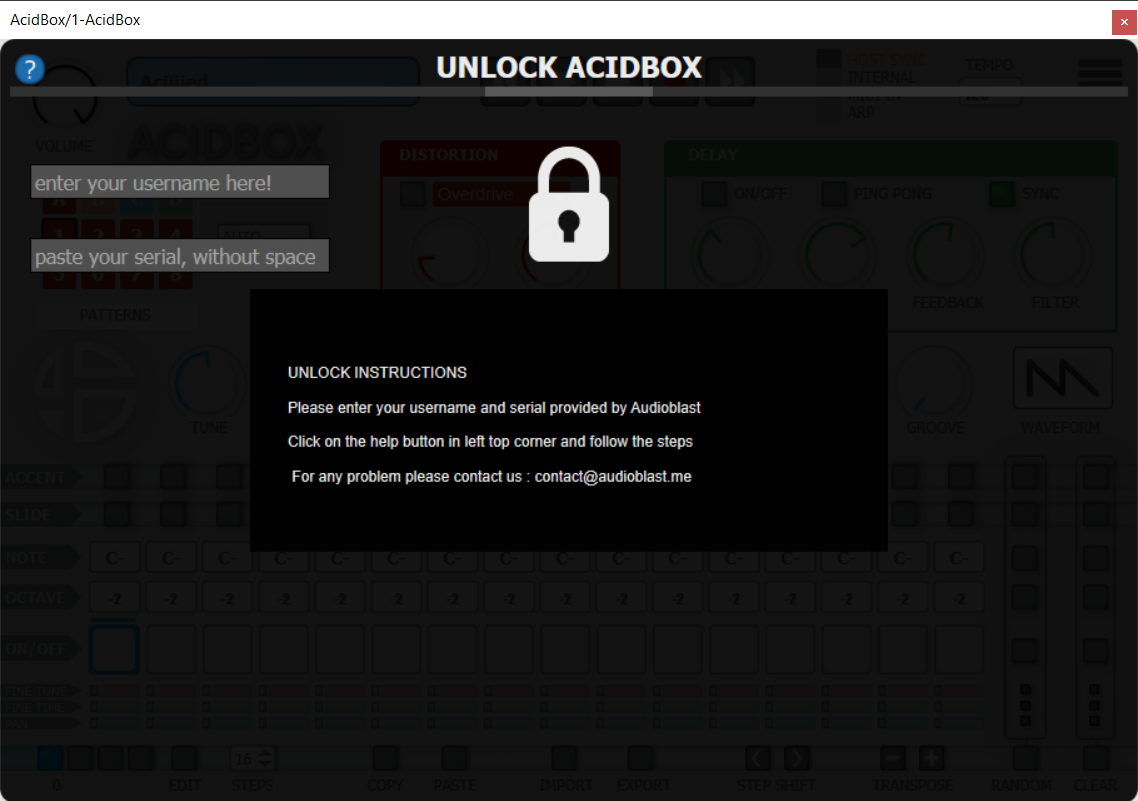
7. Open your DAW > Locate and open Acidbox.
8. Enter the username and serial code that you received earlier > Once entered, click anywhere to activate the plugin.
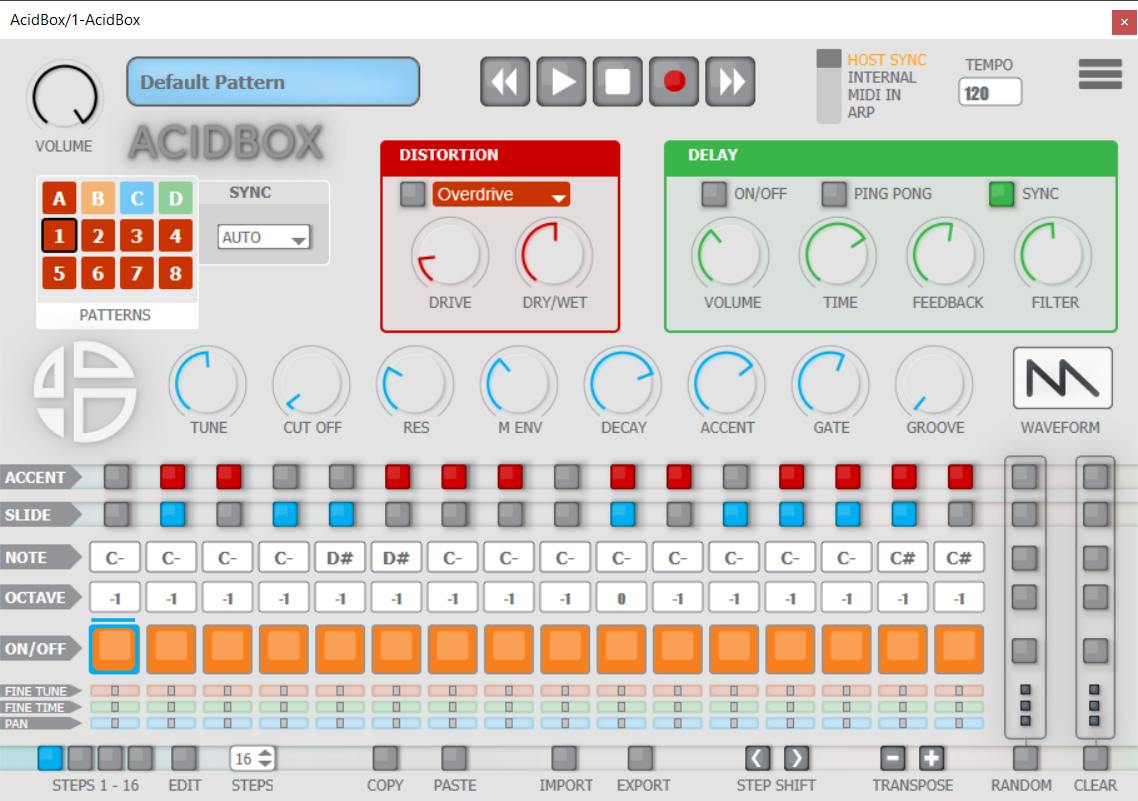
Acidbox is now activated and ready for use inside your DAW!
Mac
1. Double click the .pkg file to begin the installation process.
2. Click 'Continue'.
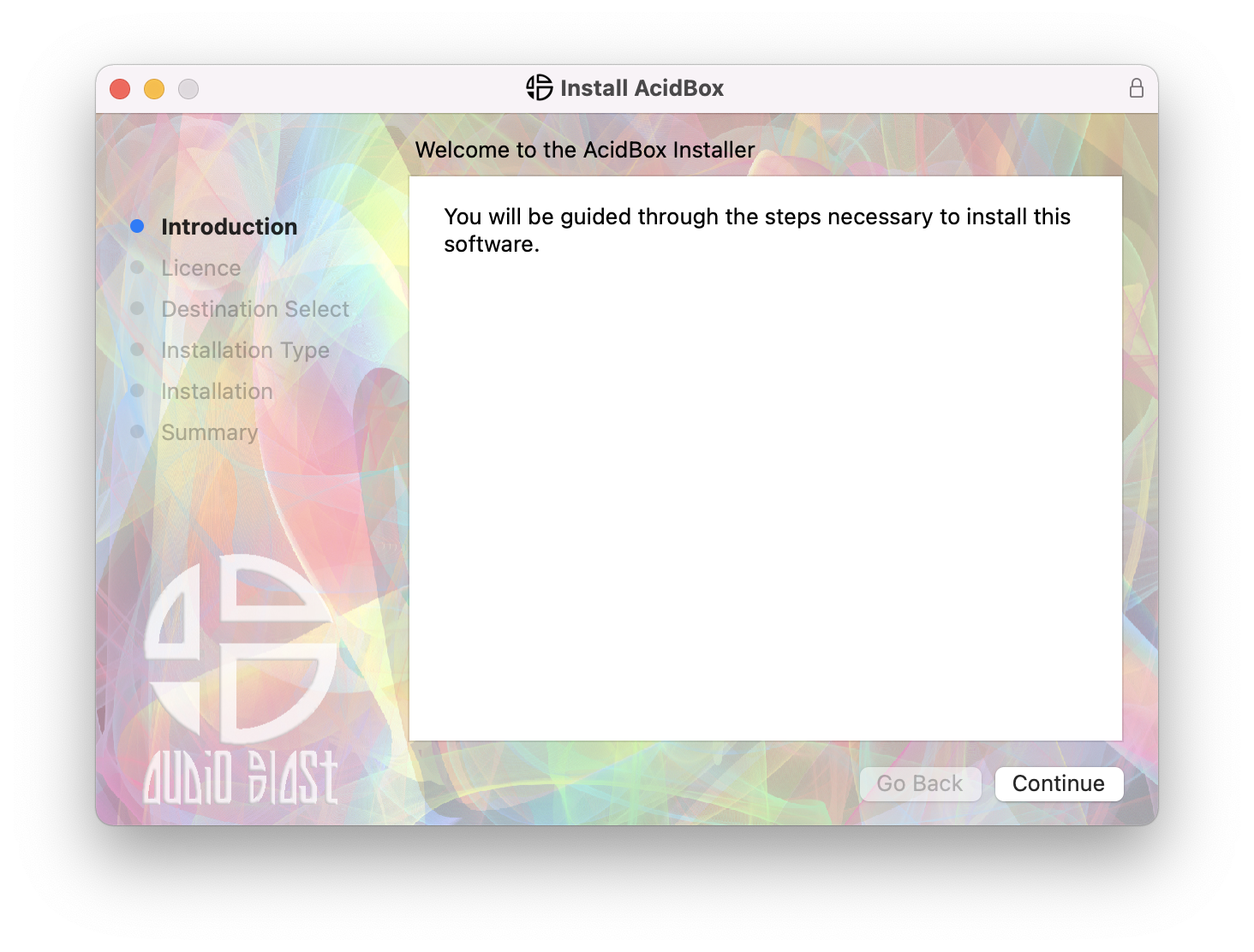
3. Click 'Continue'.
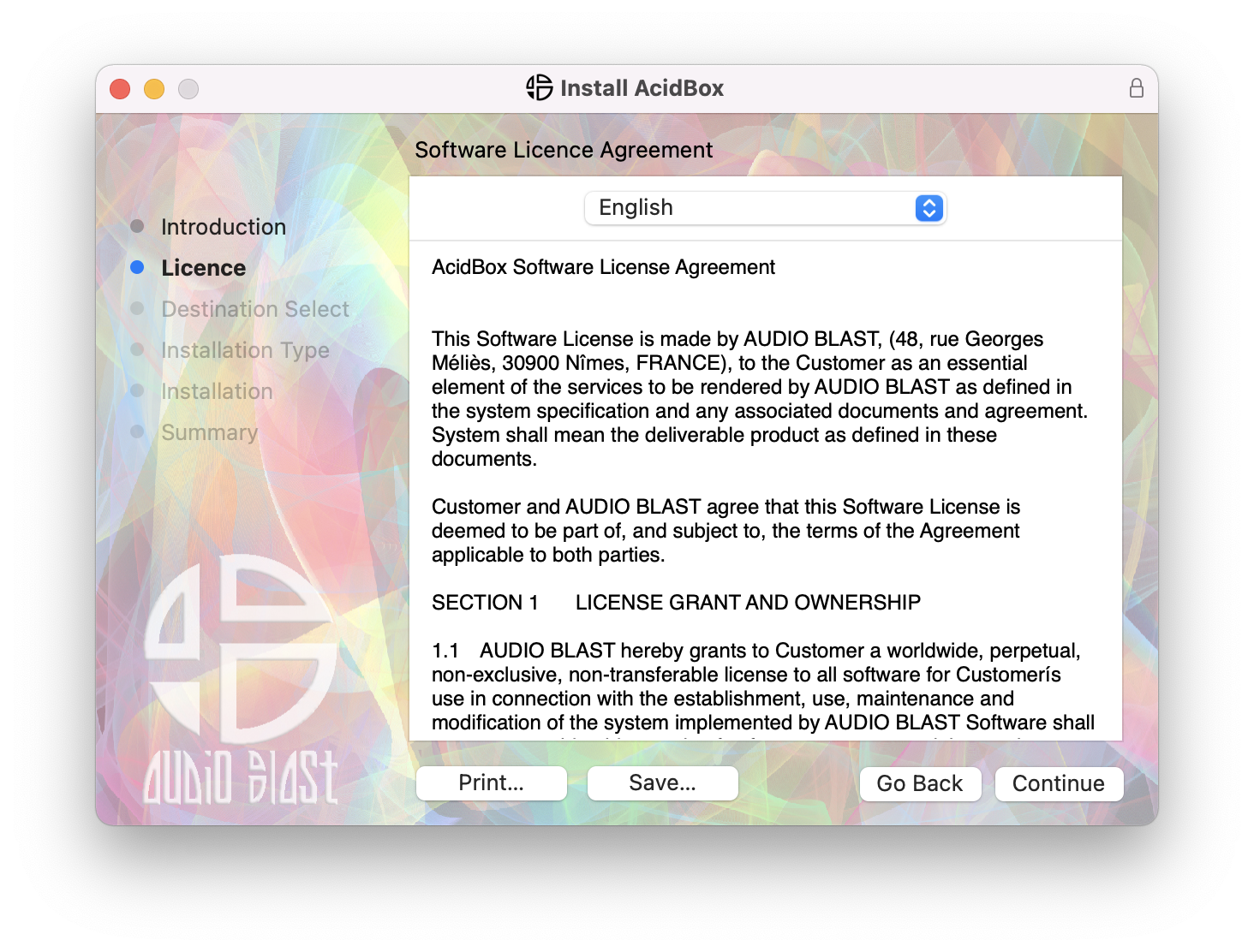
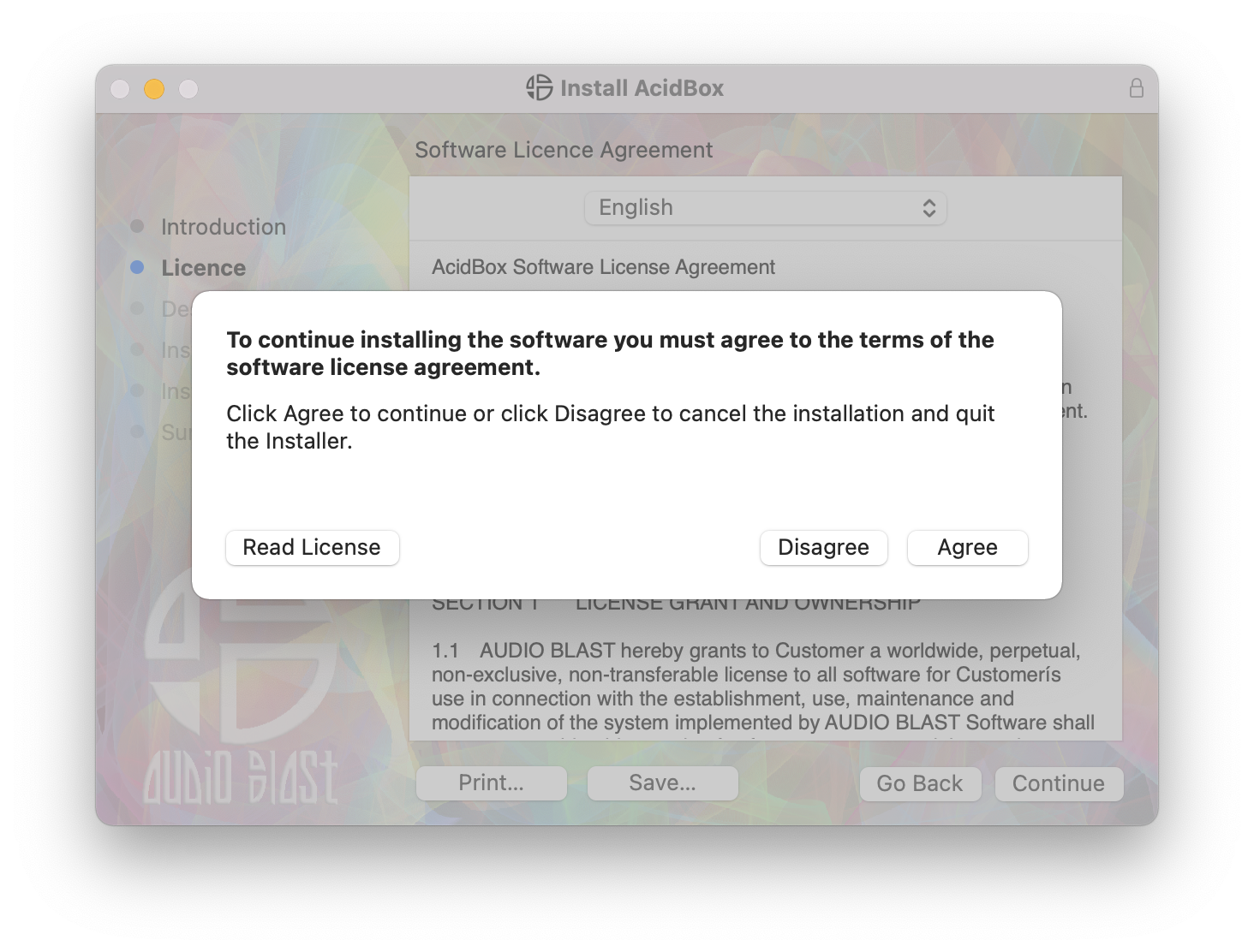
4. Click 'Agree'.
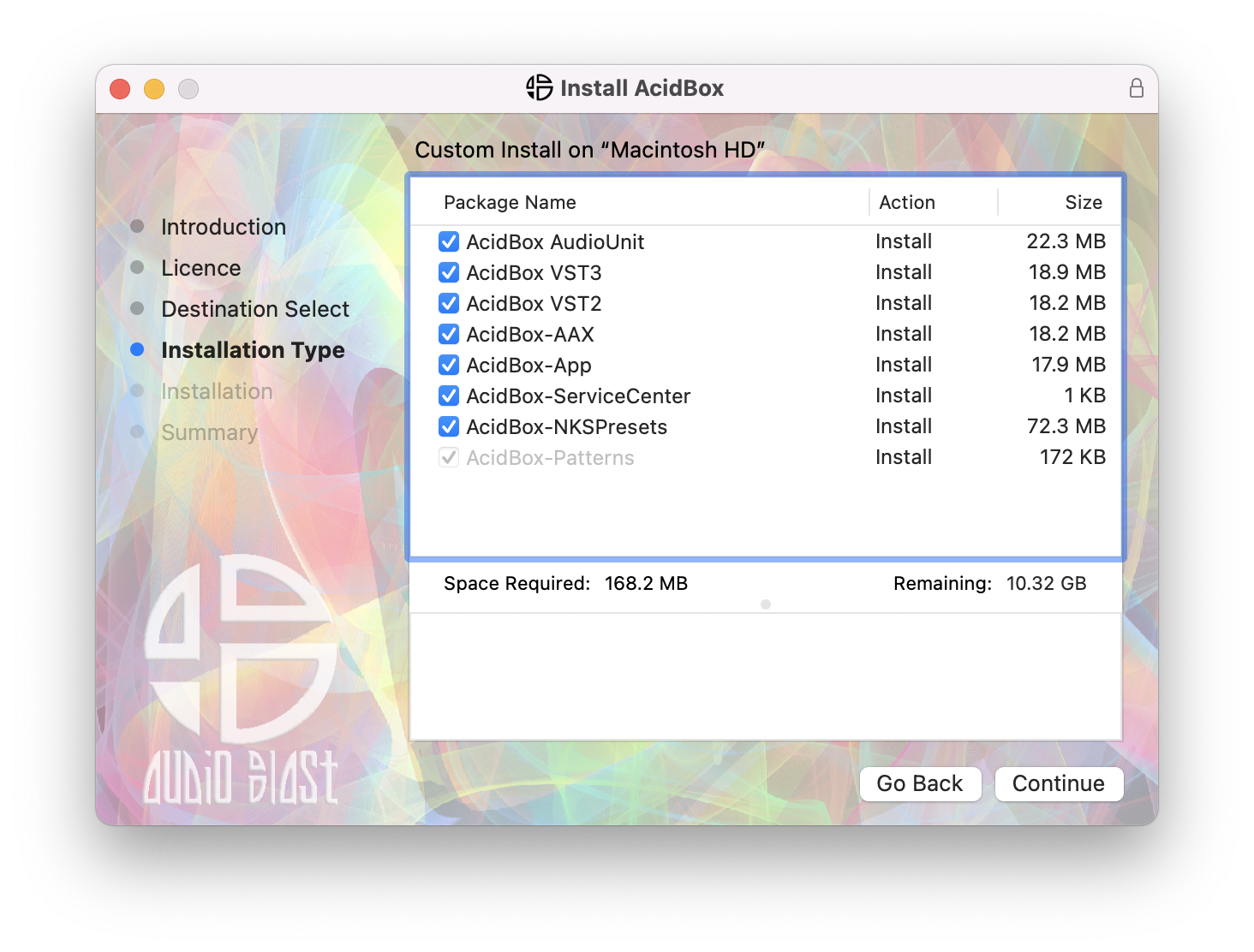
5. Click 'Continue'.
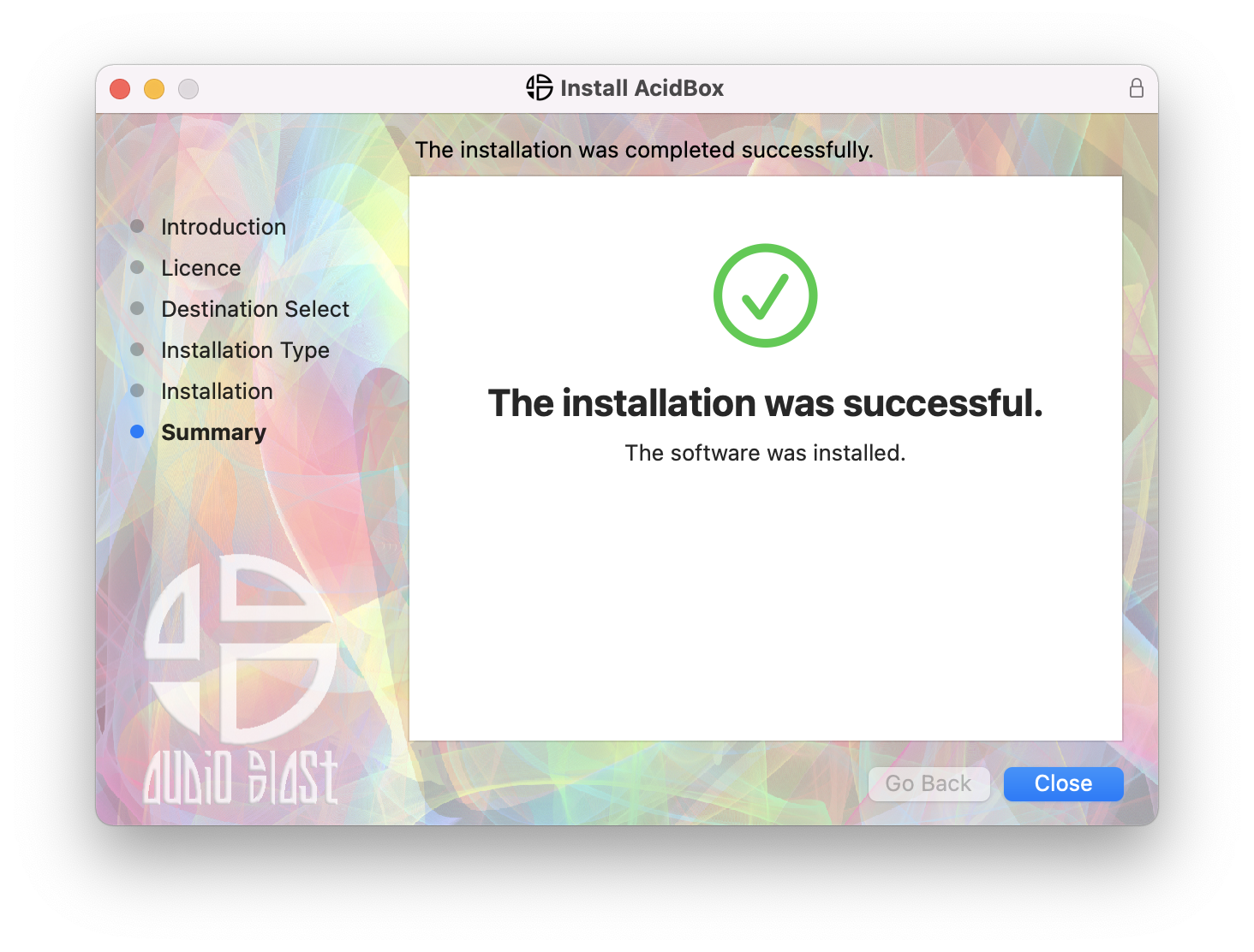
6. Click 'Close'.
7. Open your DAW > Locate and open Acidbox.
8. Enter the username and serial code that you received earlier > Once entered, click anywhere to activate the plugin.
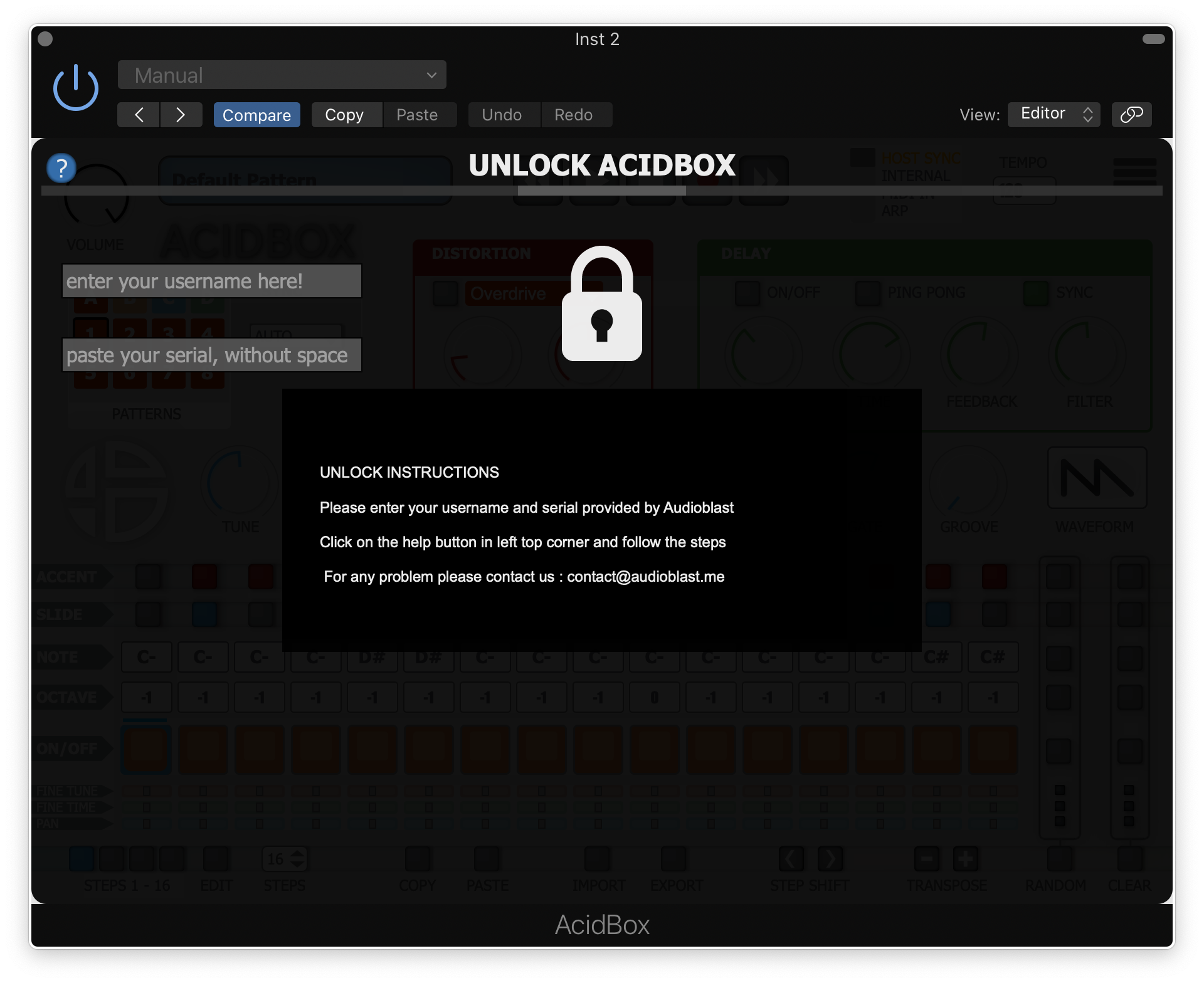
Acidbox is now activated and ready for use inside your DAW!