Log In
The BreadSlicer Pro is a creative glitch effect tool. Just press the “ACTIVE” button and the audio input will be cut into slices and will be transformed into breaks, rolls and glitches instantly. Synchronized to tempo, the BreadSlicer Pro replaces the cut slices in real time to rearrange them randomly. The Reverse, FX, PAN, PITCH, and ROLL knobs are controlled by a random algorithm. Increasing the value of those knobs will add more chances to apply those parameters randomly at any time on slices during the activation of the effect.
When the plugin is active on any track as an effect or even on a return track, it takes the audio input signal in real time, records it, cuts it in slices as set with the fader “Slice Size”, and rearranges the play order of the slices. The slices are then synchronized in tempo with effects randomly added on triggered slices.
Turn up the “Slice Amount” fader to increase the chance of effects being applied to slices. The “Gate” knob is global and not randomizable, it defines the gate of each slice played. The other knobs can be used to define the amounts of effects applied to the slices.
Features
- Auto Glitch
- Host Tempo Synchronised
- Slice Size
- Slice Amount
- Gate
- Reverse
- Random FX
- PAN
- Pitch
- Roll
- 4 Integrated FX
- Reverb
- Bit Crusher
- Hi Pass Filter
- Pitch FX
System Requirements
macOS
- 10.12, 10.13, 10.14, 10.15, 11, 12, 13 (latest update)
- Intel Core i5 or equivalent CPU
- M1/M2, Apple Silicon compatible
- 2 GB RAM
Windows
- 7 / 8 / 10 / 11
- Intel Core i5 or equivalent CPU
- 2 GB RAM
Please note: you will require an internet connection in order to install and update your products.
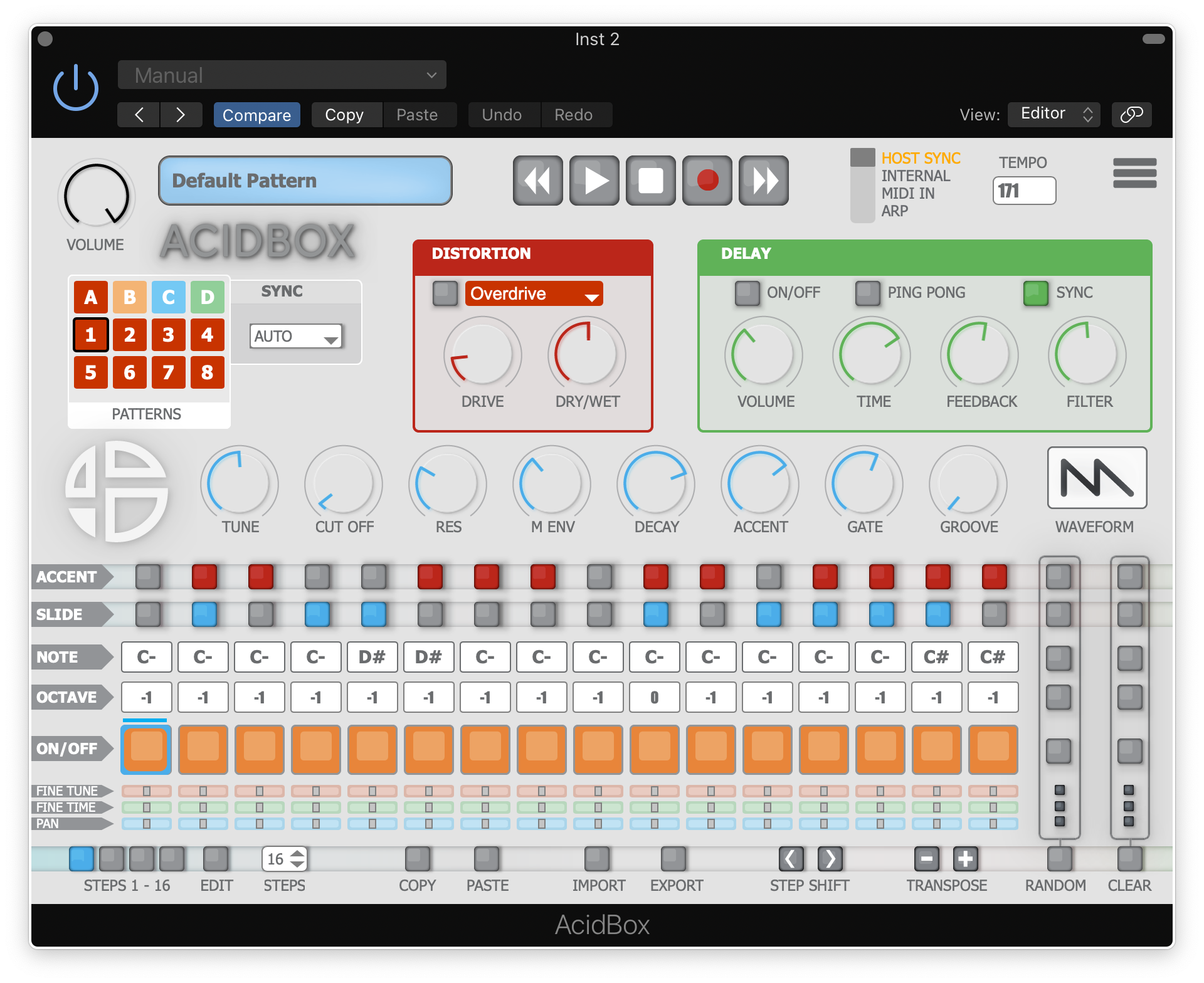
Note: Acidbox has been used as an example.
Activation
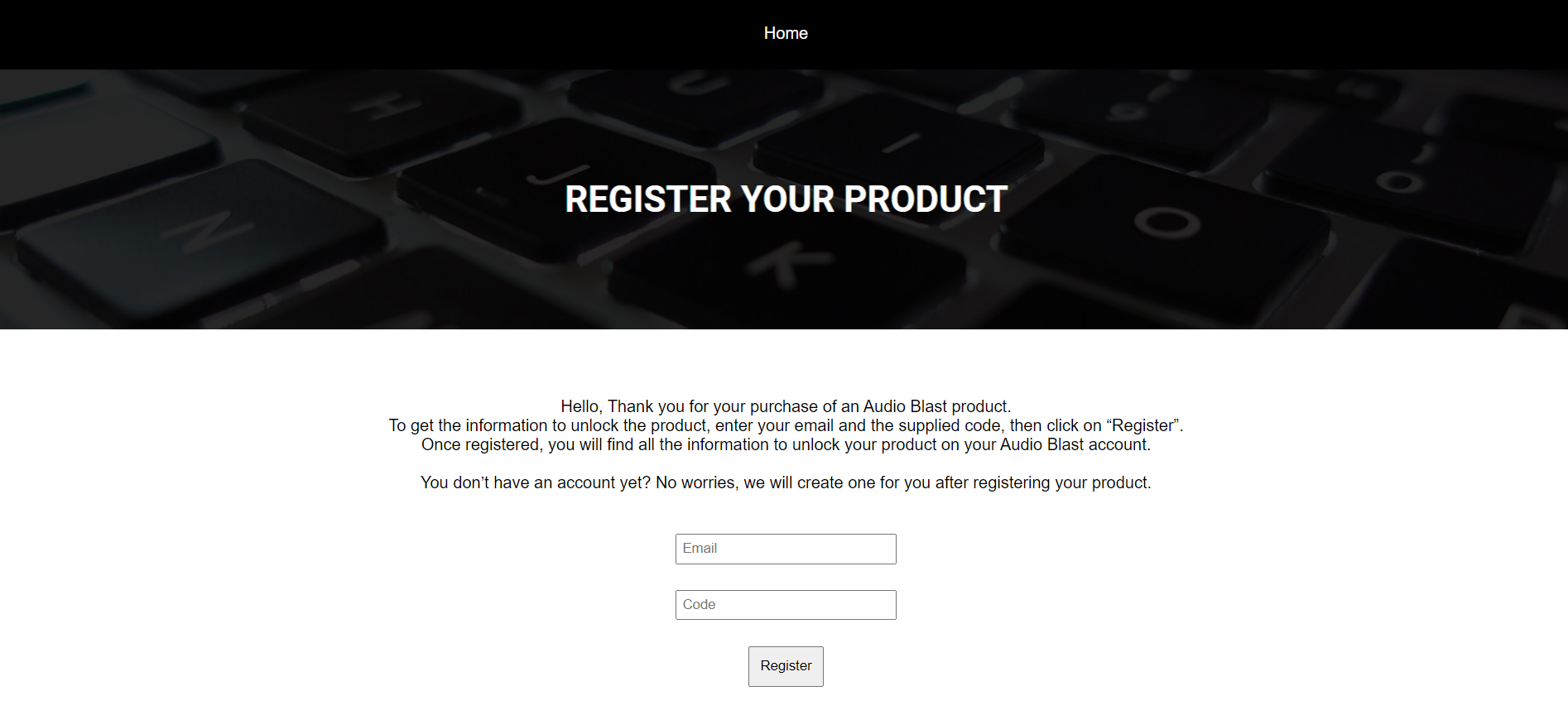
1. Go to https://www.audioblast.me/register/ > Enter your email address as well as the code found in your Plugin Boutique User Account.
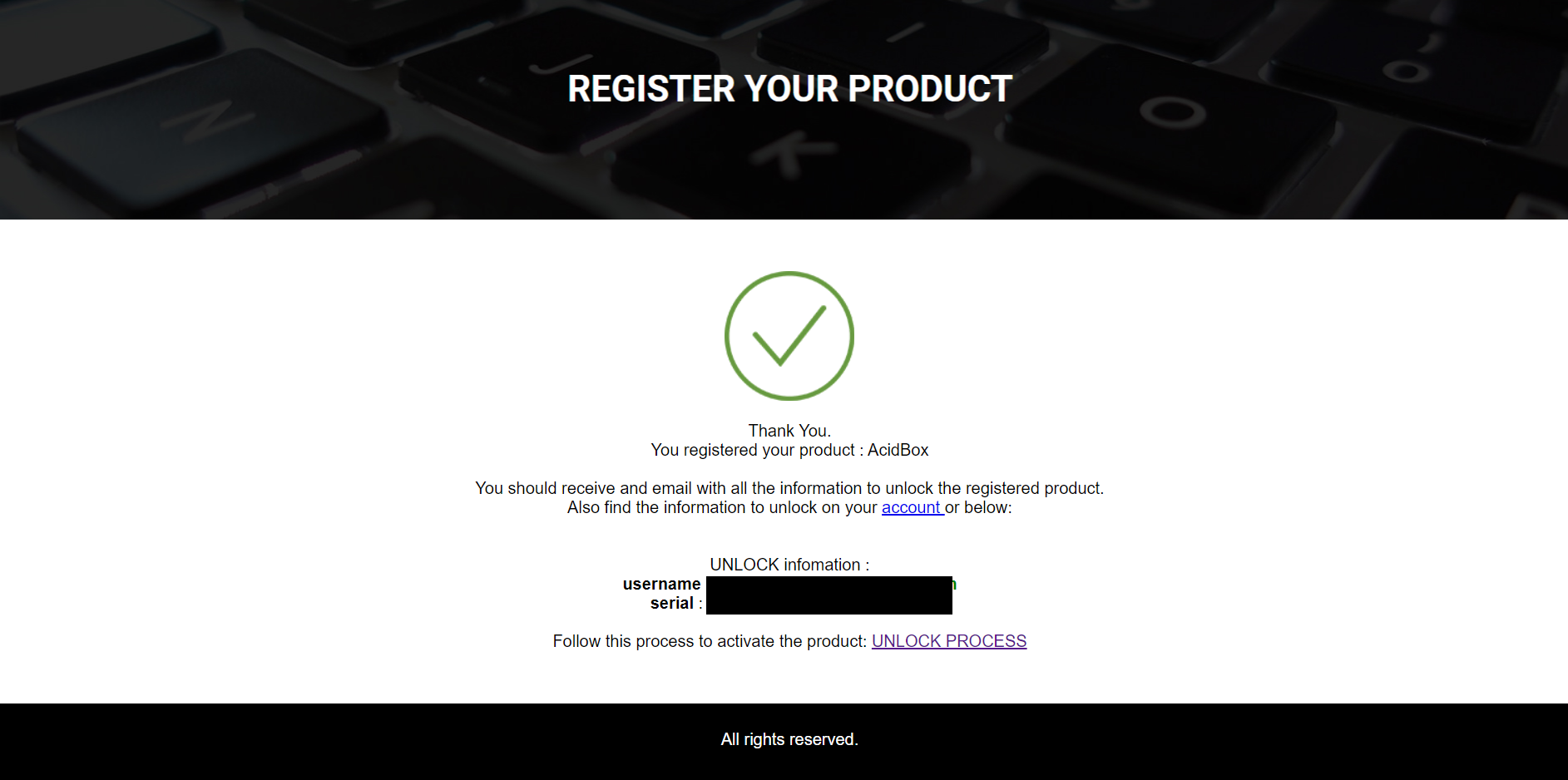
2. You will now receive your Username and Serial > Make note of both of these (they will also be sent to your email address for future reference).
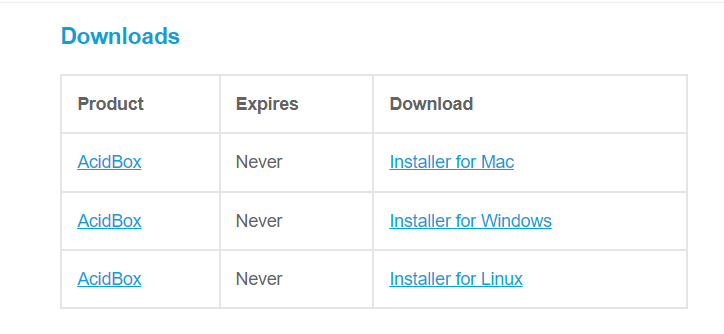
3. You will have received an email from Audio Blast with links to download your software > Download the relevant installer.
Installation
PC
1. Double-click the .exe file to begin the installation process.
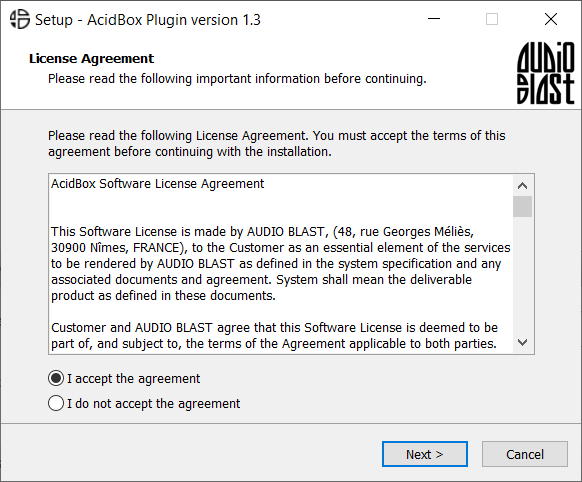
2. Click 'I accept the agreement' > Click 'Next >'.
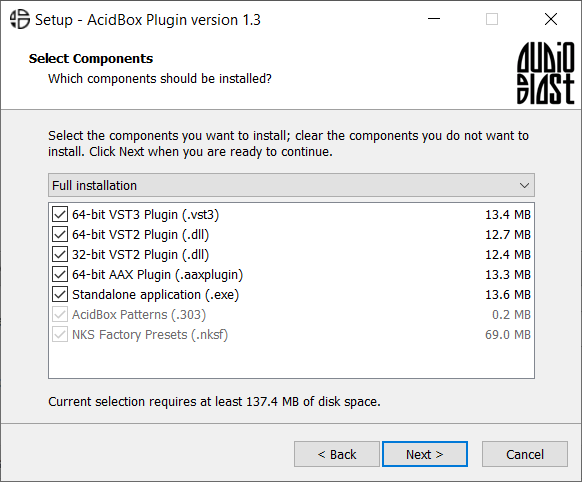
3. Select which components you wish to install > Click 'Next >'.
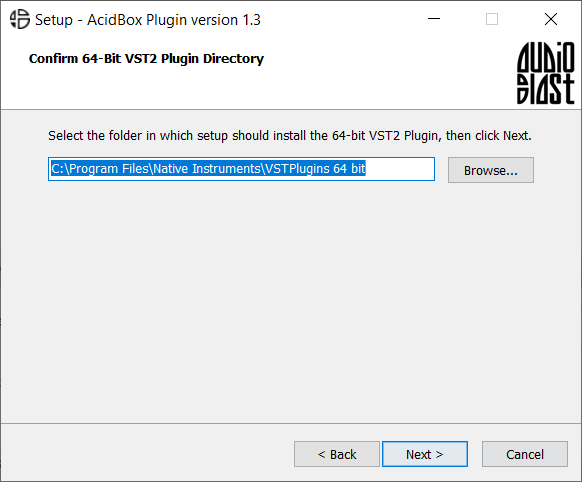
4. Select the location you wish to install the plugin to > Click 'Next >'.
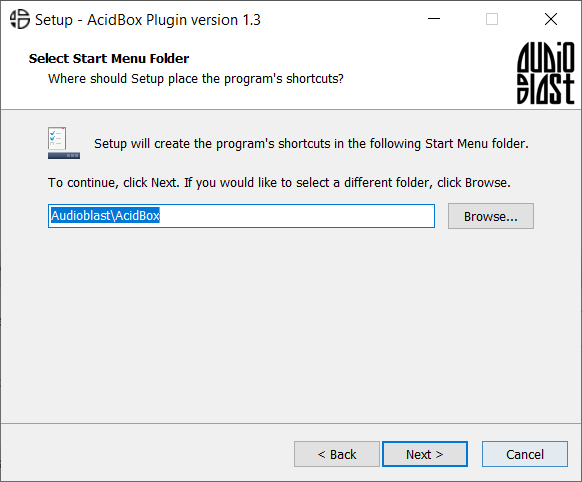
5. Select where you would like to set up the shortcut for the standalone version > Click 'Next >.
6. Click 'Finish'.
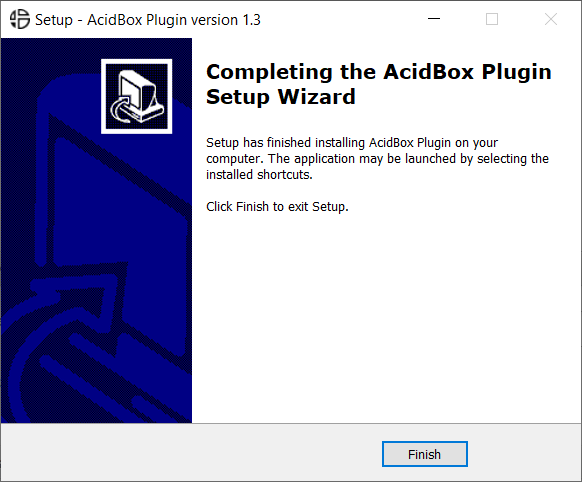
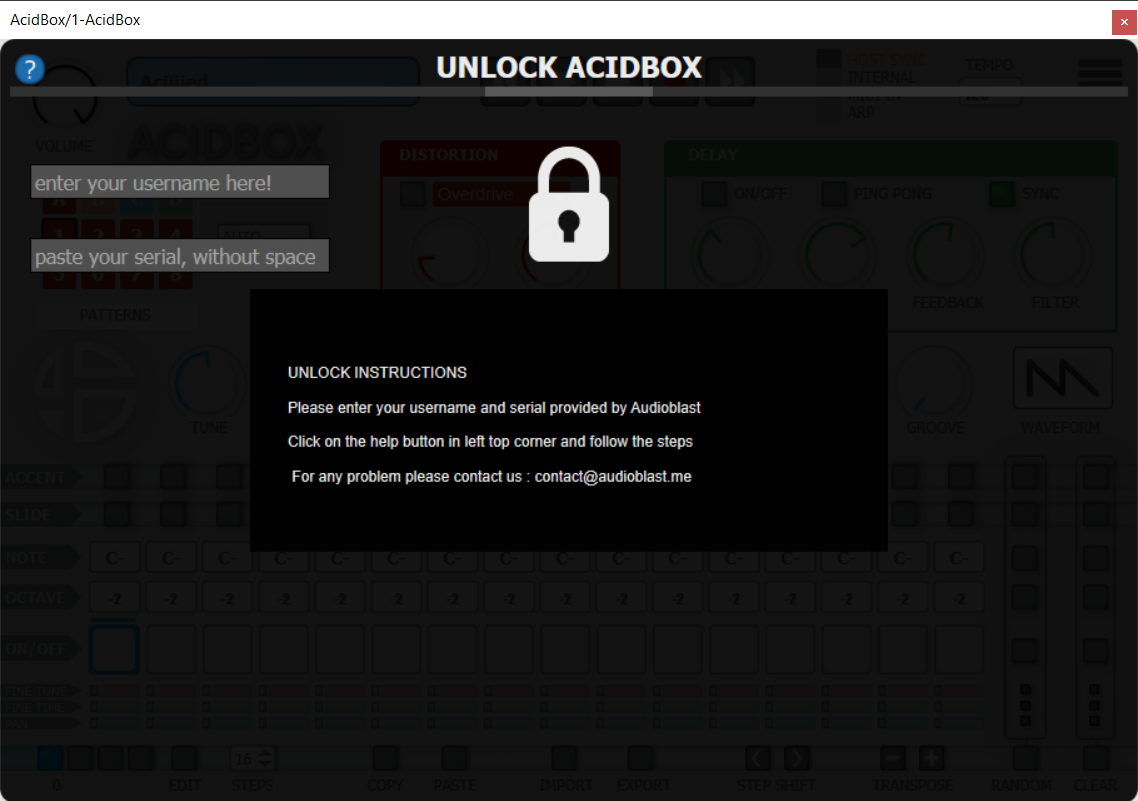
7. Open your DAW > Locate and open Acidbox.
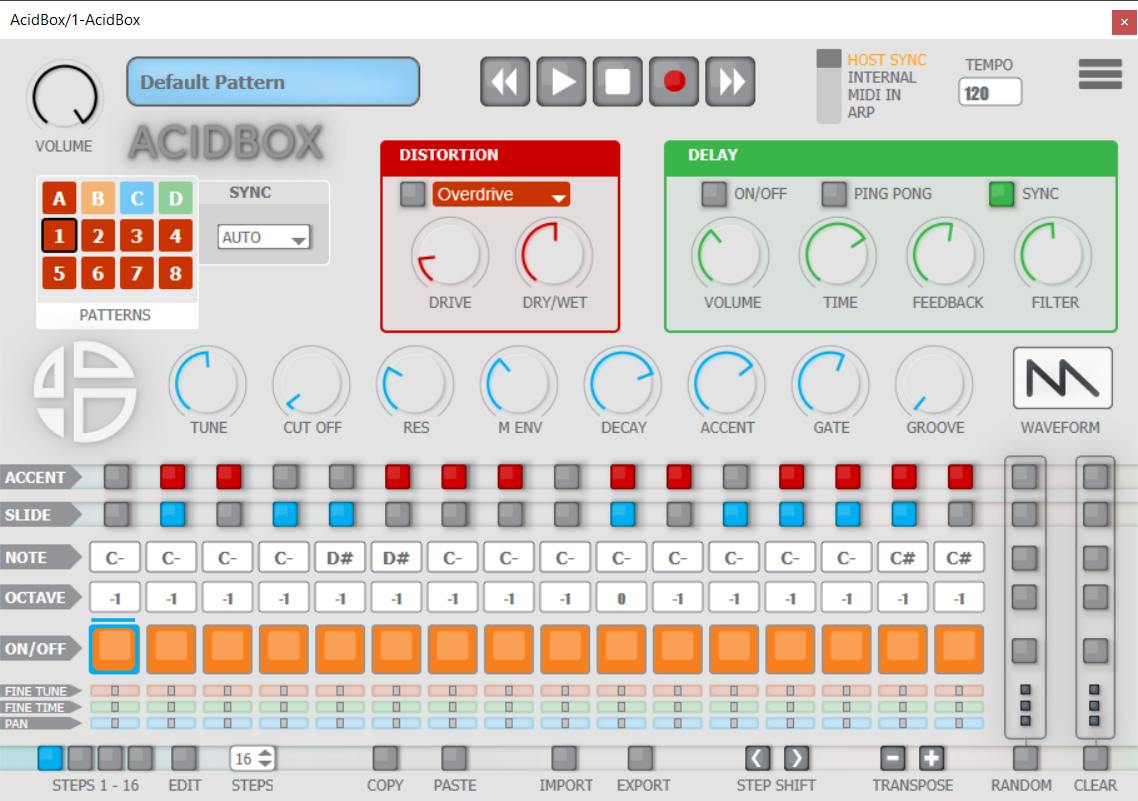
8. Enter the username and serial code that you received earlier > Once entered, click anywhere to activate the plugin.
Acidbox is now activated and ready for use inside your DAW!
Mac
1. Double click the .pkg file to begin the installation process.
2. Click 'Continue'.
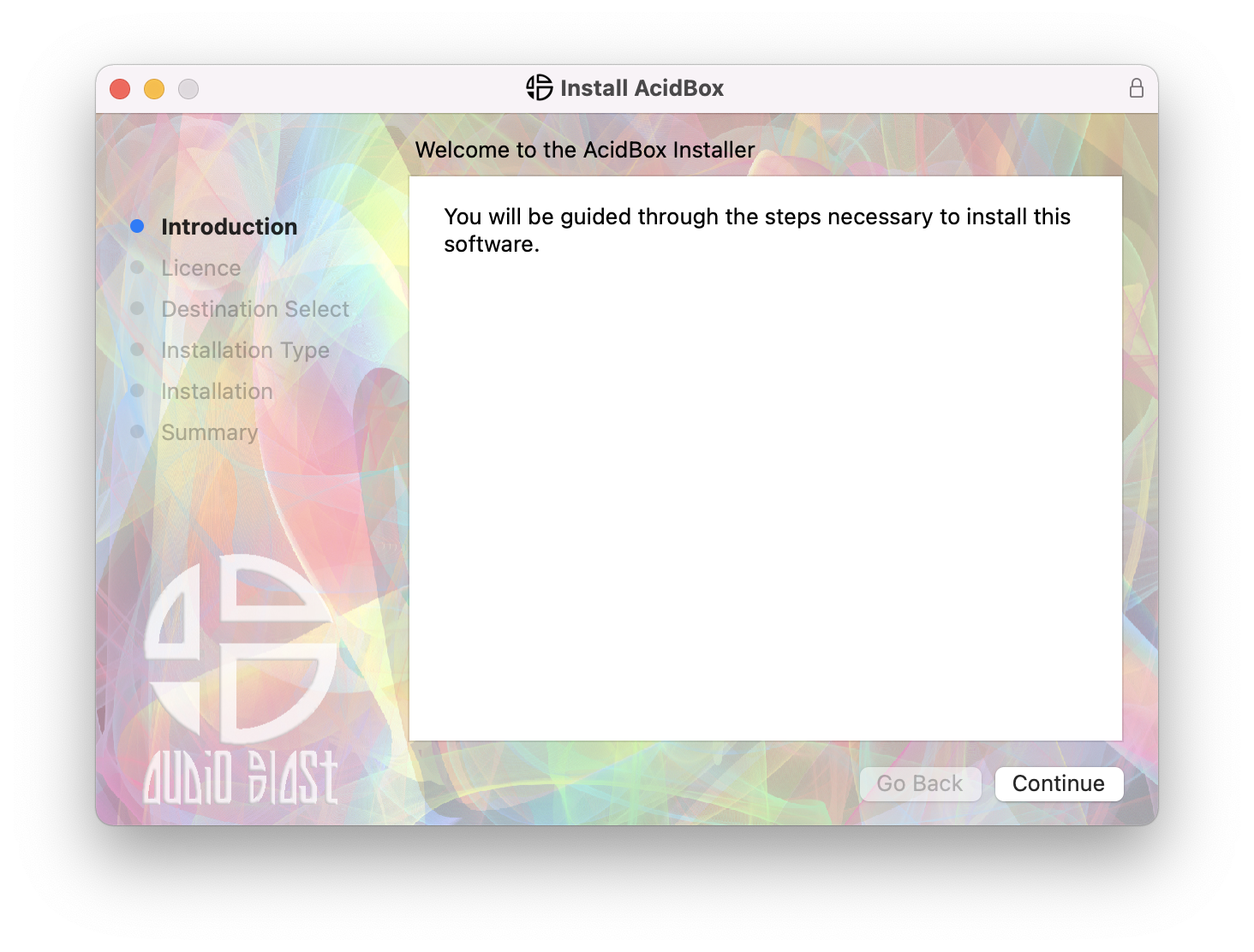
3. Click 'Continue'.
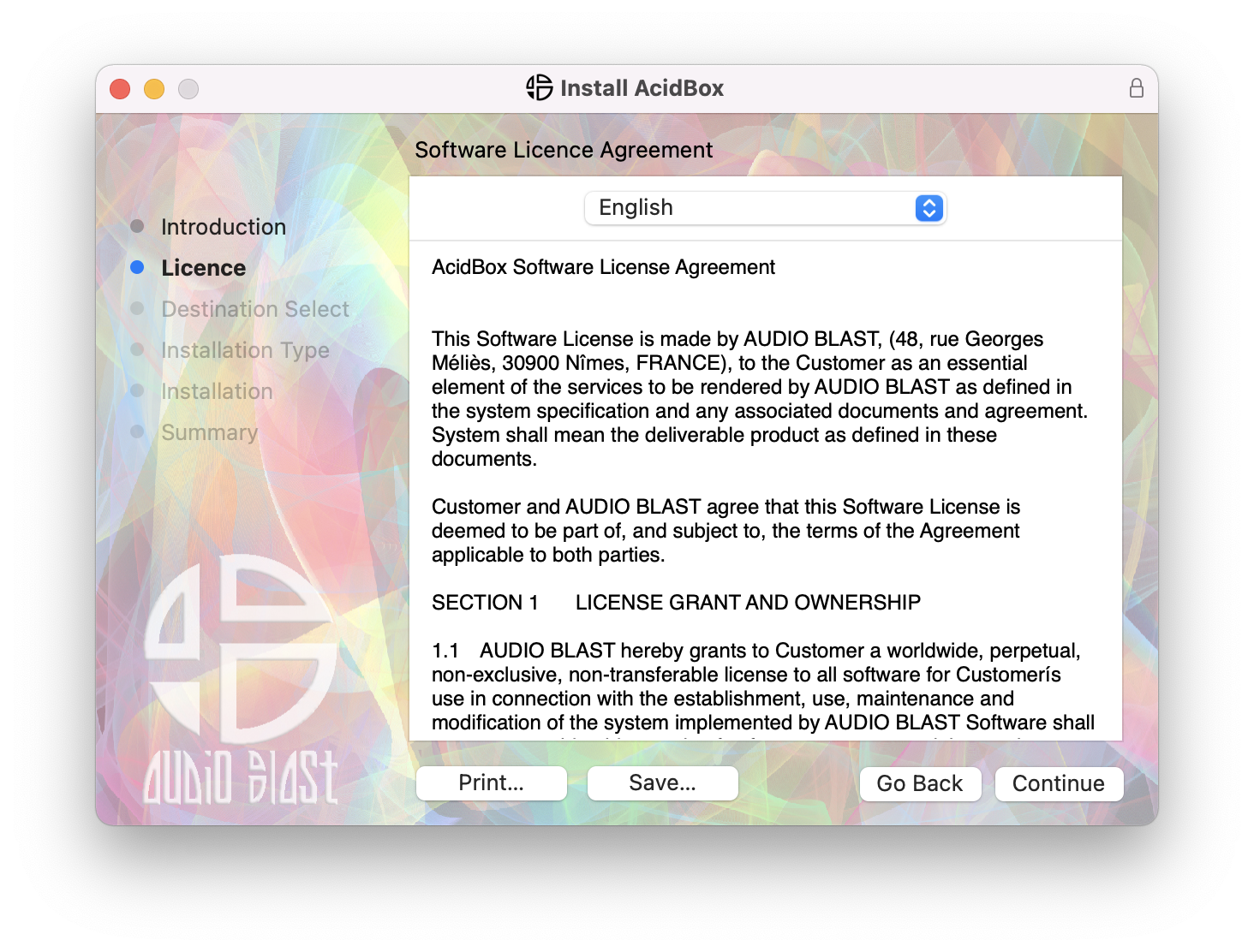
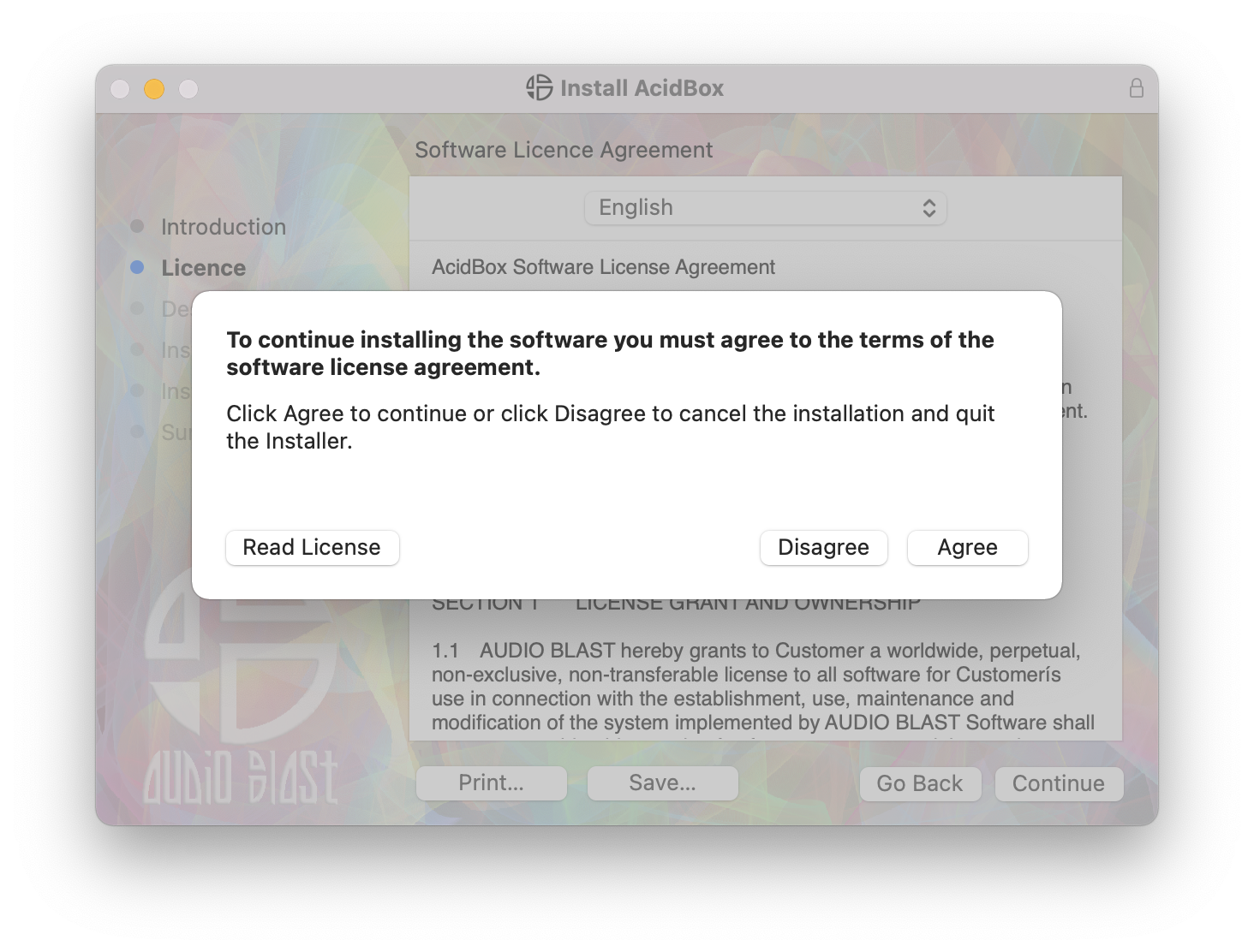
4. Click 'Agree'.
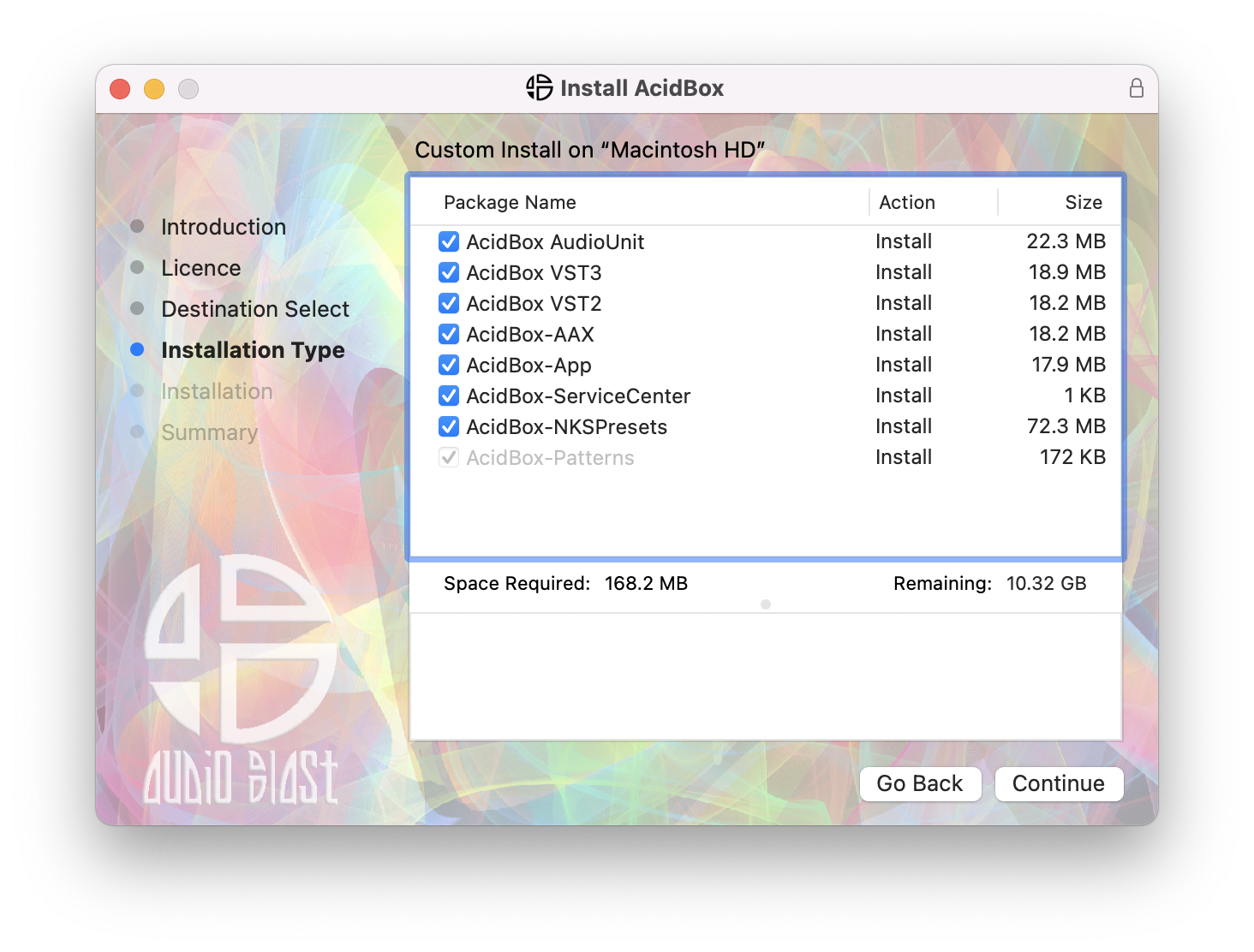
5. Click 'Continue'.
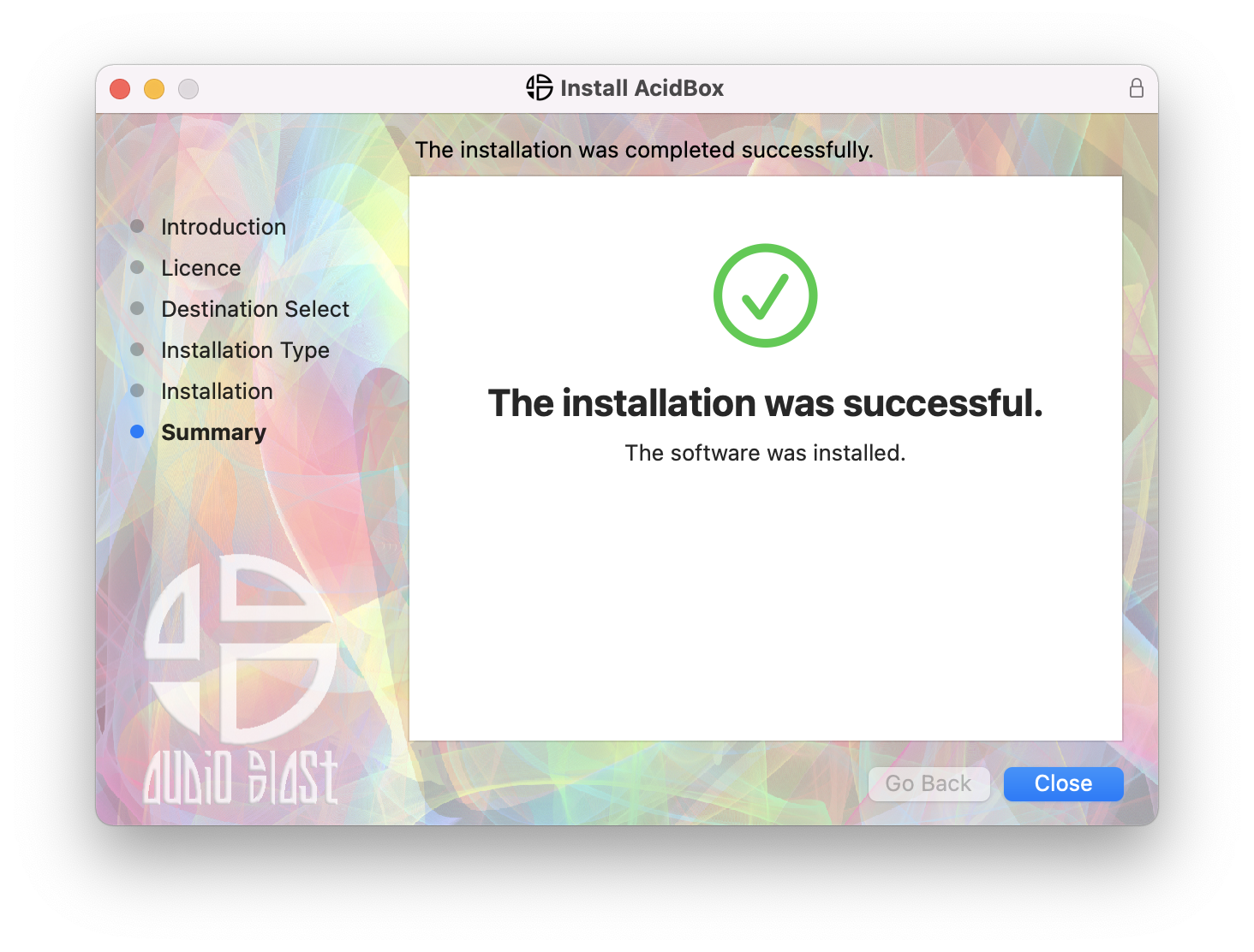
6. Click 'Close'.
7. Open your DAW > Locate and open Acidbox.
8. Enter the username and serial code that you received earlier > Once entered, click anywhere to activate the plugin.
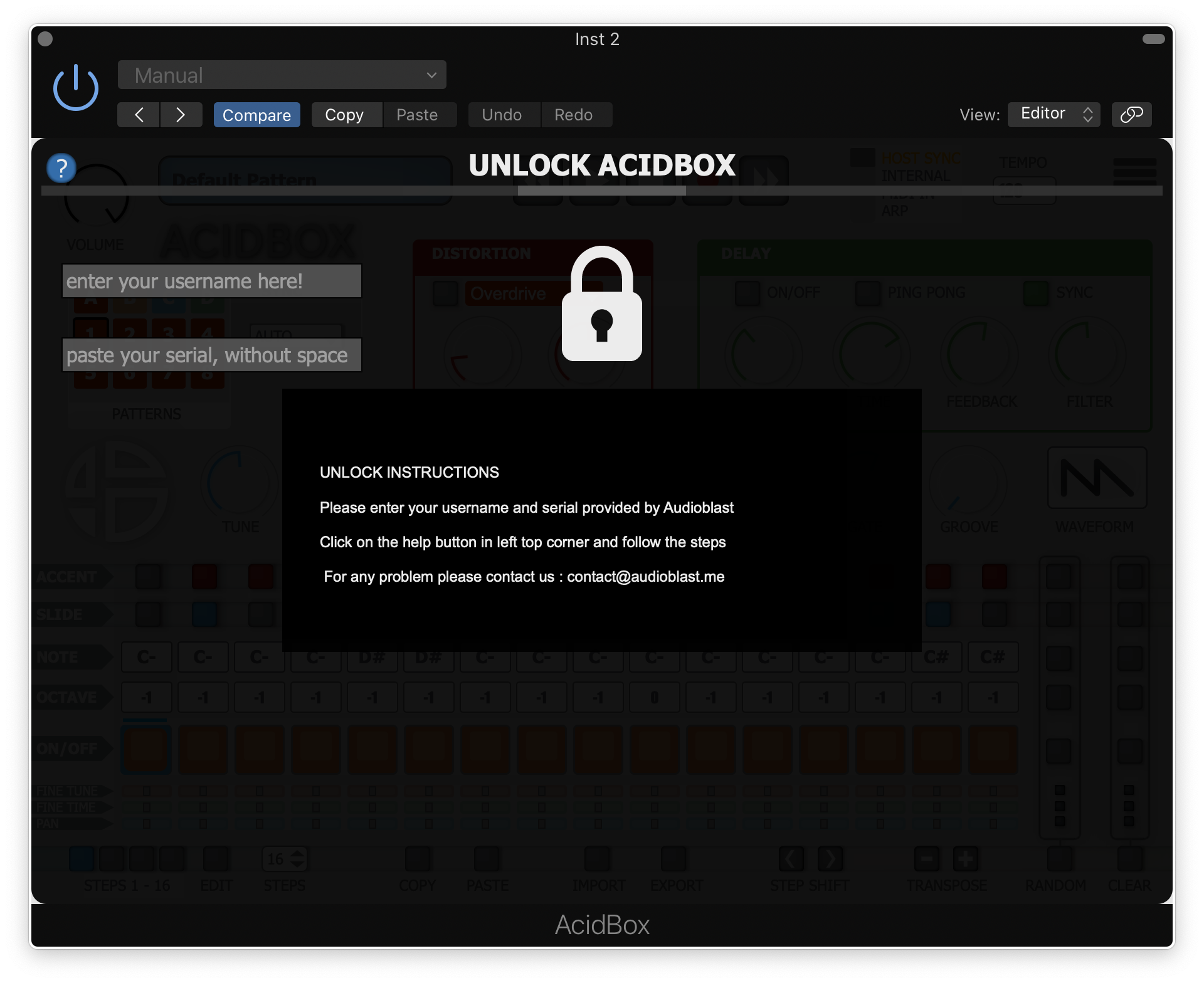
Acidbox is now activated and ready for use inside your DAW!