Log In
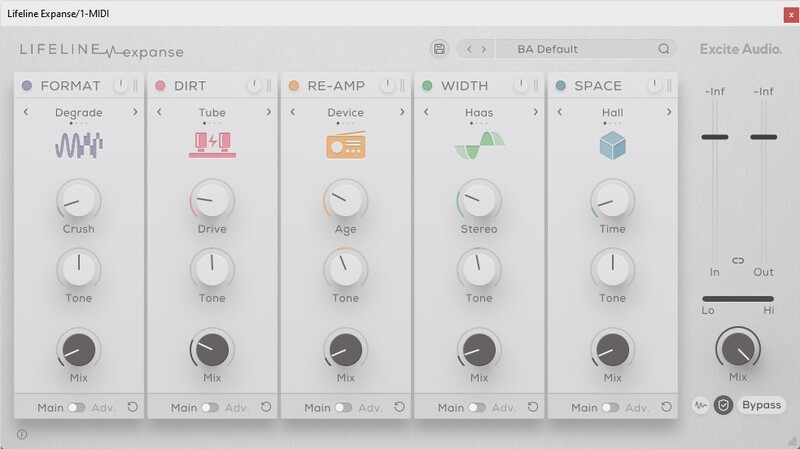
Breathe Life into Audio. The Lifeline series begins with Lifeline Expanse – an extensive and intuitive multi-effect that breathes life into any sound by adding character, space and width. Lifeline Expanse creates authenticity and realism by using intricate re-amping techniques. Re-amping is the process of taking an audio signal and playing it out in an environment. The signal is sent through amps, mics and effects to add colour, texture and depth, then re-recorded.
Awards
Mac
Installation
1. Download the .pkg file from your Plugin Boutique account > Open it to start the installation process > Click 'Continue'.
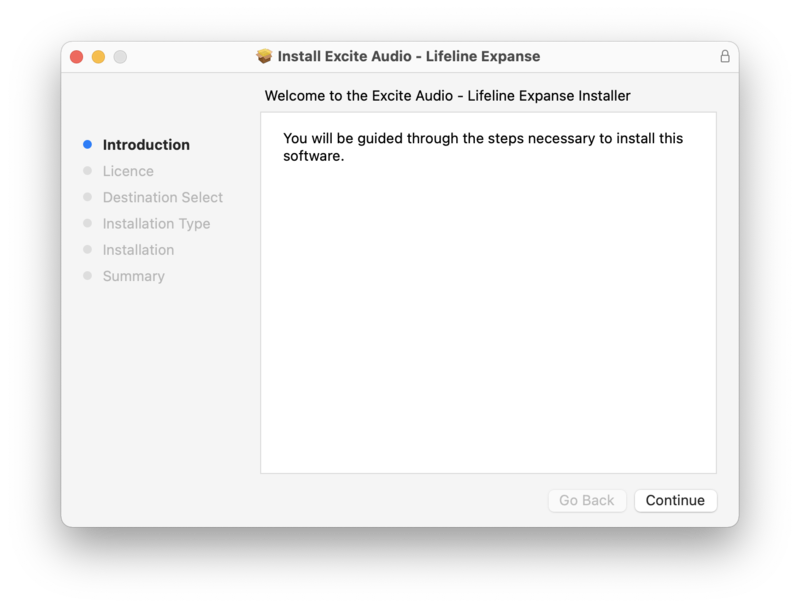
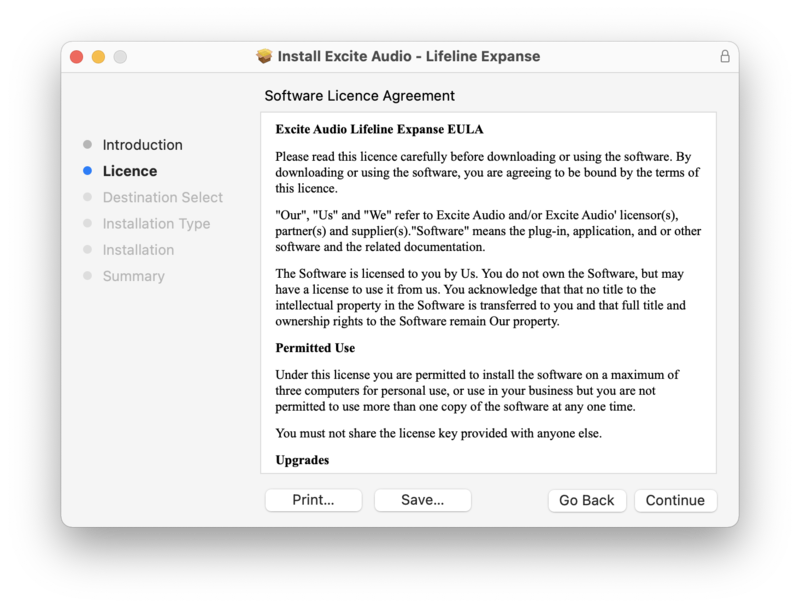
2. Read the Software License Agreement > Click 'Continue'.
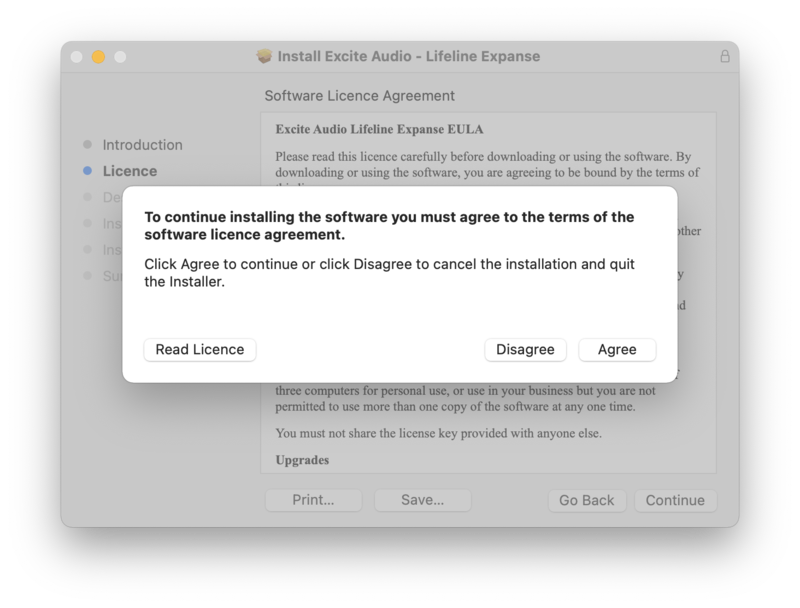
3. Click 'Agree'.
4. Click 'Continue'.
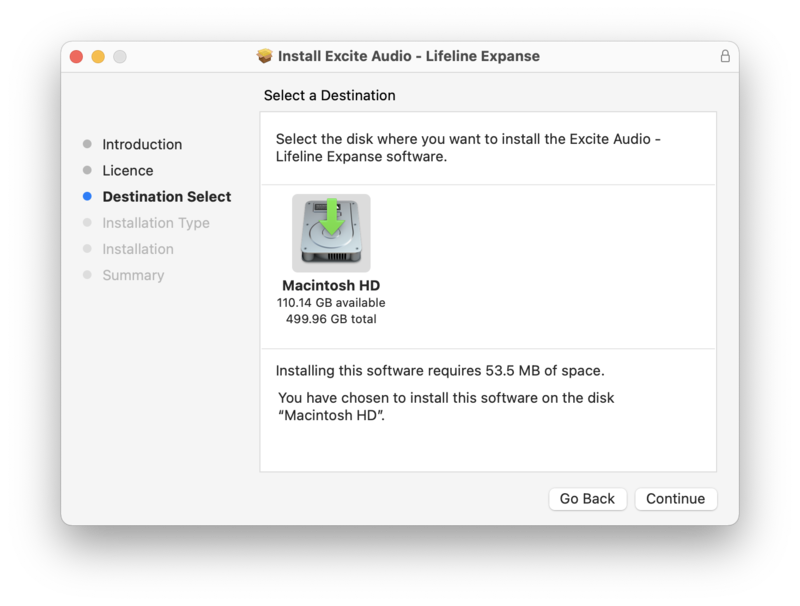
5. Click 'Install'.
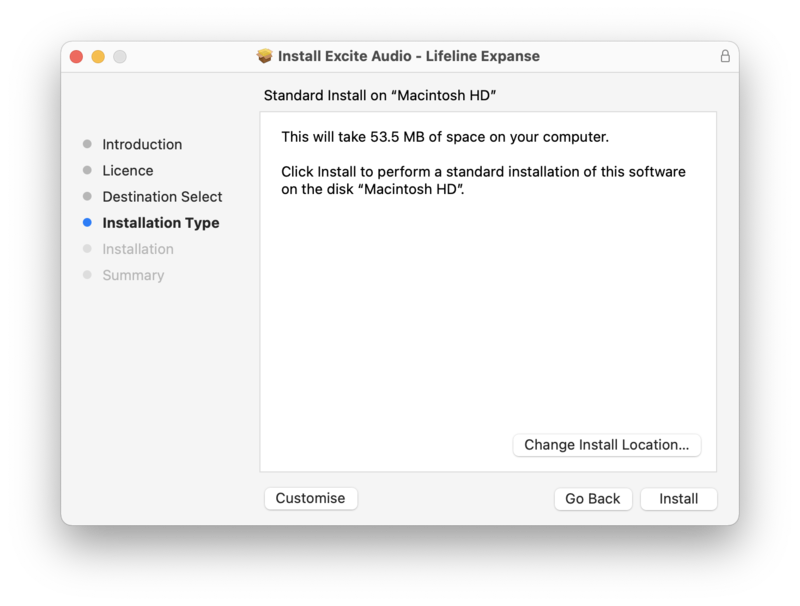
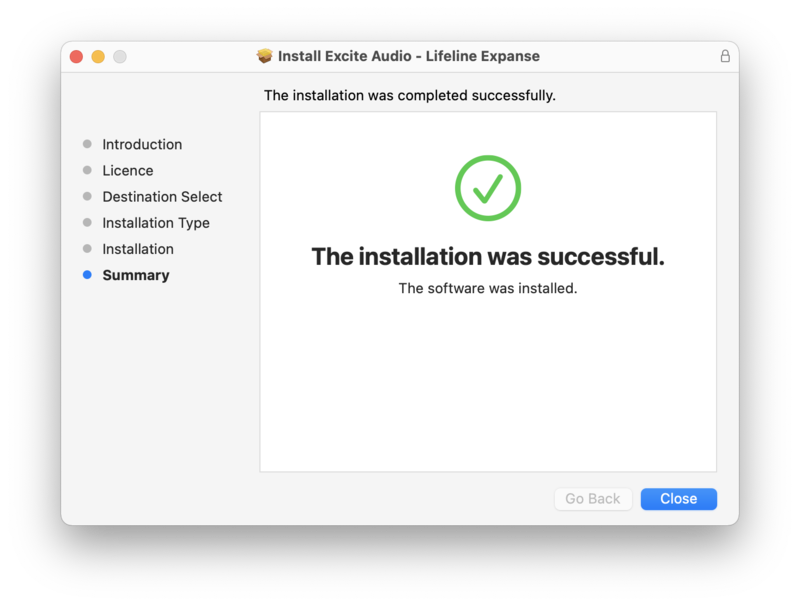
6. Lifeline Expanse is now installed on your Mac > Click 'Close'.
Activation
1. Copy the serial number found in your Plugin Boutique account.
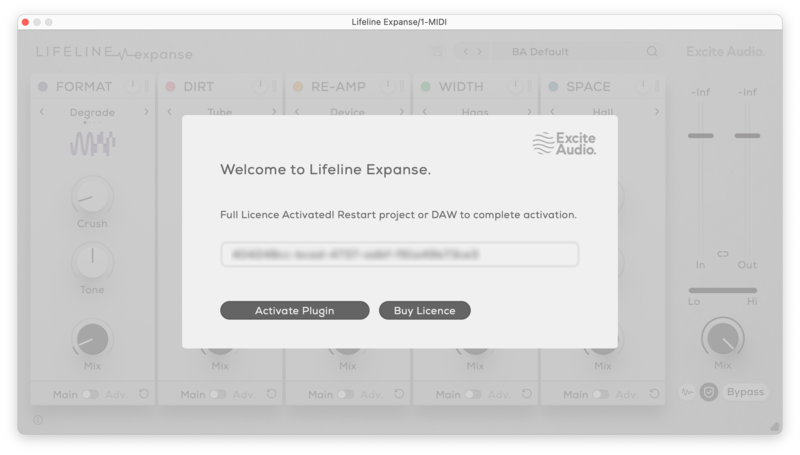
2. Open Lifeline Expanse in your DAW > Paste your serial number > Click 'Activate Plugin'.
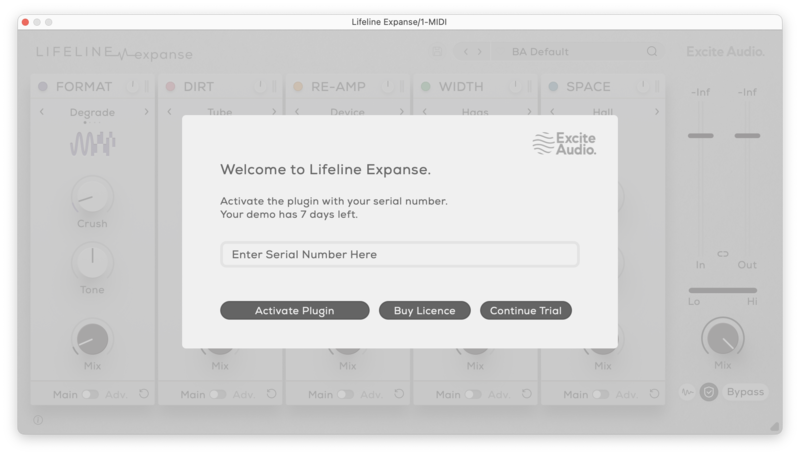
3. Lifeline Expanse is now activated > Please restart your project or DAW.
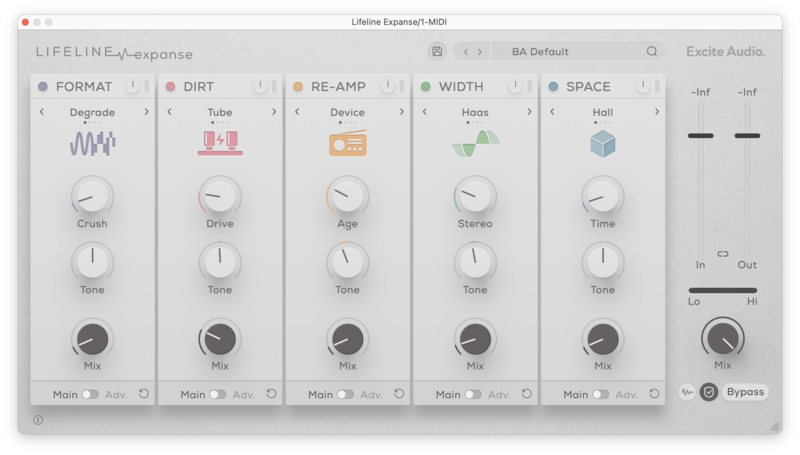
Lifeline Expanse is now ready to use in your DAW!
Windows
Installation
1. Download the .zip folder from your Plugin Boutique account > Double-click it to extract the .exe installer file.
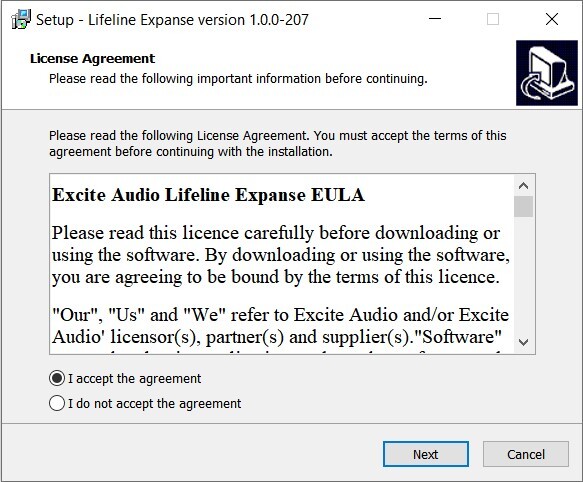
2. Double-click the installer file to start the installation process > Read the License Agreement > Select 'I accept the agreement' > Click 'Next'.
3. Confirm the 32-bit install location > Click 'Next'.
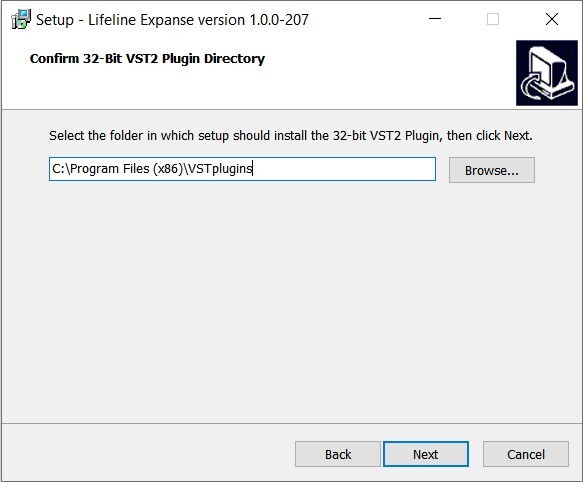
4. Confirm the 64-bit install location > Click 'Next'.
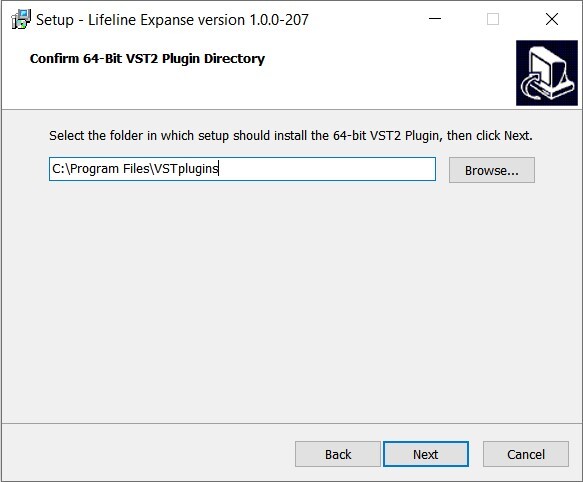
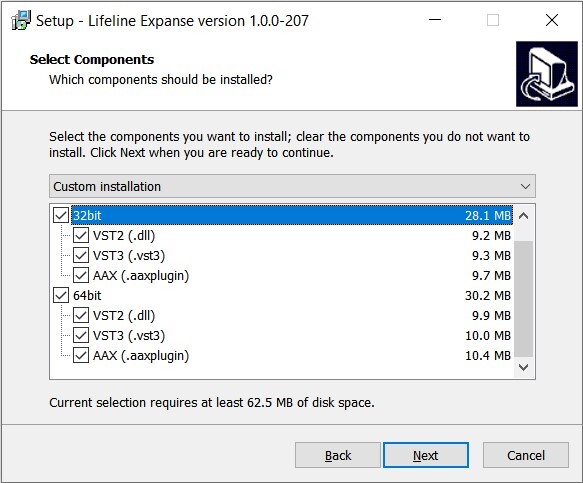
5. Select which plugin formats you would like to install > Click 'Next'. If you're unsure, please leave all boxes ticked, or check out our Help Centre article for more information - Plugin Formats Explained (VST, AU, AAX, etc)
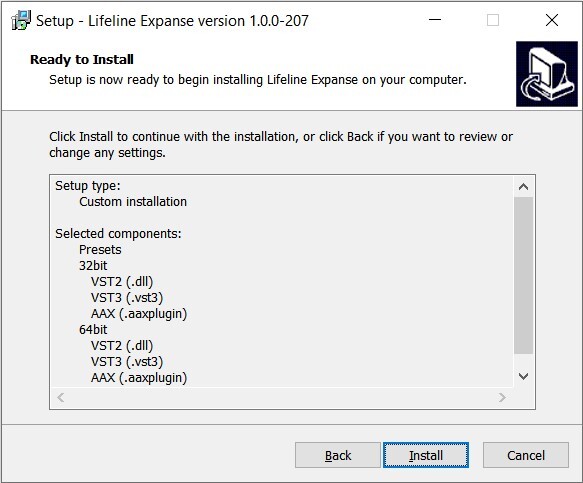
6. Click 'Install'.
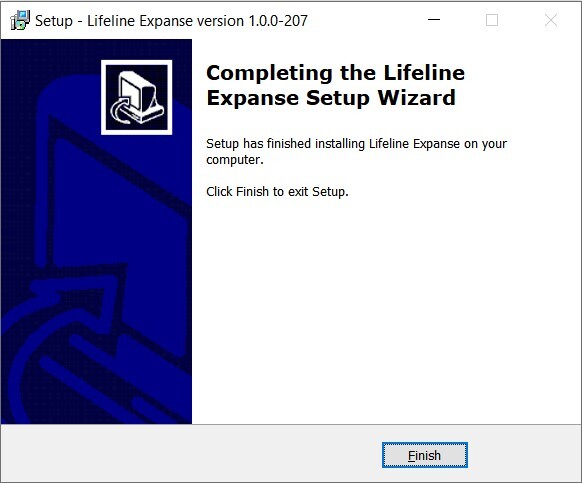
7. Lifeline Expanse is now installed on your system > Click 'Finish'.
Activation
1. Copy the serial number found in your Plugin Boutique account.
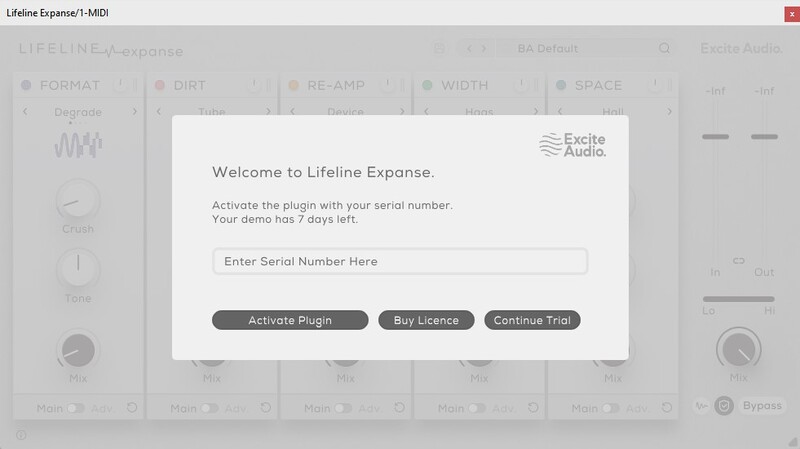
2. Open Lifeline Expanse in your DAW > Paste your serial number > Click 'Activate Plugin'.
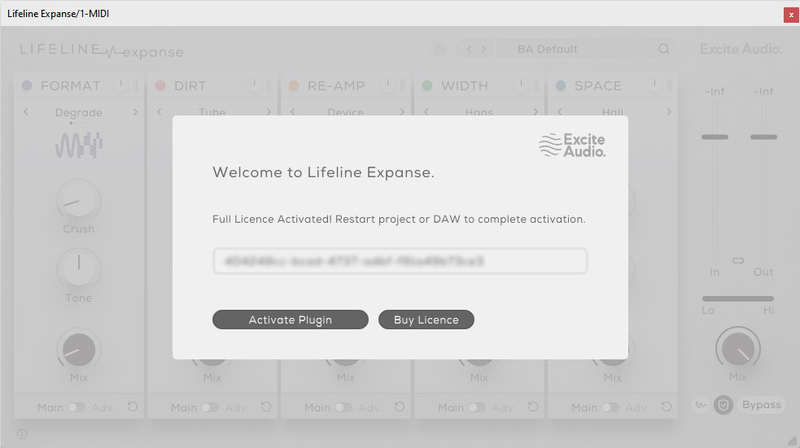
3. Lifeline Expanse is now activated > Please restart your project or DAW.
Lifeline Expanse is now ready to use in your DAW!