Log In
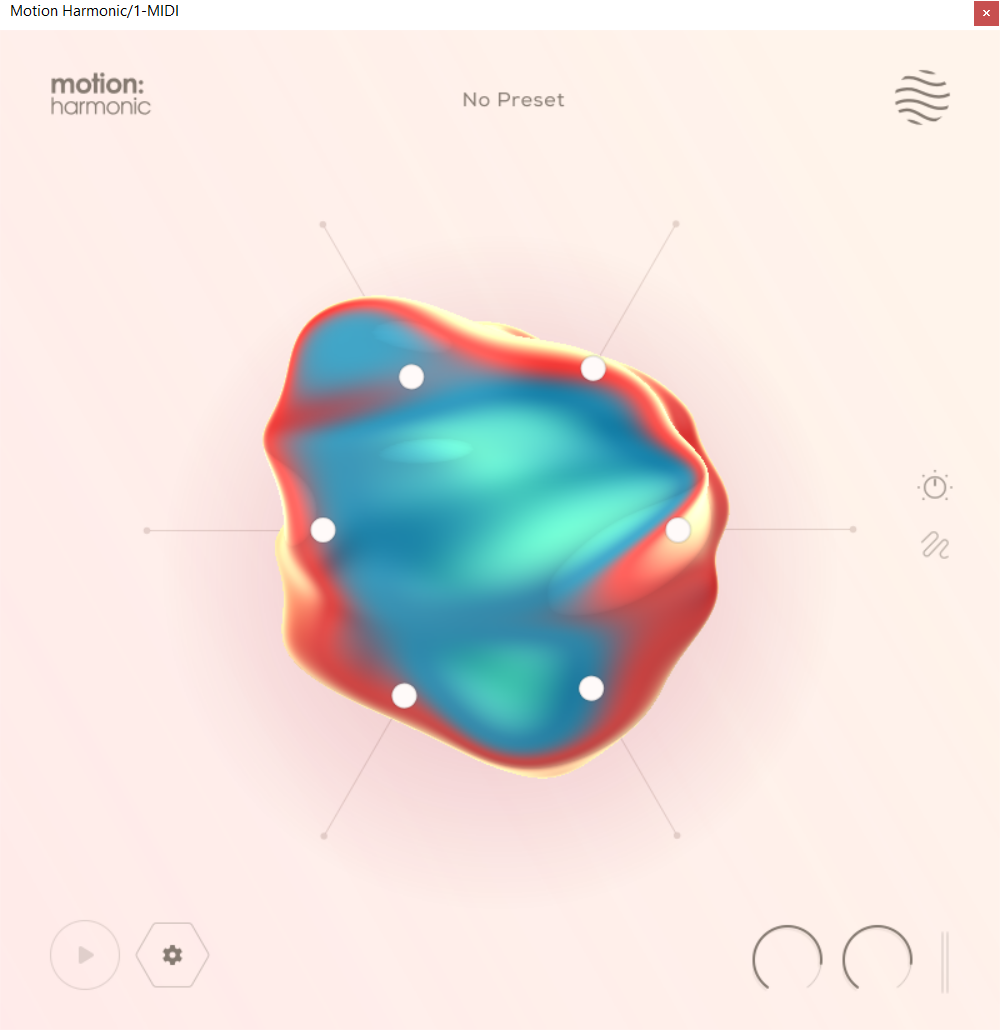
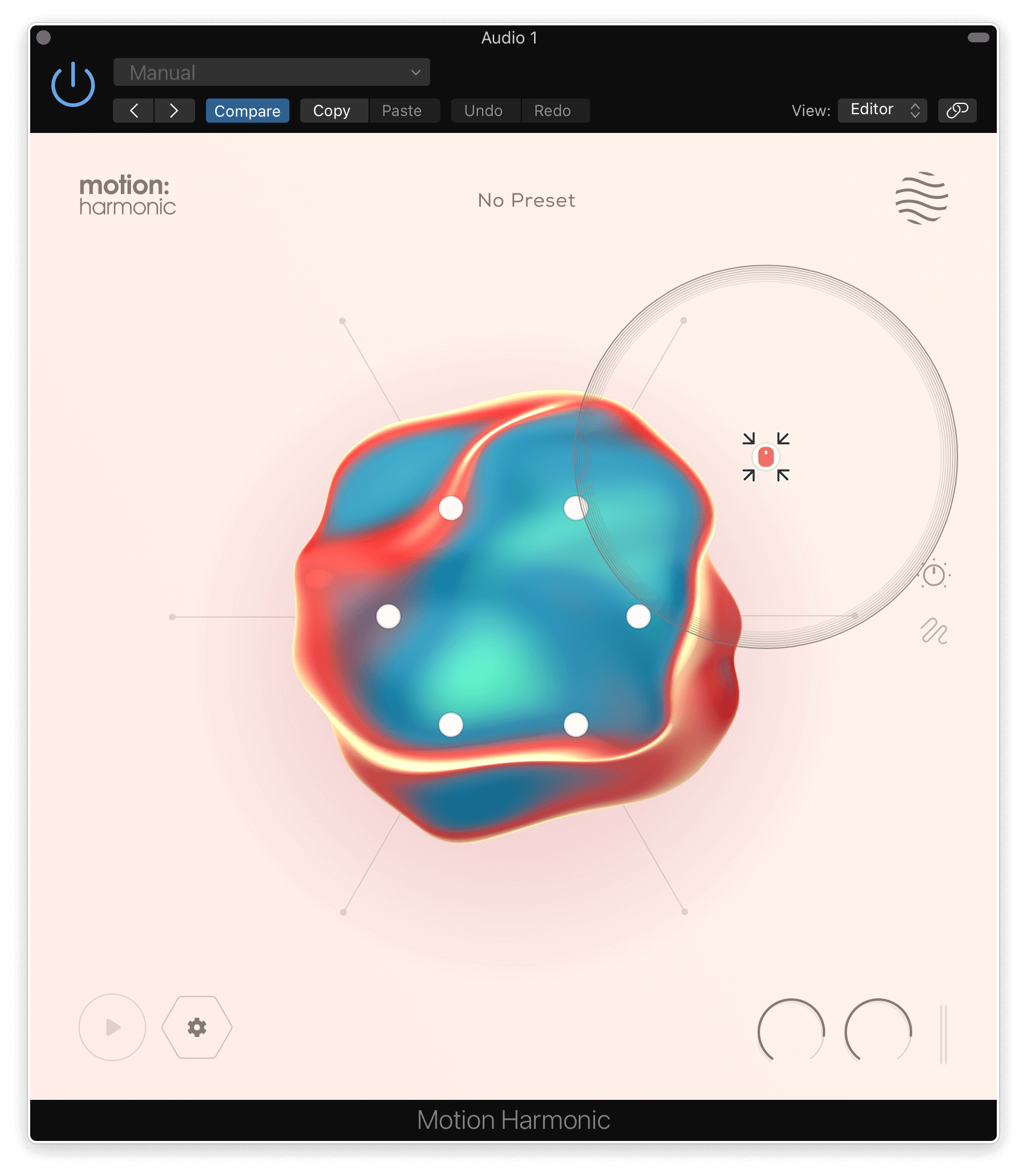
Ignite Your Creative Flow. Motion: Harmonic opens up new frontiers in distortion, filtering and bitcrushing, placing you at the centre of a dynamic and responsive sound-shaping experience.
Mac
Installation
1. Download the .pkg file from your Plugin Boutique account > Open it to start the installation process > Click 'Continue'.
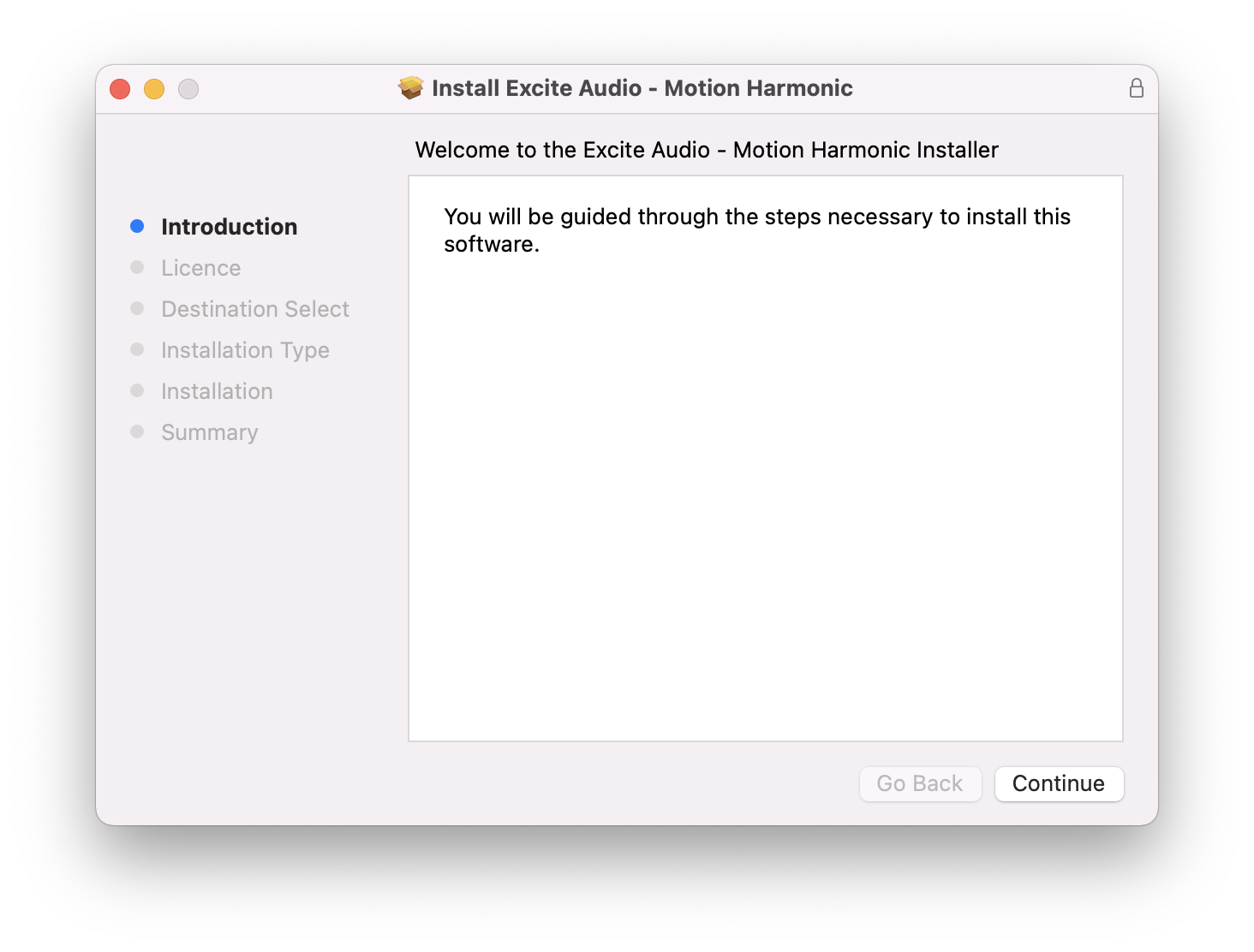
2. Read the Software License Agreement > Click 'Continue'.
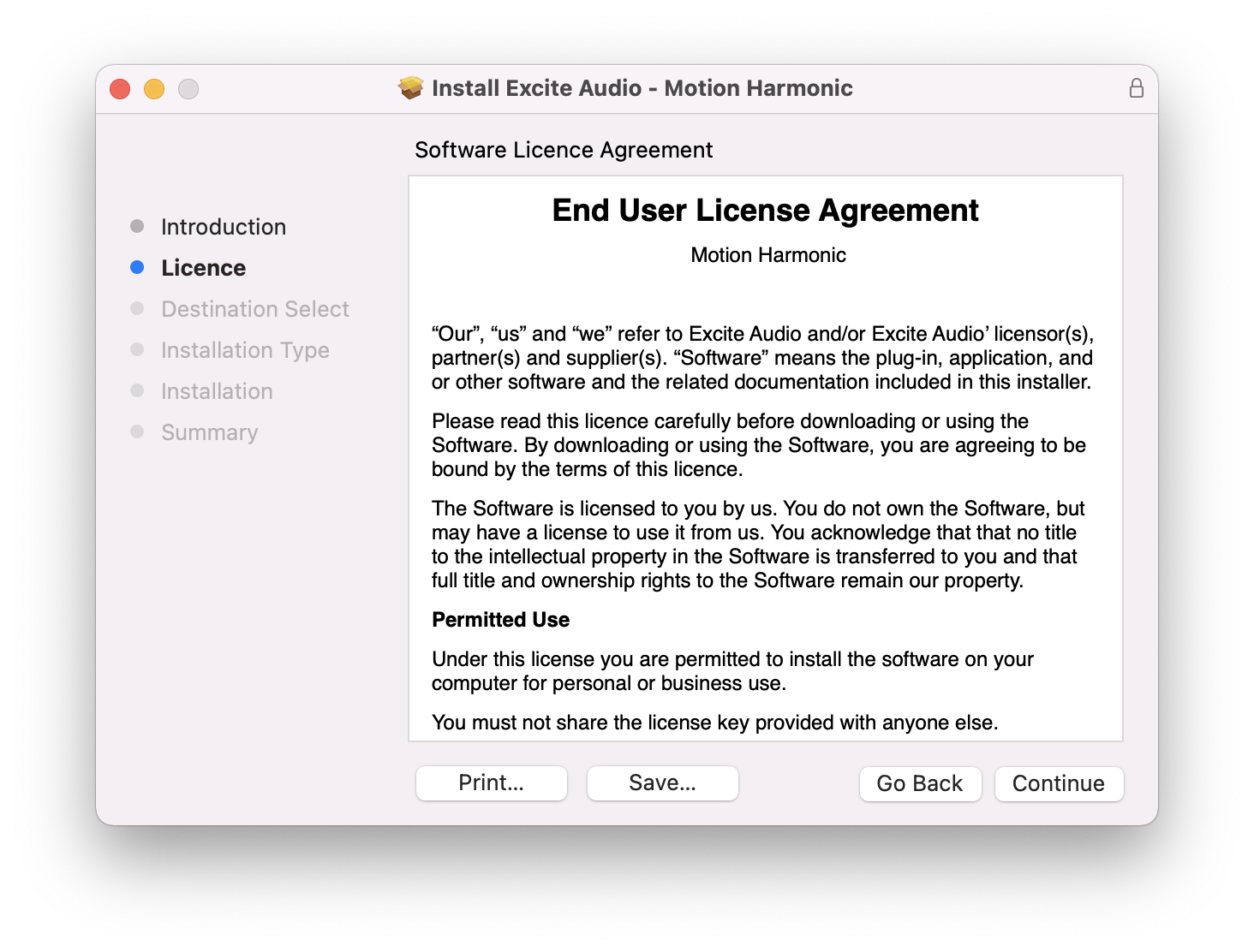
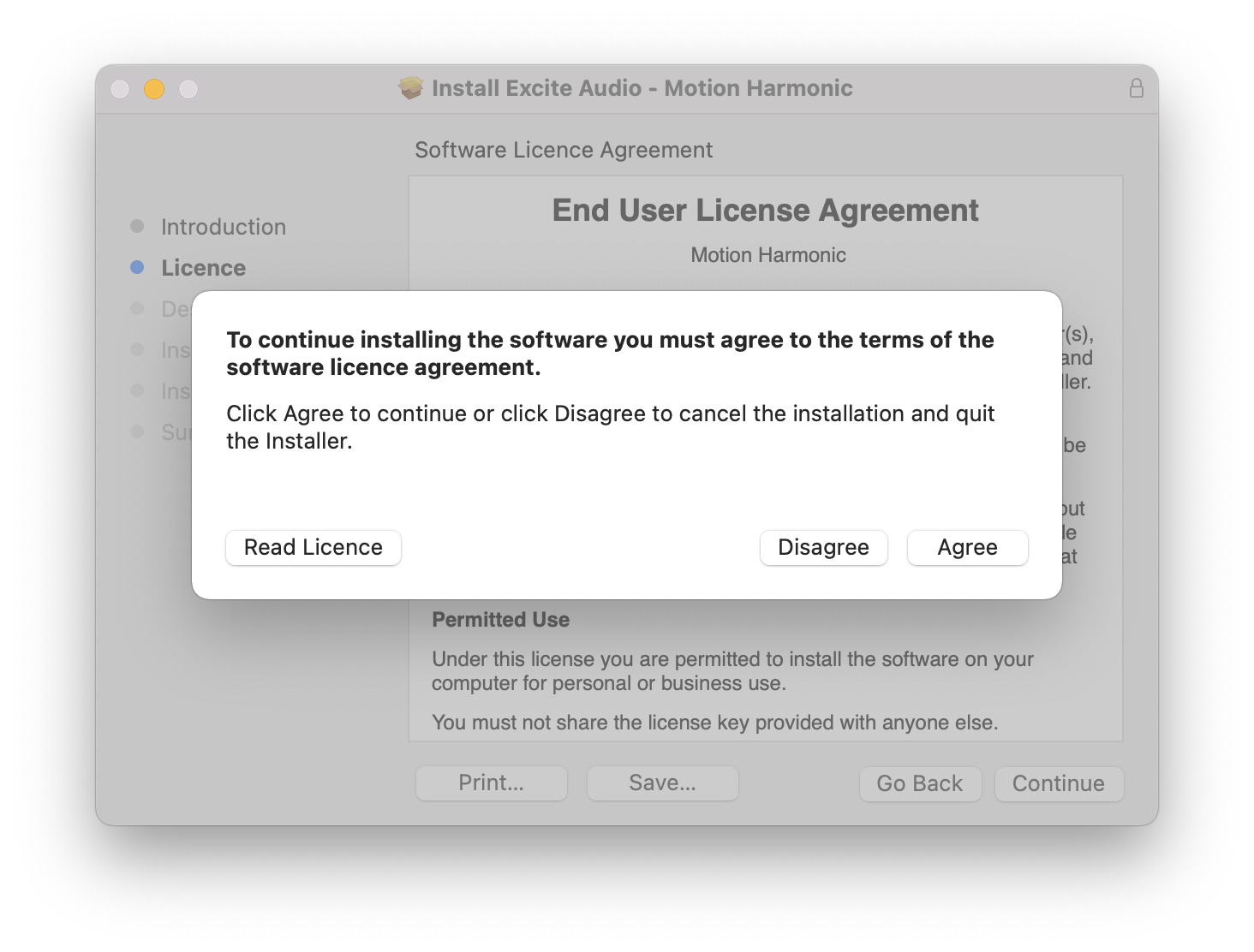
3. Click 'Agree'.
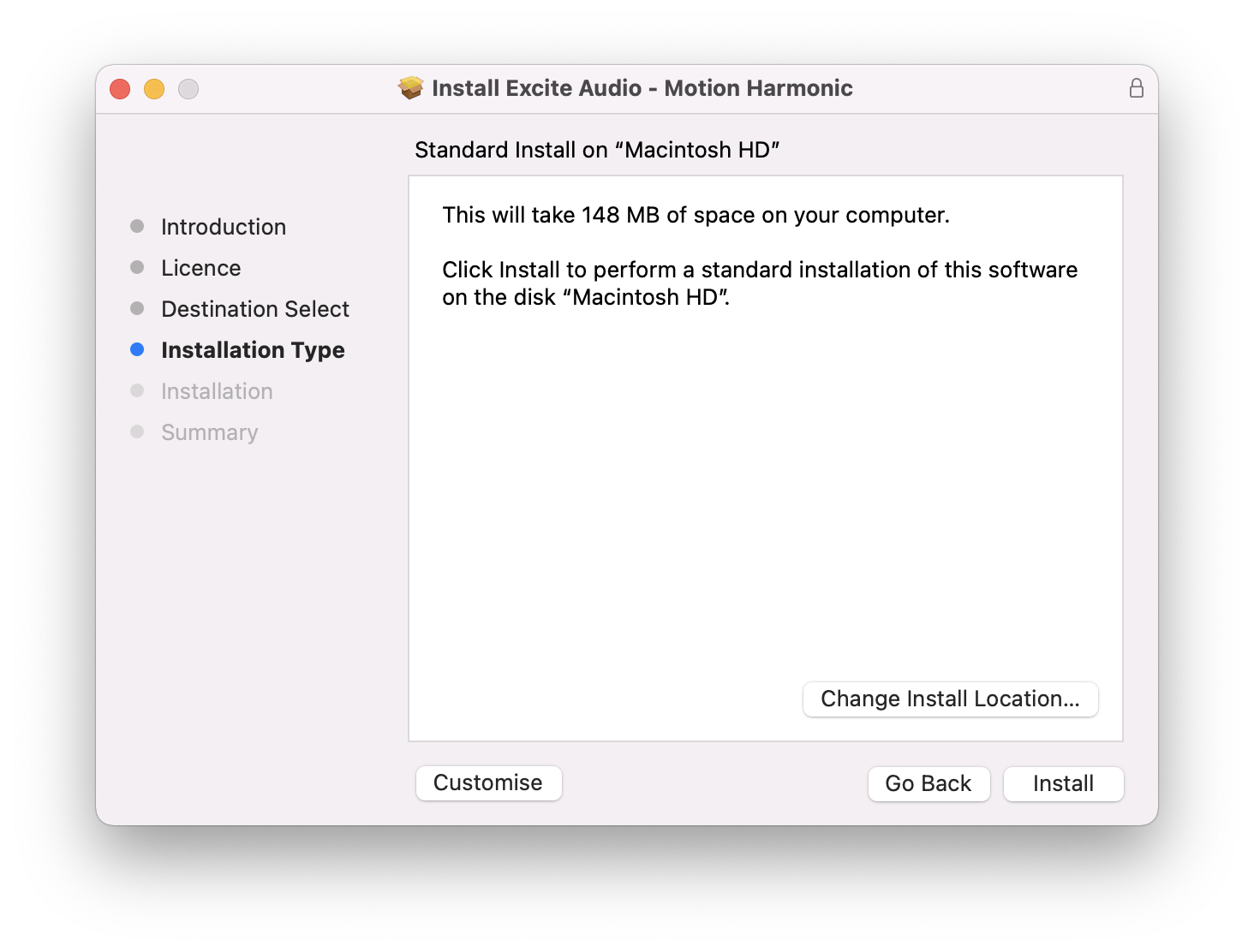
4. Click 'Install'.
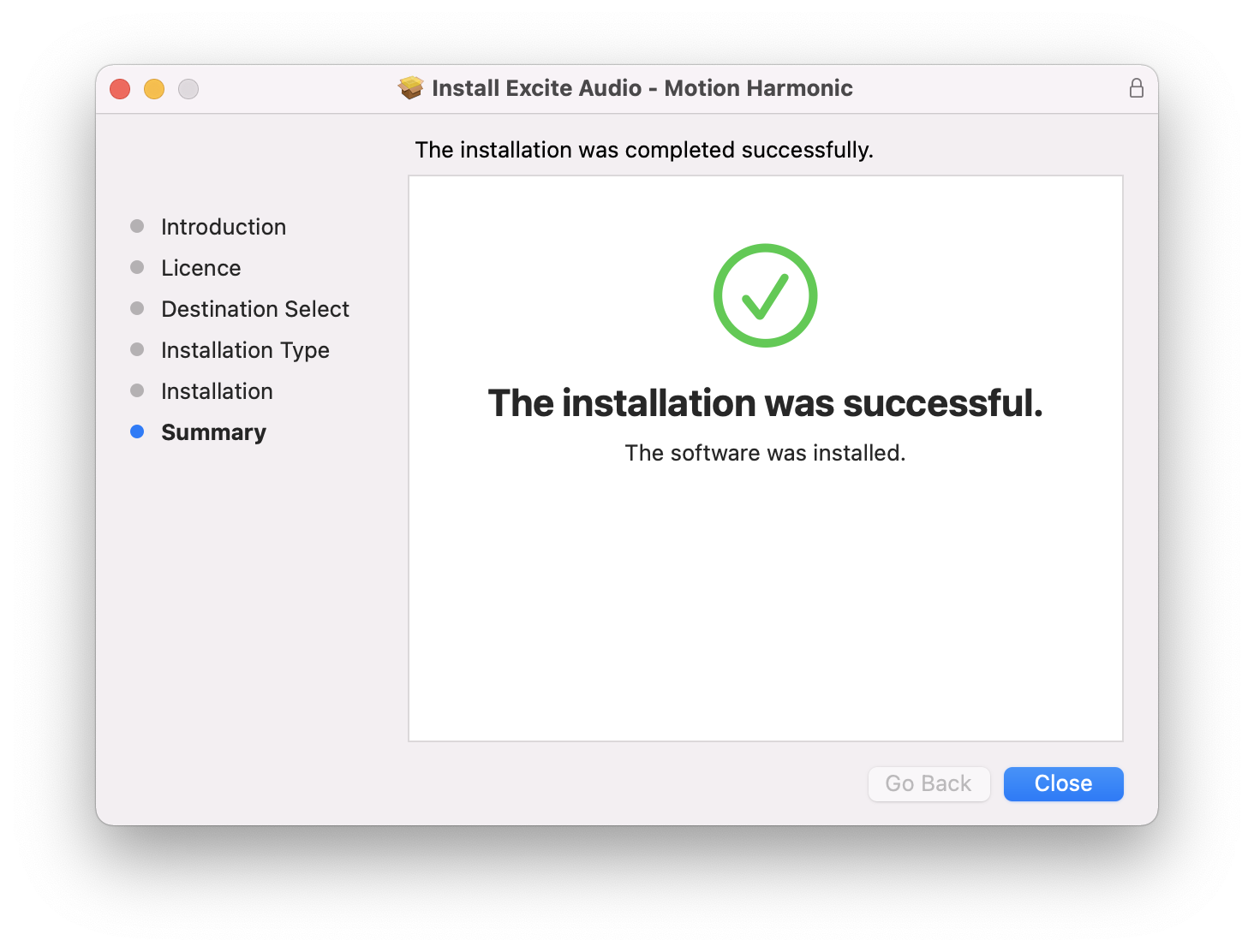
5. Motion: Harmonic is now installed on your Mac > Click 'Close'.
Activation
1. Copy the serial number found in your Plugin Boutique account.
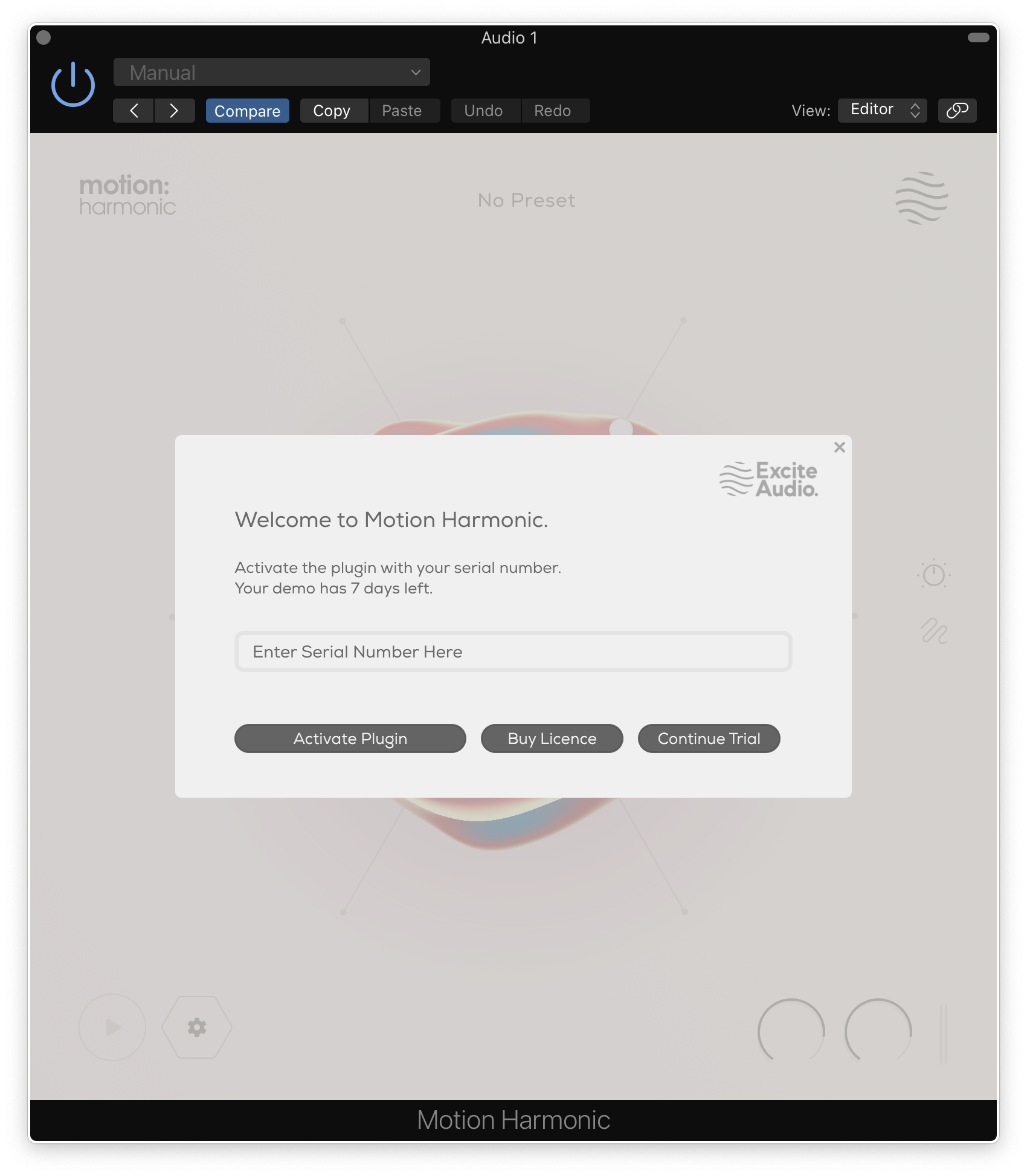
2. Open Motion: Harmonic in your DAW > Paste your serial number > Click 'Activate Plugin'.
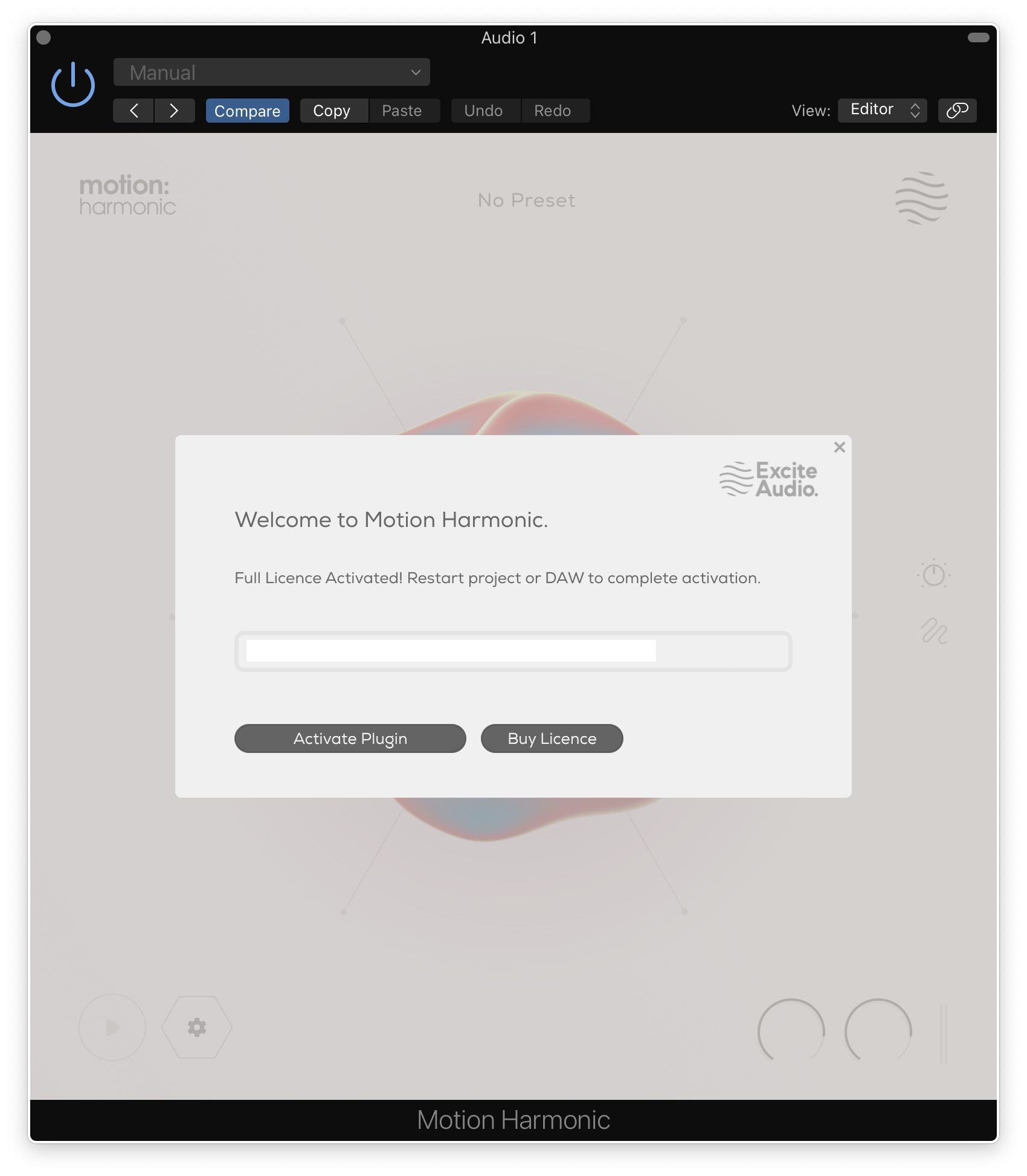
3. Motion: Harmonic is now activated > Please restart your project or DAW.
Motion: Harmonic is now ready to use in your DAW!
Windows
Installation
1. Download the .zip folder from your Plugin Boutique account > Double-click it to extract the .exe installer file.
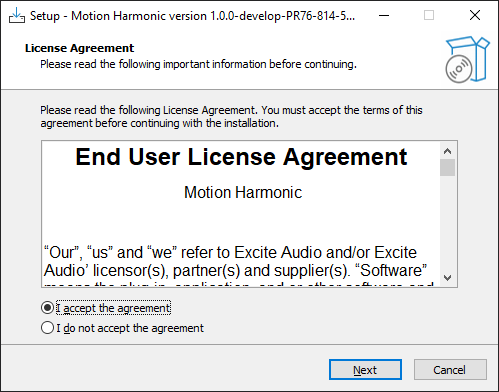
2. Double-click the installer file to start the installation process > Read the License Agreement > Select 'I accept the agreement' > Click 'Next'.
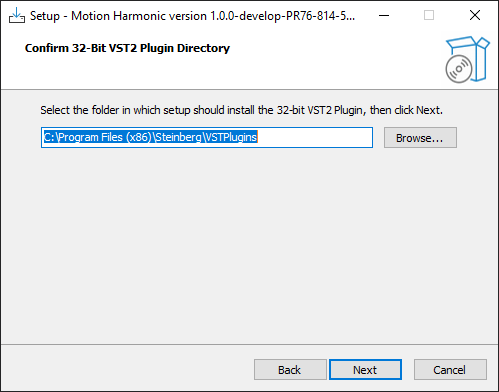
3. Confirm the 32-bit install location > Click 'Next'.
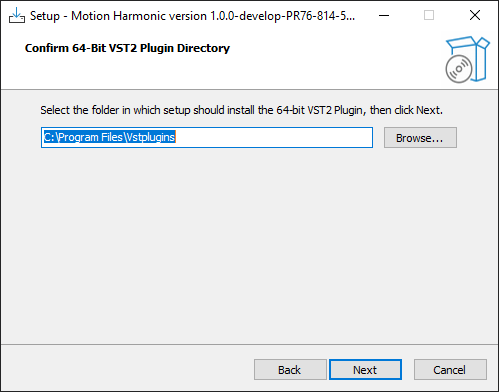
4. Confirm the 64-bit install location > Click 'Next'.
5. Select which plugin formats you would like to install > Click 'Next'. If you're unsure, please leave all boxes ticked, or check out our Help Centre article for more information - Plugin Formats Explained (VST, AU, AAX, etc)
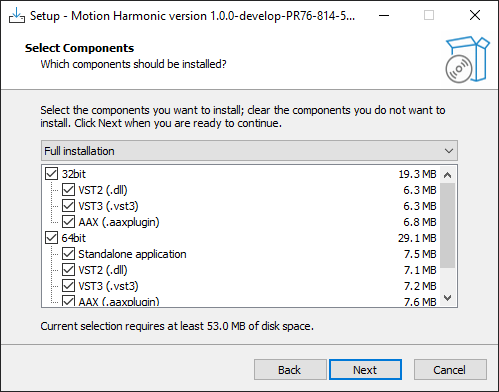
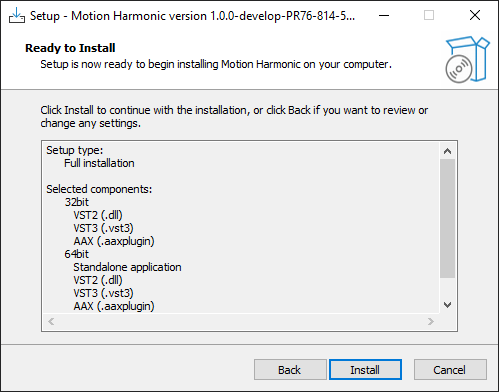
6. Click 'Install'.
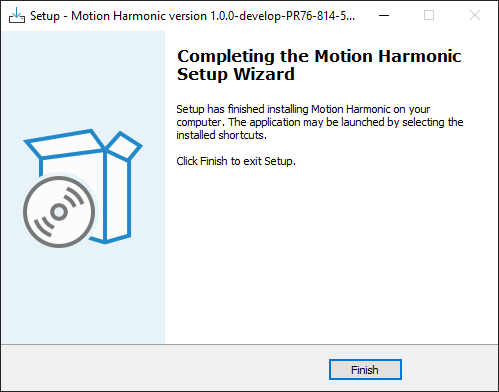
7. Motion: Harmonic is now installed on your system > Click 'Finish'.
Activation
1. Copy the serial number found in your Plugin Boutique account.
2. Open Motion: Harmonic in your DAW > Paste your serial number > Click 'Activate Plugin'.
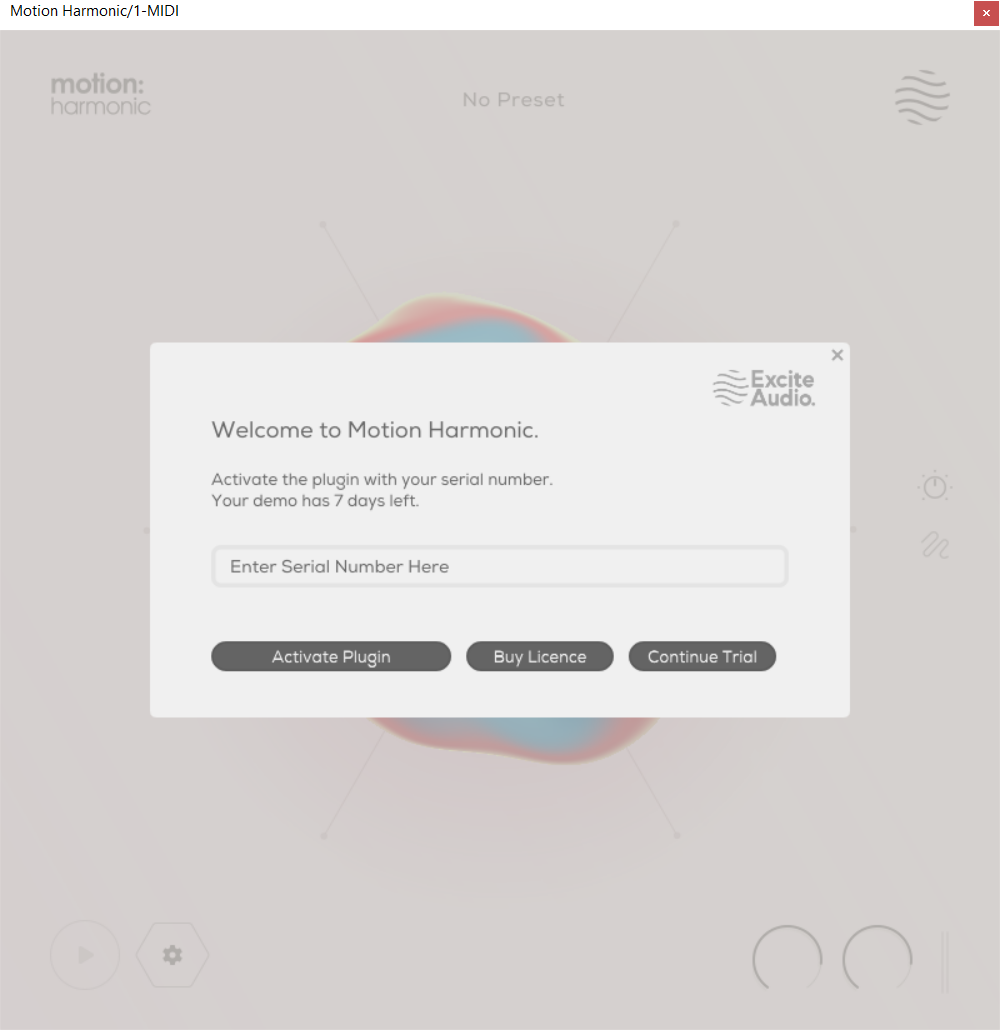
3. Motion: Harmonic is now activated > Please restart your project or DAW.
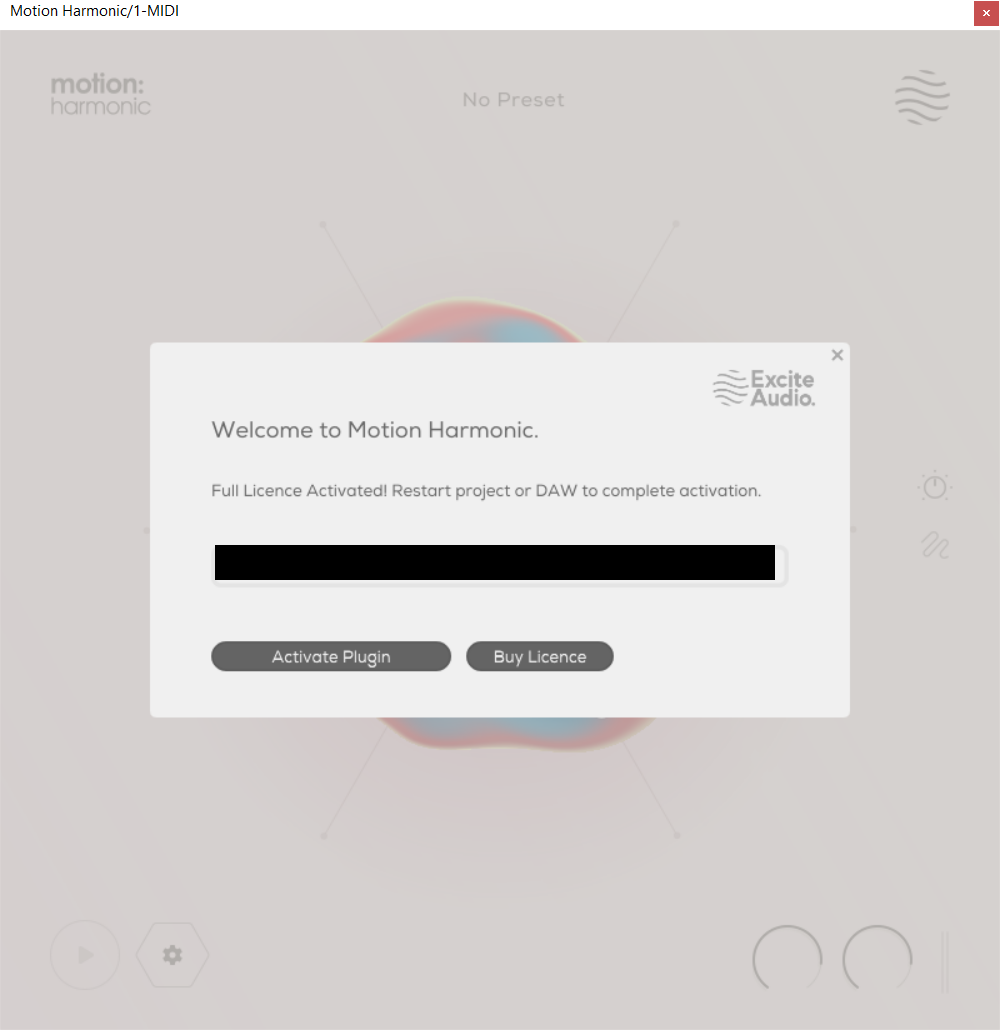
Motion: Harmonic is now ready to use in your DAW!