Log In



Broaden Your Horizons
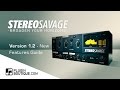
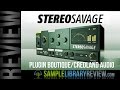
Achieve the stunning stereo your mix deserves. StereoSavage provides an innovative stereo toolbox, combining tried and tested studio techniques with emulations of modern and classic tools that will bring your mix to life.
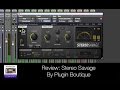
Generate stereo from mono with the: VOX, DELAY, EXPAND and SPLIT programs. Place sounds precisely in the stereo field with the adjustment tools: WIDTH, PAN and ROTATION. Create movement and chorus-like effects with the LFO and retain a solid low end with the adjustable BASS BYPASS.
StereoSavage includes all of these features in a single plugin for the first time, offering the flexibility to enhance your track with dramatic effects, or add the perfect subtle finishing touches.
Benefits:
- Create stereo from mono sources for richer soundscapes.
- Control the placement and width of stereo sources. Separate instruments within the stereo field.
- Use the rotation effect for an incredibly natural sounding pan.
- Get lush wide vocals in seconds.
- Quick simple controls for achieving a ‘big sound’.
- Add motion and excitement with modulation.
- Retain great mono compatibility with the bass bypass feature.
- Reduce the number of vocal takes required for rich, tight, backing vocals.
Effects
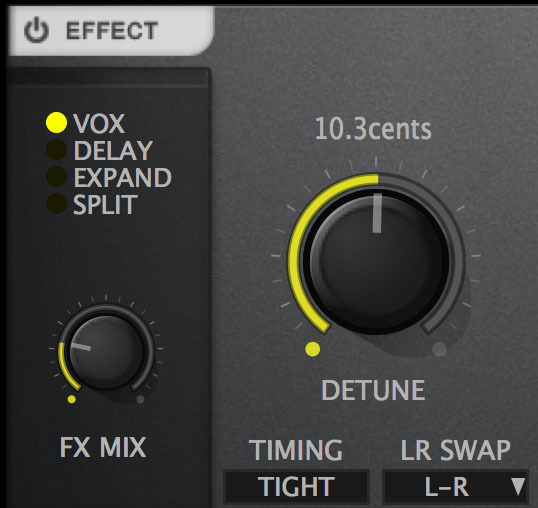
Generate stereo from mono
Vox - Get that classic wide vocal sound: huge leads or rich backing choirs. It’s also brilliant on synths, guitars and has hundreds of other uses.
Delay - Use a simple delay on a channel to pan or widen a sound, this is great for percussive parts. It also has a huge benefit for club mixes where you want to pan some percussion without making either channel quieter!
Expand - Add some aggressive early reflections to make sounds stereo and engaging without adding any unwanted movement.
Split - Splits the sound up into multiple frequency bands and pans those bands left and right. Compared with the other three modes it is exceptionally natural sounding.
Stereo Adjustment
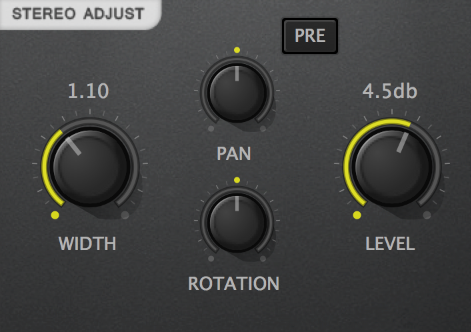
Width - Make it wider, make it wider than wide… Or bring it in so other sounds draw focus.
Pre - Move the panning before widening for super-wide auto-panning.
Rotation - Super-natural panning.
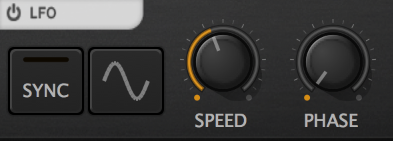
Add modulation to key controls for movement and excitement. Use the sync to ensure all modulation happens in time with your track. Check out the audio demos to hear this in action.
Bass Bypass
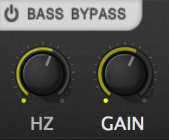
Essential for maintaining a solid low end signal by allowing the bass to be passed through the plugin unprocessed. The gain knob can be used to compensate for differences in level that may
arise as a result of the stereo processing.
Metering
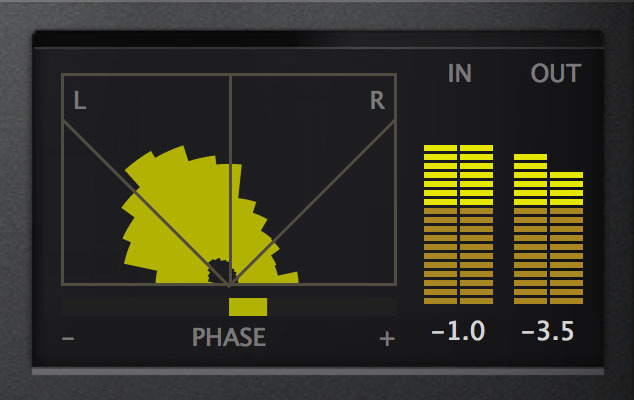
Goniometer - Ultra precise goniometer for visual display of the stereo placement of your sound.
Phase Correlation - Keep a close eye on this to prevent any potential phasing issues.
Input / Output - Use the input and output peaks to help keep things balanced.
Audio Demos
Most of the examples start with an untreated example showing the original sounds before stereo savage was applied. The only difference between the untreated sounds and the treated sounds is the addition of the StereoSavage plugin. Learn more about the processing of the sound HERE.
System Requirements:
PC:
- Win 7 +
- 32, 64 bit
- VST, AAX
Mac:
- OSX 10.7 +
- 32, 64 bit
- AU, VST, AAX
Awards
Installation Instructions
PC / Windows
1. Download and run the installer - Click Next.
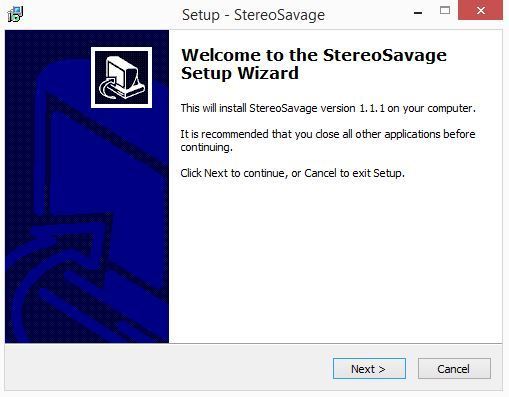
2. Read the license agreement - Accept - Click Next.
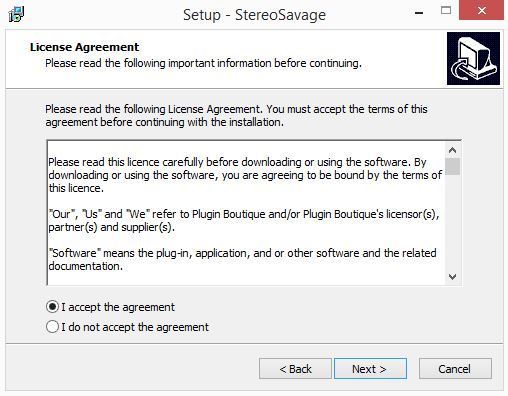
3. Read the information - Click Next.
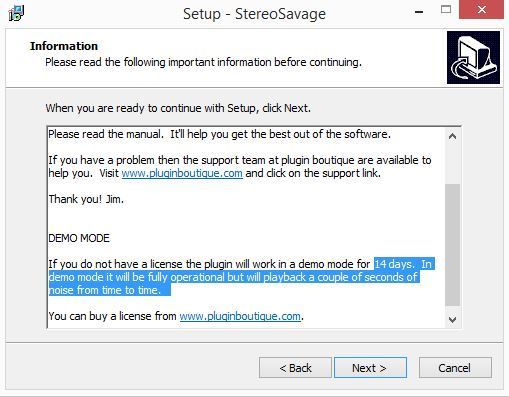
4. Confirm the 32bit plugin directory - Click Next.
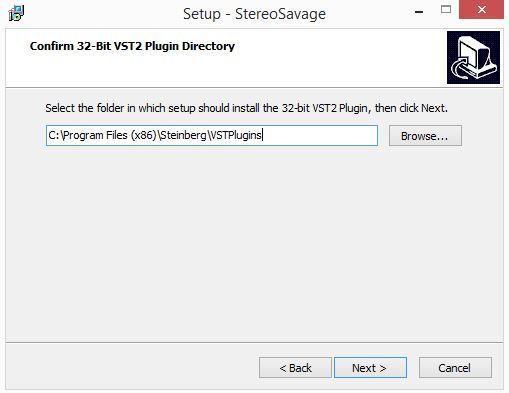
5. Confirm the 64bit plugin directory - Click Next.
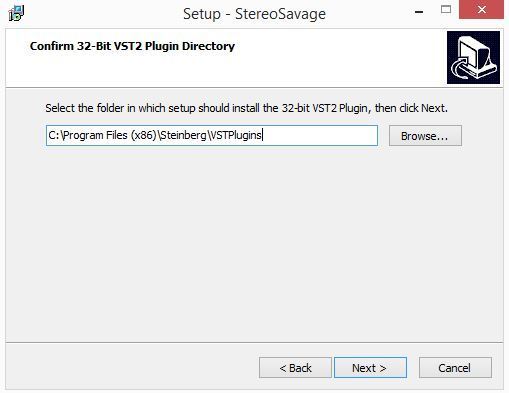
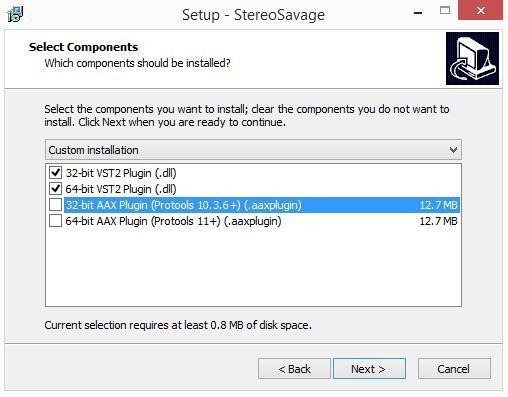
6. Select which components you wish to install - Click Next.
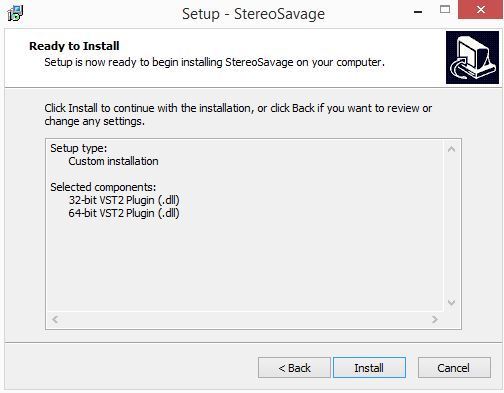
7. Review the install - Click Install.
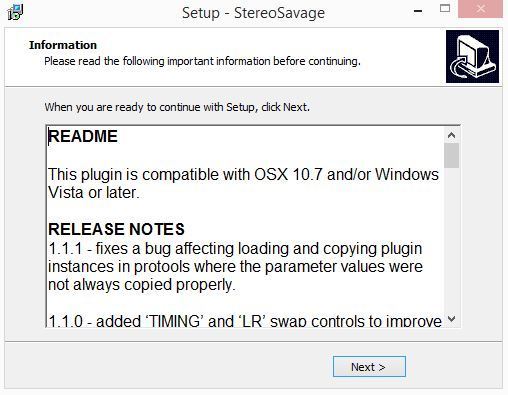
8. Read through the information - Click Next.
To activate StereoSavage..
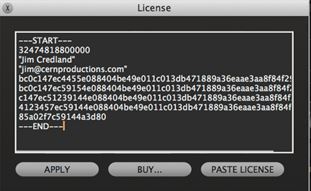
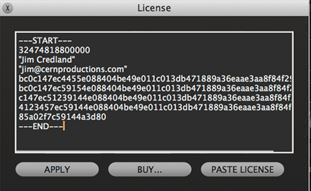
9. Copy the serial and ensure that the license includes the ---START--- and ---END--- lines.
Example serial...
---START---
32472140400000
"garry@pluginguru.com"
"Garry PluginGuru"
tctycbcu76d5hs8hxbxxe5a27fadcbc95d4b26ec01e631bcd756f81a69a
be88ffcd6902cf884c35b50c064e6adcc4ec46fd45112d32e84b6ce2c05
jxucycycyycycy8f1bd020c00ffe96542bfa37db1a1934a21a7ee7e6326
duididididididididi77777199b7398cc3f2760f98deaf453724098183
04f860926df40c1dc659
---END---
10. Load the plugin in your DAW.
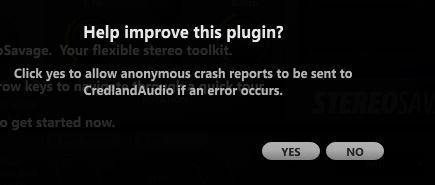
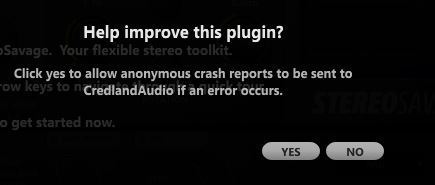
11. Select yes if you're happy for information on any error messages to be sent back to us so we can improve the plugin.
11. Click 'Menu' in the top right of the plugin. Select 'License' from the dropdown menu.
12. Click 'Paste License' - Click 'Apply'
Apple / MAC
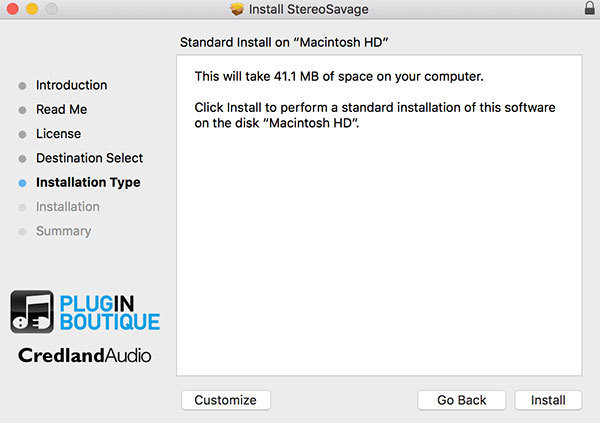
1. Download and run the installer - Click Continue.
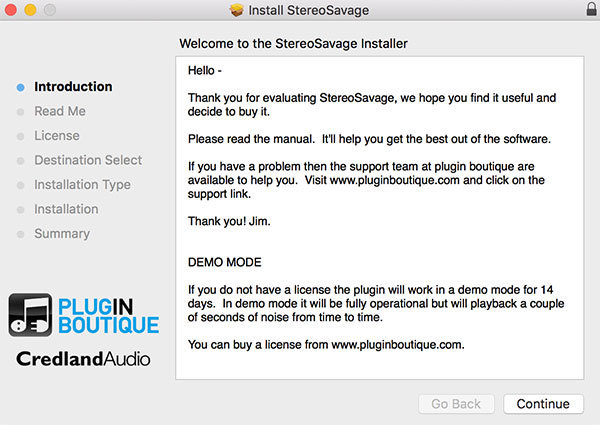
2. Read the important information, then click Continue.
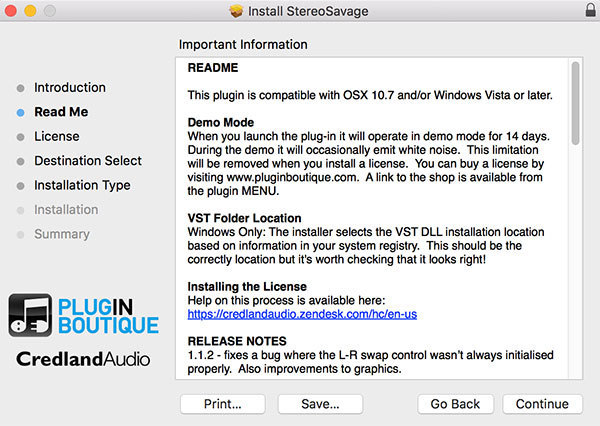
3, Read the Software License Agreement and if happy, click Continue.
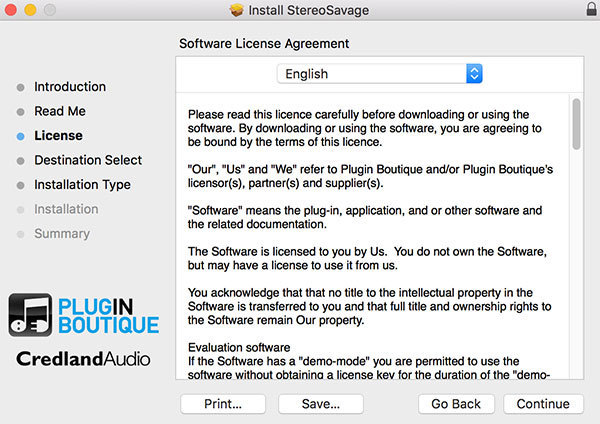
4. Review your install - Click Install.
To activate StereoSavage..
9. Copy the serial and ensure that the license includes the ---START--- and ---END--- lines.
Example serial...
---START---
32472140400000
"garry@pluginguru.com"
"Garry PluginGuru"
tctycbcu76d5hs8hxbxxe5a27fadcbc95d4b26ec01e631bcd756f81a69a
be88ffcd6902cf884c35b50c064e6adcc4ec46fd45112d32e84b6ce2c05
jxucycycyycycy8f1bd020c00ffe96542bfa37db1a1934a21a7ee7e6326
duididididididididi77777199b7398cc3f2760f98deaf453724098183
04f860926df40c1dc659
---END---
10. Load the plugin in your DAW.
11. If you wish to submit any crash information - Select Yes or No.
11. Click 'Menu' in the top right of the plugin. Select 'License' from the dropdown menu.
12. Click 'Paste License' - Click 'Apply'