





 Log In
See Your Sound. Get a deeper understanding of your sound than ever before with VISION 4X, a powerful visual analysis plugin with maximum precision. Developed in partnership with electronic music trio NOISIA, VISION 4X gives you the insights you need to prepare your tracks ready for competition with today’s top mixes, and the clarity to make the right mixing decisions with confidence – however modest your setup.
Mac
1. Download the .zip folder from your Plugin Boutique User Account > Double-click it to open and extract the installer file > Launch the .pkg installer file.

2. Click 'Continue'.
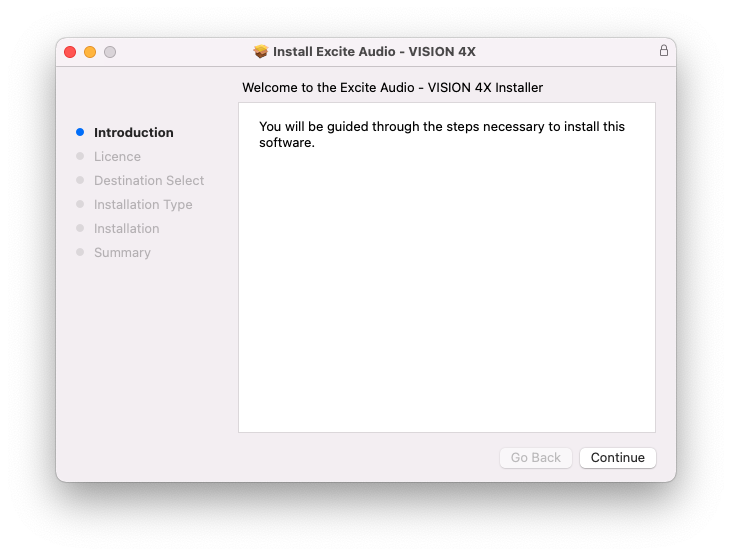
3. Click 'Continue'.
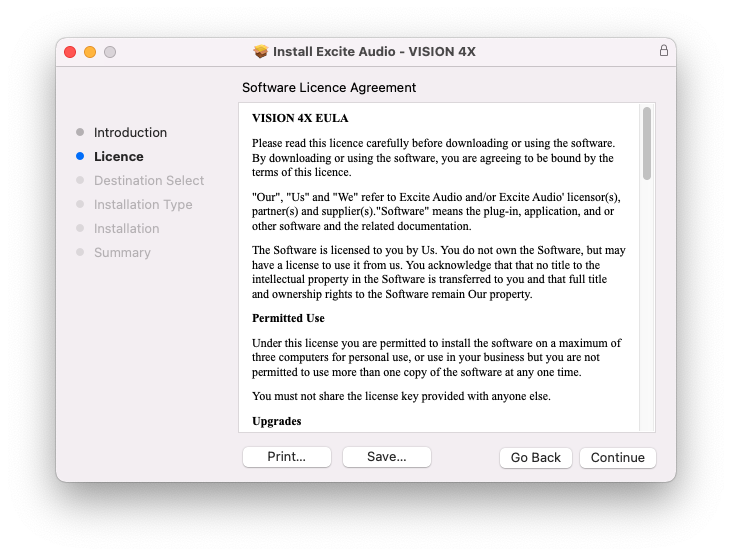
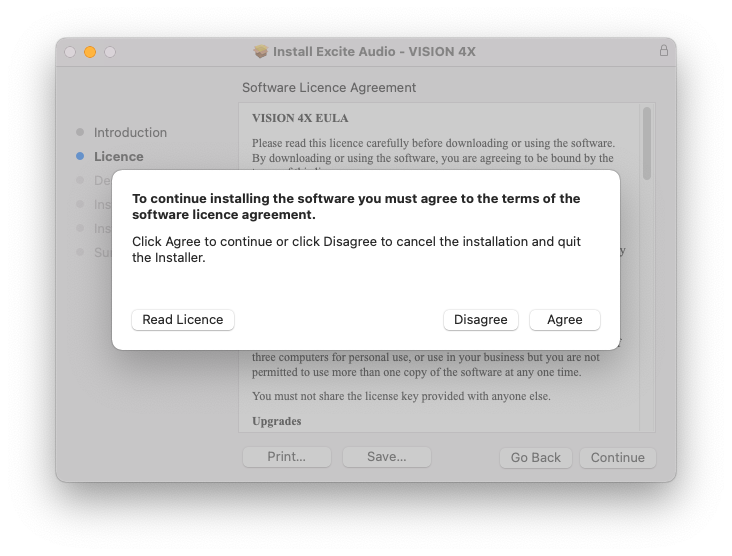
4. Click 'Agree'.
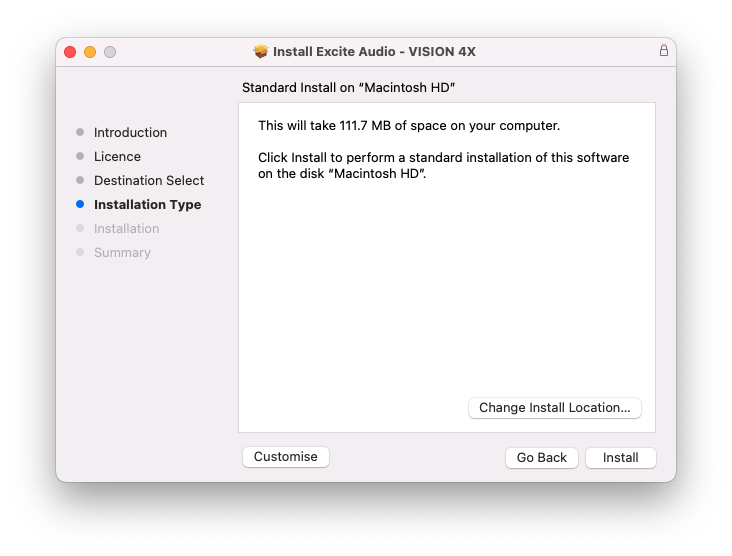
5. Click 'Install'.
6. Enter your system password > Click 'Install Software'.
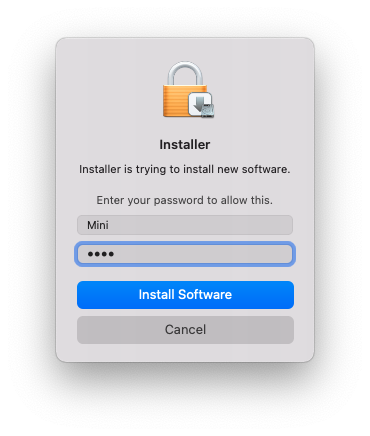
7. Click 'Close'.
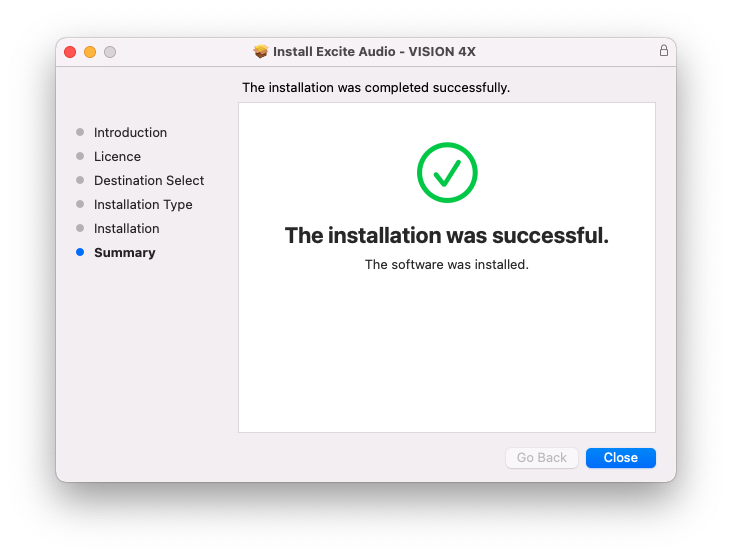
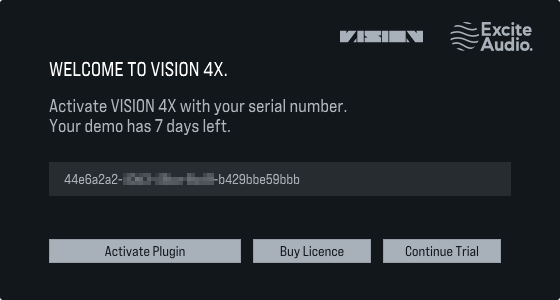
8. Launch your DAW > Insert VISION 4X on a new track > Paste your serial number found within your Plugin Boutique User Account into the text field > Click 'Activate Plugin'. (Or, activate from the standalone version located at: Macintosh HD > Applications).
9. This message indicates that VISION 4X is successfully activated > Close your DAW.
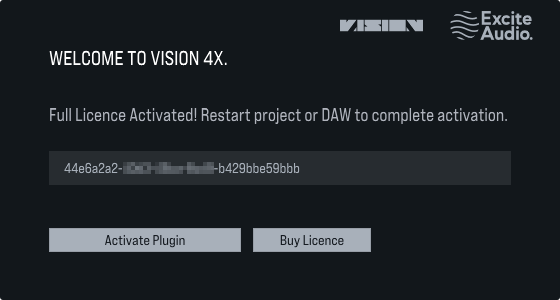
10. Relaunch your DAW > Insert VISION 4X on a new track.
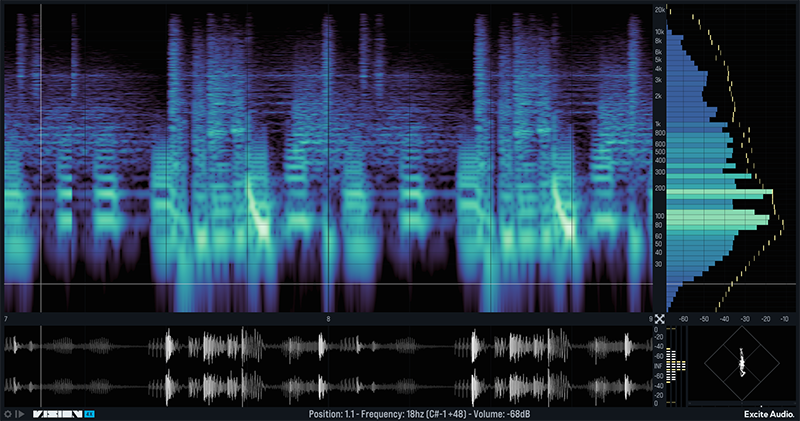
VISION 4X is now installed and ready to use.
Windows
1. Download the .zip folder from your Plugin Boutique User Account > Double-click it to open and extract the installer file > Launch the .exe installer file.

2. Select 'I accept the agreement' > Click 'Next'.
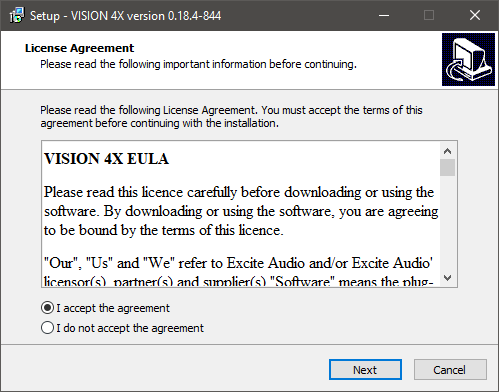
3. Click 'Next'.
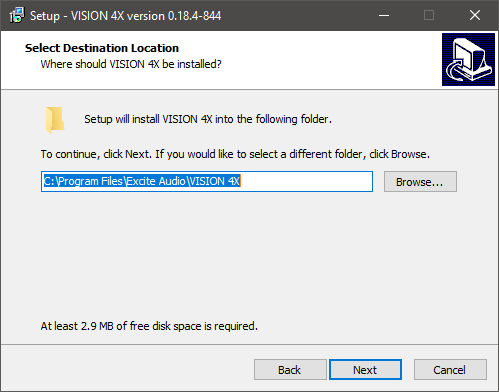
4. Click 'Next'.
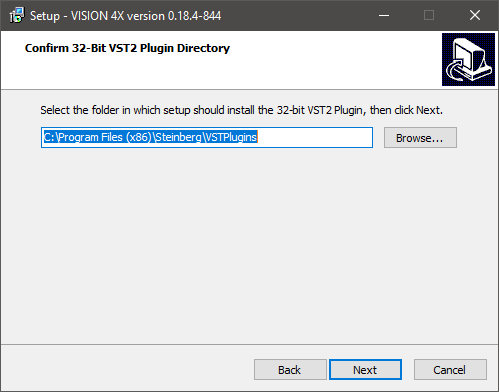
5. Click 'Next'.
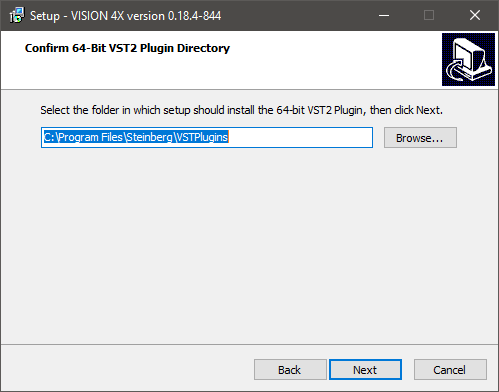
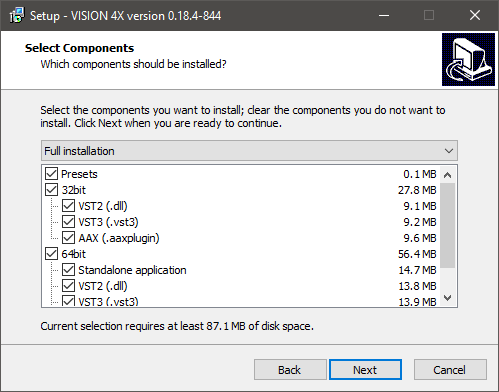
6. Click 'Next'.
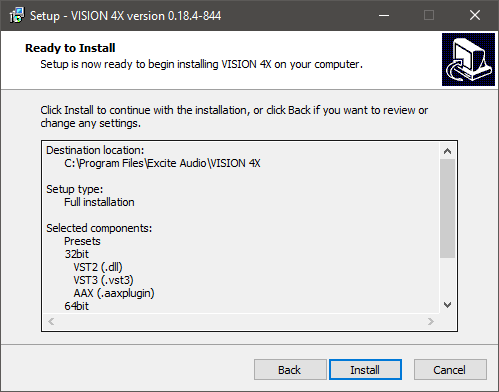
7. Click 'Install'.
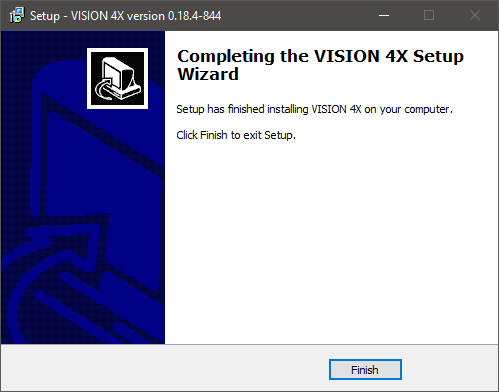
8. Click 'Finish'.
9. Launch your DAW > Insert VISION 4X on a new track > Paste your serial number found within your Plugin Boutique User Account into the text field > Click 'Activate Plugin'. (Or, activate from the standalone version located at: C:\Program Files\Excite Audio\VISION 4X).
10. This message indicates that VISION 4X is successfully activated > Close your DAW.
11. Relaunch your DAW > Insert VISION 4X on a new track.
VISION 4X is now installed and ready to use.


