





 Log In
For some, Electrum, United Plugins all-in-one guitar solution is too complex. Electrum Core offers a much more straightforward attitude. United Plugins simply took Electrum's amazing amp and cab simulations and stripped them from the additional effects to give you a fast way to get straight to the desired guitar tone.
The Agile Son
Electrum Core may have not inherited all its Mother's features, but it is capable of delivering any style of guitar sound - from clean guitars to heavy tones. It is meant to serve in quick operations and to get you to the goal as quickly as possible.
Smart Input Setting
Hit Analyse Input Level button and hit the strings of your guitar as hard as you intend to play. Electrum will set up the input level automatically to find the perfect sweet spot to match your signal's strength with the particular processors' ideal working point. Perfect gain-staging and volume balance helps to get the most out of Electrum.
All Amps in One
Any guitar, any style. Electrum provides five guitar amps of different levels of gain and distortion. They share common controls for quick and easy setup with no confusion. United Plugins analyzed the most profound amps on the market and created Electrum with these in mind. But United Plugins also added several perks, which let you create an amp that is truly yours.
300+ Cabinets
Electrum's unique guitar cab simulation brings 16 types of cabinet simulations combined with 21 alterations, over 300 models. Then it lets you add resonances and ambience. And it's no simple IR set, United Plugins' cabinet produces a great natural sound no IRs can provide.
Upgrade Anytime
If you will ever feel like ElectrumCore is not enough, you can always upgrade to the Mother of All Guitar Amps (Electrum, the all-in-one guitar solution) at a special price (EC owners see it after log-in).
Hassle-Free Software Protection
No iLok, no dongle nor internet access is required for activation. United Plugins' software uses licence files to activate your software. You can freely use the purchased software on all your computers as long as you are the user.
Realistic 3D, Yet Flexible GUI
The photorealistic graphic user interface of the plugin gives you the feeling you are touching the real hardware. But it easily adapts to your needs. You can always drag the arrow in the bottom right corner to change its size - make it smaller to save valuable screen space, or enlarge it to make it easier to use.
15-Days Unlimited Trial Version for FREE
All the descriptions are nothing compared to putting your hands on the plugin. No saving limits. No noises. No boundaries. Engage the plugin in your project for real and fully exploit its powers for two weeks.
64-bit Audio Quality at ANY Sampling Rate
The plugin provides the maximum audio quality you can get. It uses internal 64-bit audio processing and can handle any sampling rate. 192 kHz or even higher.
Smart Bypass
The intelligent way United Plugins manage bypassing ensures that you don't get any clicks or harmful noises when automating the parameter. It also compensates for latency ensuring that the bypass states are perfectly in sync with each other.
Intelligent Sleep on Silence
This plugin intelligently detects whether it makes sense to perform processing at all. And if not, it temporarily turns on sleep mode. In such a state, it requires virtually no CPU at all to save the computing sources for other processes.
System Requirements
Mac
- macOS 10.10 and later (M1 Silicon Mac and macOS 11 Big Sur supported) (64-bit only)
- Intel / AMD processor with SSE2 support.
- VST2, VST3, AAX or AU compatible host.
Windows
- Windows 8 - 10 (32 or 64-bit)
- Intel / AMD processor with SSE2 support.
- VST2, VST3 or AAX compatible host.
Note: FireCobra is used as an example as the installation process is the same for all United Plugins products.
Mac
Registration
1. Go to https://unitedplugins.com/register/ > Fill out the account registration form, check the box that states 'I'm not a robot' and click 'Create Account'.
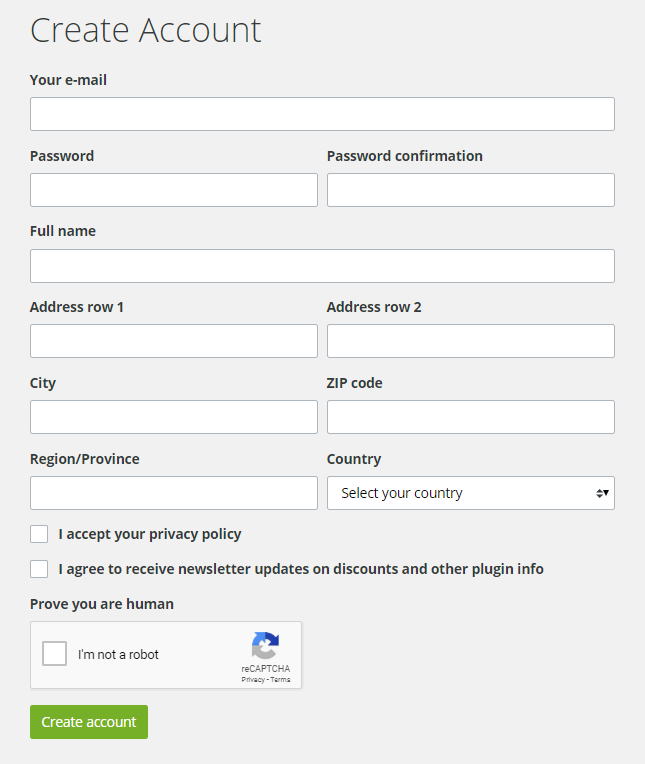
2. Enter your United Plugins-registered email and password > Click 'Sign in'.

3. In the tab on the left-hand side, click 'Redeem license key'.
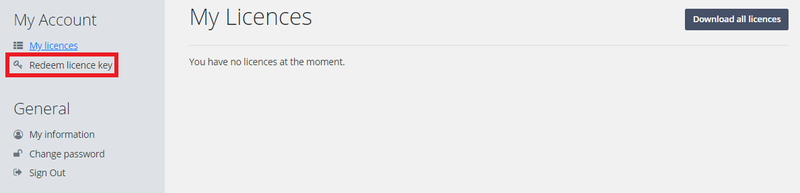
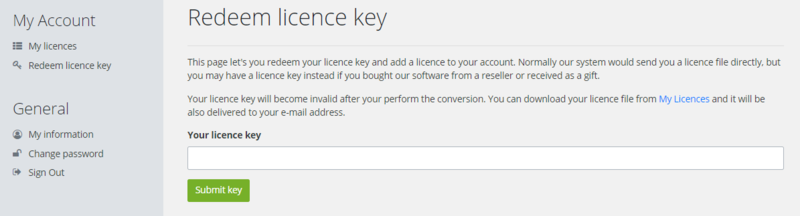
4. Enter the license key, found in the section of your Plugin Boutique User Account titled 'Serial Number'.
Installation
1. Download the installer from within your Plugin Boutique User Account and double-click the .zip file to extract the contents > Open the .pkg file to begin the installation process.
2. Click 'Continue'.
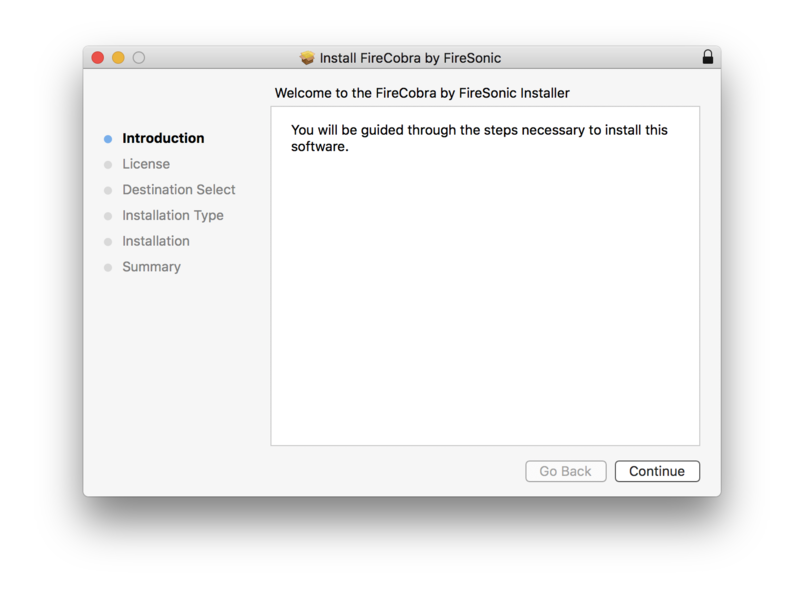
3. Click 'Continue'.
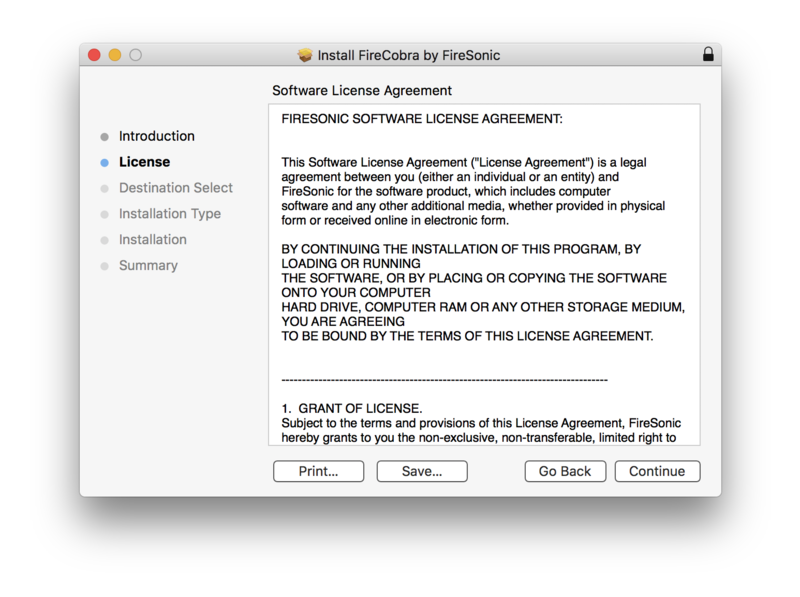
4. Click 'Agree'.
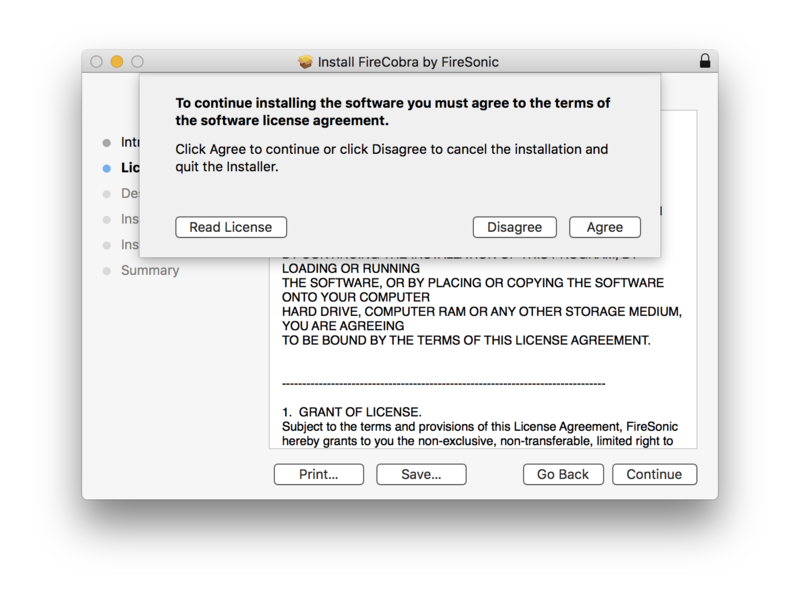
5. Click 'Install'.
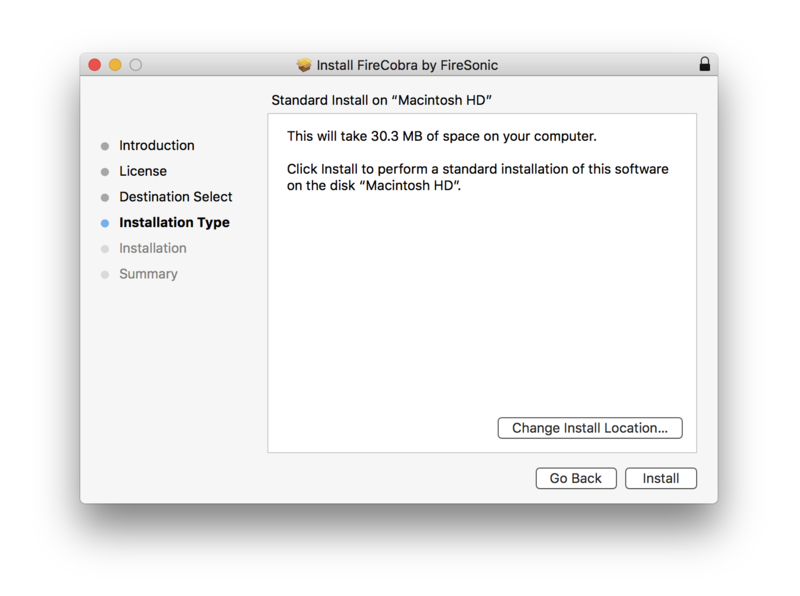
6. Enter your computer User Name and Password > Click 'Install Software'.
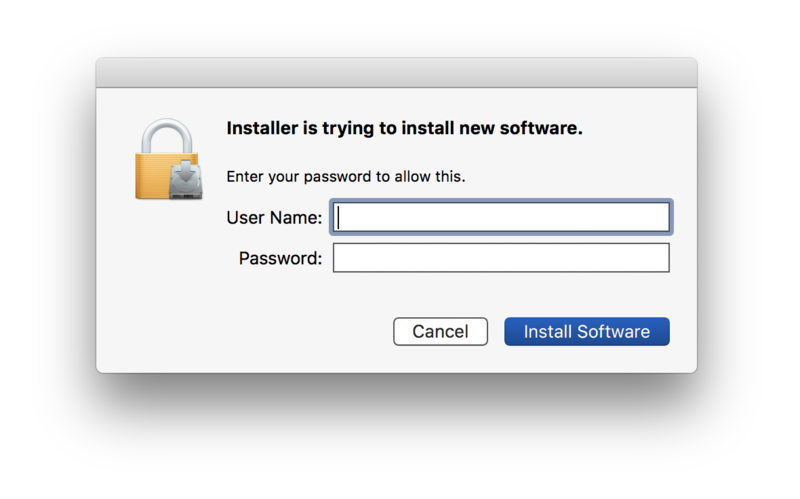
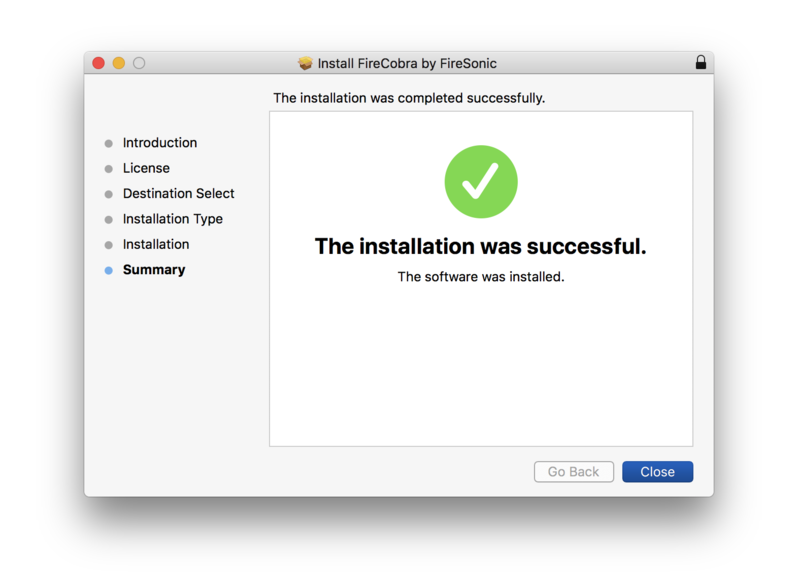
7. Click 'Close'.
Activation
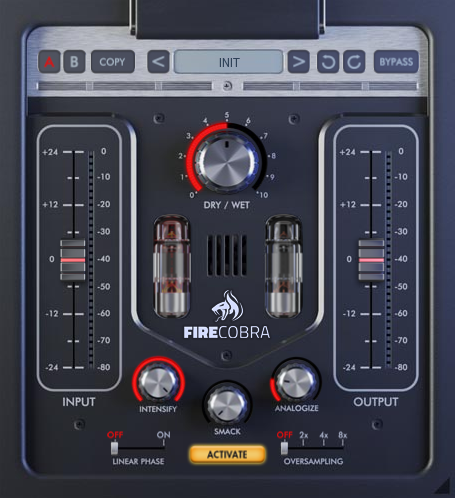
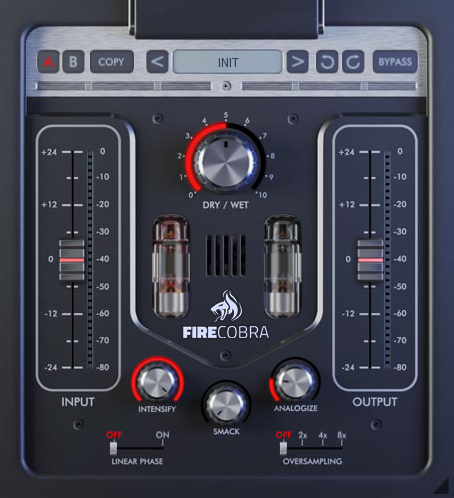
1. Open the installed plugin within your DAW > Locate and click the 'Activate' button.
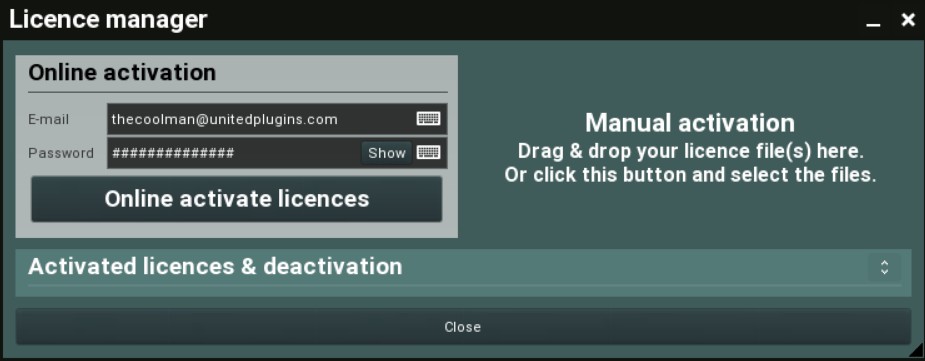
2. Enter the email address and password of your United Plugins account > click the 'Online activate licenses' button.
3. Click 'Close' > Restart your DAW.
Your software is now activated and ready to use within your DAW.
Windows
Registration
1. Go to https://unitedplugins.com/register/ > Fill out the account registration form, check the box that states 'I'm not a robot' and click 'Create Account'.
2. Enter your United Plugins-registered email and password > Click 'Sign in'.
3. In the tab on the left-hand side, click 'Redeem license key'.
4. Enter the license key, found in the section of your Plugin Boutique User Account titled 'Serial Number'.
Installation
1. Download the installer from within your Plugin Boutique User Account and double-click the .zip file to extract the contents > Open the .exe file to begin the installation process.
2. Select 'I Accept the Agreement' > Click 'Next'.
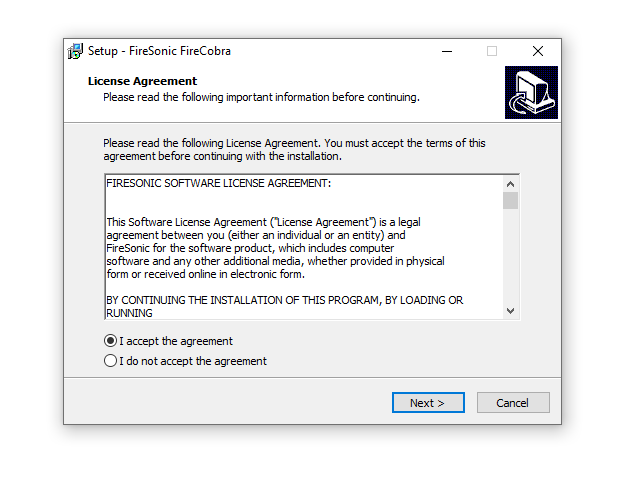
3. Click 'Next'.
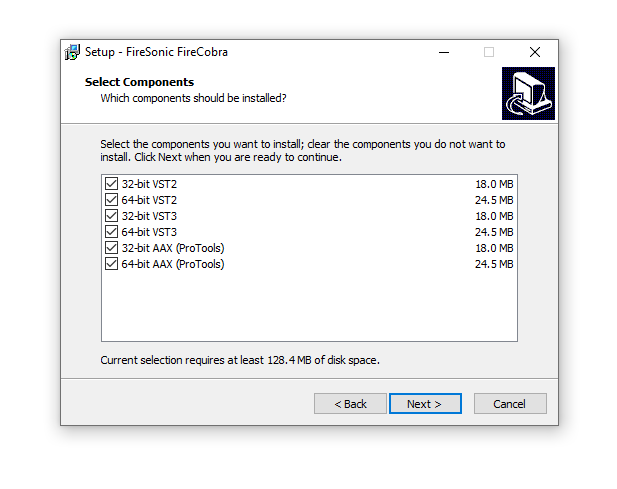
4. Click 'Next'.
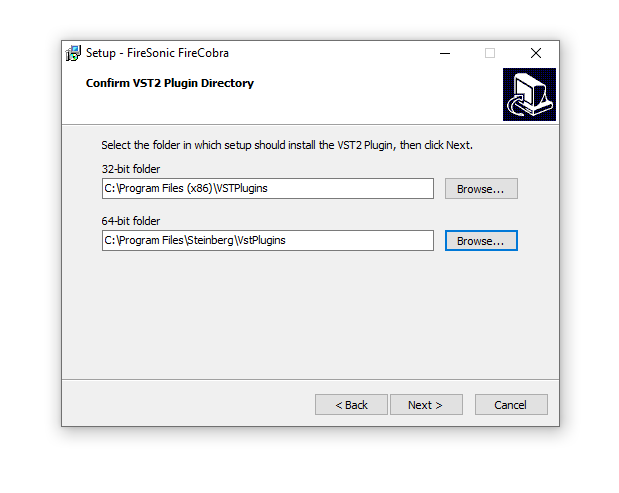
5. Click 'Next'.
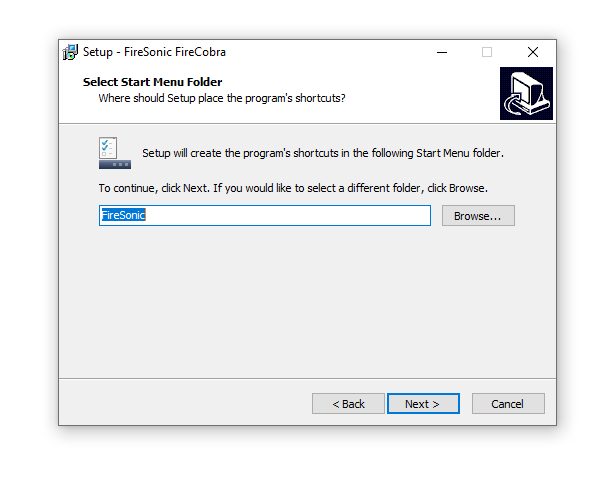
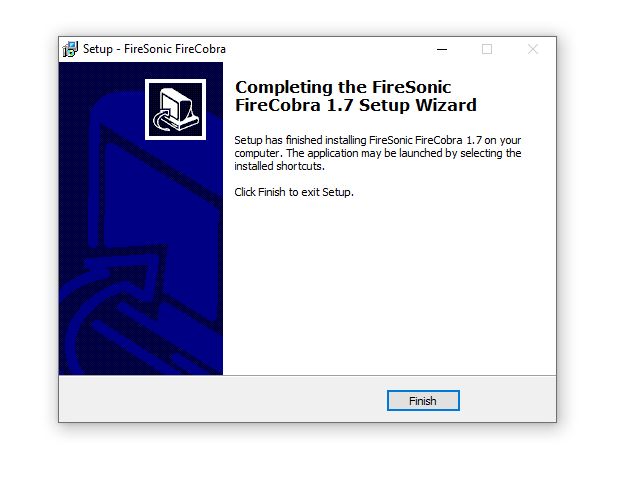
6. Click 'Finish'.
Activation
1. Open the installed plugin within your DAW > Locate and click the 'Activate' button.
2. Enter the email address and password of your United Plugins account > click the 'Online activate licenses' button.
3. Click 'Close' > Restart your DAW.
Your software is now activated and ready to use within your DAW.


