





 Log In
Control whether the whole signal or a specific frequency range is affected using a Low-Pass, Band-Pass or High-Pass filter. Refine it further with 'Cutoff' and 'Resonance' control. Add texture by pitch shifting your incoming audio from -12 to + 12 semitones, retain character with 'Preserve Formants' and balance the dry/wet signal using 'Pitch Amount'.
Modulate
With 2 to 32 powerful voices, use 'Rate' to set speed, 'Phase' to spread modulation phase and 'Depth' to set intensity. Spread the timing of the voices using 'Looseness'.
Width
Use 'Spread' to to pan voices over the stereo field, 'Flip CH' to invert modulation in the right channel and use 'Width' to apply mid/side widening.
Colour
Add some character with 'Warm' mode; bringing 3.5dB of analogue saturation. Engage 'Dark' mode to roll off the high frequencies of the audio.
Versatility
Choric works fantastically in a variety of uses and comes jam-packed with 50 presets in Classic, Guitar, Keys, Synth, Vocal and Misc Folders.
Features
- Produce thick, rich chorus textures with up to 32 voices.
- Explore traditional chorus sounds and natural realistic unisons.
- Add movement and character to your tracks with unique modulation shapes.
- Enjoy the straightforward, elegant design in your new and powerful chorus effect.
System Requirements
Mac
- Requires macOS 10.13 or higher (64-bit only).
- AU, VST3 & AAX.
- Native Apple Silicon support.
Windows
- Requires Windows 7 or higher.
- VST3 & AAX (AAX is 64-bit only).
Important Note: Tape Cassette 2 is used as the example
macOS:
Installation
1. Download the installer from within your Plugin Boutique User Account and open the .pkg file to begin the installation > Click 'Continue'.
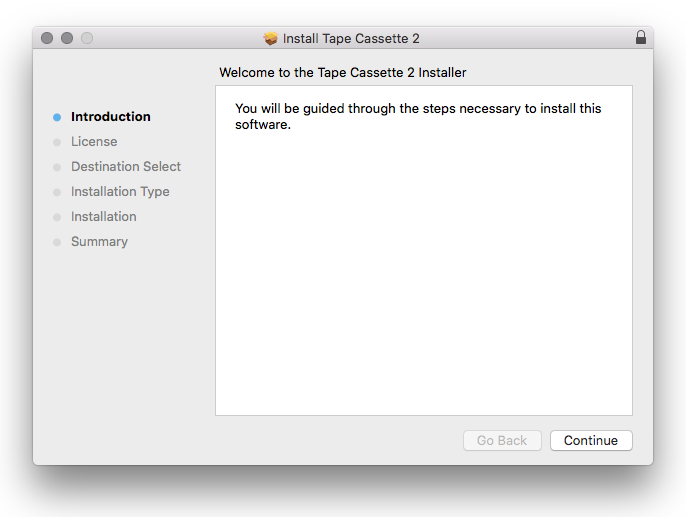
2. Click 'Continue'.
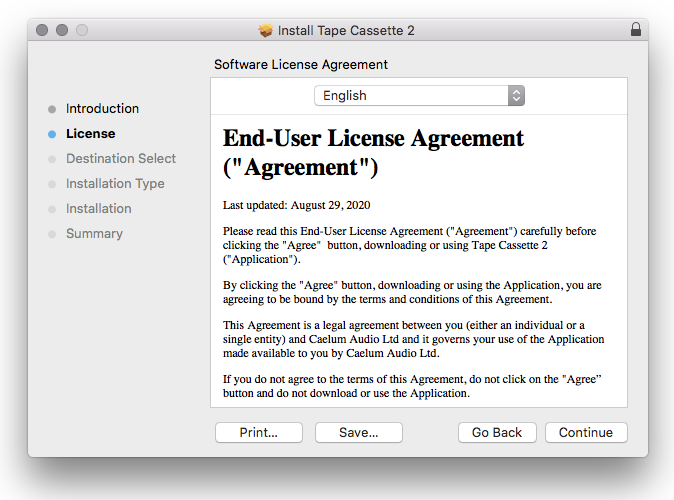
3. Click 'Agree'.
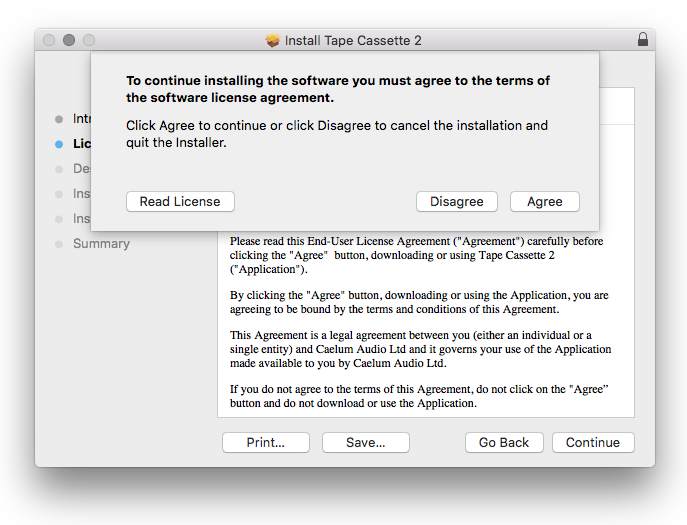
4. Click 'Continue'.
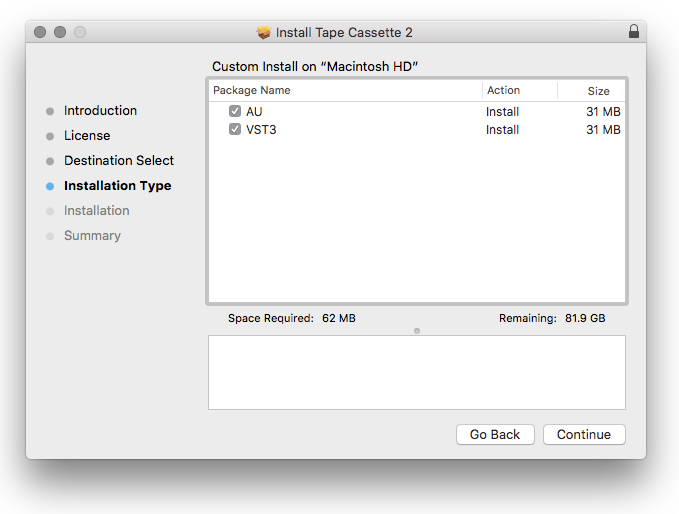
5. Click 'Install'.
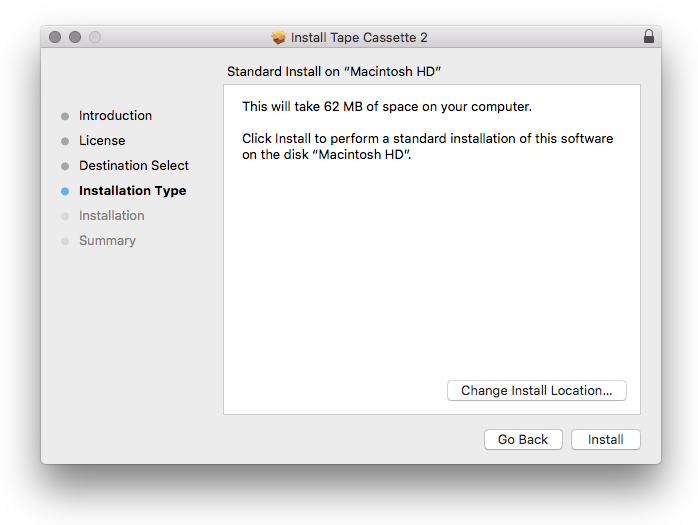
6. Click 'Close'.
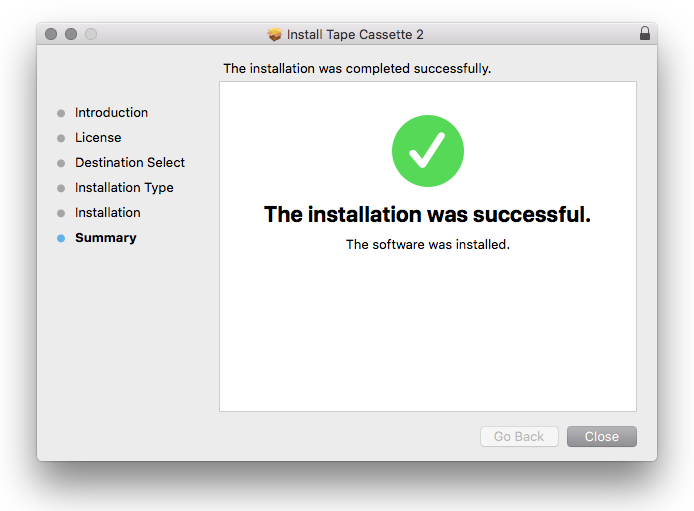
Activation
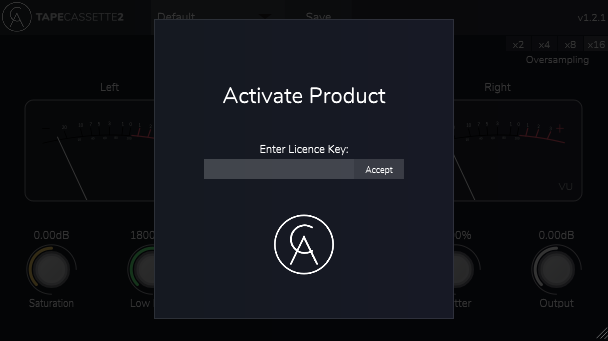
1. Open the plugin within your DAW.
2. Enter the serial number, found within your Plugin Boutique User Account > Click Accept
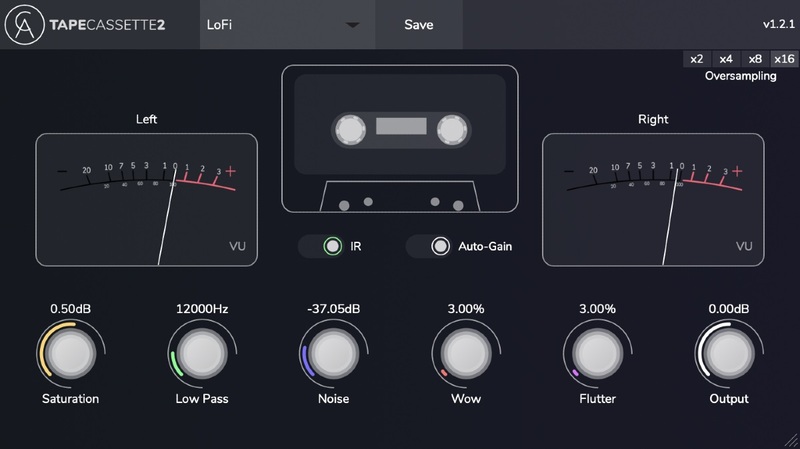
Your software is now installed and ready to use within your DAW.
Windows:
Installation
1. Download the installer from within your Plugin Boutique User Account and double-click it to extract the contents > Open the .exe file to begin the installation.
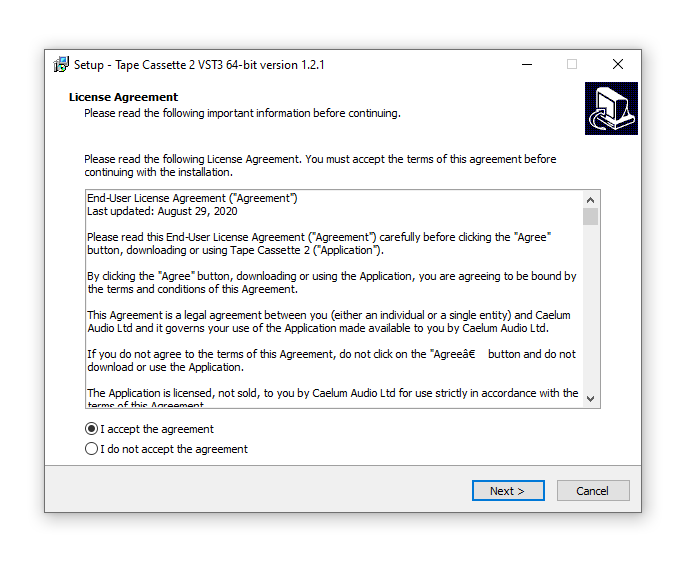
2. Select 'I accept the agreement' > Click 'Next'.
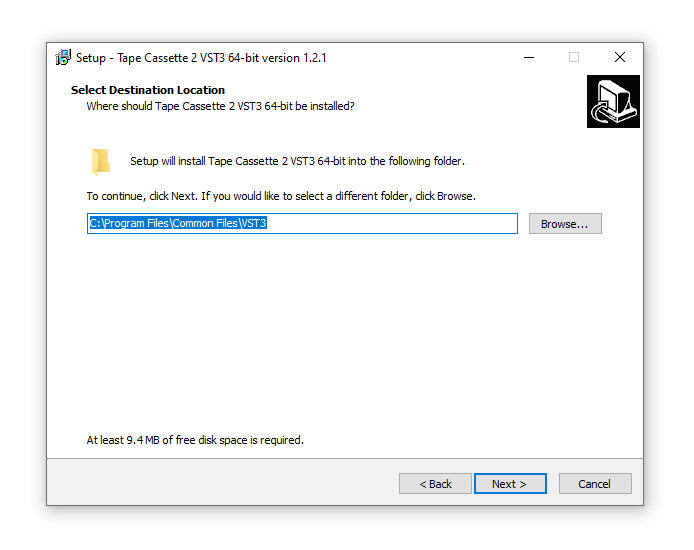
3. Click 'Next'.
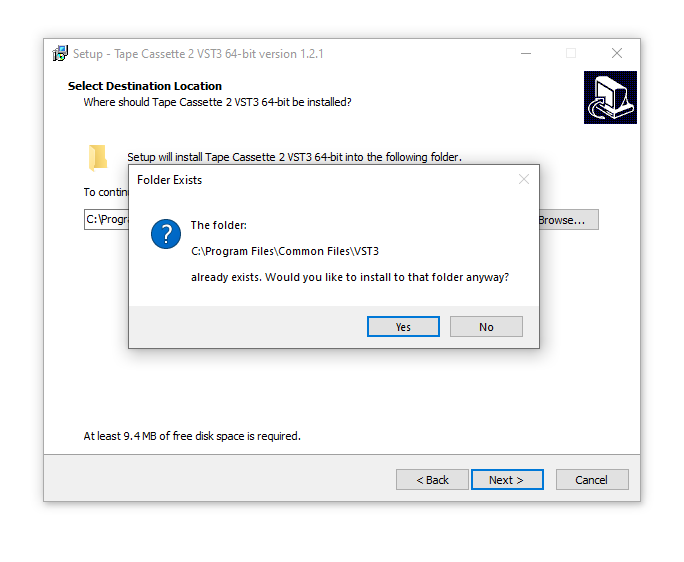
4. Click 'Yes'.
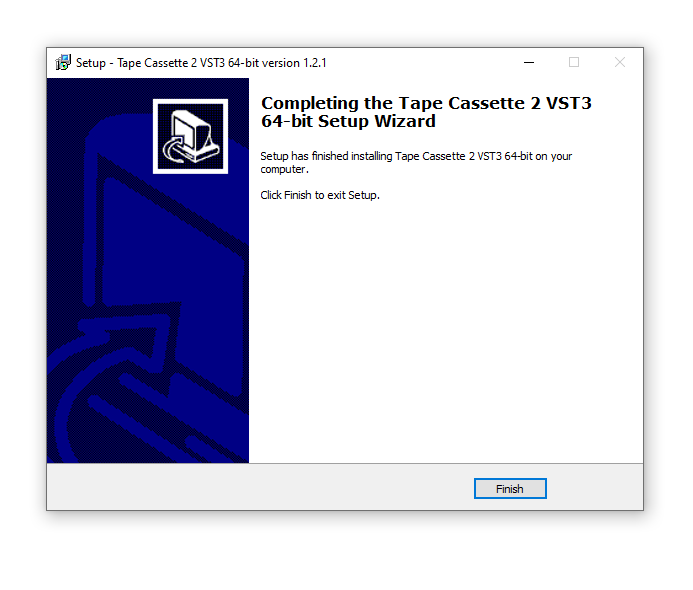
5. Click 'Finish'.
Activation
1. Open the plugin within your DAW (You may need to run your DAW as the Administrator).
2. Enter the serial number, found within your Plugin Boutique User Account > Click Accept
Your software is now installed and ready to use within your DAW.


