





 Log In
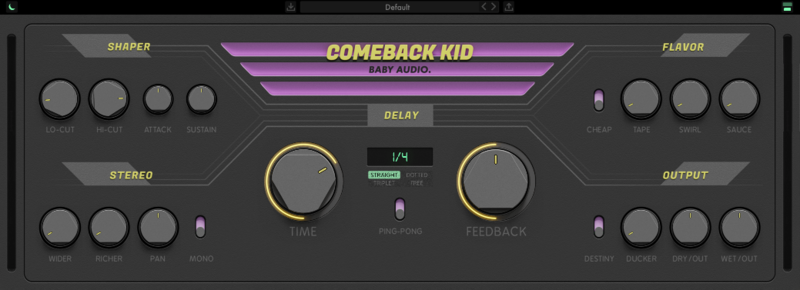
Of all the essential mix tools, the delay may be the most creatively satisfying. So Baby Audio asked themselves: could they take one of their favourite effects and give it an upgrade? They set out to develop their vision for a warmer sounding, more inspiring delay plugin: One that lets you design your own delay sounds through a versatile selection of onboard flavouring tools. Easily and intuitively.
Mac
Installation
1. Download the installer from within your Plugin Boutique User Account and open the .pkg file to begin the installation > Click 'Continue'.
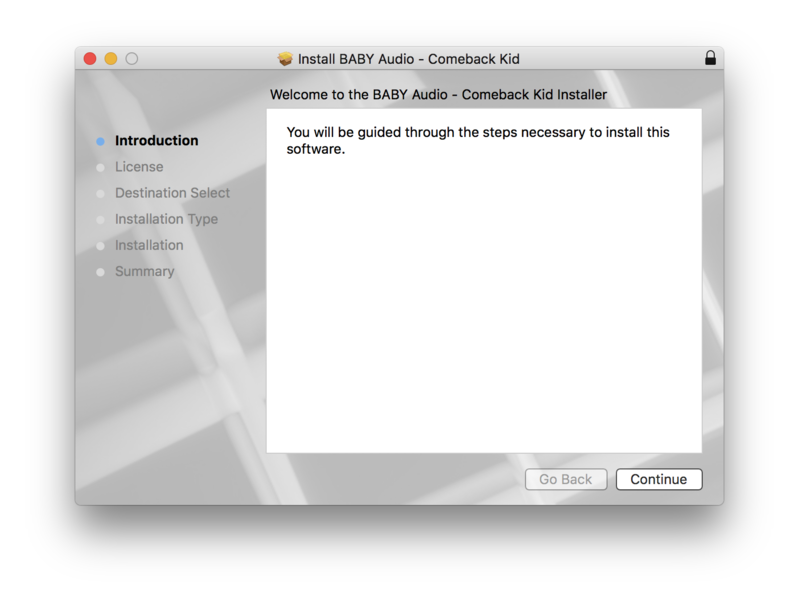
2. Click 'Continue'.
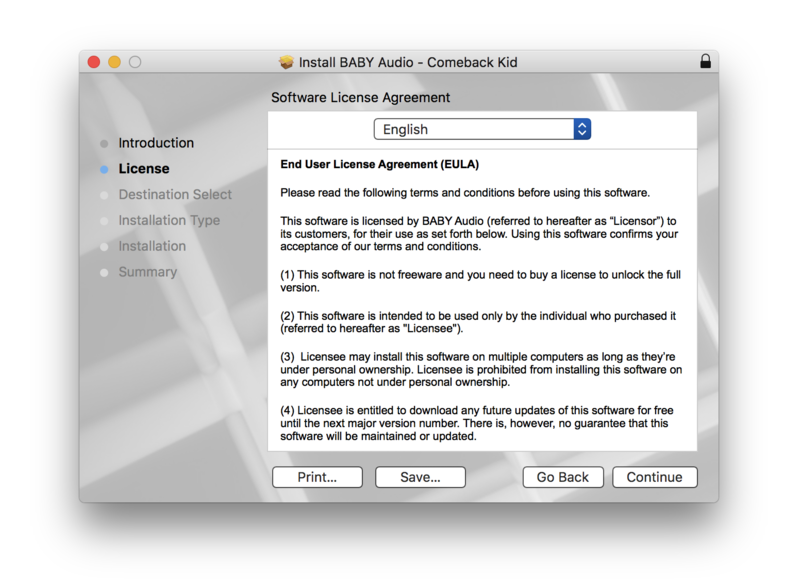
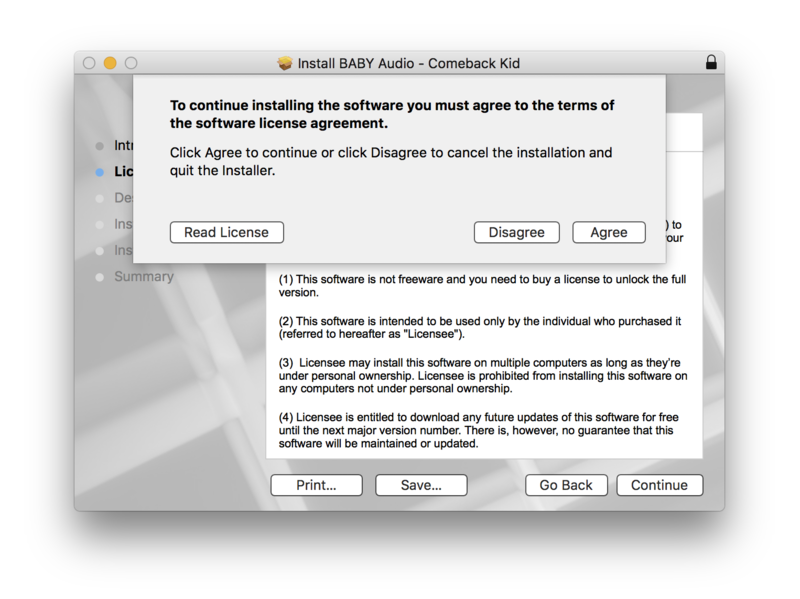
3. Click 'Agree'.
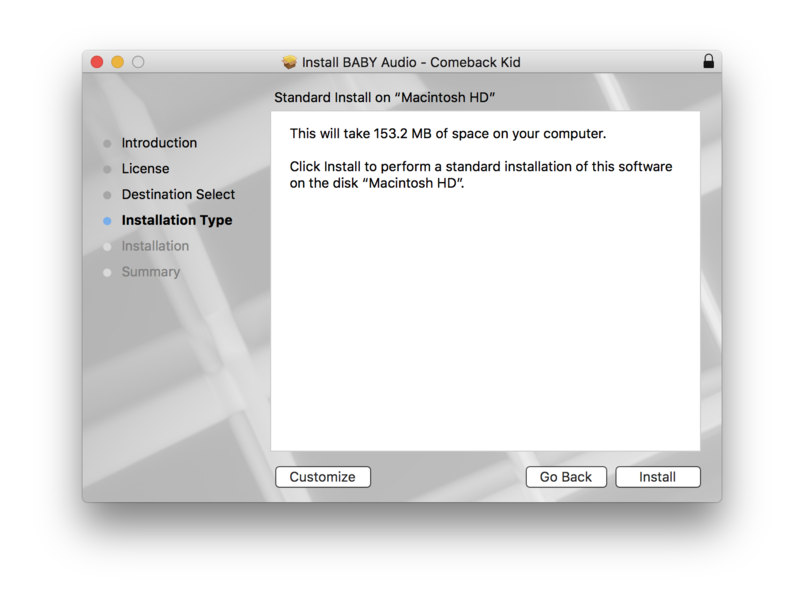
4. Click 'Install'.
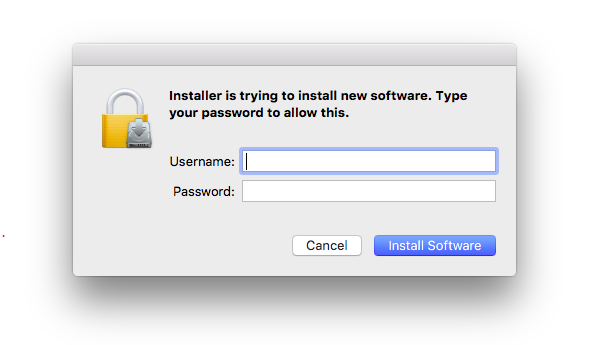
5. Enter your computer Username and Password > Click 'Install Software'.
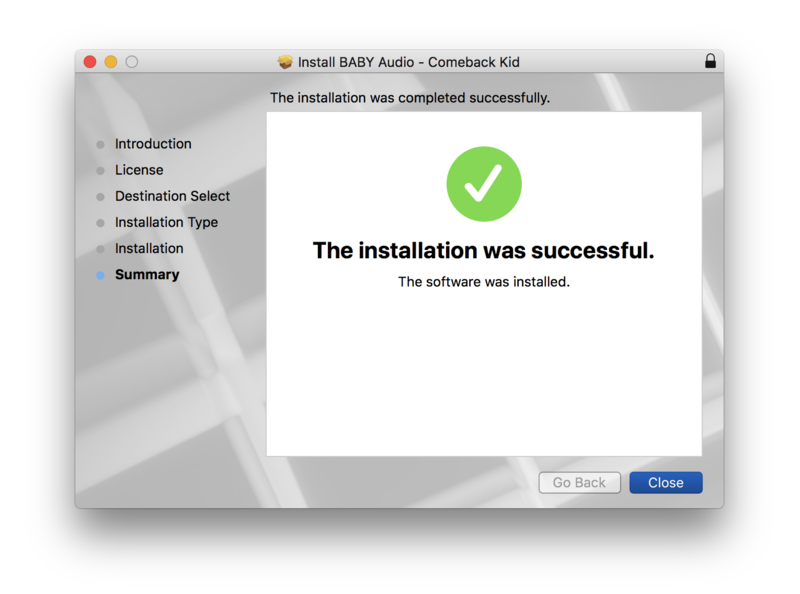
6. Click 'Close'.
Activation
1. Open the plugin within your DAW.
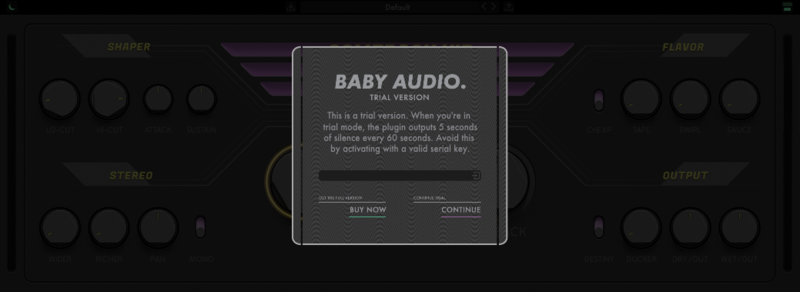
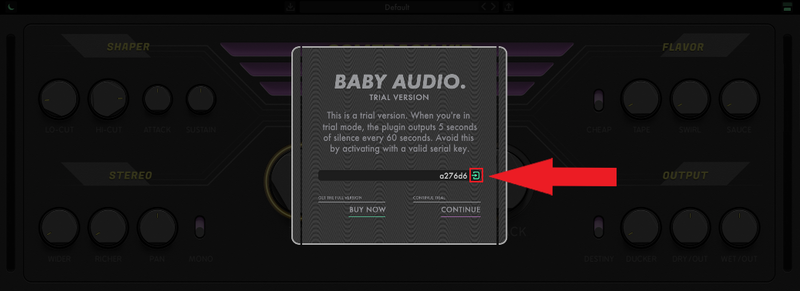
2. Enter the serial number, found within your Plugin Boutique User Account > In order to proceed, click the small green button next to the box containing your serial number.
3. Click anywhere on the plugin interface to continue.
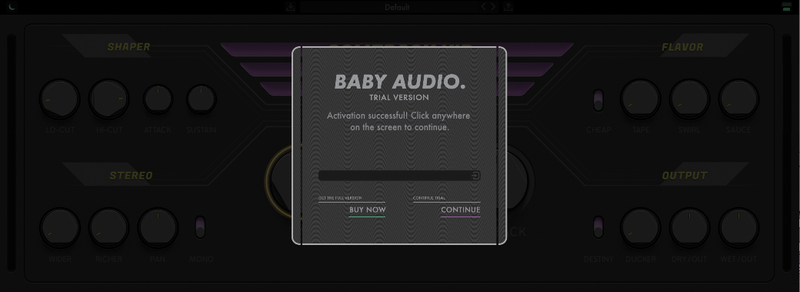
Your software is now installed and ready to use within your DAW.
Windows
Installation
1. Download the installer from within your Plugin Boutique User Account and double-click it to extract the contents > Open the .exe file to begin the installation.
2. Select 'I accept the agreement' > Click 'Next'.
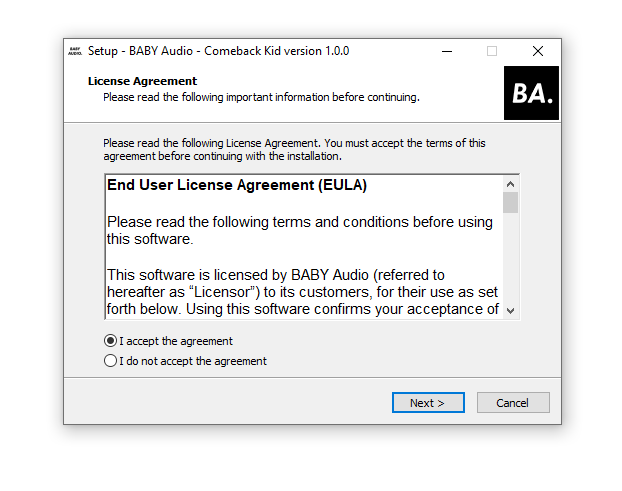
3. Click 'Next'.
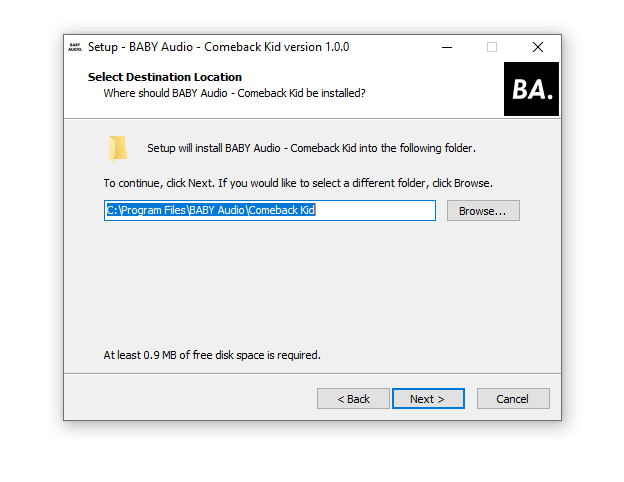
4. Click 'Next'.
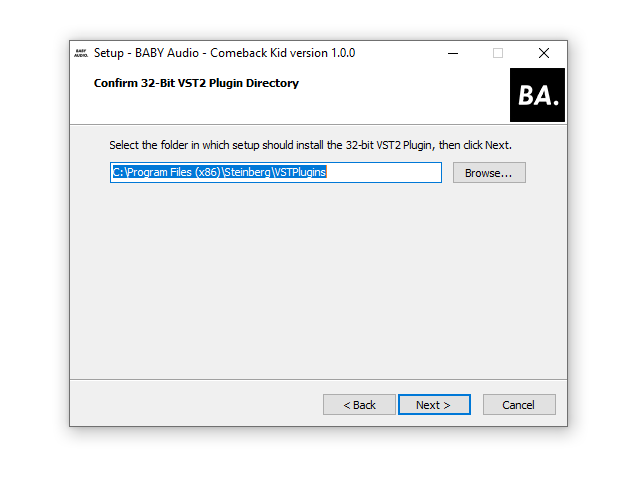
5. Click 'Next'.
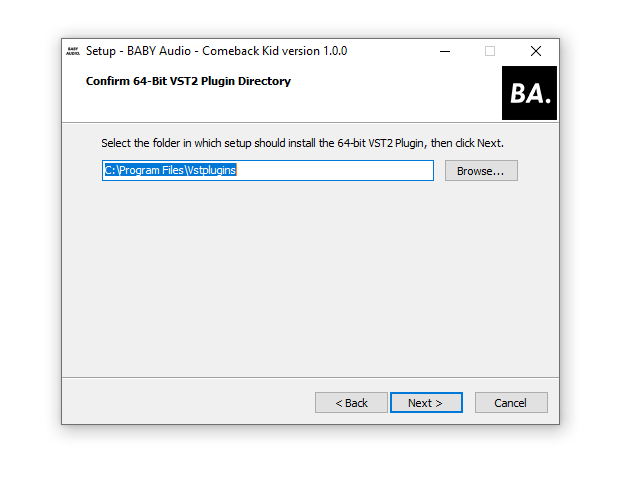
6. Click 'Next'.
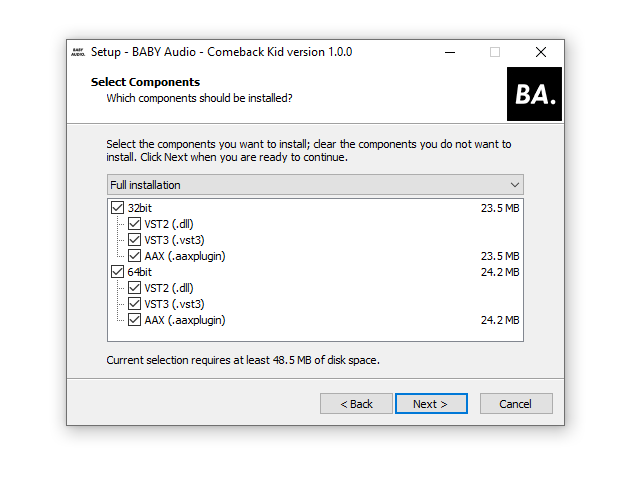
7. Click 'Install'.
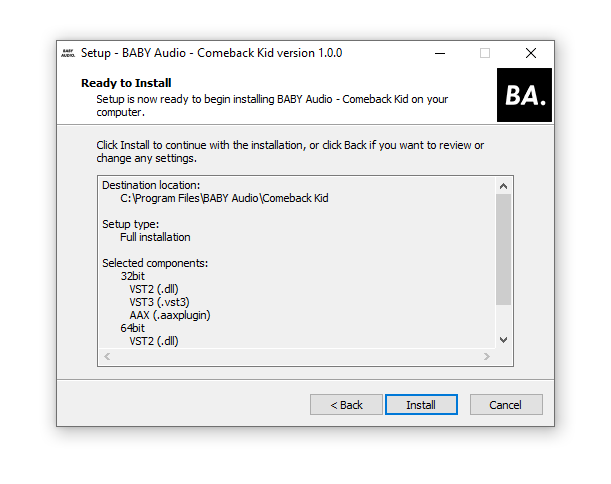
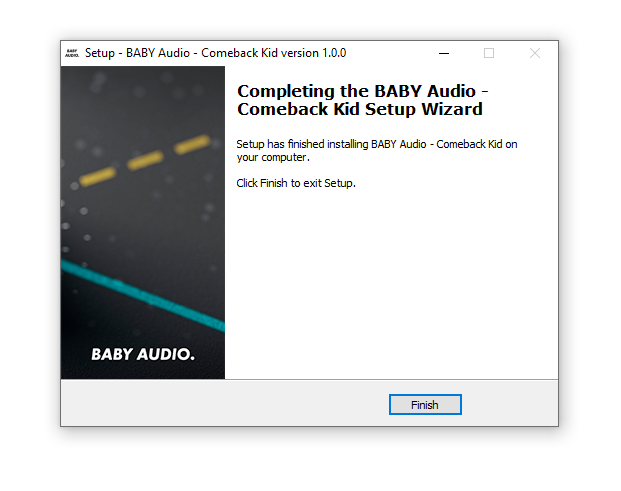
8. Click 'Finish'.
Activation
1. Open the plugin within your DAW.
2. Enter the serial number, found within your Plugin Boutique User Account > In order to proceed, click the small green button next to the box containing your serial number.
3. Click anywhere on the plugin interface to continue.
Your software is now installed and ready to use within your DAW.
Comeback Kid includes everything you'd expect from a new go-to delay — plus some unexpected extras.
Mac
Installation
1. Download the installer from within your Plugin Boutique User Account and open the .pkg file to begin the installation > Click 'Continue'.
2. Click 'Continue'.
3. Click 'Agree'.
4. Click 'Install'.
5. Enter your computer Username and Password > Click 'Install Software'.
6. Click 'Close'.
Activation
1. Open the plugin within your DAW.
2. Enter the serial number, found within your Plugin Boutique User Account > In order to proceed, click the small green button next to the box containing your serial number.
3. Click anywhere on the plugin interface to continue.
Your software is now installed and ready to use within your DAW.
Windows
Installation
1. Download the installer from within your Plugin Boutique User Account and double-click it to extract the contents > Open the .exe file to begin the installation.
2. Select 'I accept the agreement' > Click 'Next'.
3. Click 'Next'.
4. Click 'Next'.
5. Click 'Next'.
6. Click 'Next'.
7. Click 'Install'.
8. Click 'Finish'.
Activation
1. Open the plugin within your DAW.
2. Enter the serial number, found within your Plugin Boutique User Account > In order to proceed, click the small green button next to the box containing your serial number.
3. Click anywhere on the plugin interface to continue.
Your software is now installed and ready to use within your DAW.


