Log In
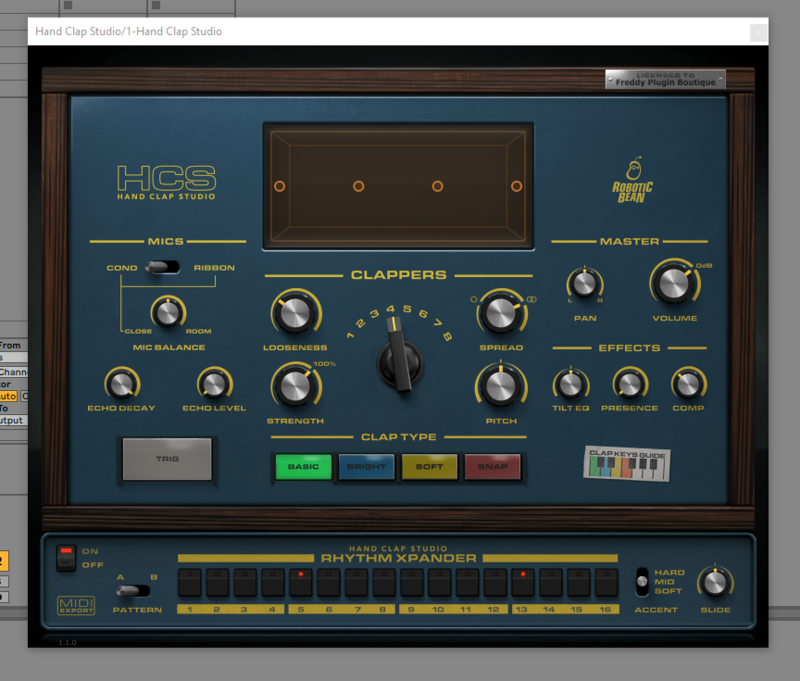
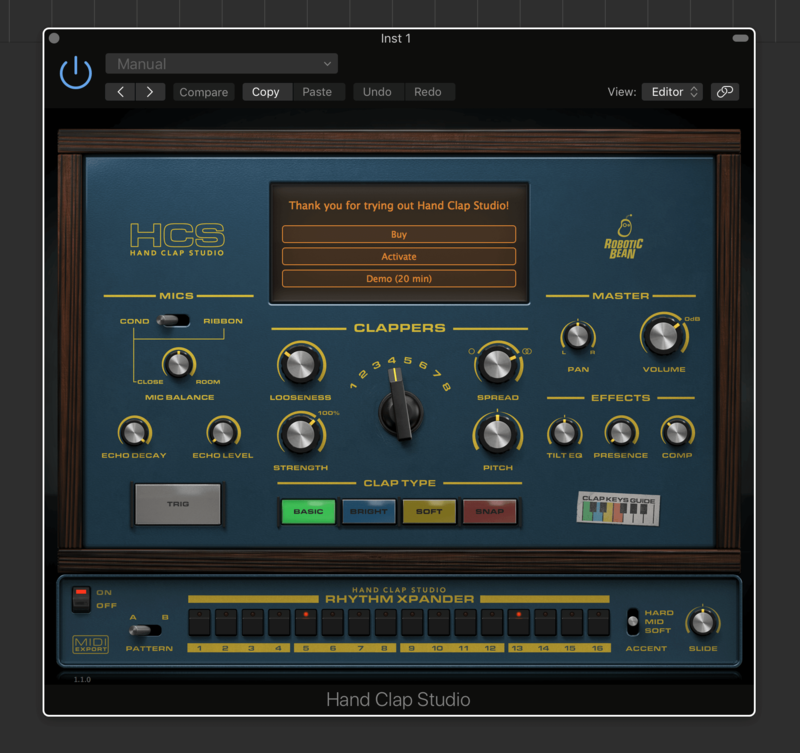
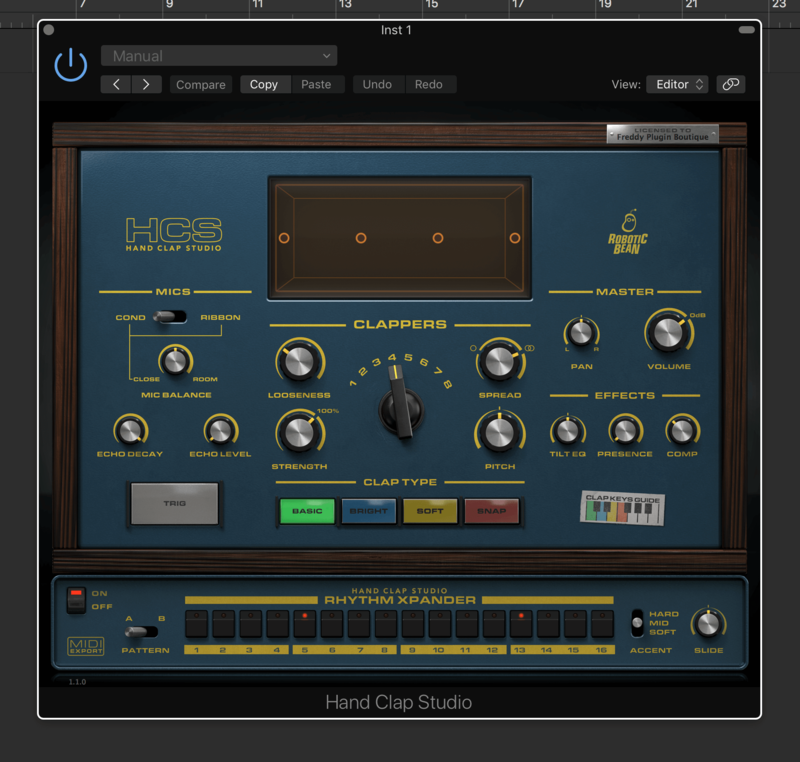
Add natural-sounding claps and snaps to your music with Hand Clap Studio. This instrument plugin is the ultimate tool for handclaps and finger snaps that fits your production perfectly.Soft and dry finger snaps for your acoustic ballad, or hard-hitting claps soaked in reverb for your next club banger–Hand Clap Studio has you covered with just a few easy tweaks of the controls.
Mac
1. Download the .dmg file from within your Plugin Boutique User Account and open it to begin the installation process > Open the .pkg file > Click 'Continue'.
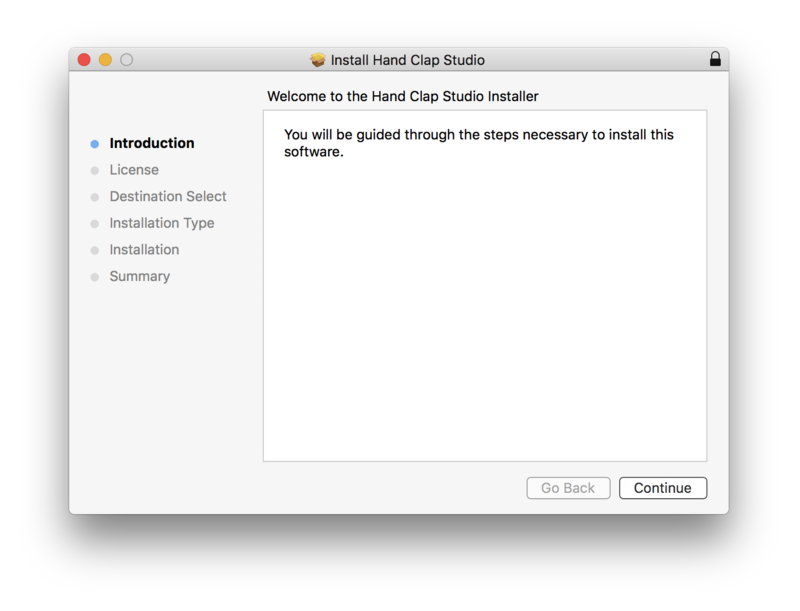
2. Click 'Continue'.
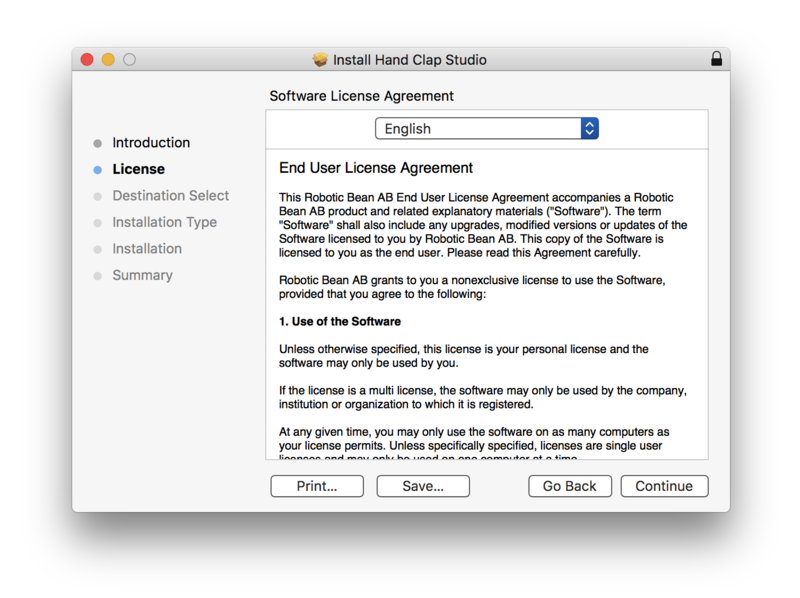
3. Click 'Agree'.
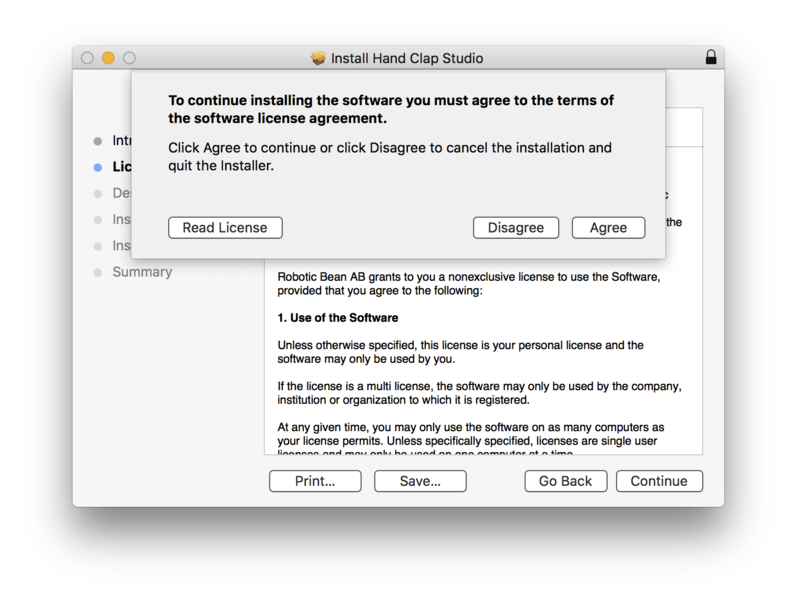
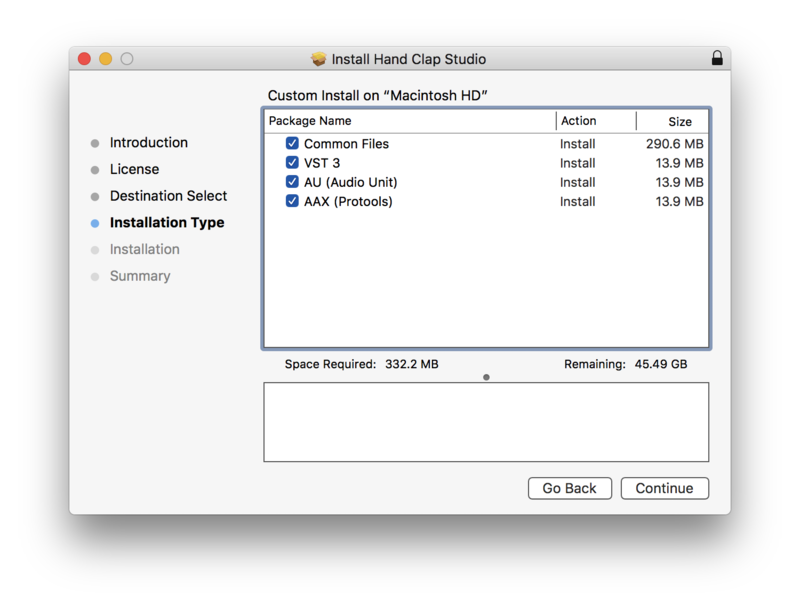
4. Click 'Continue'.
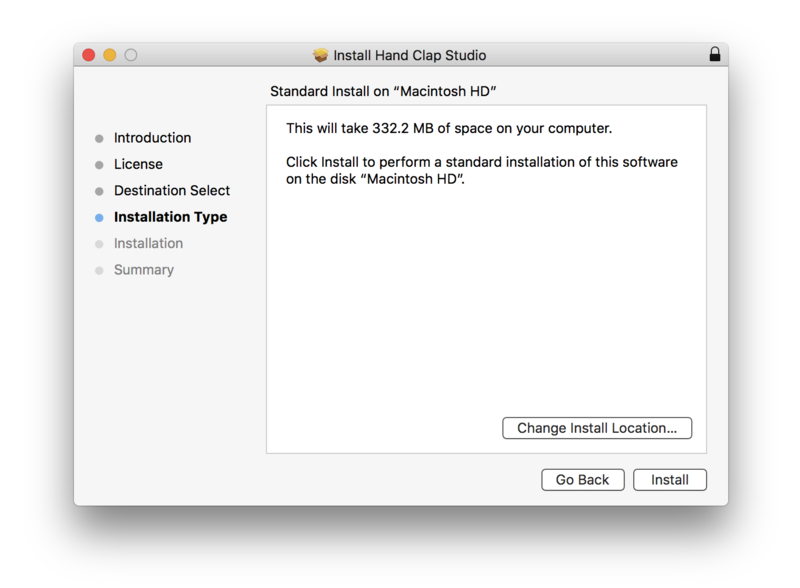
5. Click 'Install'.
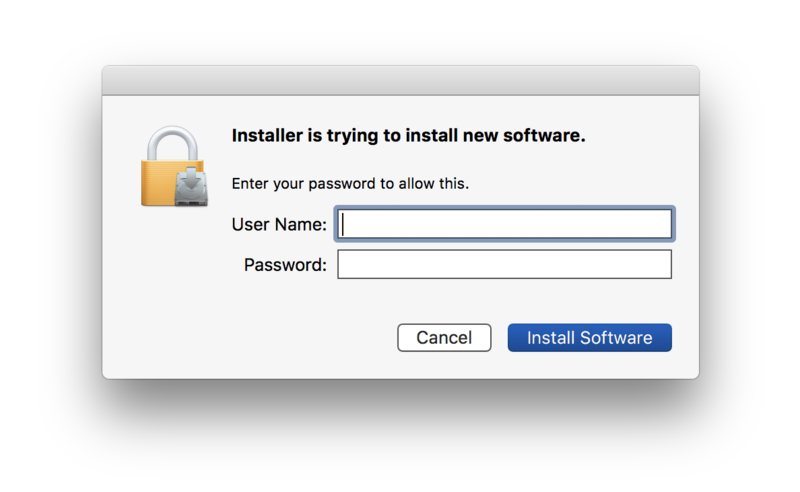
6. Enter your computer username and password > Click 'Install Software'.
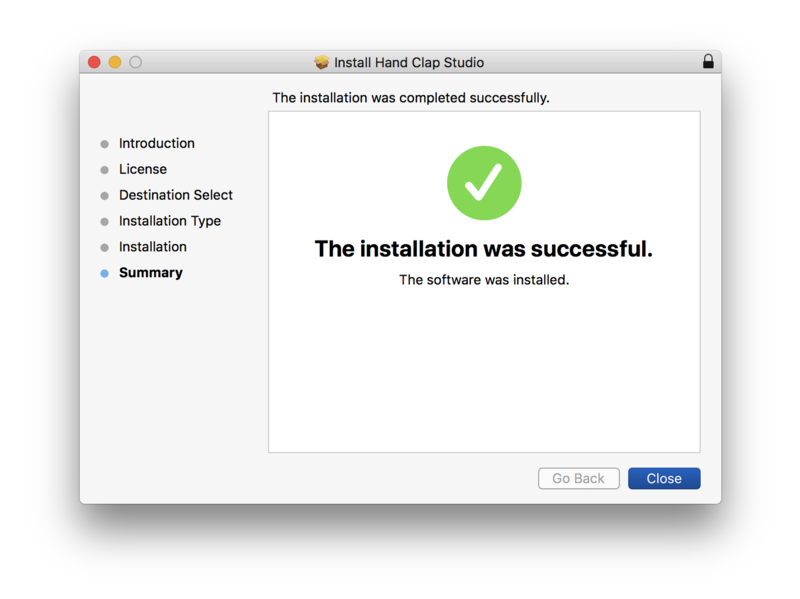
7. Click 'Close'.
Activation
1. Open the recently installed plugin within your DAW > Click 'Activate'.
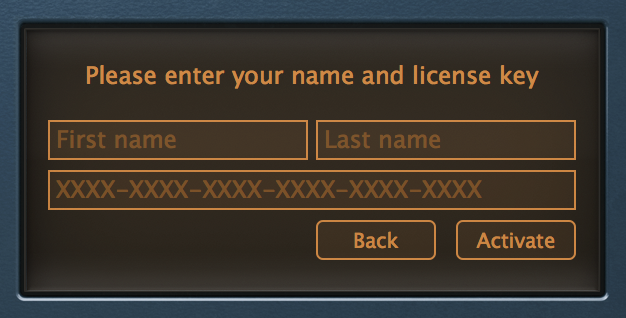
2. Enter your first name, last name and license key, found within the serial number section of your Plugin Boutique User Account > Click 'Activate'.
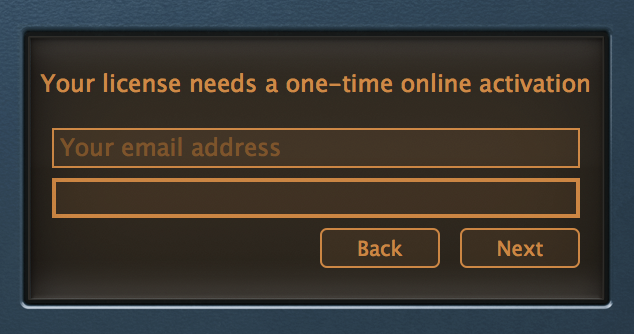
3. Enter your email address > Click 'Next'.
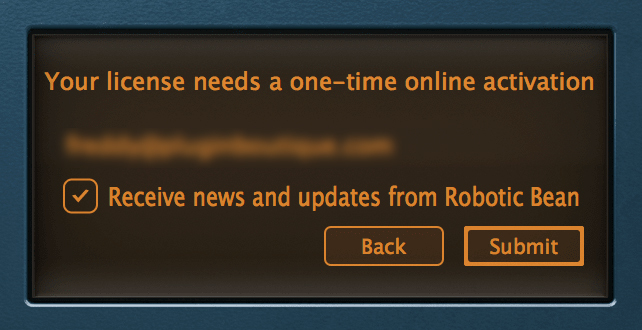
4. Click 'Submit'.
Your software is now activated and ready to use within your DAW.
Windows
1. Download the installer from within your Plugin Boutique User Account > Double-click the .zip file to open it > Double-click the .exe file to begin the installation process.
2. Select 'I accept the agreement' > Click 'Next >'.

3. Click 'Install'.
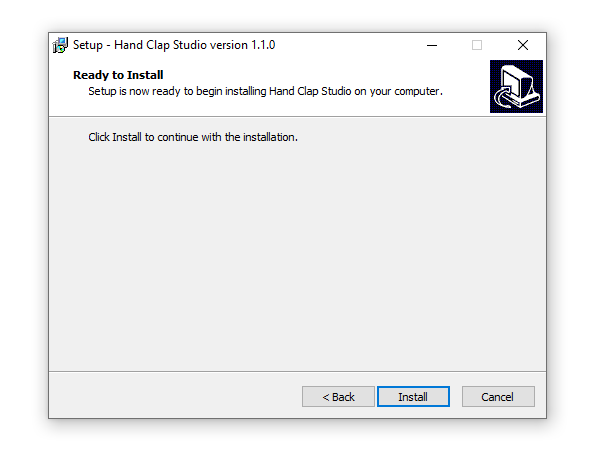
4. Click 'Finish'.

Activation
1. Open the recently installed plugin within your DAW > Click 'Activate'.
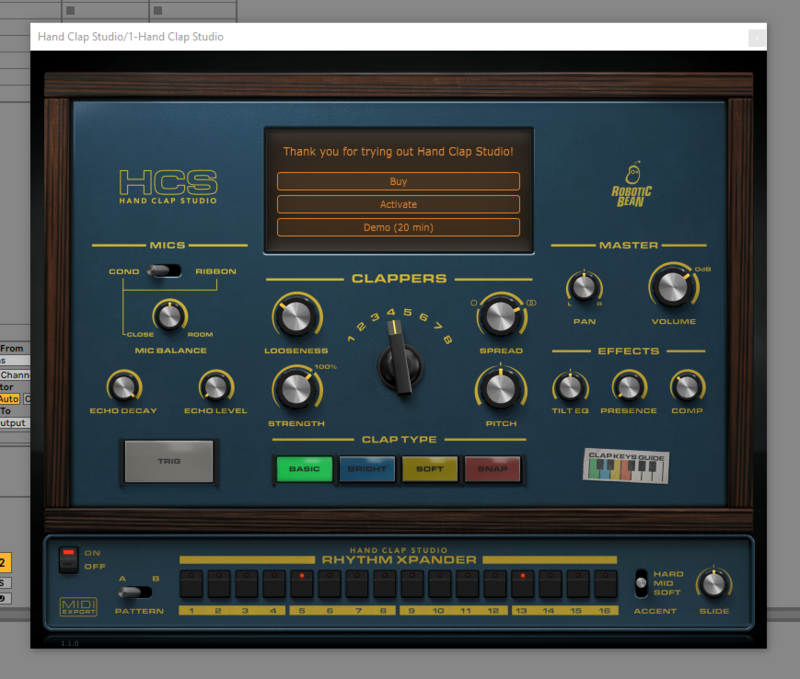
2. Enter your first name, last name and license key, found within the serial number section of your Plugin Boutique User Account > Click 'Activate'.
3. Enter your email address > Click 'Next'.
4. Click 'Submit'.
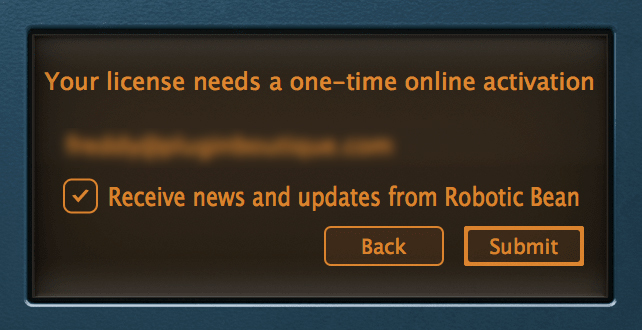
Your software is now activated and ready to use within your DAW.