





 Log In
With an immediate, accessible sonic palette for effortless creativity, we took the same award-winning engine and seamless 3D interface that powers CUBE and focused on the highest-impact features to make it accessible at a lower price point. Explore over 120 production-ready presets, 35 expertly-crafted sound sources, and a curated set of foundational sound design tools.
Awards
Registration
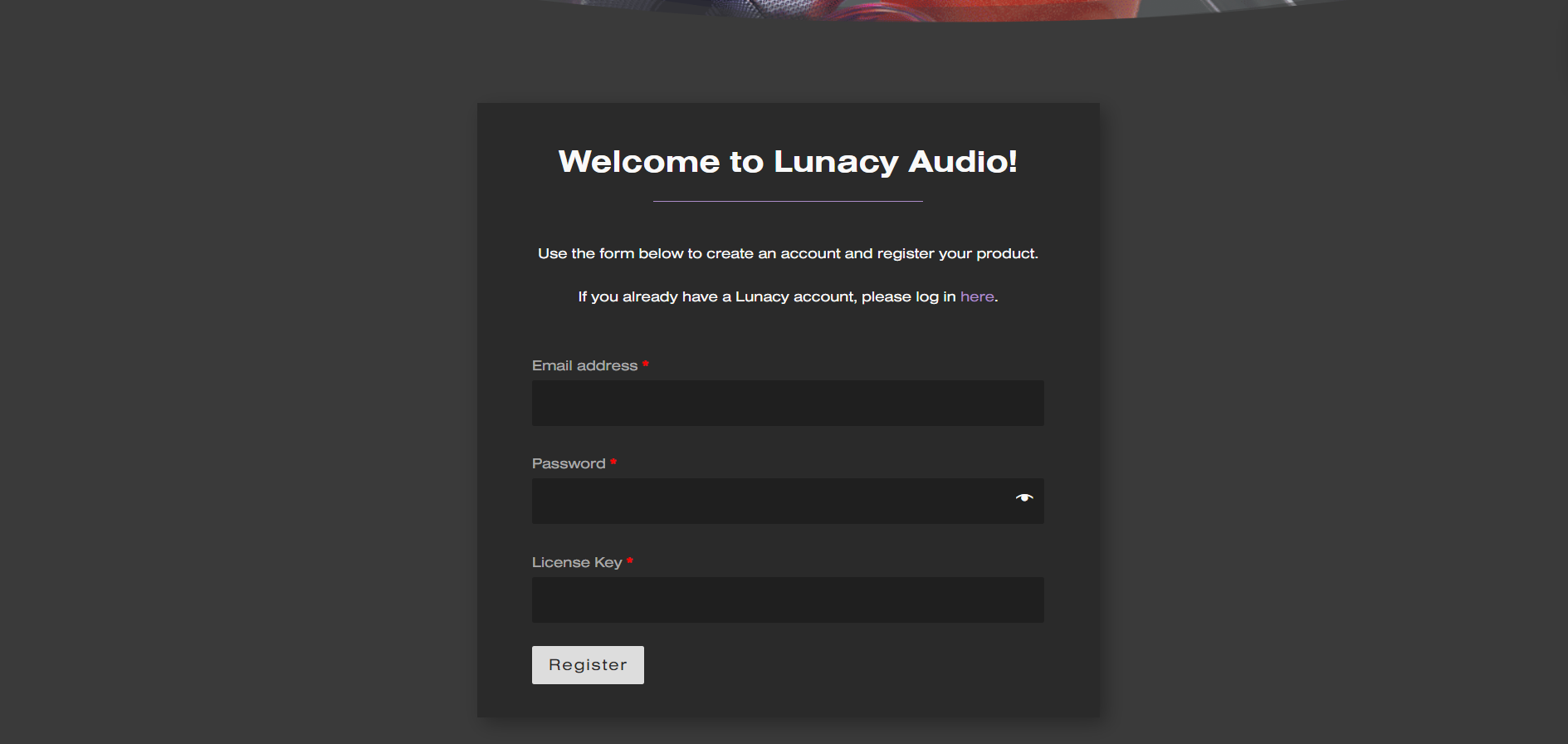
1. Click the Download button in your Plugin Boutique account or go to https://lunacy.audio/register.
2. Enter your email address, the password you wish to use and your License Key which can be found in your Plugin Boutique User Account.
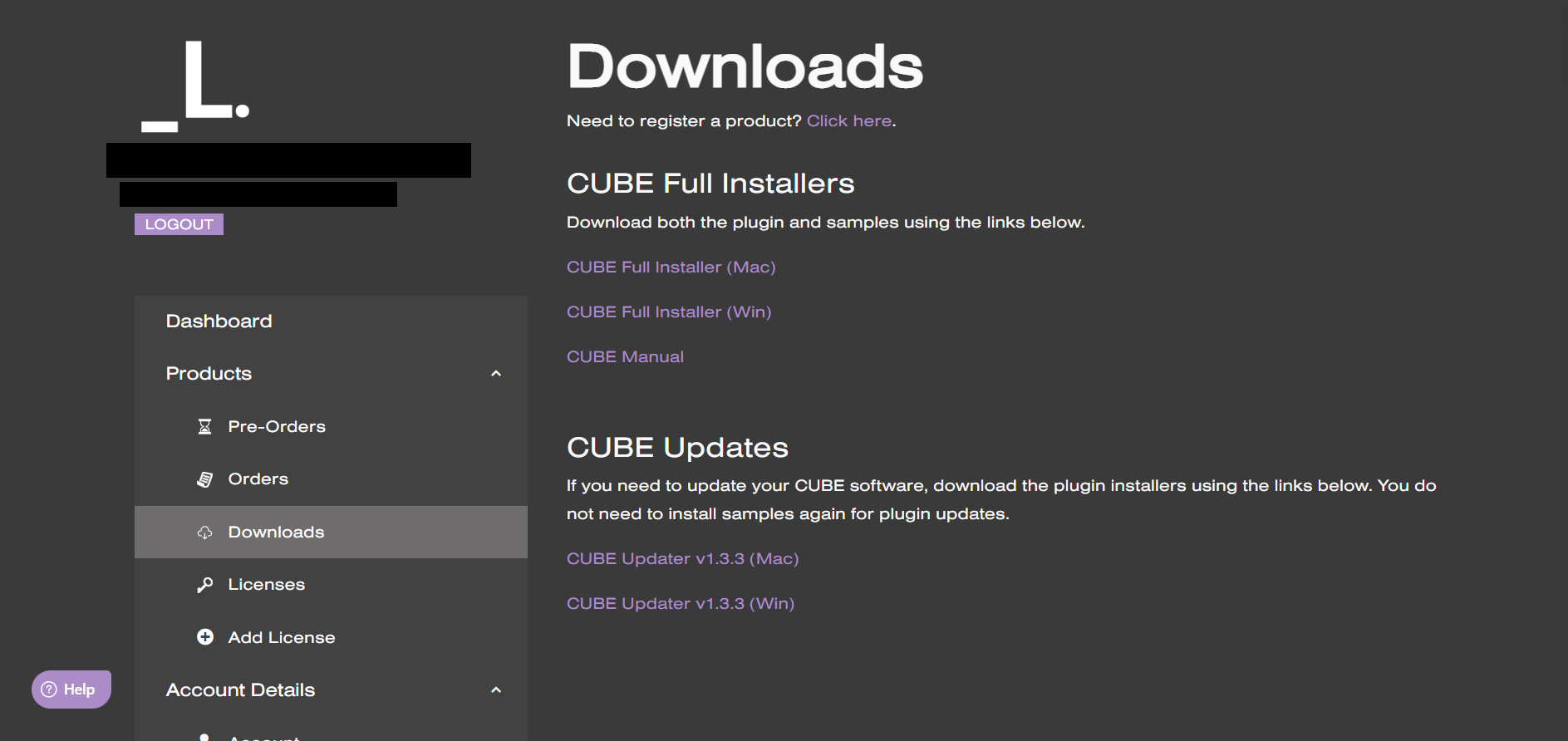
3. Download the relevant CUBE Full Installer.
Mac Installation
1. Download the installer from your Plugin Boutique user account and extract the zip folder.

2. Run the "CUBE_Installer_Mac_v1.0.1.dmg" installer.
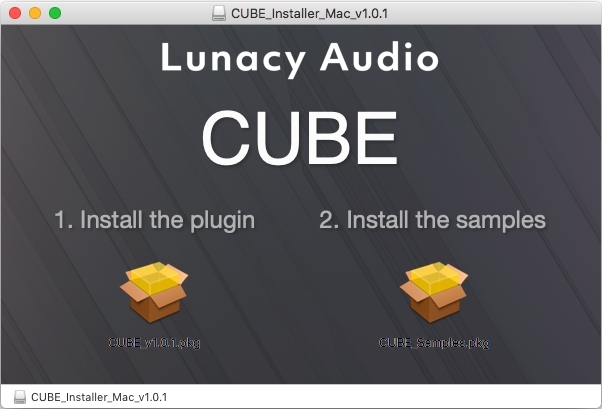
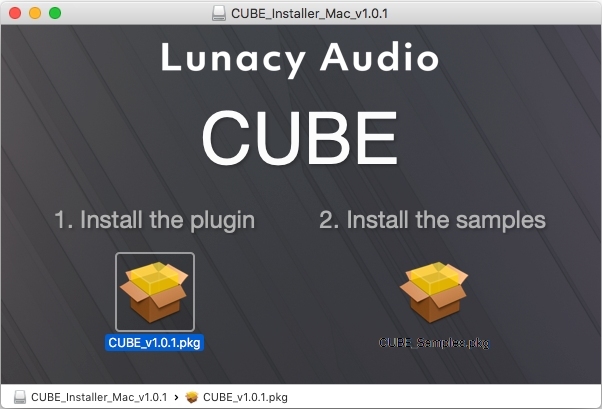
3. Run the left "CUBE_v1.0.1.pkg" under the heading "Install the plugin".
4. Click "Continue".
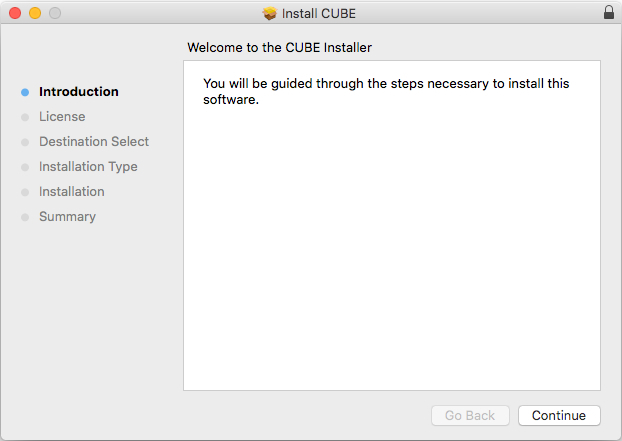
5. Click "Continue".
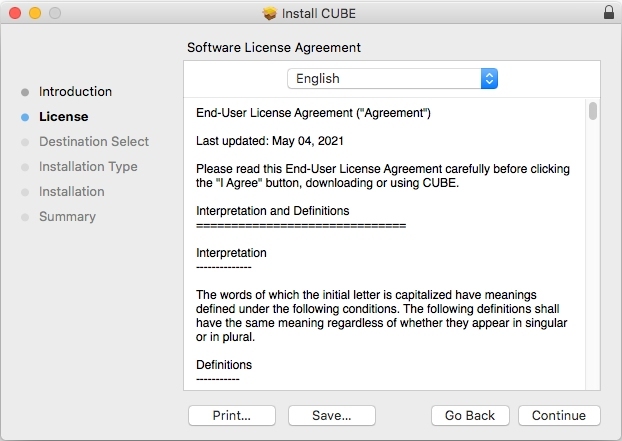
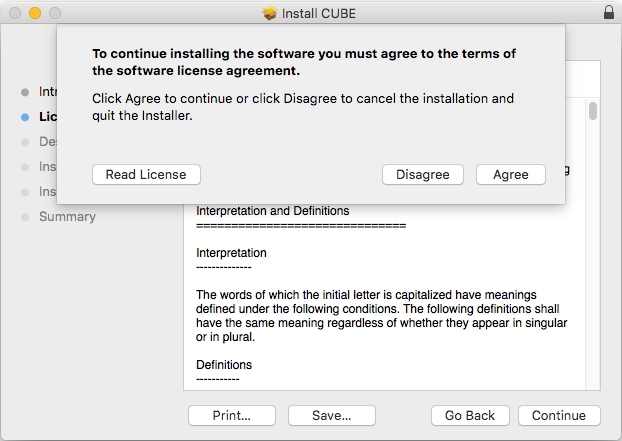
6. Click "Agree".
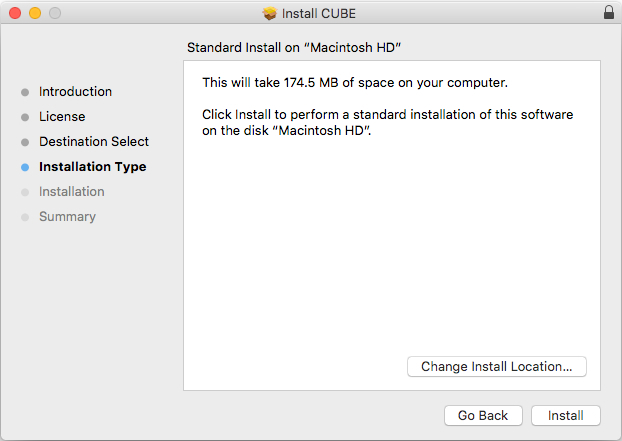
7. Click "Install".
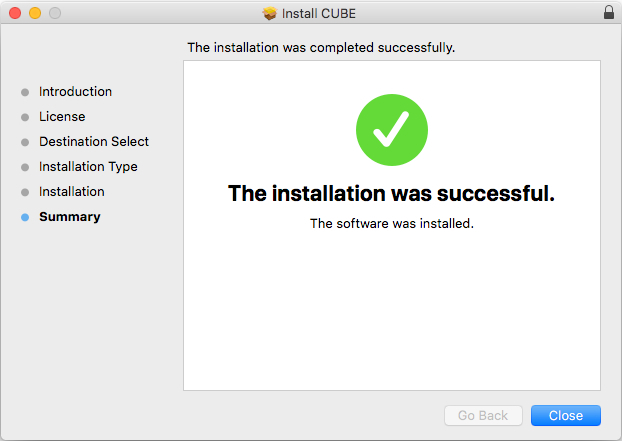
8. Click "Close".
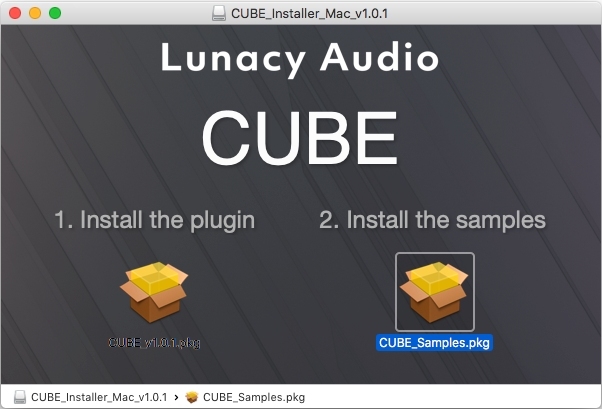
9. Run the right "CUBE_Samples.pkg" under the heading "Install the samples".
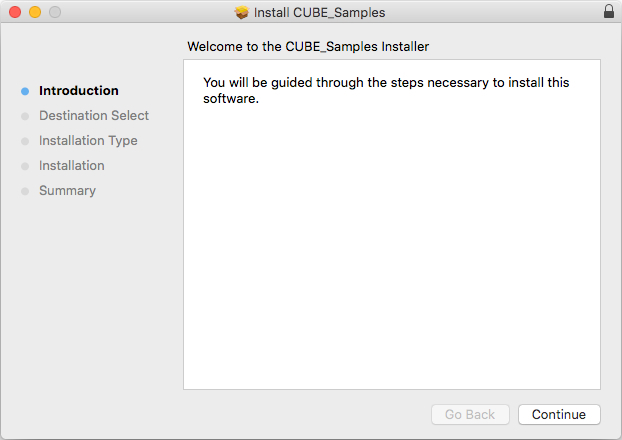
10. Click "Continue".
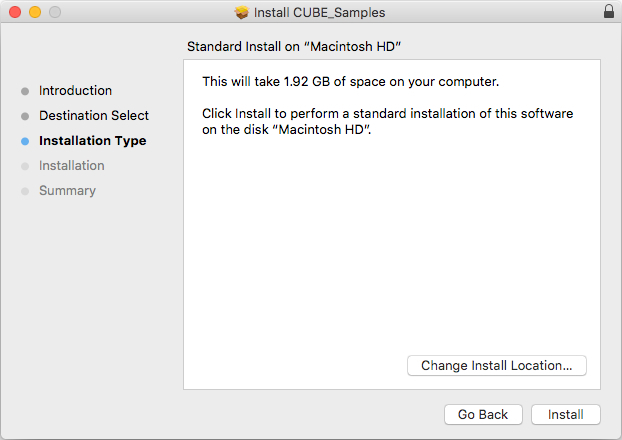
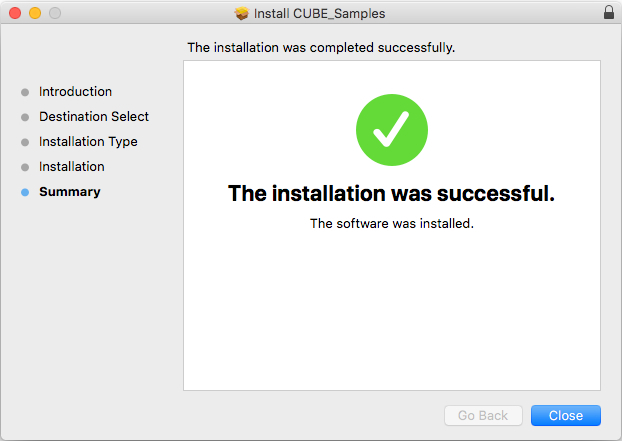
11. Click "Install".
12. Click "Close".
13. Launch your DAW and create a new stereo instrument track, then insert CUBE onto the channel.
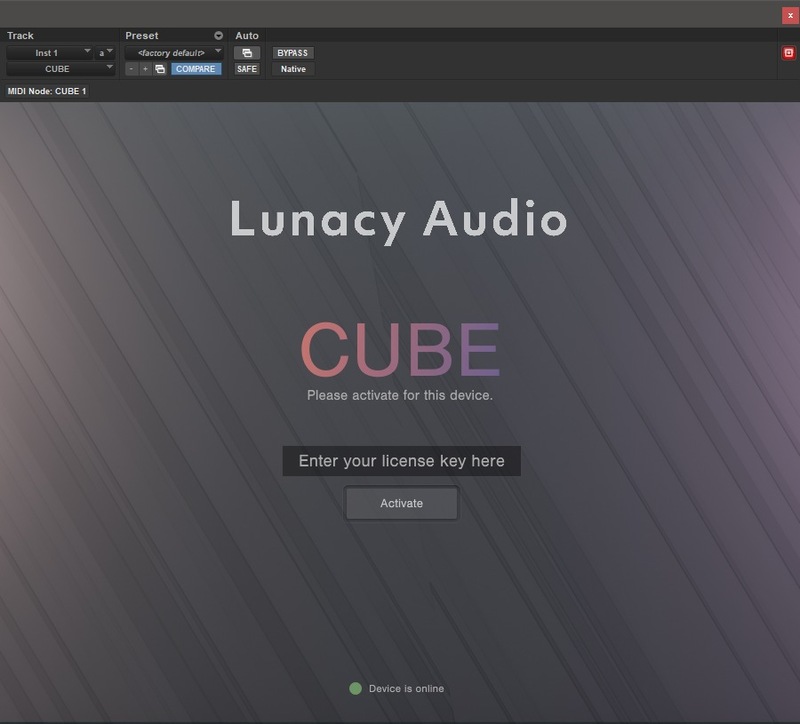
14. Enter your 20 digit serial code. This can be found on your My Account page. Make sure to include the first 4 letters. Then click Activate.
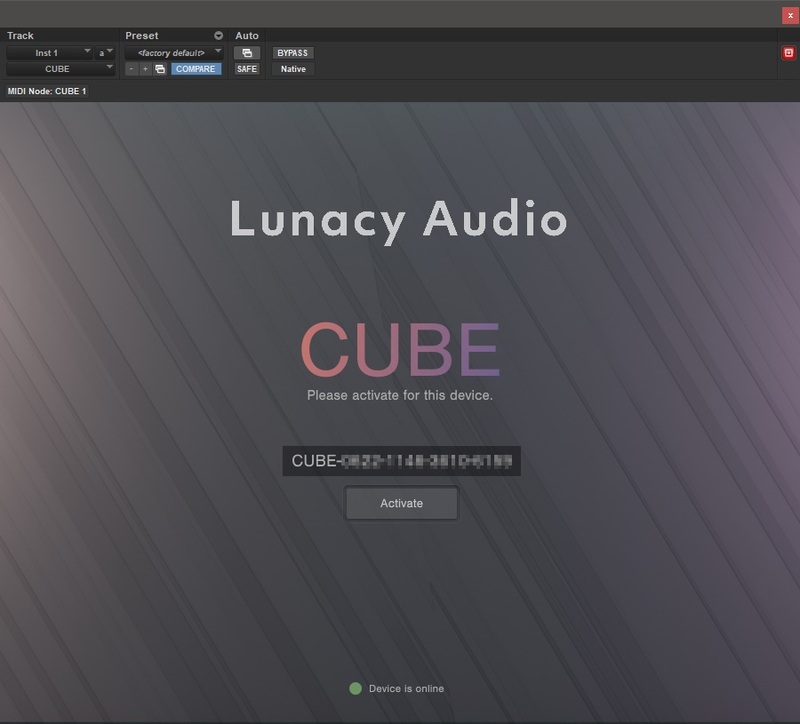
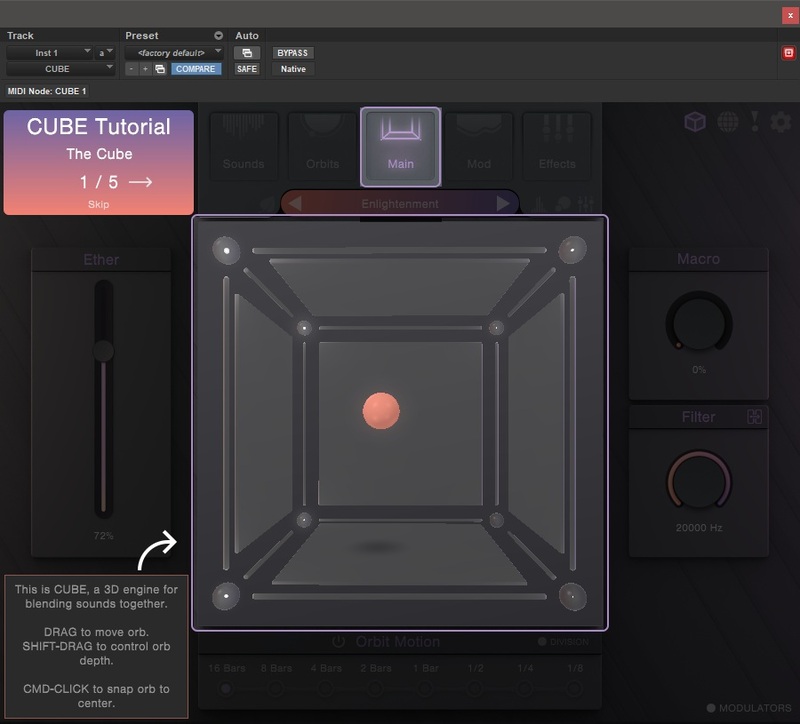
Your software is now activated and ready to use.
Windows Installation
1. Download the installer from your Plugin Boutique user account and extract the zip folder.
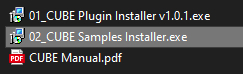
2. Run the first installer "01_CUBE Plugin Installer v1.0.1.exe".
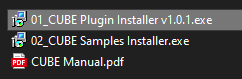
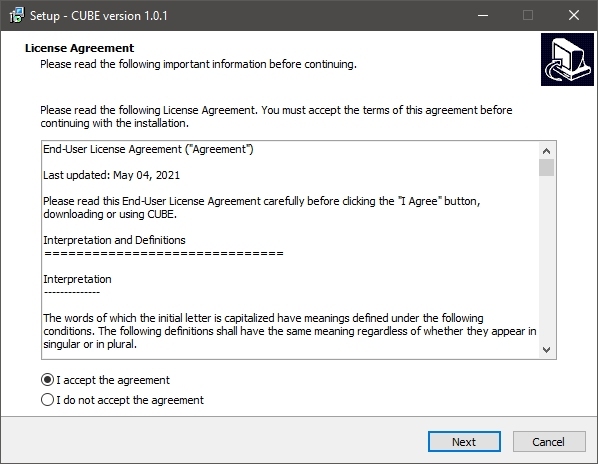
2. Click "I accept the agreement", then click "Next".
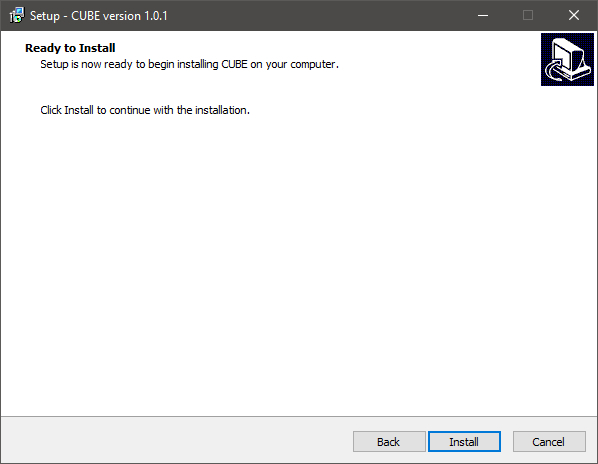
3. Click "Install".
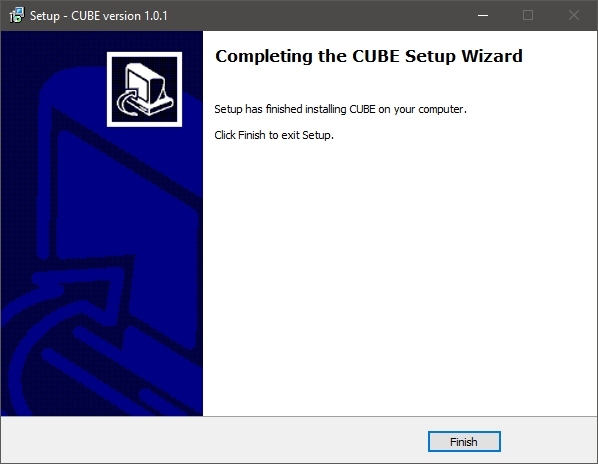
4. Click "Finish".
5. Now run the second installer "02_CUBE Samples Installer.exe".
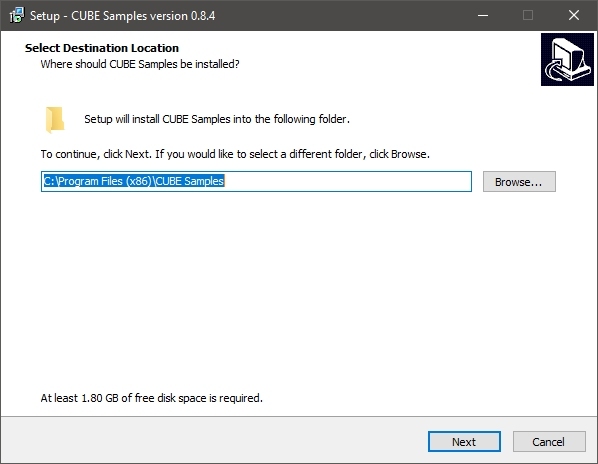
6. Click "Next".
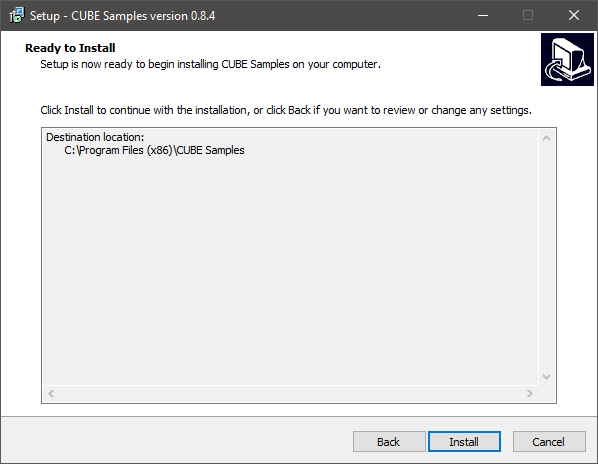
7. Click "Install".
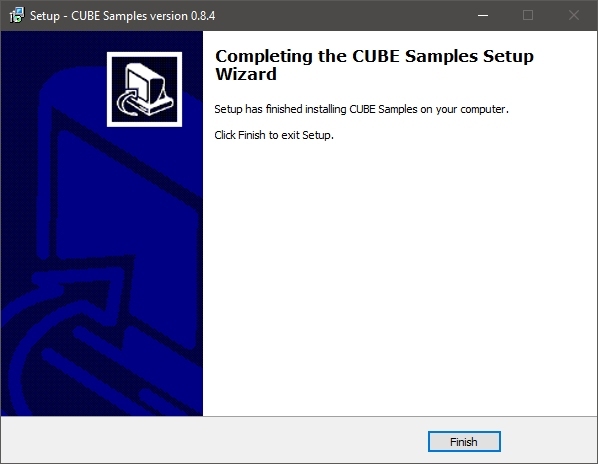
8. Click "Finish".
9. Launch your DAW and create a new stereo instrument track, then insert CUBE onto the channel.
10. Enter your 20 digit serial code. This can be found on your My Account page. Make sure to include the first 4 letters. Then click Activate.
Your software is now activated and ready to use.


